

Bilibili Scraper — Videos, Views, Comments & Uploaders (B站)
Pricing
Pay per event
Bilibili Scraper — Videos, Views, Comments & Uploaders (B站)
Bilibili Scraper (B站): search by keyword, video URL/BV id, uploader or popular feed and export views, likes, coins, favorites, shares, danmaku and comment counts, tags, uploader data and visible comments. No login, no cookies. JSON, CSV, Excel or API. Pay per result.
Pricing
Pay per event
Rating
0.0
(0)
Developer

IntelScrape
Maintained by CommunityActor stats
0
Bookmarked
2
Total users
1
Monthly active users
17 hours ago
Last modified
Categories
Share
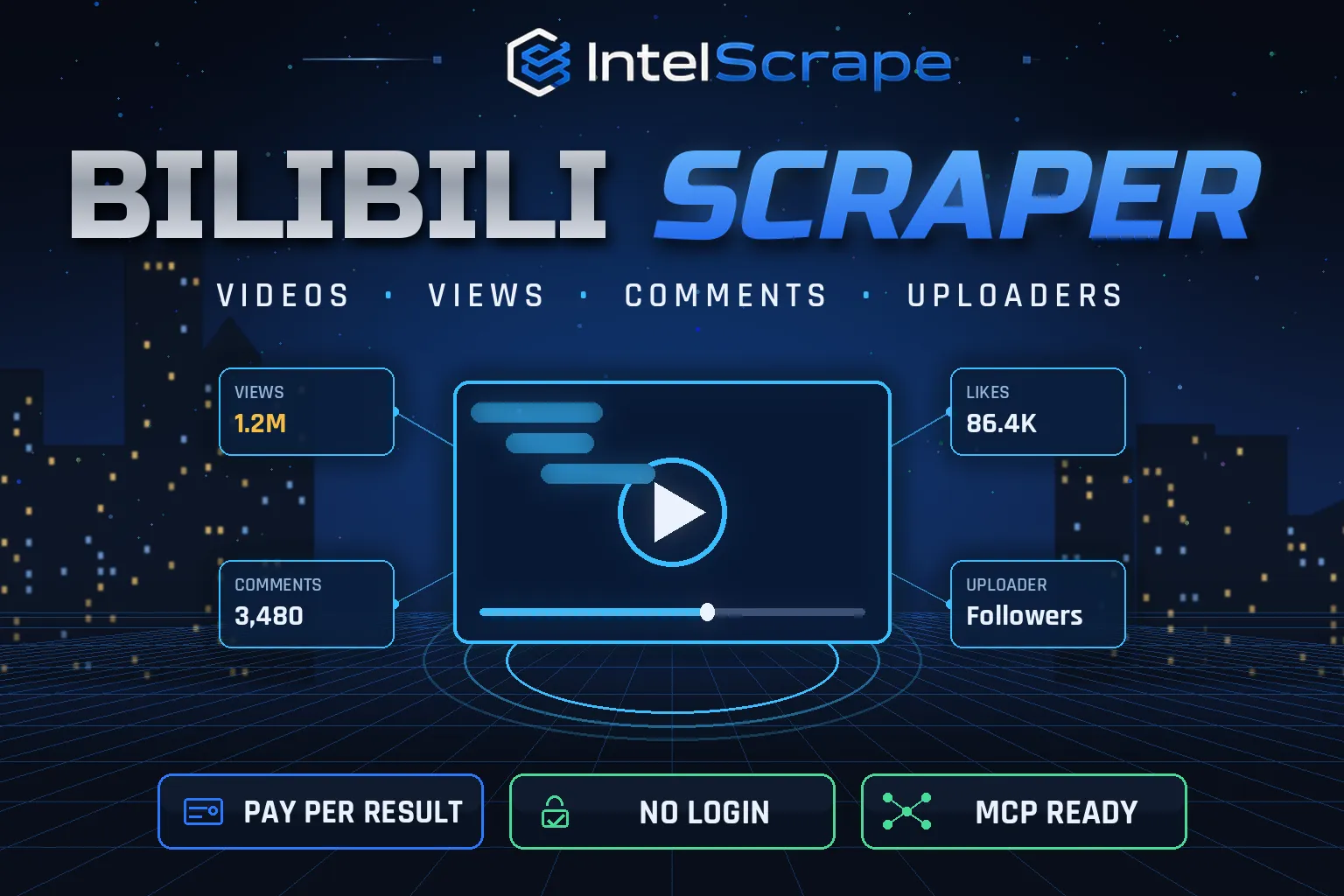
🇨🇳 B站数据采集器:按关键词、视频链接/BV号、UP主或热门榜抓取哔哩哔哩视频的播放、点赞、投币、收藏、分享、弹幕数、标签以及评论。无需登录、无需Cookie,按结果付费,支持 JSON / CSV / Excel / API 导出。
🇸🇬 Pengikis Bilibili: dapatkan tontonan, suka, syiling, kegemaran, kongsi, kiraan danmaku, tag, data pemuat naik dan komen video Bilibili mengikut kata kunci, URL, saluran atau senarai popular. Tiada log masuk. Bayar hanya untuk hasil yang diterima.
🤖 NEW: Connect This To Your AI!
Use this actor from Claude, ChatGPT, Cursor or any MCP client through the IntelScrape MCP Server, or call it directly over the Apify API.
🏆 Featured Bots by IntelScrape
- Skip Trace Pro
- TruePeopleSearch Scraper
- TikTok Email Scraper
- Amazon Product Reviews Scraper
- Website Contact Scraper
- Skip Trace MCP Server
⚡ Works with n8n, Make, Zapier, Google Sheets and the Apify API.




Bilibili video performance data at scale: one clean row per video plus visible comments, with no account, no cookies and no ban risk.
Honest coverage & billing: Public data only; the actor never logs in. You pay only for results actually delivered, and a built-in cost guard stops the run at your max-charge limit.
🌍 Built for teams in the US, China and Singapore, and anyone who needs this data in a spreadsheet or pipeline.
⭐ Found it useful? Please leave a review; it helps others find it.
⚖️ Lawful business use only. Collect public data only, and comply with the source site's terms, copyright and data-protection laws (GDPR, CCPA, China PIPL, Singapore PDPA).
Examples below are illustrative; names and values may be fictional or out of date.
What is Bilibili Scraper?
Bilibili (B站) is China's biggest video community for Gen Z, anime, gaming, tech and education, with no official public data export. Bilibili Scraper turns any keyword, video, uploader or the popular feed into clean, analysis-ready rows: views, likes, coins, favorites, shares, danmaku count, tags, uploader profile and the comments a visitor can see, without a Bilibili account.
What does it do?
- Keyword search: search Bilibili in Chinese or English, sorted by relevance, most viewed, newest, most danmaku or most favorited
- Video URLs / BV ids: full stats for any list of videos
- Uploader channels: latest videos from any uploader (mid or space URL)
- Popular feed (热门): what is trending on Bilibili right now
- Comments (on by default): pinned/top comments and reply previews with likes, author level and post time
- Uploader data: name, mid, profile URL and avatar on every video row
- Automatic resilience: rotates sessions and switches to Apify Proxy if Bilibili rate-limits
Why choose us over cheaper scrapers?
- Honest output: limits are documented, missing data is labeled, never invented
- Clean, consistent schema ready for Excel, Sheets, BI tools or an LLM
- No account risk: no logins, no cookies
- Pay per result with a cost guard; no subscription
- Maintained by IntelScrape and fixed fast when the source changes
Who is it for?
- China market research: measure interest in a product, brand or topic among young Chinese consumers
- Influencer / KOL discovery: find uploaders who rank for your keywords and compare their views and engagement
- Brand monitoring: track videos and comments mentioning your brand or competitors
- Content strategy: find which titles, lengths and tags get the most views in your niche
- Academic and media research: build datasets of Chinese online video culture
- Ad and sponsorship due diligence: check real engagement (likes, coins, favorites) before paying for a placement
How to use it
In Apify Console (no code)
- Click Try for free / Start. The form is prefilled with a working example.
- Change the inputs (see examples below).
- Click Start, then export the results as JSON, CSV, Excel, XML or HTML, or open them in Google Sheets.
- Optional: Schedule the actor to run hourly, daily or weekly.
Via API
Or use the official Apify JavaScript and Python clients:
With AI agents (MCP)
Add Apify's MCP server (https://mcp.apify.com) or the IntelScrape MCP Server to Claude Desktop, Cursor, ChatGPT or any MCP client, then ask in plain language, e.g. "Run intelscrape/bilibili-scraper with the default input and summarise the results."
Input examples
Search keywords (default)
Specific videos
Uploader channel
Popular feed, no comments
Output fields
| Field | Description |
|---|---|
title | Video title |
url / bvid / aid | Video link and Bilibili ids |
views | Play count |
likes / coins / favorites / shares | Engagement counters |
danmakuCount | Number of bullet comments (弹幕) |
commentCount | Total comments on the video |
durationSec | Length in seconds |
publishedAt | Publish time (ISO) |
tags | Video tags |
uploaderName / uploaderMid / uploaderUrl | Uploader profile |
searchQuery / searchRank | Which keyword found it and at what rank |
| type = comment rows | text, likes, replyCount, isPinned, authorName, authorLevel, postedAt |
Sample output
Pricing (pay per event)
| Event | When it is charged | Price |
|---|---|---|
| Actor start | once per run | $0.002 |
| Video | per video row | $0.004 |
| Comment | per comment row | $0.001 |
Cost examples
| Run | Cost |
|---|---|
| Default run: 1 keyword, 20 videos, up to 10 visible comments each | up to $0.282 (≈ $0.10–$0.28 depending on how many comments Bilibili shows) |
| 500 videos, comments off | $2.002 |
| 1,000 videos + ~5 comments each | ≈ $9.00 |
Platform usage is included in these prices. Set Max charge per run in the run options to cap spend; the actor stops cleanly when the limit is reached and keeps everything collected so far.
FAQ
Do I need a Bilibili account or cookies?
No. The actor only uses data Bilibili shows to logged-out visitors. Nothing is ever logged in, so there is no account to get banned.
How many comments can I get per video?
Bilibili shows logged-out visitors only the pinned/top comments plus a short reply preview, usually 3–10 per video. That is the honest ceiling. You are charged only for comments actually delivered.
Can I turn comments off?
Yes. Set "includeComments": false for video-only runs at $0.004 per video.
Can I search in English?
Yes. Bilibili search works in Chinese and English; Chinese keywords usually return more results.
How do I get an uploader's videos?
Use "mode": "users" with the uploader's mid (e.g. 546195) or their space.bilibili.com URL.
Is there a Bilibili API?
Bilibili has no official public data API for this. This actor is the API: call it over HTTP, schedule it, or plug it into n8n, Make, Zapier or an AI agent.
How fresh is the data?
Live: every run reads Bilibili at that moment. Schedule it daily to track view growth over time.
Does it download the videos?
No. It exports metadata, stats, cover image URLs and comments, not video files.
What if Bilibili rate-limits me?
The actor rotates sessions and falls back to Apify Proxy automatically. Large runs may take longer but keep going.
Honest limits
- Public data only; the actor never logs in.
- Comments are limited to what logged-out visitors see (pinned/top plus a reply preview, typically 3–10 per video).
- Search ranking is Bilibili's own and can differ slightly between runs.
- Some fields (category name, tags) may be empty when Bilibili does not return them.
Related IntelScrape bots
- Weibo Scraper: 微博 hot search, posts, comments
- TikTok Email Scraper: creator & influencer leads
- Google News Scraper: headlines & summaries
- Keyword Search Volume: estimated monthly Google searches
- AI Search Visibility Tracker: brand visibility in AI Overviews
- Skip Trace MCP Server: IntelScrape tools for AI agents
Legal
This actor collects publicly available data only. You are responsible for using the results lawfully and in line with the source's terms and applicable privacy laws (GDPR, CCPA, PIPL, PDPA). Process personal data only with a legitimate purpose. IntelScrape is not affiliated with, endorsed by or sponsored by the data source; all trademarks belong to their owners.


