

Keyword Search Volume — Estimated Monthly Searches & Trends
Pricing
Pay per event
Keyword Search Volume — Estimated Monthly Searches & Trends
Keyword Search Volume tool: estimated monthly Google searches for any keyword with no API key, plus 12-month trend, seasonality and peak month, related and rising queries and autocomplete keyword ideas. Optional exact Google Ads volume with your own DataForSEO key. Pay per keyword.
Pricing
Pay per event
Rating
0.0
(0)
Developer

IntelScrape
Maintained by CommunityActor stats
0
Bookmarked
3
Total users
2
Monthly active users
18 hours ago
Last modified
Share
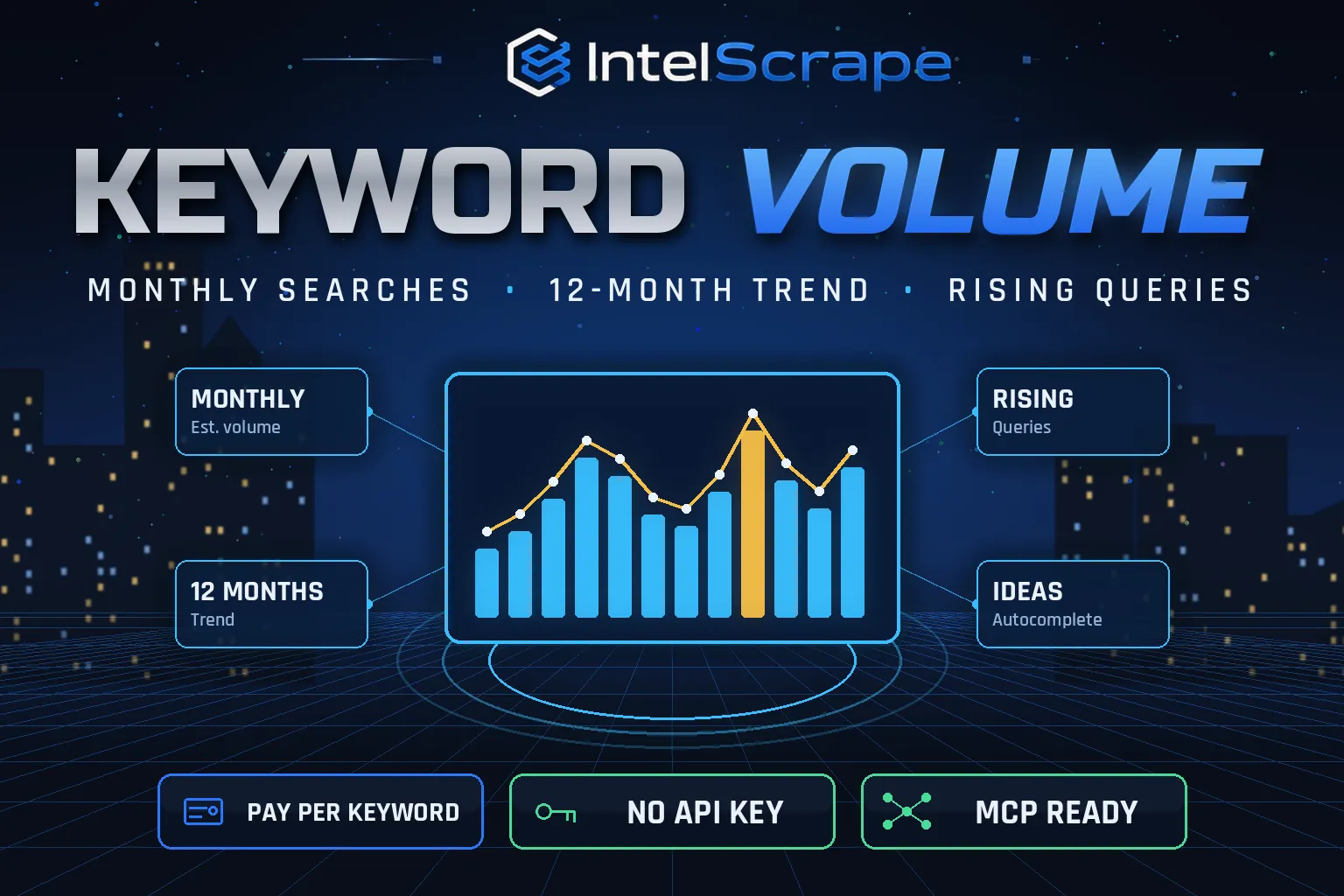
🇨🇳 关键词搜索量估算工具:基于 Google 趋势校准,估算每个关键词的谷歌月搜索量,并提供12个月趋势、季节性与峰值月份、相关词、上升词和自动补全关键词建议。无需任何API密钥,按关键词付费。
🇸🇬 Volum Carian Kata Kunci: anggaran carian Google bulanan bagi setiap kata kunci, berserta trend 12 bulan, musim dan bulan puncak, kata kunci berkaitan dan meningkat, serta cadangan autolengkap. Tiada kunci API diperlukan.
🤖 NEW: Connect This To Your AI!
Use this actor from Claude, ChatGPT, Cursor or any MCP client through the IntelScrape MCP Server, or call it directly over the Apify API.
🏆 Featured Bots by IntelScrape
- Skip Trace Pro
- TruePeopleSearch Scraper
- TikTok Email Scraper
- Amazon Product Reviews Scraper
- Website Contact Scraper
- Skip Trace MCP Server
⚡ Works with n8n, Make, Zapier, Google Sheets and the Apify API.




Estimated monthly search volume, trend direction and keyword ideas for any list of keywords, with no subscription and no API key.
Honest coverage & billing: Volumes are estimates (see accuracy figures above), not Google Ads data. You pay only for results actually delivered, and a built-in cost guard stops the run at your max-charge limit.
🌍 Built for teams in the US, China and Singapore, and anyone who needs this data in a spreadsheet or pipeline.
⭐ Found it useful? Please leave a review; it helps others find it.
⚖️ Lawful business use only. Collect public data only, and comply with the source site's terms, copyright and data-protection laws (GDPR, CCPA, China PIPL, Singapore PDPA).
Examples below are illustrative; names and values may be fictional or out of date.
What is Keyword Search Volume?
Keyword tools charge monthly subscriptions, and Google Keyword Planner hides real numbers behind ad spend. Keyword Search Volume estimates monthly Google searches by calibrating public Google Trends data against reference keywords with known volume, then adds the 12-month trend, seasonality, related and rising queries and autocomplete ideas. No account, no API key, pay per keyword.
What does it do?
- Estimated monthly searches with a low/high range and a confidence label
- 12-month trend: monthly interest and estimated searches per month
- Trend direction (rising / stable / falling), 12-month change % and peak month
- Related & rising queries (on by default) from Google Trends
- Autocomplete keyword ideas (on by default) from Google suggest
- Search intent (brand/navigational vs generic) used to adjust the estimate
- Bring your own calibration: add one keyword whose real volume you know (e.g. from Search Console) for better accuracy and non-US countries
- Optional exact volume: add your own DataForSEO login for Google Ads volume, CPC and competition (billed to your DataForSEO account)
Why choose us over cheaper scrapers?
- Honest output: limits are documented, missing data is labeled, never invented
- Clean, consistent schema ready for Excel, Sheets, BI tools or an LLM
- No account risk: no logins, no cookies
- Pay per result with a cost guard; no subscription
- Maintained by IntelScrape and fixed fast when the source changes
Who is it for?
- SEO keyword research: prioritise keywords by estimated demand
- Content planning: publish before the peak month
- Product & market validation: compare demand for product ideas
- PPC planning: shortlist keywords before paying for exact data
- Trend spotting: find rising queries in your niche
- Agency reporting: cheap bulk checks for client keyword lists
How to use it
In Apify Console (no code)
- Click Try for free / Start. The form is prefilled with a working example.
- Change the inputs (see examples below).
- Click Start, then export the results as JSON, CSV, Excel, XML or HTML, or open them in Google Sheets.
- Optional: Schedule the actor to run hourly, daily or weekly.
Via API
Or use the official Apify JavaScript and Python clients:
With AI agents (MCP)
Add Apify's MCP server (https://mcp.apify.com) or the IntelScrape MCP Server to Claude Desktop, Cursor, ChatGPT or any MCP client, then ask in plain language, e.g. "Run intelscrape/keyword-search-volume with the default input and summarise the results."
Input examples
Default: 5 keywords, US
Your own calibration keyword (any country)
Exact volume with your DataForSEO account
Output fields
| Field | Description |
|---|---|
keyword / country / intent | What was checked |
estimatedMonthlySearches | Estimated Google searches per month |
estimatedRange | {low, high} plausible range |
confidence | medium / low / very low / below measurable threshold |
last12Months | Monthly trendsIndex and estimatedSearches |
trendDirection / trendChange12mPct / peakMonth | Trend summary |
relatedQueries / risingQueries | Google Trends related searches |
autocompleteSuggestions | Google autocomplete ideas |
exact | Google Ads volume, CPC, competition (only with your DataForSEO key) |
charged | Whether this row was billed |
Sample output
Pricing (pay per event)
| Event | When it is charged | Price |
|---|---|---|
| Actor start | once per run (covers Google Trends calibration) | $0.01 |
| Keyword | per keyword with usable data | $0.006 |
Cost examples
| Run | Cost |
|---|---|
| Default run: 5 keywords | $0.04 |
| 100 keywords | $0.61 |
| 500 keywords | $3.01 |
Platform usage is included in these prices. Set Max charge per run in the run options to cap spend; the actor stops cleanly when the limit is reached and keeps everything collected so far.
FAQ
How accurate are the estimates?
They are estimates, not Google Ads numbers. In our test against published figures, 16 of 28 keywords were within 3×; brand/navigational terms were mostly within 2×, generic terms had a median error around 3×. Use them to rank and compare keywords, not as exact traffic forecasts.
Is this free like Google Keyword Planner?
There is no subscription; you pay $0.006 per keyword plus $0.01 per run. Keyword Planner shows only ranges unless you run ads.
Do I need an API key?
No. An optional DataForSEO login adds exact Google Ads volume, billed to your own DataForSEO account.
Which countries are supported?
Built-in calibration covers the US. For other countries add a calibration keyword with its known monthly volume (e.g. from Search Console).
Am I charged if Google Trends returns nothing?
No. Rows without usable data are saved with "charged": false and a note, and are not billed.
What are rising queries?
Searches related to your keyword whose interest grew fastest recently, from Google Trends.
Why is a small keyword "below measurable threshold"?
Google Trends reports 0 for very low-volume terms. The row gives an upper bound instead of a fake number.
How long does a run take?
Roughly 15–60 seconds per keyword, because Google Trends is rate-limited. Small runs (up to 25 keywords) stop at a 4.5-minute budget; any keyword not reached is returned with "charged": false so you can re-run it. Larger lists run until done.
Can I use it from an AI agent or n8n?
Yes, via the Apify API, n8n/Make/Zapier integrations or the IntelScrape MCP server.
Honest limits
- Volumes are estimates (see accuracy figures above), not Google Ads data.
- Built-in calibration is US only; other countries need your own calibration keyword.
- Very low-volume keywords may show "below measurable threshold".
- Google Trends rate limits make runs slower than API tools; rows without data are not charged.
Related IntelScrape bots
- AI Search Visibility Tracker: brand visibility in AI Overviews
- Google News Scraper: headlines & summaries
- Website Contact Scraper: emails, phones & socials from sites
- Amazon Product Reviews Scraper: review text & stars
- Bilibili Scraper: B站 videos, views, comments
- Skip Trace MCP Server: IntelScrape tools for AI agents
Legal
This actor collects publicly available data only. You are responsible for using the results lawfully and in line with the source's terms and applicable privacy laws (GDPR, CCPA, PIPL, PDPA). Process personal data only with a legitimate purpose. IntelScrape is not affiliated with, endorsed by or sponsored by the data source; all trademarks belong to their owners.


