

AI Search Visibility Tracker — AI Overviews, ChatGPT, Gemini
Pricing
Pay per event
AI Search Visibility Tracker — AI Overviews, ChatGPT, Gemini
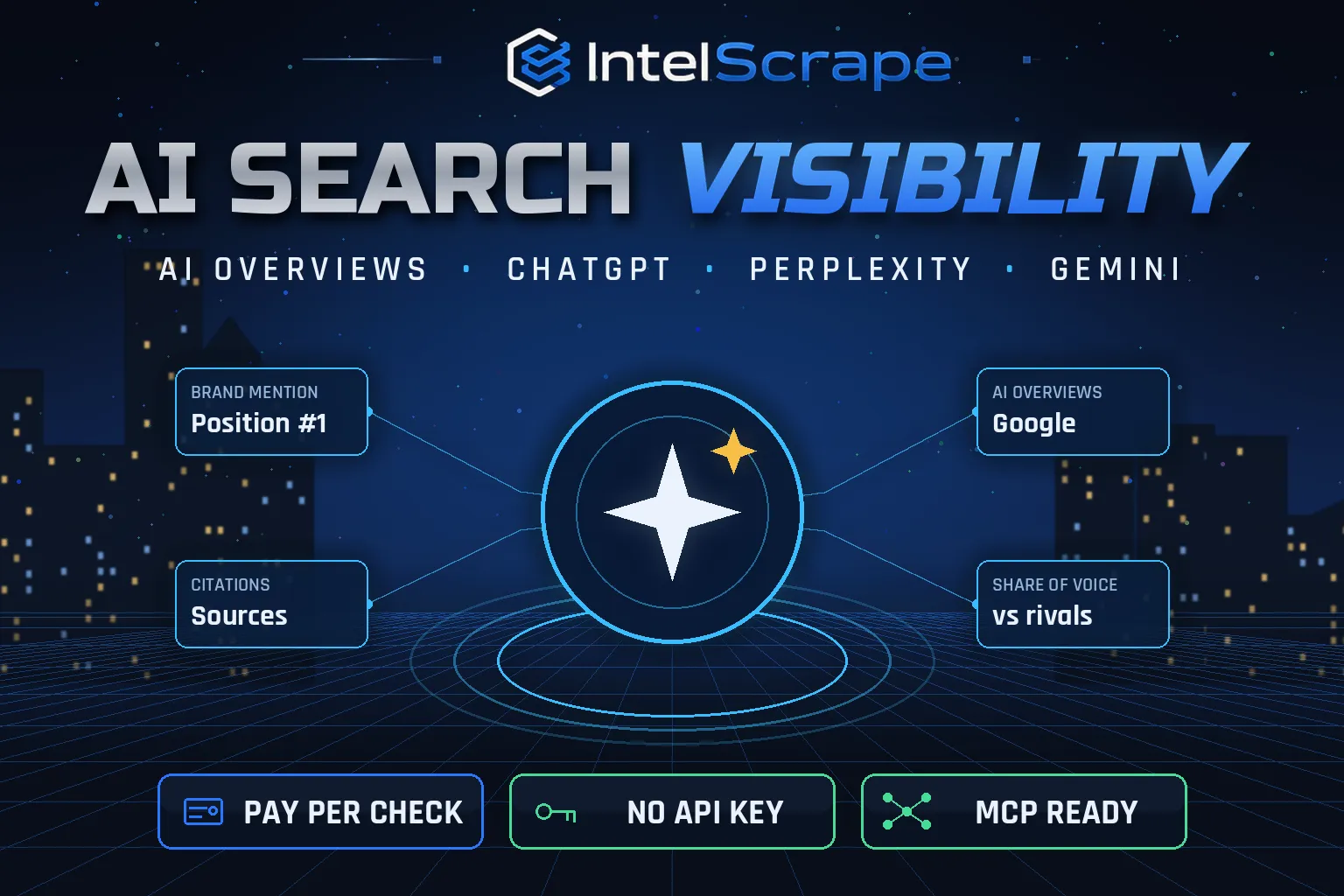
AI Search Visibility Tracker: check if your brand is mentioned and cited in Google AI Overviews (no key needed) and in ChatGPT, Perplexity and Gemini with your own API keys. Get mention position, cited URLs, share of voice vs competitors, answer text and Google top 10. Pay per check.
Pricing
Pay per event
Rating
0.0
(0)
Developer

IntelScrape
Maintained by CommunityActor stats
0
Bookmarked
2
Total users
1
Monthly active users
18 hours ago
Last modified
Share
🇨🇳 AI搜索可见度追踪器:检查你的品牌是否出现在 Google AI 概览(AI Overviews)中、排名第几、是否被引用,以及相对竞争对手的声量占比;附带谷歌前10自然结果。可选用你自己的 API 密钥检查 ChatGPT、Perplexity 和 Gemini。
🇸🇬 Penjejak Keterlihatan Carian AI: semak sama ada jenama anda disebut dan dipetik dalam Google AI Overviews, kedudukannya, dan bahagian suara berbanding pesaing, berserta 10 hasil teratas Google. Pilihan untuk ChatGPT, Perplexity dan Gemini dengan kunci API anda sendiri.
🤖 NEW: Connect This To Your AI!
Use this actor from Claude, ChatGPT, Cursor or any MCP client through the IntelScrape MCP Server, or call it directly over the Apify API.
🏆 Featured Bots by IntelScrape
- Skip Trace Pro
- TruePeopleSearch Scraper
- TikTok Email Scraper
- Amazon Product Reviews Scraper
- Website Contact Scraper
- Skip Trace MCP Server
⚡ Works with n8n, Make, Zapier, Google Sheets and the Apify API.




Measure your brand's share of voice in AI answers: mentions, position, citations and competitors for every prompt, with Google top 10 included.
Honest coverage & billing: Google AI Overviews appear only for some queries and vary by run, time and location. You pay only for results actually delivered, and a built-in cost guard stops the run at your max-charge limit.
🌍 Built for teams in the US, China and Singapore, and anyone who needs this data in a spreadsheet or pipeline.
⭐ Found it useful? Please leave a review; it helps others find it.
⚖️ Lawful business use only. Collect public data only, and comply with the source site's terms, copyright and data-protection laws (GDPR, CCPA, China PIPL, Singapore PDPA).
Examples below are illustrative; names and values may be fictional or out of date.
What is AI Search Visibility Tracker?
Buyers now ask AI before they click. AI Search Visibility Tracker runs the questions your customers ask and reports whether your brand appears in the answer, where it ranks against competitors, and whether your site is cited as a source, starting with Google AI Overviews (no API key needed) and optionally ChatGPT, Perplexity and Gemini with your own keys.
What does it do?
- Google AI Overviews: is there an AI Overview, is your brand in it, at what position, and is your domain cited?
- Google top 10 organic results on every Google check, plus whether your domain ranks there
- Competitor share of voice: mentions and citations for each competitor
- Brands ranked by first mention in each answer
- Citations: the sources the AI answer links to
- Full answer text (on by default) for audits and screenshots
- ChatGPT, Perplexity, Gemini (optional): with your own API keys, billed to your accounts
Why choose us over cheaper scrapers?
- Honest output: limits are documented, missing data is labeled, never invented
- Clean, consistent schema ready for Excel, Sheets, BI tools or an LLM
- No account risk: no logins, no cookies
- Pay per result with a cost guard; no subscription
- Maintained by IntelScrape and fixed fast when the source changes
Who is it for?
- GEO / AEO (generative engine optimisation): track AI visibility like rankings
- SEO agencies: monthly AI-visibility reports for clients
- Brand & PR teams: see how AI describes you versus competitors
- Content strategy: find prompts where competitors are cited and you are not
- Product marketing: monitor category questions ("best X for Y")
- Investor & market research: see which vendors AI recommends in a category
How to use it
In Apify Console (no code)
- Click Try for free / Start. The form is prefilled with a working example.
- Change the inputs (see examples below).
- Click Start, then export the results as JSON, CSV, Excel, XML or HTML, or open them in Google Sheets.
- Optional: Schedule the actor to run hourly, daily or weekly.
Via API
Or use the official Apify JavaScript and Python clients:
With AI agents (MCP)
Add Apify's MCP server (https://mcp.apify.com) or the IntelScrape MCP Server to Claude Desktop, Cursor, ChatGPT or any MCP client, then ask in plain language, e.g. "Run intelscrape/ai-search-visibility-tracker with the default input and summarise the results."
Input examples
Default: Google AI Overviews, 3 prompts
Add ChatGPT and Perplexity with your keys
Output fields
| Field | Description |
|---|---|
prompt / engine / model | What was checked, where |
answerPresent | Did the engine produce an AI answer? |
brandMentioned / brandPosition / brandCited | Your visibility |
brand | Mentions count, cited URLs, position |
competitors | The same metrics for each competitor |
brandsRankedByFirstMention | Order brands appear in the answer |
citations | Sources linked by the answer |
answerText | Full AI answer text |
googleTopResults / brandInGoogleTop10 | Google organic top 10 (Google checks) |
note / error | Why an answer is missing, or an engine error |
Sample output
Pricing (pay per event)
| Event | When it is charged | Price |
|---|---|---|
| Actor start | once per run | $0.005 |
| Google AI Overview check | per prompt (includes Google top 10) | $0.02 |
| AI check with your key | per prompt per engine (ChatGPT, Perplexity or Gemini) | $0.01 |
Cost examples
| Run | Cost |
|---|---|
| Default run: 3 prompts on Google AI Overviews | up to $0.065 |
| 50 prompts on Google | $1.005 |
| 50 prompts on Google + ChatGPT + Perplexity (your keys) | $2.005 + your own API usage |
Platform usage is included in these prices. Set Max charge per run in the run options to cap spend; the actor stops cleanly when the limit is reached and keeps everything collected so far.
FAQ
Do I need an API key?
No for Google AI Overviews. ChatGPT, Perplexity and Gemini need your own API key (usage is billed to your account by that provider).
Why did a prompt show no AI Overview?
Google shows AI Overviews only for some queries, and it varies by time and location. "answerPresent": false is a real result; the Google top 10 is still returned.
Do you scrape the ChatGPT or Perplexity websites?
No. Those engines are checked through their official APIs with your key. API answers can differ from the consumer apps.
How is share of voice calculated?
For each answer we count which brands are mentioned, their first-mention order and which domains are cited; aggregate across prompts for share of voice.
Which countries and languages?
Set "country" and "language" for Google (e.g. us/en, gb/en, de/de).
Am I charged when no AI Overview appears?
Yes, when Google confirms there is no AI Overview, because the check still returns that result and the Google top 10. Checks that could not be read (blocked, or the AI Overview was still loading) and engine errors are saved but not charged.
How often should I run it?
Weekly or monthly is typical. AI answers change, so schedule it to see the trend.
Can I track many brands at once?
Add competitors to each run; their mentions and citations are measured in the same check.
Can an AI agent use it?
Yes, via the Apify API or the IntelScrape MCP server.
Honest limits
- Google AI Overviews appear only for some queries and vary by run, time and location.
- ChatGPT, Perplexity and Gemini require your own API keys and are checked via their APIs, not their websites.
- Results are a snapshot; schedule runs to measure change.
- Charged per prompt checked, not per mention found.
Related IntelScrape bots
- Keyword Search Volume: estimated monthly Google searches
- Google News Scraper: headlines & summaries
- Website Contact Scraper: emails, phones & socials from sites
- Weibo Scraper: 微博 hot search, posts, comments
- Bilibili Scraper: B站 videos, views, comments
- Skip Trace MCP Server: IntelScrape tools for AI agents
Legal
This actor collects publicly available data only. You are responsible for using the results lawfully and in line with the source's terms and applicable privacy laws (GDPR, CCPA, PIPL, PDPA). Process personal data only with a legitimate purpose. IntelScrape is not affiliated with, endorsed by or sponsored by the data source; all trademarks belong to their owners.


