

Bulk Image Downloader — Save All Images from Web Pages & URLs
Pricing
Pay per event
Bulk Image Downloader — Save All Images from Web Pages & URLs
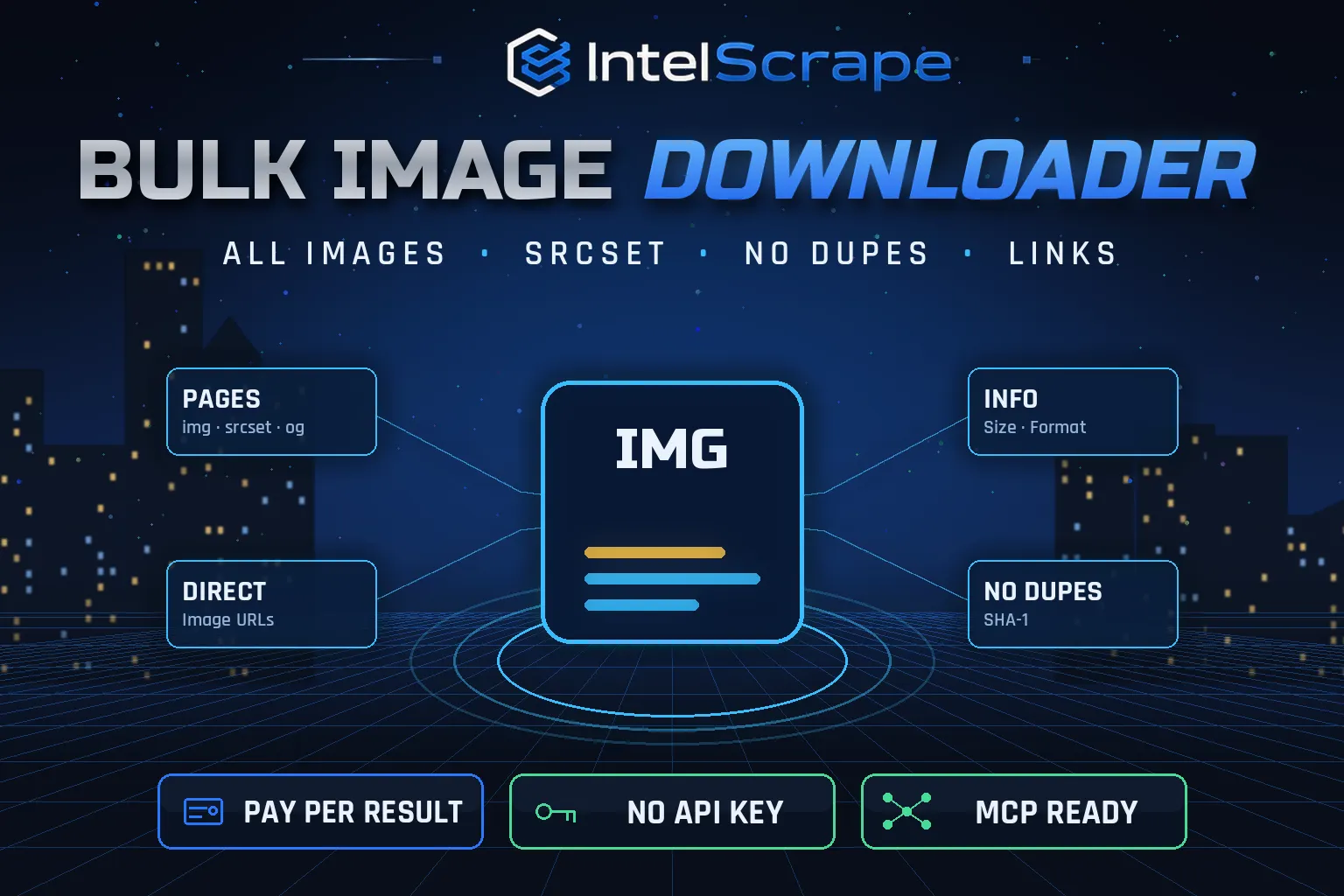
Bulk Image Downloader: download every image from a list of web pages (img, srcset, lazy-load, og:image) or from direct image URLs. Saves the files with direct download links plus width, height, format, size and a hash to skip duplicates. Min-width filter. No API key.
Pricing
Pay per event
Rating
0.0
(0)
Developer

IntelScrape
Maintained by CommunityActor stats
0
Bookmarked
2
Total users
1
Monthly active users
a month ago
Last modified
Categories
Features
Share
🇨🇳 批量图片下载器:从网页列表(img、srcset、懒加载、og:image)或直接图片链接中下载所有图片。保存文件并提供下载链接,附带宽度、高度、格式、大小和用于去重的哈希值,可按最小宽度过滤。无需 API 密钥。
🇸🇬 Pemuat Turun Imej Pukal: muat turun semua imej dari senarai halaman web atau URL imej terus. Pautan muat turun, lebar, tinggi, format, saiz dan hash untuk elak pendua. Tiada kunci API.
🤖 NEW: Connect This To Your AI!
Use this actor from Claude, ChatGPT, Cursor or any MCP client through the IntelScrape MCP Server, or call it directly over the Apify API.
🏆 Featured Bots by IntelScrape
- Skip Trace Pro
- TruePeopleSearch Scraper
- TikTok Email Scraper
- Amazon Product Reviews Scraper
- Website Contact Scraper
- Skip Trace MCP Server
⚡ Works with n8n, Make, Zapier, Google Sheets and the Apify API.




Every real image from many pages or URLs, saved with download links, dimensions and duplicate skipping, cheaply.
Honest coverage & billing: Images injected only by JavaScript or CSS backgrounds are not detected. You pay only for results actually delivered, and a built-in cost guard stops the run at your max-charge limit.
🌍 Built for teams in the US, China and Singapore, and anyone who needs this data in a spreadsheet or pipeline.
⭐ Found it useful? Please leave a review; it helps others find it.
⚖️ Lawful business use only. Collect public data only, and comply with the source site's terms, copyright and data-protection laws (GDPR, CCPA, China PIPL, Singapore PDPA).
Examples below are illustrative; names and values may be fictional or out of date.
What is Bulk Image Downloader?
Building a product catalogue, a training dataset, a mood board or an archive usually starts with the same chore: right-click, save, repeat. Bulk Image Downloader does it for hundreds of pages at once. It finds every real image on each page, including the largest srcset size, lazy-loaded images and the og:image, skips icons and duplicates, saves the files and gives you a direct download link plus width, height, format and size for each one.
What does it do?
- Page scan: img tags, the largest srcset candidate, data-src/lazy-load attributes, og:image and twitter:image
- Direct URLs: download a list of image links as-is
- Smart filters: min width to drop icons and pixels, max file size, duplicate skipping by SHA-1
- Download links: files stored in the run's key-value store with a direct URL per row
- Image info (on by default): width, height, megapixels, orientation, format (JPG, PNG, WebP, GIF, SVG, AVIF), file size, content type, SHA-1
- Alt text and source page kept for every image
Why choose us over cheaper scrapers?
- Honest output: limits are documented, missing data is labeled, never invented
- Clean, consistent schema ready for Excel, Sheets, BI tools or an LLM
- No account risk: no logins, no cookies, no API keys
- Pay per result with a built-in cost guard; no subscription, failed items are never charged
- Fast and light: no residential proxy, so runs finish in seconds and stay cheap
- Maintained by IntelScrape and fixed fast when the source changes
Who is it for?
- E-commerce: pull product photos from supplier or competitor pages
- AI & ML datasets: collect images with alt text and dimensions
- Content migration: move a site's media to a new CMS
- Archiving & compliance: keep copies of page imagery
- Design research: mood boards from many sites at once
- SEO audits: find oversized images and missing alt text
How to use it
In Apify Console (no code)
- Click Try for free / Start. The form is prefilled with a working example.
- Change the inputs (see examples below).
- Click Start, then export the results as JSON, CSV, Excel, XML or HTML, or open them in Google Sheets.
- Optional: Schedule the actor to run hourly, daily or weekly.
Via API
Or use the official Apify JavaScript and Python clients:
With AI agents (MCP)
Add Apify's MCP server (https://mcp.apify.com) or the IntelScrape MCP Server to Claude Desktop, Cursor, ChatGPT or any MCP client, then ask in plain language, e.g. "Run intelscrape/bulk-image-downloader with the default input and summarise the results."
Input examples
One page, 20 images (default)
Direct image URLs
Large images only from many pages
Output fields
| Field | Description |
|---|---|
imageUrl / pageUrl / alt / foundVia | Source image, page, alt text, how it was found |
downloadUrl / storeKey / fileName | Direct download link, key-value store key, original file name |
format / width / height / megapixels / orientation | Image info (when on) |
fileSizeKb / contentType / sha1 | Size, MIME type and content hash (when on) |
error | Failed page or image (not charged) |
downloadedAt | Time |
Sample output
Pricing (pay per event)
| Event | When it is charged | Price |
|---|---|---|
| Actor start | once per run | $0.005 |
| Image | per image downloaded and saved | $0.001 |
| Image info | per image with dimensions, format, size and hash (on by default; turn off to skip) | $0.0005 |
Cost examples
| Run | Cost |
|---|---|
| Default run: up to 20 images with info | $0.035 |
| 1,000 images with info | $1.505 |
| 5,000 images only | $5.005 |
Platform usage is included in these prices. Set Max charge per run in the run options to cap spend; the actor stops cleanly when the limit is reached and keeps everything collected so far.
Tips for best results
- Raise minWidth to 600+ to keep only photos.
- Images rendered only by JavaScript may be missed; use direct image URLs for those.
- Download all files at once from the run's key-value store in Apify Console.
- Only download images you have the right to use.
FAQ
Where are the files?
In the run's key-value store; every dataset row has a direct downloadUrl.
Does it run JavaScript?
No, it reads the page HTML, which keeps runs fast and cheap. Most sites put image URLs in the HTML or srcset.
Are duplicates charged?
No. Duplicates are skipped before saving.
Which formats?
JPG, PNG, WebP, GIF, SVG and AVIF.
Are failed downloads charged?
No.
Copyright?
You are responsible for having the rights to use downloaded images.
Honest limits
- Images injected only by JavaScript or CSS backgrounds are not detected.
- Some sites block hotlinking or cloud servers; try the proxy option.
- Files above the max size are skipped.
- Dimensions for some AVIF/SVG files may be empty.
Related IntelScrape bots
- Open Graph Scraper: link previews & meta tags
- Website to PDF: any URL to a print-ready PDF
- PDF Text Extractor: PDF URLs to clean text & metadata
- Tech Stack Detector: CMS, analytics & frameworks per domain
- Skip Trace MCP Server: IntelScrape tools for AI agents
Legal
This actor collects publicly available data only. You are responsible for using the results lawfully and in line with the source's terms and applicable privacy laws (GDPR, CCPA, PIPL, PDPA). Process personal data only with a legitimate purpose. IntelScrape is not affiliated with, endorsed by or sponsored by the data source; all trademarks belong to their owners.


