

Mobile Friendly Test — Responsive Check & Device Screenshots
Pricing
Pay per event
Mobile Friendly Test — Responsive Check & Device Screenshots
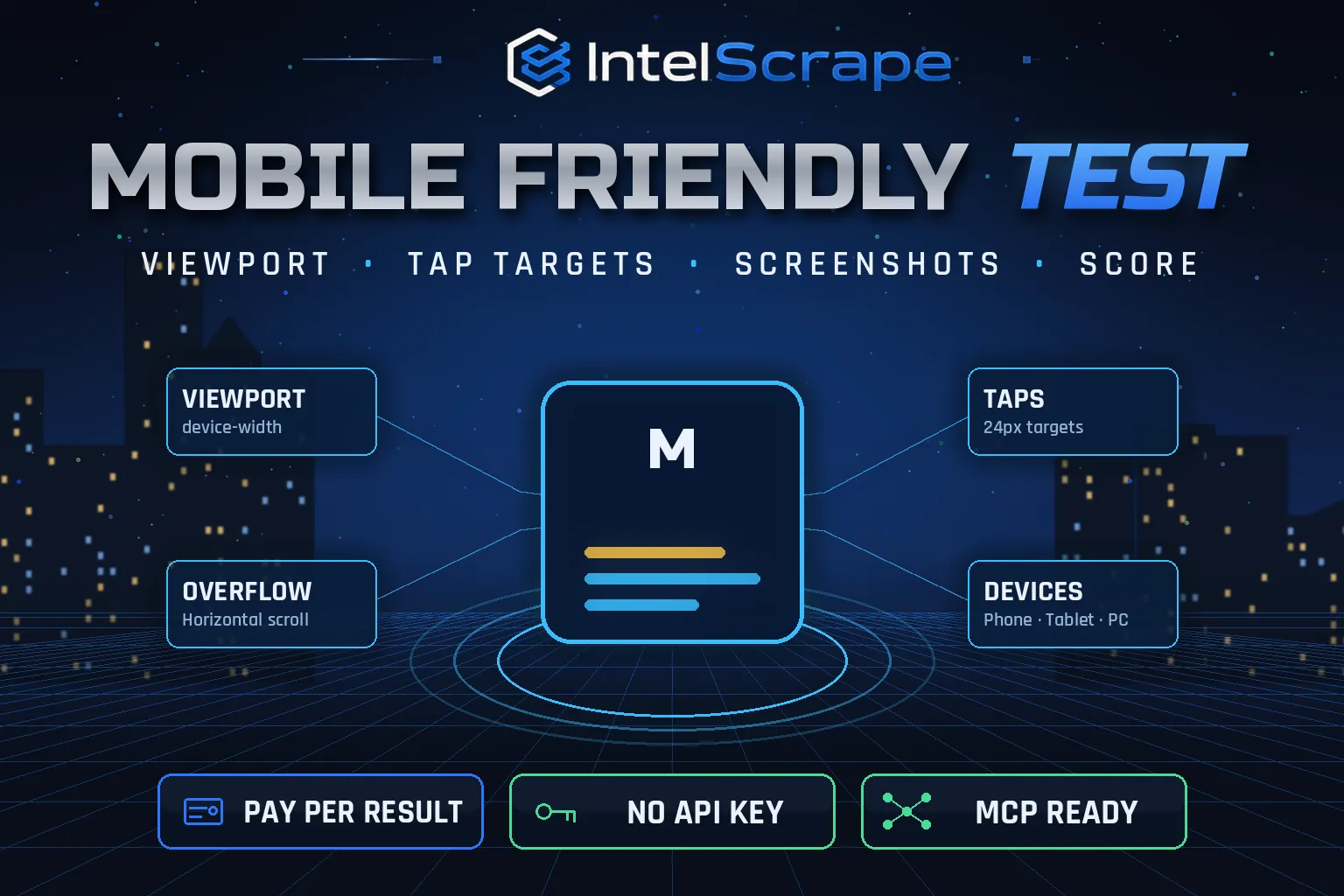
Mobile Friendly Test: check any web page on a real mobile browser for viewport, horizontal scrolling, small text, small tap targets and load time, with a 0-100 score, mobile screenshot and tablet, Android and desktop screenshots. Bulk URLs. A free alternative to the retired Google test.
Pricing
Pay per event
Rating
0.0
(0)
Developer

IntelScrape
Maintained by CommunityActor stats
0
Bookmarked
2
Total users
1
Monthly active users
18 hours ago
Last modified
Categories
Share
🇨🇳 移动端友好性测试:在真实移动浏览器中检查任意网页的 viewport、横向滚动、文字过小、点击区域过小和加载时间,给出 0-100 分,并提供手机截图以及平板、安卓和桌面截图。支持批量网址,是已下线的 Google 移动端测试工具的免费替代。
🇸🇬 Ujian Mesra Mudah Alih: semak mana-mana halaman web pada pelayar mudah alih sebenar untuk viewport, tatal mendatar, teks kecil, sasaran ketik kecil dan masa muat, dengan skor 0-100 dan tangkapan skrin peranti. URL pukal.
🤖 NEW: Connect This To Your AI!
Use this actor from Claude, ChatGPT, Cursor or any MCP client through the IntelScrape MCP Server, or call it directly over the Apify API.
🏆 Featured Bots by IntelScrape
- Skip Trace Pro
- TruePeopleSearch Scraper
- TikTok Email Scraper
- Amazon Product Reviews Scraper
- Website Contact Scraper
- Skip Trace MCP Server
⚡ Works with n8n, Make, Zapier, Google Sheets and the Apify API.




Bulk mobile-friendliness checks on a real mobile browser with a score, issue list and phone, tablet and desktop screenshots.
Honest coverage & billing: Some sites block headless browsers; enable the proxy if pages fail. You pay only for results actually delivered, and a built-in cost guard stops the run at your max-charge limit.
🌍 Built for teams in the US, China and Singapore, and anyone who needs this data in a spreadsheet or pipeline.
⭐ Found it useful? Please leave a review; it helps others find it.
⚖️ Lawful business use only. Collect public data only, and comply with the source site's terms, copyright and data-protection laws (GDPR, CCPA, China PIPL, Singapore PDPA).
Examples below are illustrative; names and values may be fictional or out of date.
What is Mobile Friendly Test?
Google retired its Mobile-Friendly Test tool, but mobile usability still decides rankings and conversions: most visits are on phones, and a page that scrolls sideways or has tiny buttons loses them. Mobile Friendly Test opens each page in a real headless mobile browser, measures the problems Google used to flag, scores the page and saves screenshots on phone, tablet and desktop, for one URL or thousands.
What does it do?
- Real mobile rendering with iPhone, Pixel, iPad or desktop device profiles (viewport, pixel ratio, touch, user agent)
- Viewport check: missing viewport meta, not device-width, zoom disabled
- Horizontal scrolling: content wider than the screen, with the overflowing elements named
- Small text: share of text elements under 12px
- Small tap targets: links and buttons smaller than 24×24px
- Timing: TTFB, DOMContentLoaded and load time on the device
- Score 0-100 and mobileFriendly true/false
- Screenshots: device screenshot, plus tablet, desktop and Android (on by default) stored as JPEG links
Why choose us over cheaper scrapers?
- Honest output: limits are documented, missing data is labeled, never invented
- Clean, consistent schema ready for Excel, Sheets, BI tools or an LLM
- No account risk: no logins, no cookies, no API keys
- Pay per result with a built-in cost guard; no subscription, failed items are never charged
- Fast and light: no residential proxy, so runs finish in seconds and stay cheap
- Maintained by IntelScrape and fixed fast when the source changes
Who is it for?
- SEO audits: find pages that fail mobile usability
- Agencies: before/after screenshots for client reports
- QA: catch responsive regressions after deployments
- Prospecting: show local businesses how their site looks on a phone
- Design reviews: compare breakpoints side by side
- Monitoring: schedule weekly checks of key landing pages
How to use it
In Apify Console (no code)
- Click Try for free / Start. The form is prefilled with a working example.
- Change the inputs (see examples below).
- Click Start, then export the results as JSON, CSV, Excel, XML or HTML, or open them in Google Sheets.
- Optional: Schedule the actor to run hourly, daily or weekly.
Via API
Or use the official Apify JavaScript and Python clients:
With AI agents (MCP)
Add Apify's MCP server (https://mcp.apify.com) or the IntelScrape MCP Server to Claude Desktop, Cursor, ChatGPT or any MCP client, then ask in plain language, e.g. "Run intelscrape/mobile-friendly-test with the default input and summarise the results."
Input examples
Two pages on iPhone with device screenshots (default)
Android only, full-page
Output fields
| Field | Description |
|---|---|
url / finalUrl / httpStatus / title / device | Page and device |
mobileFriendly / score / issues[] | Verdict, score and issues (severity, code, message) |
viewportMeta / viewportWidth / contentWidth / overflowingElements | Viewport and overflow |
smallTextShare | % of text elements under 12px |
tapTargets / smallTapTargets | Links and buttons, and how many are under 24×24px |
imagesWithoutDimensions | Images without width/height (layout shift risk) |
timing | ttfb, dcl, load (ms), bytes |
screenshotUrl / screenshots | Main and other device screenshot links |
Sample output
Pricing (pay per event)
| Event | When it is charged | Price |
|---|---|---|
| Actor start | once per run | $0.005 |
| Mobile test | per page tested with mobile screenshot | $0.008 |
| Device screenshots | per page with tablet, desktop and Android screenshots (on by default; turn off to skip) | $0.006 |
Cost examples
| Run | Cost |
|---|---|
| Default run: 2 pages with device screenshots | $0.033 |
| 500 landing pages, mobile only | $4.005 |
| Weekly 20 key pages with all screenshots | $0.285 |
Platform usage is included in these prices. Set Max charge per run in the run options to cap spend; the actor stops cleanly when the limit is reached and keeps everything collected so far.
Tips for best results
- Turn off other device screenshots for the cheapest bulk check.
- Use fullPage for design reviews, the first screen for quick checks.
- Fix errors (viewport, horizontal scroll) first; warnings are polish.
- Pair with SEO Audit Tool for on-page checks.
FAQ
Is this the same as Google's Mobile-Friendly Test?
Google retired that tool. This actor checks the same core signals (viewport, content width, text size, tap targets) on a real mobile browser.
Does it measure Core Web Vitals?
It reports load timings from the device run, not field Core Web Vitals.
Where are screenshots stored?
In the run's key-value store; each row links to its JPEG files.
Are failed pages charged?
No.
Can it log in?
No, public pages only.
Why does Hacker News get a tap-target warning?
Its text links are small and close together; on a phone many are under 24×24px, which is exactly what this check flags.
Which device should I choose?
iPhone is the default because it is the most common mobile viewport in many markets; use Android for 412px layouts and tablet or desktop to test larger breakpoints.
Do I need a key?
No.
Honest limits
- Some sites block headless browsers; enable the proxy if pages fail.
- Cookie banners may appear on screenshots.
- Tap-target and small-text checks are heuristics.
- Each page takes several seconds because it is really rendered.
Related IntelScrape bots
- Website to PDF: any URL to a print-ready PDF
- Open Graph Scraper: link previews & meta tags
- Tech Stack Detector: CMS, analytics & frameworks per domain
- Skip Trace MCP Server: IntelScrape tools for AI agents
Legal
This actor collects publicly available data only. You are responsible for using the results lawfully and in line with the source's terms and applicable privacy laws (GDPR, CCPA, PIPL, PDPA). Process personal data only with a legitimate purpose. IntelScrape is not affiliated with, endorsed by or sponsored by the data source; all trademarks belong to their owners.


