BWS Product Scraper 🍺
Pricing
from $0.80 / 1,000 results
BWS Product Scraper 🍺
Extract product data from bws.com.au, Australia's largest liquor retailer. Scrape any category or search page for prices, specials, brands, and ratings — with auto-pagination. Ideal for price monitoring, competitor research, and catalog analysis. AU residential proxy included.
Pricing
from $0.80 / 1,000 results
Rating
0.0
(0)
Developer

MrDoe
Maintained by CommunityActor stats
0
Bookmarked
2
Total users
1
Monthly active users
5 days ago
Last modified
Categories
Share
What does BWS Product Scraper do?
BWS Product Scraper collects clean, structured product data from any category or search results page on bws.com.au, one of Australia's largest liquor retailers. Give it a listing URL — a beer, wine, or spirits category, or a search results page — and it returns structured data for every product listed there, automatically working through the site's "Load More" pagination to collect as many products as you need.
Running on the Apify platform means automatic proxy handling, one-click scheduling for recurring price checks, dataset export in multiple formats, and an API for pulling results straight into your own systems — no infrastructure to manage.
Why use BWS Product Scraper?
- Price monitoring — track prices and special offers across the BWS catalog over time.
- Competitor research — benchmark your own pricing against BWS's listed prices.
- Catalog and product research — pull clean product names, brands, images, volumes, and ratings to enrich your own product database.
- Assortment analysis — see which brands and products BWS stocks in a given category.
- Recurring monitoring — schedule runs to keep price and availability data current.
Designed for practical, cost-efficient product data collection: clean structured output without unnecessary data, and control over run size with maxItems.
What data can you extract?
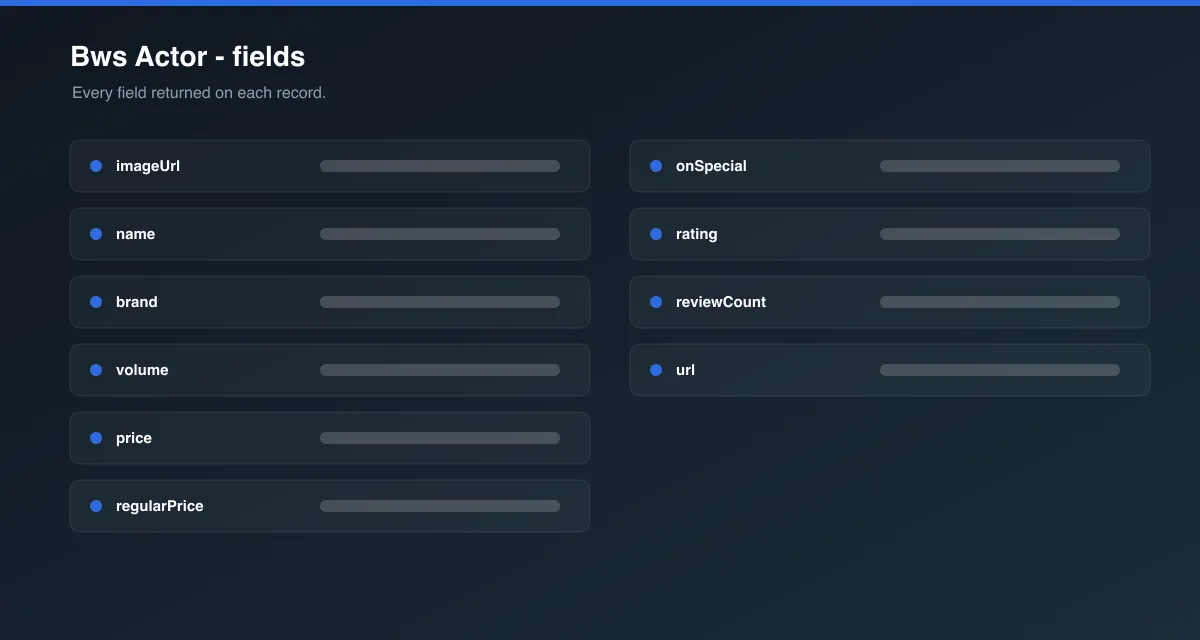
- SKU / product ID
- Product name and brand
- Product URL
- Image URL
- Volume and pack size (e.g. Bottle, Pack (6), Case (24))
- Price and regular price
- Special/discount status and savings amount
- Currency
- Rating and review count
- Sponsored listing flag
- Source category URL
How to use it
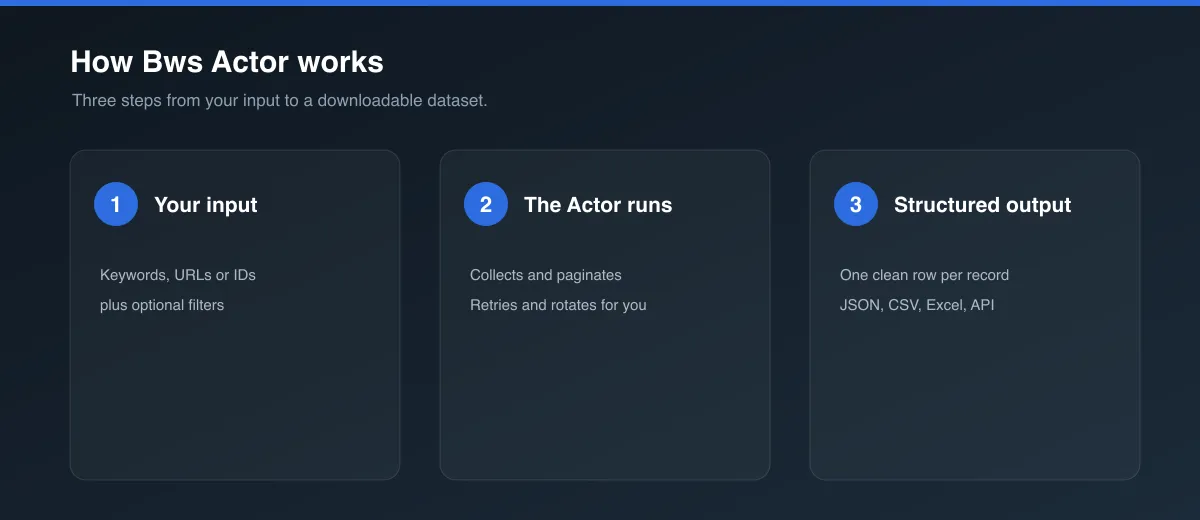
- Click Try for free or Run on the Actor page.
- In Start URLs, paste one or more BWS category or search URLs (e.g.
https://www.bws.com.au/beer/australian-beer). - Optionally adjust Max products per start URL. Leave it at
0to collect everything available on that listing. - Click Start and wait for the run to finish.
- Open the Dataset tab to preview, filter, and export your results.
Input Parameters
| Parameter | Type | Required | Default | Description |
|---|---|---|---|---|
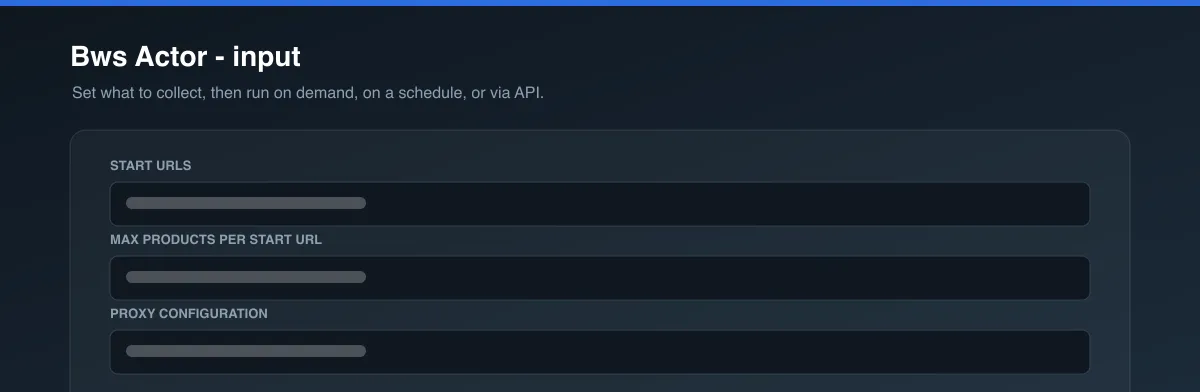
startUrls | array | Yes | [{ "url": "https://www.bws.com.au/beer/australian-beer" }] | Category or search listing pages to scrape. Add multiple URLs to scrape several listings in one run. |
maxItems | integer | No | 5 | Maximum products to collect per start URL. 0 = no limit — collect everything available on that listing. |
proxyConfiguration | object | No | Apify Proxy (Residential, AU) | Proxy settings for the crawl. |
Example input:
Output Data
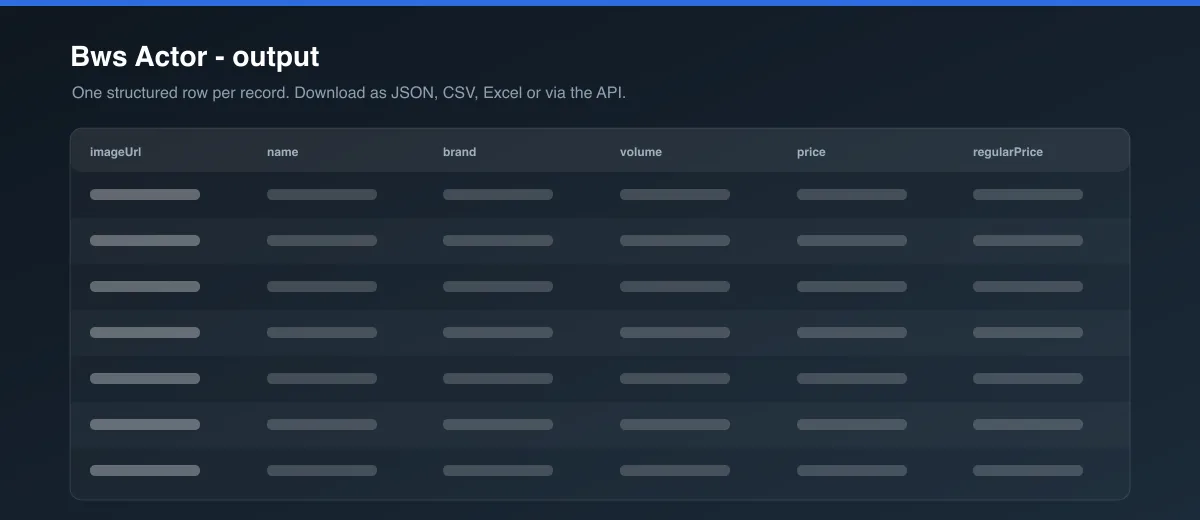
Each dataset item represents one product. Every start URL you provide gets its own maxItems budget, and duplicate products (matched by SKU) are removed automatically.
| Field | Description |
|---|---|
sku | BWS's internal product ID. |
name | Full product name (brand + title). |
brand | Product brand/producer. |
url | Canonical product page URL. |
imageUrl | Product image URL. |
volume | Bottle/can size, when available. |
packLabel | Selected pack configuration shown on the listing (e.g. Bottle, Pack (6), Case (24)). |
price | Current listed price for the shown pack size. |
regularPrice | Regular price before any discount. Equal to price when not on special. |
onSpecial | Whether the product is currently discounted from its regular price. |
savingsAmount | Dollar amount saved, when on special. |
rating | Average star rating (0–5), when reviews exist. Otherwise null. |
reviewCount | Number of customer reviews. |
sponsored | Whether the listing is a sponsored/promoted placement. |
categoryUrl | The start URL this product was collected from. |
Usage Examples
- Track weekly specials: Point
startUrlsat your key categories and schedule a weekly run to see how prices and specials change. - Build a competitor price index: Scrape a set of category URLs, export to CSV, and join against your own catalog by product name or brand.
- Research a category: Set
maxItemsto0on a single category URL to pull the full assortment for analysis.
Tips for Best Results
- Use a specific leaf category URL (e.g.
/beer/australian-beer,/beer/craft-beer) rather than a top-level hub page (e.g./beer) — hub pages link to subcategories but don't list products themselves. - Use
maxItems: 0when you want the full listing; otherwise set a smaller number for quick tests or sampling. - BWS applies bot protection to non-residential traffic — keep the default Australian residential proxy setting for reliable results.
- Provide multiple start URLs to cover several categories in a single run; each gets its own
maxItemsbudget.
Integrations
Connect this Actor to Make, Zapier, Google Sheets, Slack, or your own systems via Apify's integrations and API, or schedule recurring runs directly from the Apify platform.
Export Formats
Datasets can be exported as JSON, CSV, Excel, or XML directly from the Dataset tab, or pulled programmatically via the Apify API.
FAQ
How many products can I collect?
As many as the listing exposes. Set maxItems: 0 to collect the full category or search listing.
Can I scrape a whole category?
Yes — point a start URL at any leaf category page and the Actor will page through all available products up to your maxItems setting.
Does maxItems = 0 collect everything?
Yes, for each start URL. The Actor keeps clicking "Load More" until BWS stops returning new products.
Can I provide multiple URLs?
Yes. Add multiple entries to startUrls; maxItems applies separately to each one.
Are duplicates removed? Yes, products are deduplicated by SKU within each listing page.
Why can some fields be null?
Not every product has a rating or review — those fields are null when the site doesn't show them.
Can I schedule price monitoring? Yes — use the Apify platform's built-in Scheduler to run this Actor automatically on a recurring basis.
Is cache available? Not currently required for this Actor; each run collects fresh data directly from the listing pages you provide.
Is the data current? Data reflects what was published on the site at the time of the run.
What happens when a product is unavailable? If a product is out of stock or removed, it simply won't appear in the listing — the Actor only reports what BWS currently displays.
Legal / Responsible Use
This Actor only collects publicly visible product listing data. Users are responsible for complying with BWS's terms of use, applicable law, and responsible data-use requirements.
Preview