

Expedia Hotel Scraper
Under maintenancePricing
from $23.00 / 1,000 results
Expedia Hotel Scraper
Under maintenanceExpedia hotel scraper for prices, ratings, photos, and room-by-room pricing breakdowns. Search by destination, hotel name, or URL - no API needed. Get per-room pricing, discounts, and amenities most Expedia scrapers miss, for any property worldwide.
Pricing
from $23.00 / 1,000 results
Rating
0.0
(0)
Developer

MrDoe
Maintained by CommunityActor stats
0
Bookmarked
6
Total users
4
Monthly active users
9 days ago
Last modified
Categories
Share
Scrape Expedia hotel data — hotel names, star ratings, guest review scores, headline prices, strikeout discounts, photos, and full per-room-type pricing with facilities — without an Expedia account, login, or official API. The Expedia Hotel Scraper takes a destination, an Expedia hotel or search URL, an Expedia share link, or just a hotel name, and returns clean structured JSON for hotel price monitoring, rate comparison, and building your own Expedia hotel dataset or API feed.
Looking for guest reviews instead? See the companion Expedia Review Scraper.
What is the Expedia Hotel Scraper?
The Expedia Hotel Scraper is an Apify Actor that collects publicly visible hotel data from Expedia.com in three ways: search resolves a destination name to a list of hotels (one row per hotel, with headline price, rating, and photos); url fetches a specific hotel URL and returns every room type that hotel sells (one row per room, each with its own price, strikeout discount, and facility list); and hotelName finds one named hotel and returns the same room-by-room breakdown. Output is one flat JSON row per hotel or room, ready for Excel, Google Sheets, or an API integration.
How to scrape Expedia hotel prices
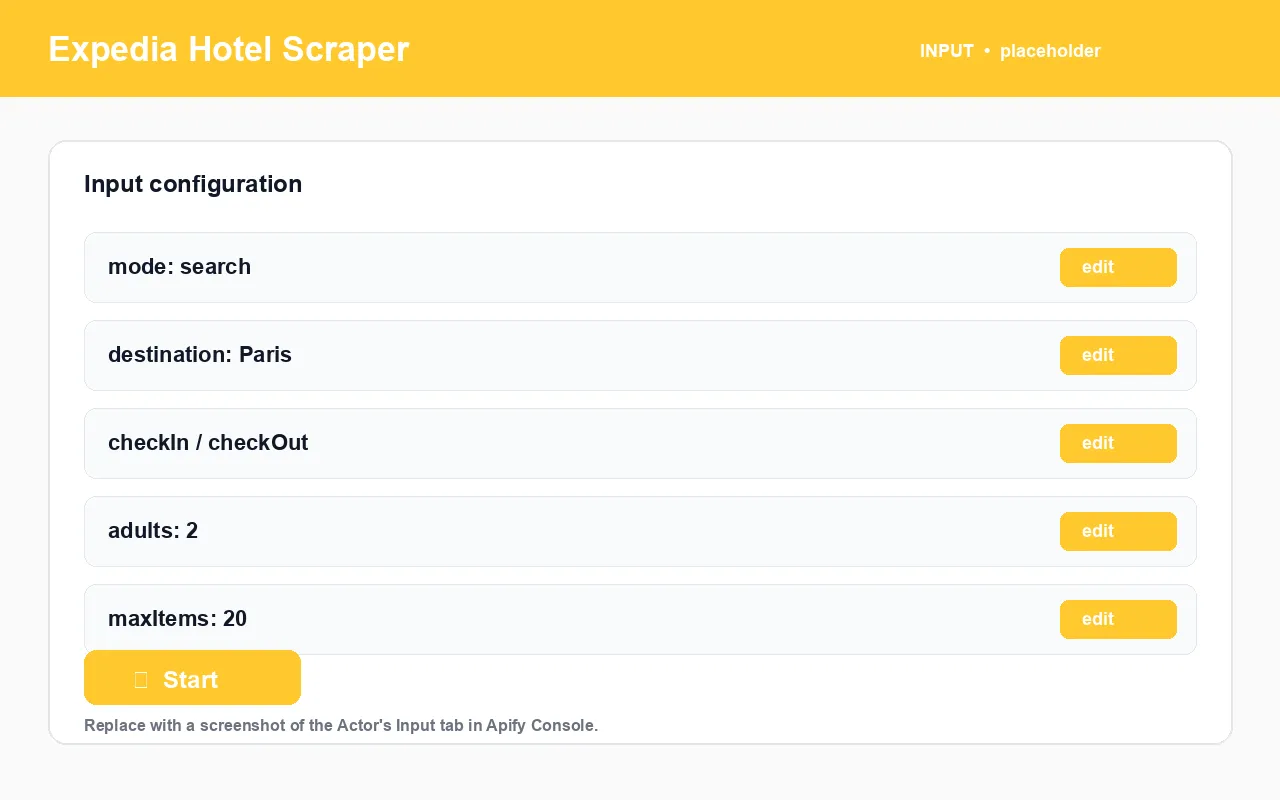
- Choose a
mode:Search by destination,Fetch by URL, orFind by hotel name. - Fill the matching field —
destination(search),startUrls(URL), orhotelName(name). - Set
checkIn/checkOut, guests (adults/children/rooms),currency, and any price / star / sort filters. - Set
maxItems— the hard cap on total records. - Click Start. Export as JSON, CSV, Excel, or via the dataset API.
What data can I extract from Expedia?
| Field | Type | Description |
|---|---|---|
mode | string | search or rooms — the shape of the row |
placeName | string | Hotel name |
hotelId | string | Expedia's internal property ID |
hotelUrl | string | Canonical Expedia hotel page URL |
hotelOverallRating | number | Guest rating, 0–10 |
hotelRatingLabel | string | Rating label, e.g. Wonderful, Excellent |
hotelTotalReviews | integer | Total number of guest reviews |
provider | string | Always expedia |
scrapedAt | string | ISO timestamp of collection |
extra.starRating | number | Hotel class, 1–5 (when Expedia publishes it) |
extra.priceFrom | number | Headline nightly price (numeric) |
extra.priceFormatted | string | Formatted price, e.g. $420 nightly |
extra.priceStrikeout | string | Pre-discount price when shown |
extra.currency | string | Currency code for prices in the row |
extra.images | array | Gallery image URLs (hotel cards) |
extra.checkIn / extra.checkOut / extra.adults | string / int | Search context used |
extra.roomName | string | Room type name (room rows), e.g. Deluxe Room, City View |
extra.facilities | array | Bed configuration, size, view, WiFi, cancellation terms (room rows) |
extra.hotelCategoryRatings | object | Sub-ratings such as Cleanliness, Service |
extra.hotelNameMatch | object | Set only in hotelName mode — the query, matched name, confidence score, and a note when the match was not exact |
Input example
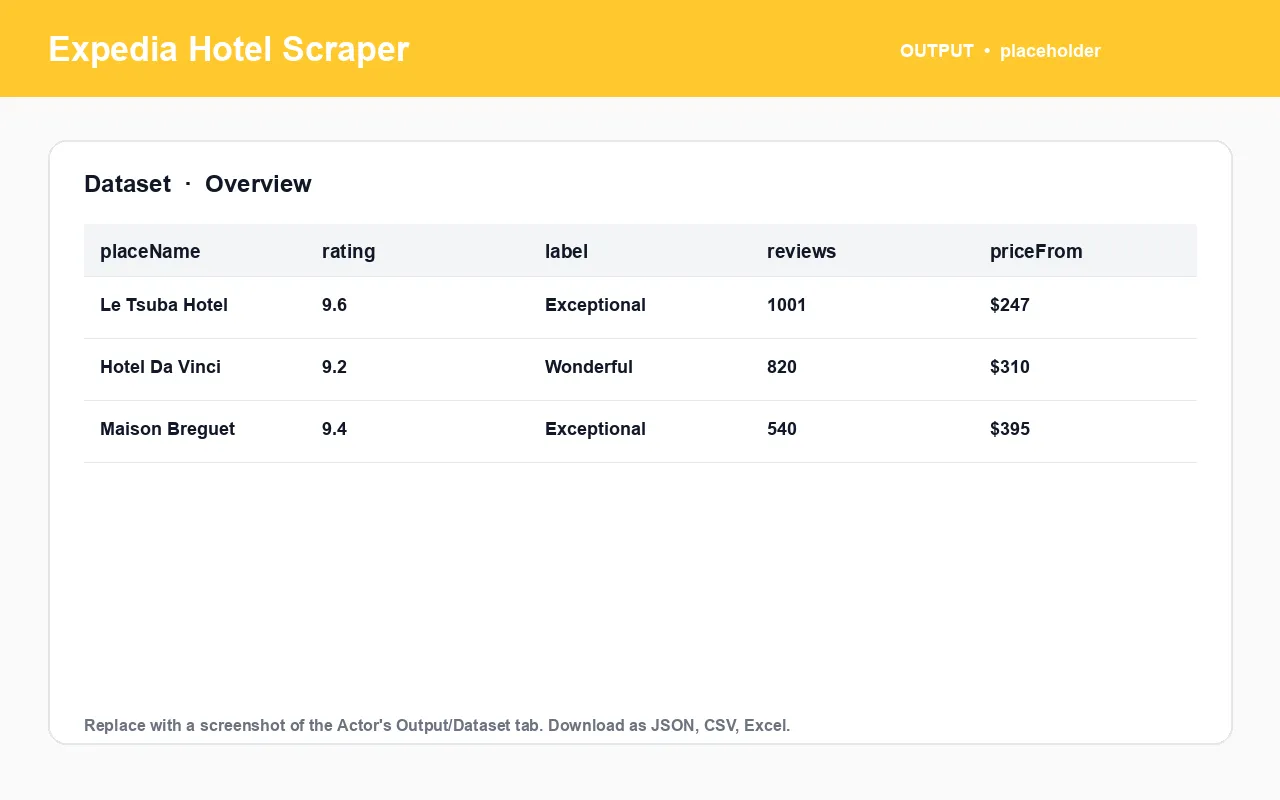
Output example
One row per room type the hotel sells for the dates:
What you get vs. browsing Expedia manually
| Task | Manually on Expedia | With the Expedia Hotel Scraper |
|---|---|---|
| Compare every hotel in a city for the same dates | Open a tab per hotel | One search run, one dataset |
| See every room type and price for one hotel | Scroll the room list | One url run, one row per room |
| Look up a hotel you only know by name | Search, guess the right result | hotelName mode with a confidence flag |
| Track a hotel's room rates over time | Re-check the page daily | Schedule the Actor, diff the dataset |
| Get the data into Excel / a database | Manual copy-paste | Built-in JSON / CSV / Excel + dataset API |
How to use it (step by step)
- Pick the mode —
searchto compare across a city,urlfor one hotel's full room list,hotelNamewhen you don't have a URL. - Provide the input for that mode.
- Set dates, guests, currency, and filters.
- Size
maxItemsfor room mode — a hotel with 7 room types uses up to 7 records on its own. - Keep the residential proxy on — it is required.
- Run and export — dataset tab or
GET /v2/datasets/{id}/items.
Pricing
Priced per result (per hotel card or per room record). There is no artificial ceiling on maxItems — raise it as high as your use case needs. Failed lookups are not charged. Exact rates are on the Actor's Pricing tab. [PRICING TBD]
FAQ
What is the Expedia Hotel Scraper? An Apify Actor that extracts publicly available Expedia hotel data — hotel cards from destination search, and full per-room-type pricing and facilities from a specific hotel — as structured JSON, CSV, or Excel.
Do I need an Expedia account, API key, or login? No.
What inputs are accepted? A destination name, an Expedia hotel or search URL, an Expedia share/deeplink (expe.onelink.me, expe.app.link, trip.expedia.com), or a hotel name.
How does hotelName mode handle an imperfect match? If nothing matches closely enough, the run ends with zero records and a message explaining why — it never returns an unrelated hotel. A close-but-imperfect match is used and flagged in extra.hotelNameMatch on every row.
Why are some fields empty for a hotel? Not every Expedia property publishes every field (e.g. an official star rating). The Actor never fabricates data — a missing field means Expedia does not expose it for that listing.
Can I set my own check-in / check-out dates? Yes — checkIn and checkOut, plus guest counts and room count.
Is a proxy required? Yes — proxyConfiguration must be enabled (residential recommended).
What export formats are available? JSON, CSV, Excel, HTML table, RSS, or the Apify dataset API.
Is scraping Expedia legal? The Actor extracts publicly available information anyone can view in a browser. You are responsible for compliant use under Expedia's terms and the laws that apply to you. Not affiliated with Expedia.
My other travel scrapers on Apify
| Actor | What it does |
|---|---|
| Expedia Review Scraper | Traveler reviews and sentiment from Expedia |
| Booking.com Listings Scraper | Hotel prices, ratings, and room types from Booking.com |
| Booking.com Review Scraper | Guest review text and scores from Booking.com |
| Agoda Hotel Scraper | Hotel details and live city pricing from Agoda |
| Agoda Review Scraper | Guest reviews and stay details from Agoda |
| Trip.com Hotel Scraper | Hotel prices, ratings, and best room rate from Trip.com |
| Trip.com Review Scraper | Guest reviews and stay details from Trip.com |
| Google Hotels Scraper | Hotel prices, ratings, and coordinates from Google Hotels |
| TripAdvisor Hotel Scraper | Hotel details plus per-OTA room rates from TripAdvisor |
| TripAdvisor Review Scraper | Full guest reviews and sub-ratings from TripAdvisor |
| Airbnb Search Scraper | Listings, prices, and hosts from Airbnb search |
| Airbnb Room Reviews Scraper | Reviews, ratings, and host replies from Airbnb listings |
| Airbnb & Vrbo Revenue and Occupancy Estimator | Estimated revenue and occupancy for short-term rentals |

Independent tool, not affiliated with or endorsed by Expedia. Accesses only publicly available data. Report bugs or request features on the Issues tab.


