

Booking review scraper
Pricing
from $1.00 / 1,000 results
Booking review scraper
Booking Review Scraper extracts guest reviews for a specific booking.com property review title, score, what guests liked and disliked, reviewer name and country, stay details, and the property's. Give it a property page URL and it pulls reviews directly, no manual clicking through pages required.
Pricing
from $1.00 / 1,000 results
Rating
0.0
(0)
Developer

MrDoe
Maintained by CommunityActor stats
0
Bookmarked
2
Total users
1
Monthly active users
5 days ago
Last modified
Categories
Share
Booking.com Review Scraper
Scrape Booking.com guest reviews — review title, score, what guests liked and disliked, reviewer name and country, stay details (room type, dates, guest type, nights), helpful votes, and the property's reply — without a Booking.com account, login, or official API. The Booking.com Review Scraper takes a Booking.com property page URL and returns clean structured JSON for reputation monitoring, guest-sentiment analysis, and competitor review research.
What is the Booking.com Review Scraper?
The Booking.com Review Scraper is an Apify Actor that extracts guest reviews for a specific Booking.com property. Paste one or more property page URLs and it pulls reviews directly, returning one flat JSON row per review with the score, the separate "liked" and "disliked" text, the reviewer's name and country, the room type and dates of the stay being reviewed, and the property's reply when one exists. Output is ready for text analysis, Excel, or an API integration.
How to scrape reviews for a Booking.com hotel
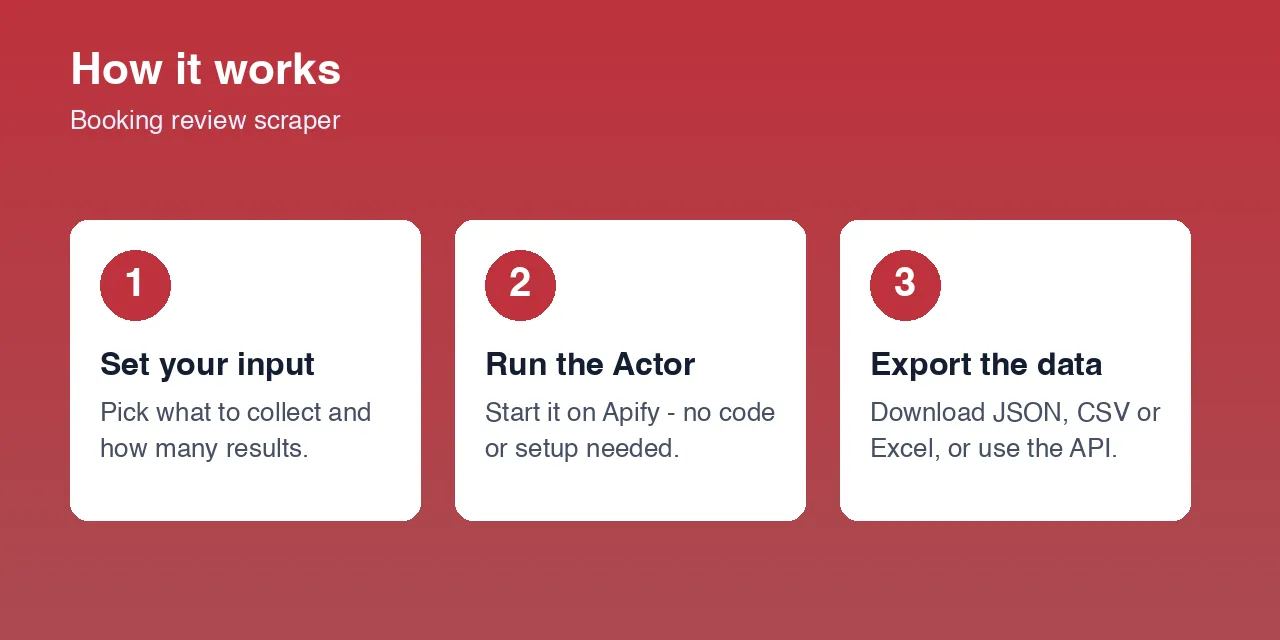
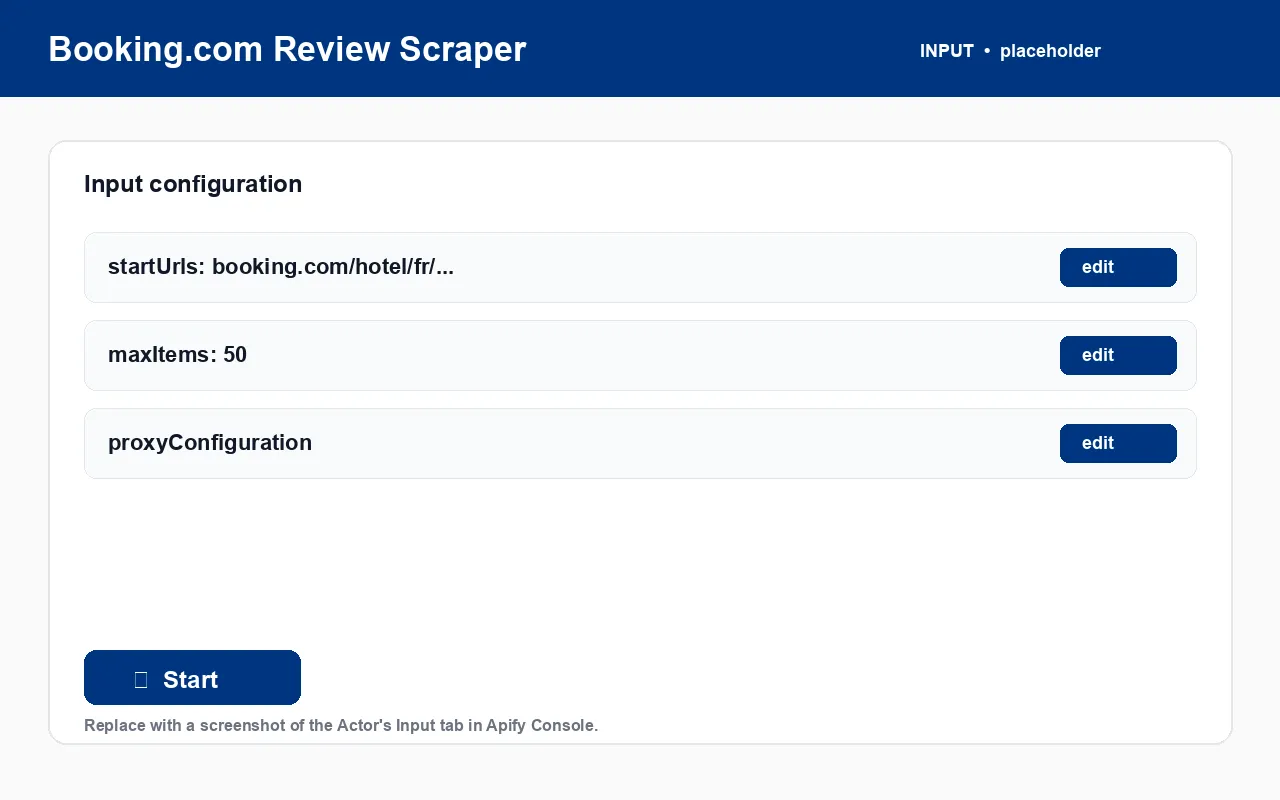
- Open the Booking.com page for the property you want reviews for and copy its URL.
- Paste it into
startUrls. Add more property URLs to cover several hotels in one run. - Set
maxItems— how many reviews to scrape across all start URLs. - Keep
proxyConfigurationenabled (required). - Click Start. Export as JSON, CSV, Excel, or via the dataset API.
What data can I extract from Booking.com reviews?
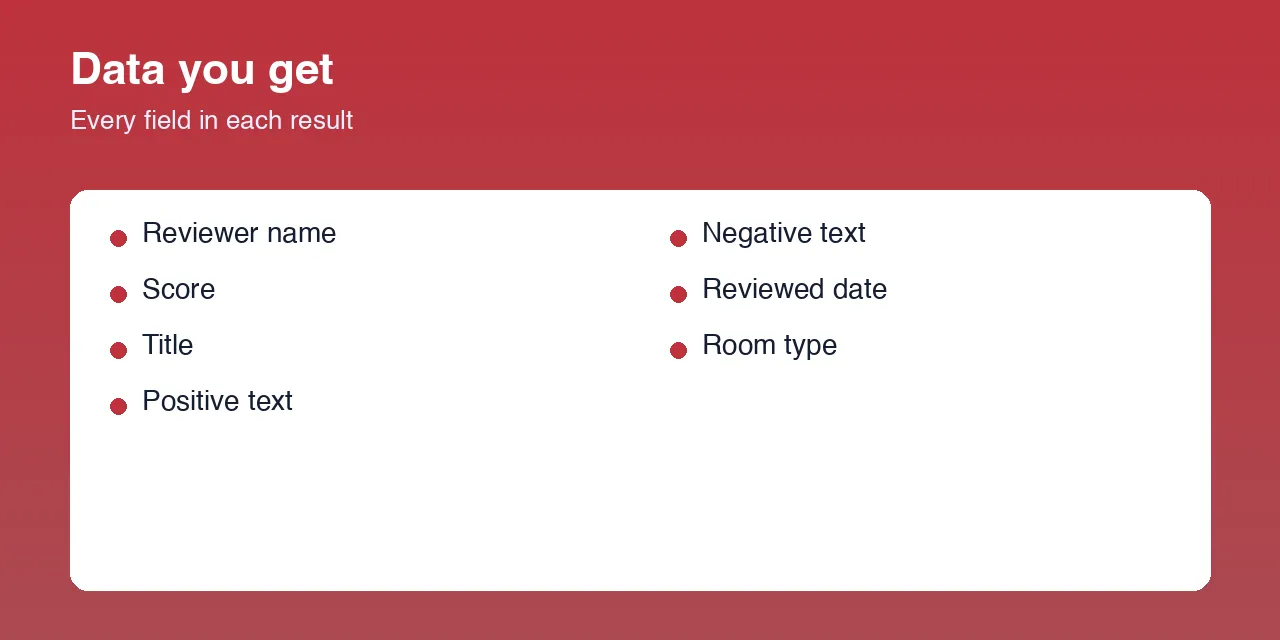
| Field | Type | Description |
|---|---|---|
reviewUrl | string | Booking.com's internal review identifier |
title | string | Review headline |
positiveText | string | What the guest liked |
negativeText | string | What the guest disliked |
score | number | Review score out of 10 |
language | string | Review language code |
reviewerName | string | Reviewer display name |
reviewerCountry | string | Reviewer's country |
reviewerReviewCount | integer | How many reviews the reviewer has written |
roomType | string | Room type the reviewer booked |
guestType | string | e.g. COUPLES, FAMILIES, SOLO |
stayNights | integer | Number of nights stayed |
checkinDate / checkoutDate | string | Stay dates |
reviewedDate | string | When the review was posted (ISO) |
helpfulVotesCount | integer | How many guests found the review helpful |
partnerReply | string | The property's reply to the review, if any |
Input example
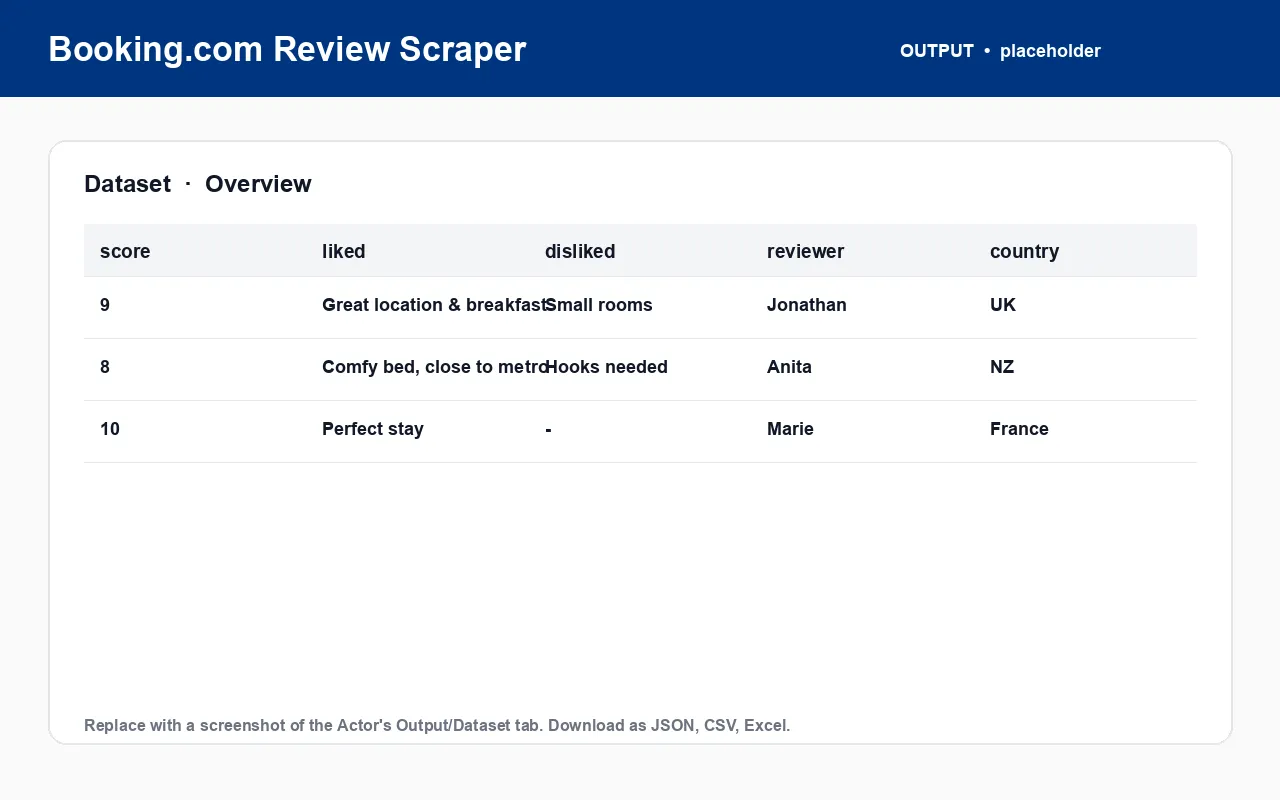
Output example
What you get vs. reading Booking.com reviews manually
| Task | Manually on Booking.com | With the Booking.com Review Scraper |
|---|---|---|
| Read 300 reviews for recurring themes | Click through page after page | One run, one dataset |
| Separate praise from complaints | Read each review carefully | positiveText / negativeText, pre-split |
| Compare competitors' review scores | Visit each property page | Batch startUrls, compare score distributions |
| Track score trend over time | Manual spreadsheet | Schedule the Actor, diff the dataset |
| Feed reviews into an NLP pipeline | Manual export | JSON / CSV from the dataset API |
How to use it (step by step)
- Copy the Booking.com property URL for each hotel you want reviews for.
- Paste into
startUrls. - Set
maxItemsto control run size and cost. - Leave the proxy on — it is required.
- Run and export — dataset tab or
GET /v2/datasets/{id}/items. - Schedule it for ongoing reputation monitoring.
Pricing
Each property page needs a real browser render, so runs consume platform usage per rendered page. Use maxItems to scope smaller, cheaper runs. Exact rates are on the Actor's Pricing tab. [PRICING TBD]
FAQ
What is the Booking.com Review Scraper? An Apify Actor that extracts guest reviews for a Booking.com property — score, liked/disliked text, reviewer details, stay details, property reply — as structured JSON, CSV, or Excel.
Do I need a Booking.com account, API key, or login? No.
What URLs does it accept? Booking.com property page URLs, e.g. https://www.booking.com/hotel/fr/mirific.en-gb.html.
In what order are reviews returned? Sorted by "most relevant" by default, matching what Booking.com shows first-time visitors.
Does it get the property's reply? Yes — partnerReply, when the property has replied.
Is a proxy required? Yes — proxyConfiguration must be enabled. Runs without a working proxy will fail.
What export formats are available? JSON, CSV, Excel, HTML table, RSS, or the Apify dataset API.
Is scraping Booking.com reviews legal? The Actor collects only publicly listed review data. You are responsible for compliant use under Booking.com's terms and the laws that apply to you. Not affiliated with Booking.com.
My other travel scrapers on Apify
| Actor | What it does |
|---|---|
| Booking.com Listings Scraper | Hotel prices, ratings, and room types from Booking.com |
| Expedia Review Scraper | Traveler reviews and sentiment from Expedia |
| Expedia Hotel Scraper | Hotel listings and per-room rates from Expedia |
| Agoda Review Scraper | Guest reviews and stay details from Agoda |
| Agoda Hotel Scraper | Hotel details and live city pricing from Agoda |
| Trip.com Review Scraper | Guest reviews and stay details from Trip.com |
| Trip.com Hotel Scraper | Hotel prices, ratings, and best room rate from Trip.com |
| TripAdvisor Review Scraper | Full guest reviews and sub-ratings from TripAdvisor |
| TripAdvisor Hotel Scraper | Hotel details plus per-OTA room rates from TripAdvisor |
| Airbnb Room Reviews Scraper | Reviews, ratings, and host replies from Airbnb listings |
| Airbnb Search Scraper | Listings, prices, and hosts from Airbnb search |
| Airbnb & Vrbo Revenue and Occupancy Estimator | Estimated revenue and occupancy for short-term rentals |
| Google Hotels Scraper | Hotel prices, ratings, and coordinates from Google Hotels |
Independent tool, not affiliated with or endorsed by Booking.com. Accesses only publicly available data. Report bugs or request features on the Issues tab.


![🏖️ Vrbo Vacation Rental Reviews Scraper [From 💰$0.50/1K] avatar](https://images.apifyusercontent.com/LklS3SyAKKBjJida4UzqRSwrjl0ne4pynMvnmnzvYGo/rs:fill:76:76/cb:1/aHR0cHM6Ly9hcGlmeS1pbWFnZS11cGxvYWRzLXByb2QuczMudXMtZWFzdC0xLmFtYXpvbmF3cy5jb20vRWNDelQ3dmFoNmpGRHdBeEwtYWN0b3IteklHeW5RT1N5V0IyMXdGZ2ItUG9ZMXRSdHBYdS12cmJvX2xvZ29fNTAwLnBuZw.webp)

