
Airbnb Listings Scraper – Prices, Ratings & Photos
Pricing
from $0.70 / 1,000 results
Airbnb Listings Scraper – Prices, Ratings & Photos
Scrape Airbnb search results by location, dates, and guest count. Get listing prices, ratings, review counts, room details, GPS coordinates, and full photo galleries no API key required. Fast, reliable, and export-ready (JSON/CSV/Excel)
Pricing
from $0.70 / 1,000 results
Rating
0.0
(0)
Developer

MrDoe
Maintained by CommunityActor stats
0
Bookmarked
2
Total users
1
Monthly active users
24 days ago
Last modified
Categories
Share
Airbnb Search Scraper
Scrape Airbnb search results — listing title, nightly price, rating, review count, Superhost status, bedroom/bed/bath counts, coordinates, and photo URLs — without an Airbnb account, login, or official API. The Airbnb Search Scraper takes one or more Airbnb search URLs and returns clean structured JSON for short-term-rental market research, price monitoring, and building your own Airbnb listings dataset or API feed.
What is the Airbnb Search Scraper?
The Airbnb Search Scraper is an Apify Actor that extracts every listing from an Airbnb search results page. Paste an Airbnb search URL (any filters in the URL — dates, guests, price range, map area — are respected) and it pages through the results, returning one flat JSON row per listing with price, rating, review count, Superhost flag, room configuration, coordinates, and images. Output is ready for Excel, Google Sheets, or an API integration.
How to scrape Airbnb listings by location
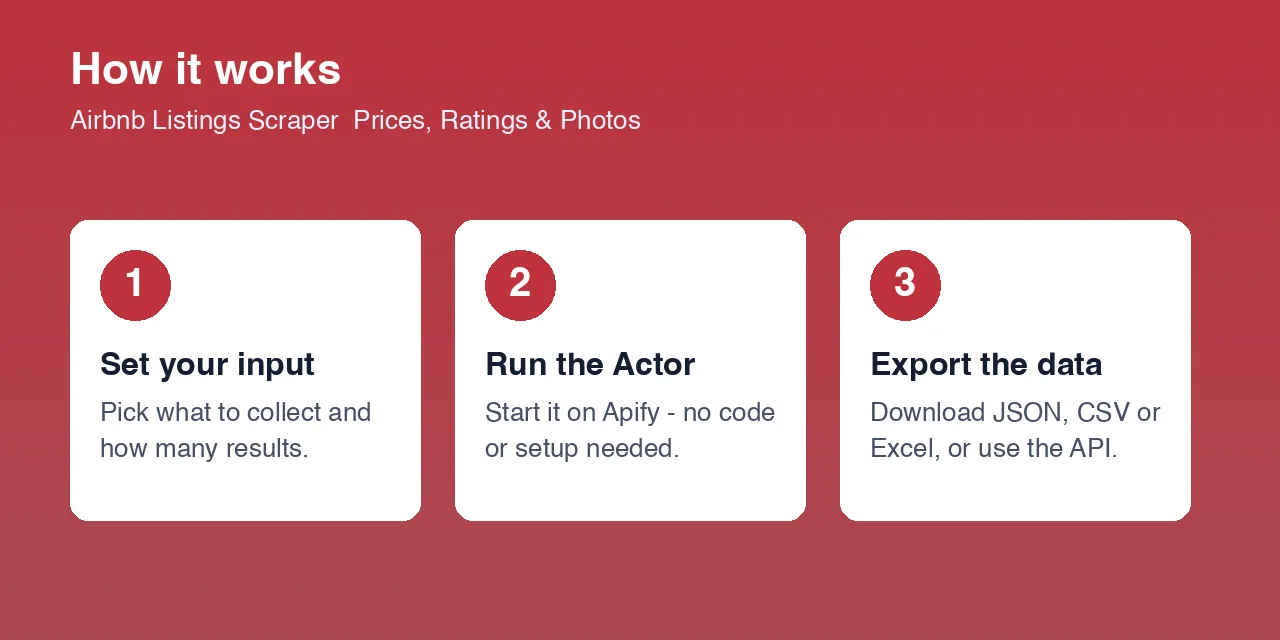
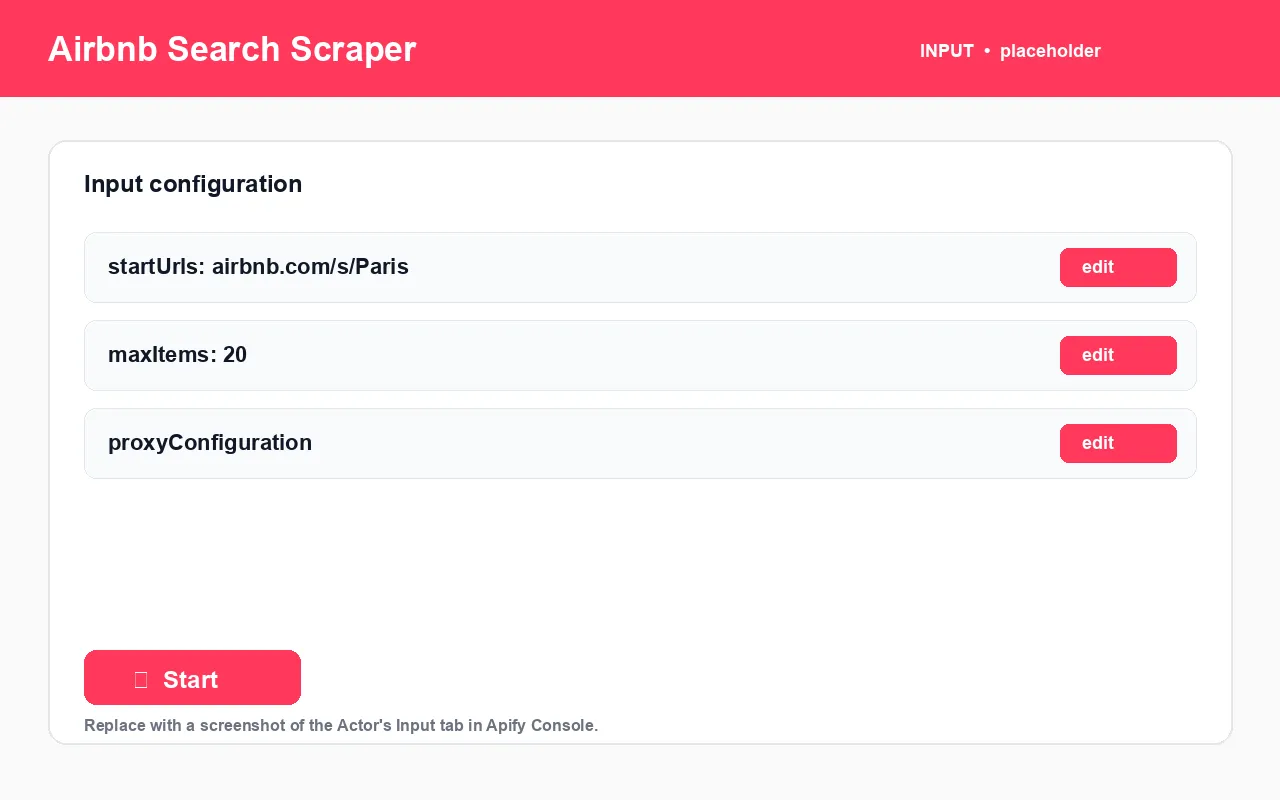
- Go to airbnb.com, search a destination with your dates and guests, and copy the resulting URL.
- Paste it into
startUrls. Add more URLs to cover several searches in one run. - Set
maxItems— the number of listings to collect per start URL. - Optionally enable a proxy under
proxyConfigurationfor larger runs. - Click Start. Export as JSON, CSV, Excel, or via the dataset API.
What data can I extract from Airbnb?
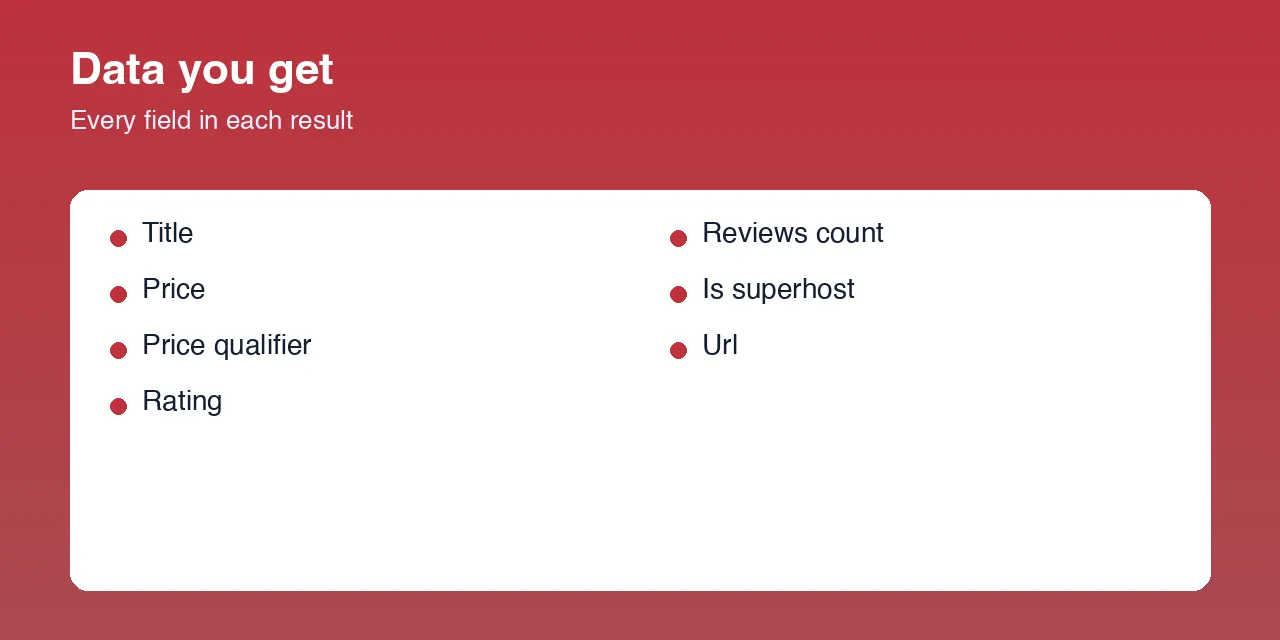
| Field | Type | Description |
|---|---|---|
id | string | Airbnb listing ID |
title | string | Listing title, e.g. Apartment in Huai Khwang |
subtitle | string | Secondary description line |
url | string | Canonical airbnb.com/rooms/<id> URL |
price | string | Displayed price, e.g. $583 |
priceQualifier | string | Price context, e.g. for 12 nights |
rating | number | Overall guest rating |
reviewsCount | integer | Number of reviews |
isSuperhost | boolean | Whether the host is a Superhost |
roomDetails | array | Room configuration, e.g. ["1 bedroom", "1 bed", "1 bath"] |
latitude / longitude | number | Listing coordinates |
images | array | Photo URLs |
searchUrl | string | The start URL this listing came from |
Input example
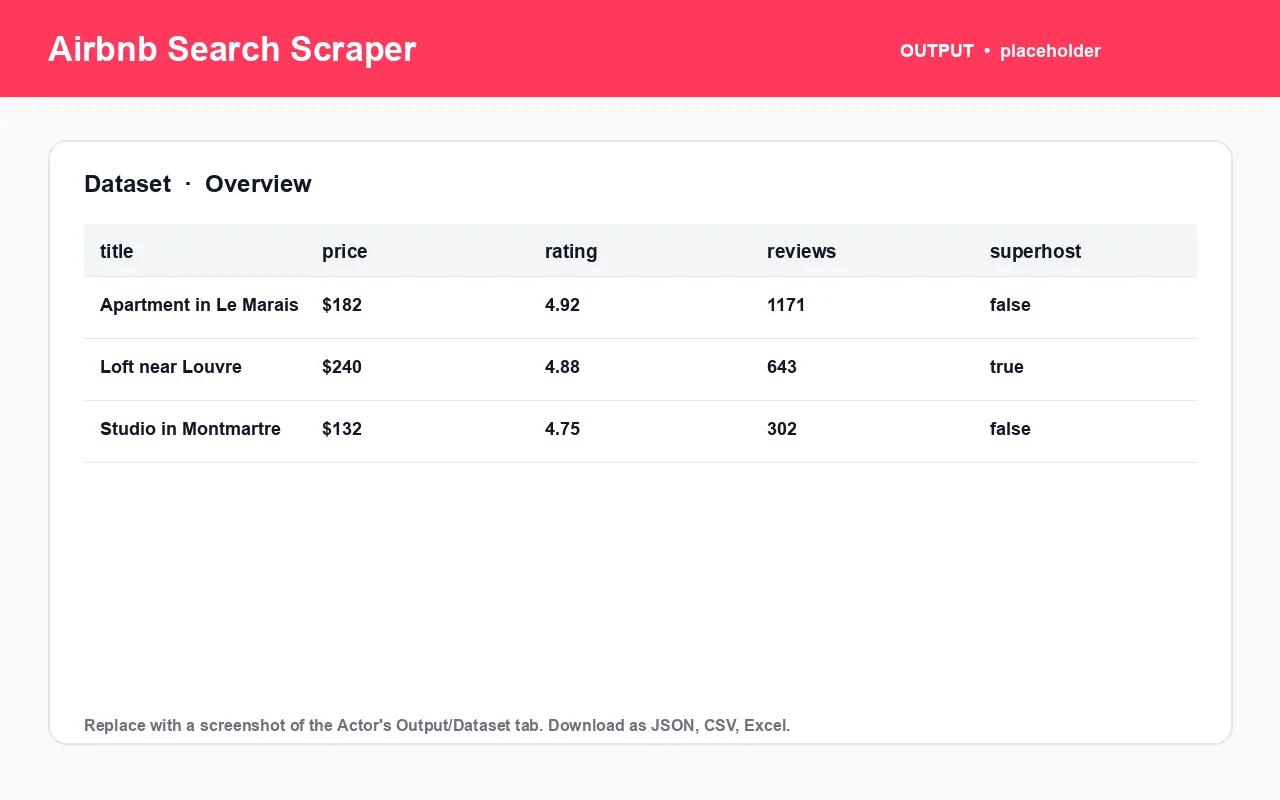
Output example
What you get vs. browsing Airbnb manually
| Task | Manually on Airbnb | With the Airbnb Search Scraper |
|---|---|---|
| Collect 100 listings for a city | Scroll endlessly, copy each | One run, one dataset |
| Track nightly prices for a neighbourhood | Re-search daily | Schedule the Actor, diff the dataset |
| Map listing density and price | Note pins one by one | latitude / longitude on every row |
| Measure Superhost share in a market | Click into each listing | Count isSuperhost across the dataset |
| Get data into Excel / a database | Manual copy-paste | Built-in JSON / CSV / Excel + dataset API |
How to use it (step by step)
- Build the search on Airbnb with the filters you want and copy the URL.
- Paste it into
startUrls— filters in the URL are preserved. - Set
maxItemsper start URL. - Enable a proxy for high-volume runs to avoid rate limiting.
- Run and export — dataset tab or
GET /v2/datasets/{id}/items. - Schedule it for recurring market tracking.
Pricing
Runs on the Apify platform and consumes platform usage (compute + proxy). Use maxItems to scope smaller, cheaper runs. Exact rates are on the Actor's Pricing tab. [PRICING TBD]
FAQ
What is the Airbnb Search Scraper? An Apify Actor that extracts all listings from an Airbnb search results page — price, rating, reviews, Superhost status, room counts, coordinates, photos — as structured JSON, CSV, or Excel.
Do I need an Airbnb account, API key, or login? No.
What URLs does it accept? Airbnb search result URLs (https://www.airbnb.com/s/...). Any filters in the URL — dates, guests, price range, map bounds — are respected.
Do I need a proxy? Not for light usage. Enable one for larger runs to avoid IP-based rate limiting.
Are duplicate listings removed? Yes. Airbnb's ranking can shift between requests, so a listing may reappear across pages of one run; duplicates within a run are filtered out.
Does it download photos? No — it collects image URLs into the images field.
What export formats are available? JSON, CSV, Excel, HTML table, RSS, or the Apify dataset API.
Is scraping Airbnb legal? The Actor accesses only publicly visible listing data. You are responsible for compliant use under Airbnb's terms and the laws that apply to you. Not affiliated with Airbnb.
My other travel scrapers on Apify
| Actor | What it does |
|---|---|
| Airbnb Room Reviews Scraper | Reviews, ratings, and host replies from Airbnb listings |
| Airbnb & Vrbo Revenue and Occupancy Estimator | Estimated revenue and occupancy for short-term rentals |
| Booking.com Listings Scraper | Hotel prices, ratings, and room types from Booking.com |
| Booking.com Review Scraper | Guest review text and scores from Booking.com |
| Expedia Hotel Scraper | Hotel listings and per-room rates from Expedia |
| Expedia Review Scraper | Traveler reviews and sentiment from Expedia |
| Agoda Hotel Scraper | Hotel details and live city pricing from Agoda |
| Agoda Review Scraper | Guest reviews and stay details from Agoda |
| Trip.com Hotel Scraper | Hotel prices, ratings, and best room rate from Trip.com |
| Trip.com Review Scraper | Guest reviews and stay details from Trip.com |
| Google Hotels Scraper | Hotel prices, ratings, and coordinates from Google Hotels |
| TripAdvisor Hotel Scraper | Hotel details plus per-OTA room rates from TripAdvisor |
| TripAdvisor Review Scraper | Full guest reviews and sub-ratings from TripAdvisor |
Independent tool, not affiliated with or endorsed by Airbnb. Accesses only publicly available data. Report bugs or request features on the Issues tab.


