

Trip.Com Review Scraper ⭐️
Pricing
from $0.70 / 1,000 results
Trip.Com Review Scraper ⭐️
Extract guest reviews from Trip.com hotel pages anonymously — no login needed. Get rating, full review text, reviewer name and region, stay date, room type and travel type for any hotel by URL or ID. Batch multiple hotels for voice-of-customer or competitor research, one start fee per run.
Pricing
from $0.70 / 1,000 results
Rating
0.0
(0)
Developer

MrDoe
Maintained by CommunityActor stats
0
Bookmarked
2
Total users
1
Monthly active users
24 days ago
Last modified
Categories
Share
Trip.com Review Scraper
Scrape Trip.com guest reviews — rating, review text, reviewer name and region, stay date, room type, travel type, language, and photo count — without a Trip.com account, login, or official API. The Trip.com Review Scraper takes a Trip.com hotel URL or numeric hotel ID and returns clean structured JSON for hotel reputation monitoring, guest-sentiment analysis, and competitor review research.
What is the Trip.com Review Scraper?
The Trip.com Review Scraper is an Apify Actor that extracts guest reviews from Trip.com hotel pages. Give it a hotel URL or hotel ID (or a batch of them) and it returns one flat JSON row per review with the rating (Trip.com's 0–10 scale), the full review text, the reviewer's name and region, the stay date, room type, travel type, language, a recommendation flag, and the number of photos attached. The hotel's ID, name, and URL are repeated on every row. Output is ready for text analysis, Excel, or an API integration.
How to scrape reviews for a Trip.com hotel
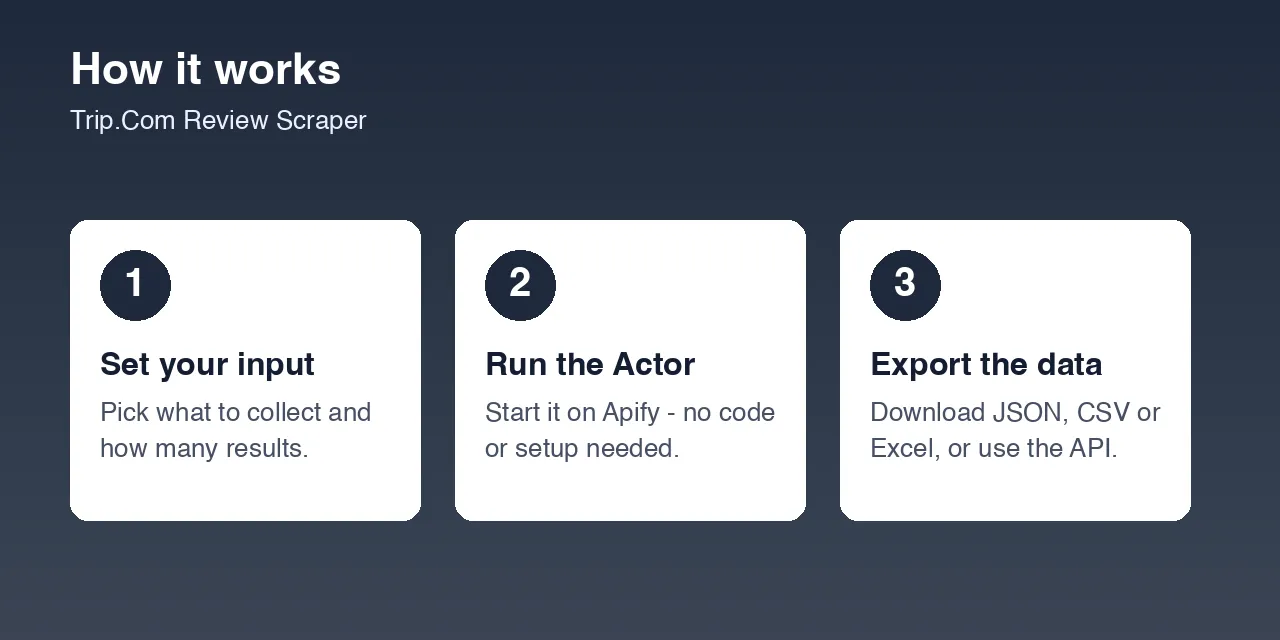
- Open the hotel's Trip.com page and copy its URL (e.g.
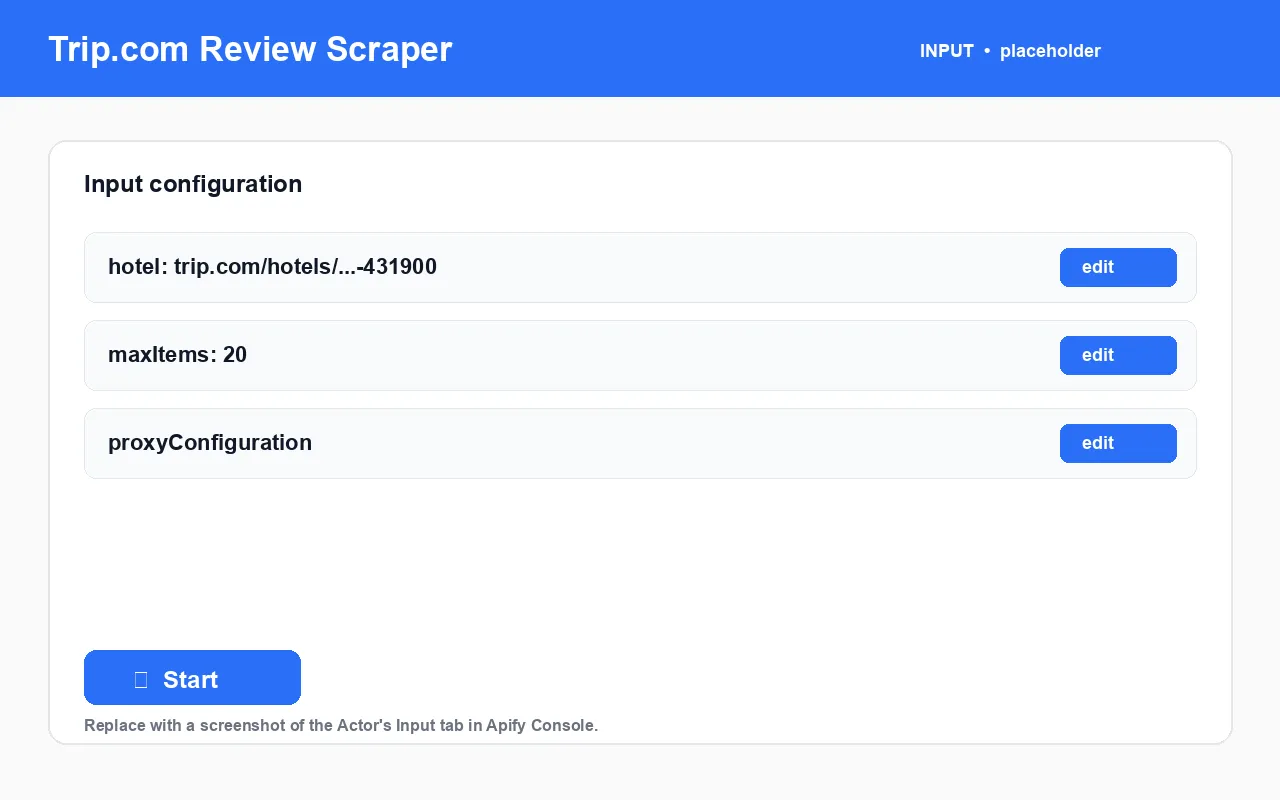
https://www.trip.com/hotels/shanghai-hotel-detail-431900/...) or the numeric hotel ID (431900). - Put it in
hotel, or usehotelsfor a batch. - Set
maxItems— the cap on review rows per hotel. - Keep
proxyConfigurationon residential (strongly recommended). - Click Start. Export as JSON, CSV, Excel, or via the dataset API.
What data can I extract from Trip.com reviews?
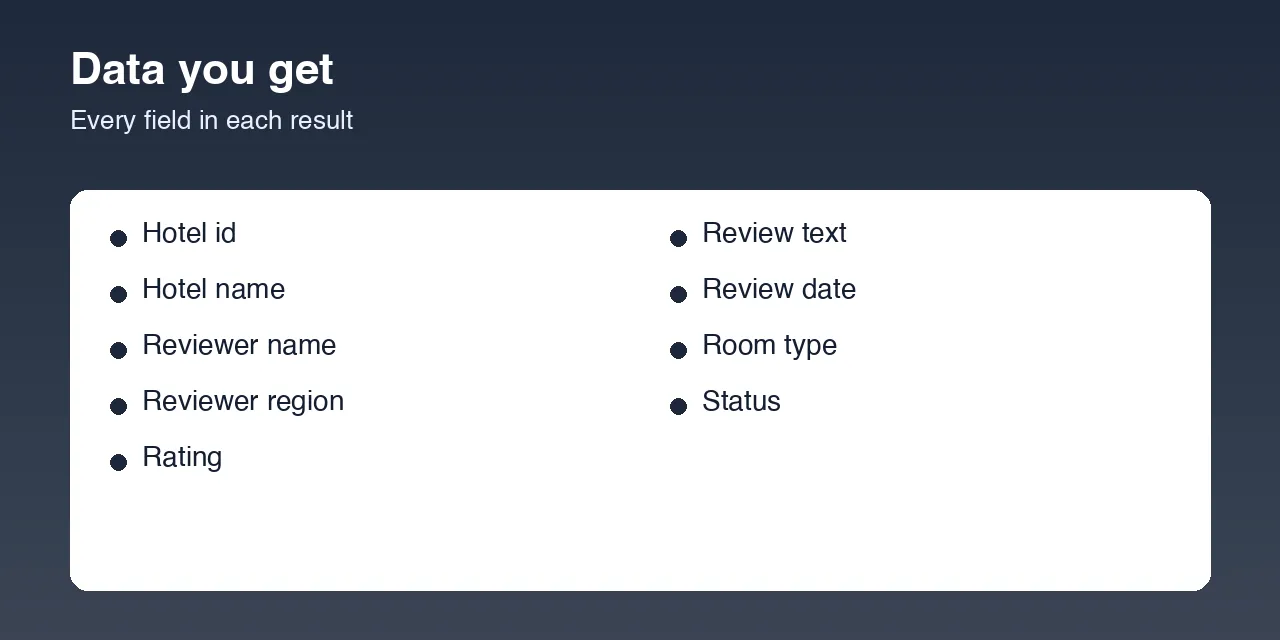
| Field | Type | Description |
|---|---|---|
status | string | success, no_reviews, not_found, or error |
hotelInput | string | The URL / ID / name you passed in |
hotelId | string | Trip.com's internal hotel ID |
hotelName | string | Hotel name (best-effort, from the page title) |
hotelUrl | string | Canonical Trip.com hotel page URL |
reviewId | string | Trip.com's internal review ID |
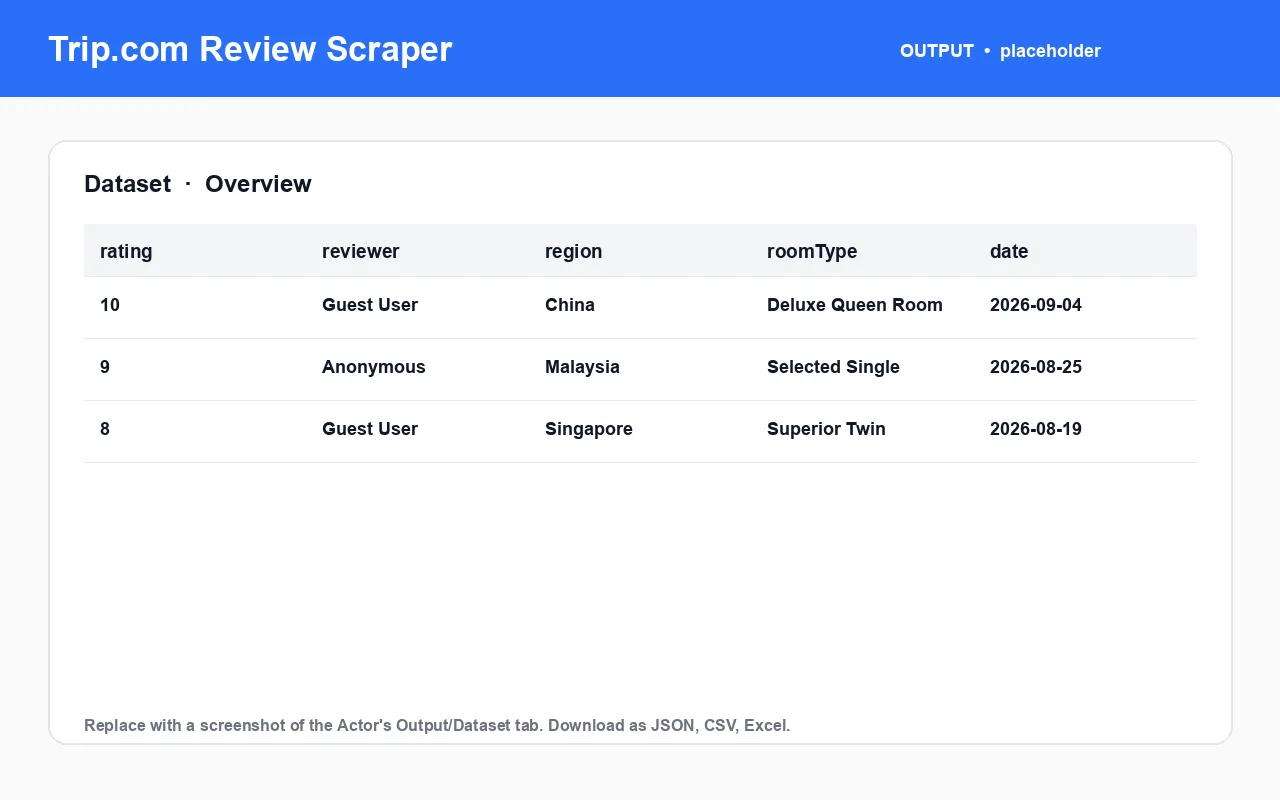
reviewerName | string | Reviewer display name |
reviewerRegion | string | Reviewer's country / region |
rating | number | Review rating on Trip.com's 0–10 scale |
ratingLabel | string | Rating label, e.g. Outstanding |
reviewTitle | string | Review headline when present |
reviewText | string | Full review text |
reviewDate | string | When the review was posted |
stayDate | string | Month/date of the stay |
roomType | string | Room type the reviewer booked |
travelType | string | e.g. Traveling with friends, Business trip |
language | string | Review language code |
recommend | boolean | Whether the reviewer recommends the hotel |
usefulCount | integer | Helpful-vote count |
imageCount | integer | Number of photos attached to the review |
errorMessage | string | Why a lookup failed |
Input example
Output example
What you get vs. reading Trip.com reviews manually
| Task | Manually on Trip.com | With the Trip.com Review Scraper |
|---|---|---|
| Read a hotel's reviews for sentiment | Scroll the review widget | One run, one dataset |
| Compare several hotels' review volume | Visit each page | Batch hotels, one run |
| Break reviews down by traveler type or room | Read and tag by hand | travelType / roomType on every row |
| Track rating trend over time | Manual spreadsheet | Schedule the Actor, diff the dataset |
| Feed reviews into an NLP pipeline | Manual export | JSON / CSV from the dataset API |
How to use it (step by step)
- Use a hotel URL or numeric ID — these are the reliable inputs. A free-text hotel name is accepted but often resolves to a
not_foundrow. - Batch with
hotelsto cover many properties under one run-start fee. - Set
maxItemsto cap per-hotel review rows. - Keep the residential proxy on.
- Run and export — dataset tab or
GET /v2/datasets/{id}/items. - Schedule it for ongoing reputation monitoring.
Pricing
Pay-per-event: a small run-start charge, then a per-row charge for each review returned. A small number of review rows per run are free. no_reviews, not_found, and error rows are not charged. Use maxItems to cap per-hotel spend on a large batch. Exact rates are on the Actor's Pricing tab. [PRICING TBD]
FAQ
What is the Trip.com Review Scraper? An Apify Actor that extracts guest reviews from Trip.com hotel pages — rating, full text, reviewer region, stay date, room type, travel type — as structured JSON, CSV, or Excel.
Do I need a Trip.com account, API key, or login? No.
Why is the rating out of 10, not 5? That is Trip.com's own scale; the Actor passes it through unchanged.
Why did I get a no_reviews row? The hotel page loaded but no review data came back for it in that run — try again or verify the hotel URL.
Why did a hotel-name query return not_found? Trip.com's anonymous keyword search does not reliably resolve hotel names. Use a direct hotel URL or numeric ID.
Is this the hotel's full review history? No — it is one batch per hotel per run. Values of maxItems above roughly 30–50 are unlikely to return more than Trip.com hands back in that batch.
What export formats are available? JSON, CSV, Excel, HTML table, RSS, or the Apify dataset API.
Is scraping Trip.com reviews legal? The Actor accesses only publicly available data shown to anonymous visitors. You are responsible for compliant use under Trip.com's terms and the laws that apply to you. Not affiliated with Trip.com.
My other travel scrapers on Apify
| Actor | What it does |
|---|---|
| Trip.com Hotel Scraper | Hotel prices, ratings, and best room rate from Trip.com |
| Booking.com Review Scraper | Guest review text and scores from Booking.com |
| Booking.com Listings Scraper | Hotel prices, ratings, and room types from Booking.com |
| Expedia Review Scraper | Traveler reviews and sentiment from Expedia |
| Expedia Hotel Scraper | Hotel listings and per-room rates from Expedia |
| Agoda Review Scraper | Guest reviews and stay details from Agoda |
| Agoda Hotel Scraper | Hotel details and live city pricing from Agoda |
| TripAdvisor Review Scraper | Full guest reviews and sub-ratings from TripAdvisor |
| TripAdvisor Hotel Scraper | Hotel details plus per-OTA room rates from TripAdvisor |
| Google Hotels Scraper | Hotel prices, ratings, and coordinates from Google Hotels |
| Airbnb Room Reviews Scraper | Reviews, ratings, and host replies from Airbnb listings |
| Airbnb Search Scraper | Listings, prices, and hosts from Airbnb search |
| Airbnb & Vrbo Revenue and Occupancy Estimator | Estimated revenue and occupancy for short-term rentals |
Independent tool, not affiliated with or endorsed by Trip.com. Accesses only publicly available data. Report bugs or request features on the Issues tab.


