

iOS App Store Reviews Scraper: 150+ Countries, $0.50/1k
Pricing
Pay per event
iOS App Store Reviews Scraper: 150+ Countries, $0.50/1k
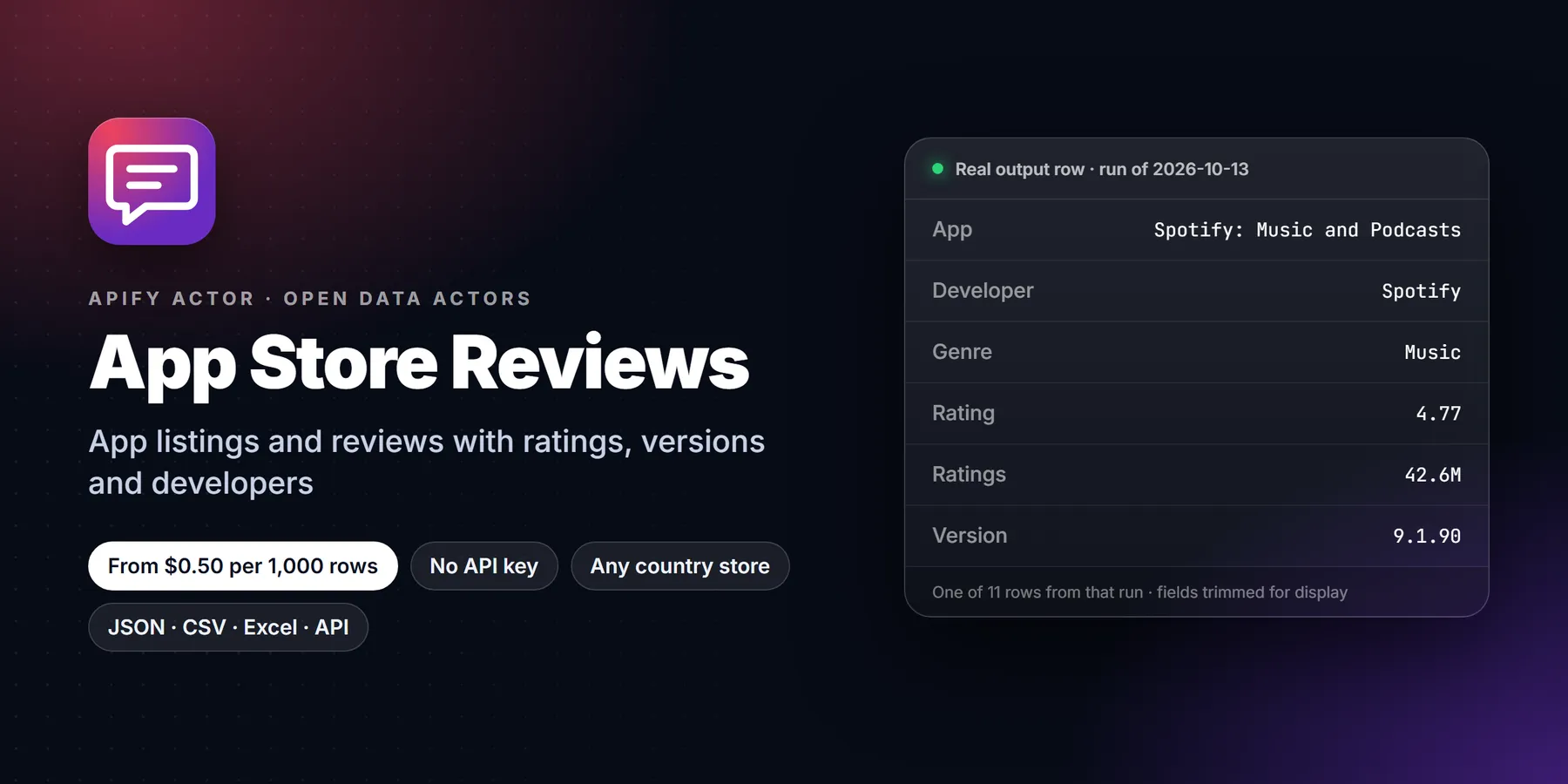
Apple App Store reviews at $0.50 per 1,000, verified by 85 passing tests. Review text, stars, app version, date, votes, plus rating, rating count, price, genre and release notes. 150+ countries, keyword search, date and star filters, delta mode.
Pricing
Pay per event
Rating
0.0
(0)
Developer

Detroit Web Agent - Open Data
Maintained by CommunityActor stats
0
Bookmarked
2
Total users
1
Monthly active users
12 hours ago
Last modified
Categories
Share
App Store Reviews Scraper: iOS Ratings, Reviews and App Details

| Price per 1,000 rows | Free plan | Starter | Scale | Business |
|---|---|---|---|---|
| This Actor | $0.50 | $0.50 | $0.50 | $0.50 |
Video walkthrough: Watch the 1-minute demo on YouTube
- In short: App Store Reviews Scraper (Apify actor
transparent_meteorite/app-store-reviews) returns Apple App Store reviews and app details from Apple's public feeds for any iOS app, in 150+ country stores. - Who it is for: app product managers, ASO and review-monitoring teams, market researchers, competitive analysts.
- Input: app IDs or App Store URLs (also as Start URLs), or search terms; one country or many, max items cap; countries, max reviews per app, sort, since date, star filters, delta mode.
- Output: review title and text, stars, app version, date, author, votes; plus app name, average rating, rating count, price, genre, release notes.
- Price: $0.0005 per review, $0.002 per app details row, $0.00005 per run start. Pay per result, no subscription; Apify's free plan credit covers a first test.
- Limits: Apple's public feed can return up to about 500 reviews per app per country when it is serving them. At the moment Apple's feed is returning empty, so the actor falls back to the reviews shown on the app's own page (about 8 per app).
Key facts
- Actor name: App Store Reviews Scraper
- Actor ID:
transparent_meteorite/app-store-reviews - Store page: https://apify.com/transparent_meteorite/app-store-reviews
- Data source: Apple's public App Store RSS and lookup feeds
- Pricing model: pay per event (
apify-actor-start$0.00005,review-returned$0.0005,app-details$0.002) - Output formats: JSON, CSV, Excel, XML, HTML table, RSS (Apify dataset)
- Access: Apify Console, REST API, JavaScript/Python clients, schedules, webhooks, Apify MCP server
- Login or third-party API key needed: no, only an Apify account
- Also known as: App Store reviews scraper, iOS reviews API, Apple app ratings export, app review monitoring
- Maintainer: transparent_meteorite (independent developer)
- Last updated: 2026-10-07
Export Apple App Store reviews for any iOS app in 150+ countries, with star rating, app version, date and helpful votes, plus an app details row (average rating, rating count, price, genre, developer, release notes, size). $0.50 per 1,000 reviews.
Run in 30 seconds
- Open the prefilled run (free Apify account; it creates a saved task with a working input).
- Press Start. The input is small on purpose, so the first run is quick and costs a few cents at most.
- Open the Output tab, switch to Table view, download as CSV, Excel or JSON.
Prefilled input:
Ready-made presets by use case (each opens as a saved task you can edit):
Why choose this over alternatives
- Reviews and app details from Apple's public feeds across 150+ country stores.
- Review text, stars, app version, date and votes, plus rating, rating count, price, genre and release notes.
- Keyword search, date and star filters, and a delta mode that only returns new reviews.
- $0.50 per 1,000 reviews.
| Check | This actor |
|---|---|
| Automated tests on the current build | 85 passed, 0 failed |
| Price | $0.0005 per review |
Measured 2026-10-09 (source: this actor's own test suite and runs).
What does it do
- Takes app IDs, App Store links or search keywords (for example
324684580,https://apps.apple.com/us/app/duolingo-learn-languages/id570060128ormeditation). - Collects the most recent or most helpful customer reviews from every App Store country you choose: title, full text, stars, app version reviewed, date, helpful votes, author nickname and a link.
- Adds an app details row per app and country: average rating, total ratings, current-version rating, price and currency, genre, developer, version, version release date, release notes, size, age rating, languages and icon.
- Filters by date (
2026-09-01or7 days) and star rating (for example 1-2 stars for complaints), and in delta mode returns only reviews you have not seen before. - Uses only Apple's public endpoints (iTunes Search/Lookup API and the public customer reviews feed). No login, no cookies, no proxies.
Why use it
- Version-level insight: every review carries the app version, so you can see what a release did to sentiment.
- Multi-country in one run: compare
us,gb,de,jp,brand 150+ other storefronts side by side. - Pay only for what you keep: date, star and delta filters run before charging. Filtered-out reviews are free.
- Built for monitoring: schedule it daily with delta mode and get only new reviews, ideal for Slack alerts, support triage or ASO dashboards.
- App details included: rating average and count, price and release notes per country, so one dataset covers reviews and market data.
- Fast: the default input (2 apps, 100 reviews) finishes in about 10 seconds.
How to use
- Open the actor and paste app IDs or App Store links into App IDs or App Store URLs (or type keywords into Search terms).
- Pick Countries (default
us) and Max reviews per app and country (up to 500 when Apple's feed is serving; about 8 from the app-page fallback). - Optional: set Only reviews since, a star range, or turn on Delta mode for scheduled monitoring.
- Click Start. Open the Reviews or App details view, or download JSON, CSV or Excel.
Input example
Output
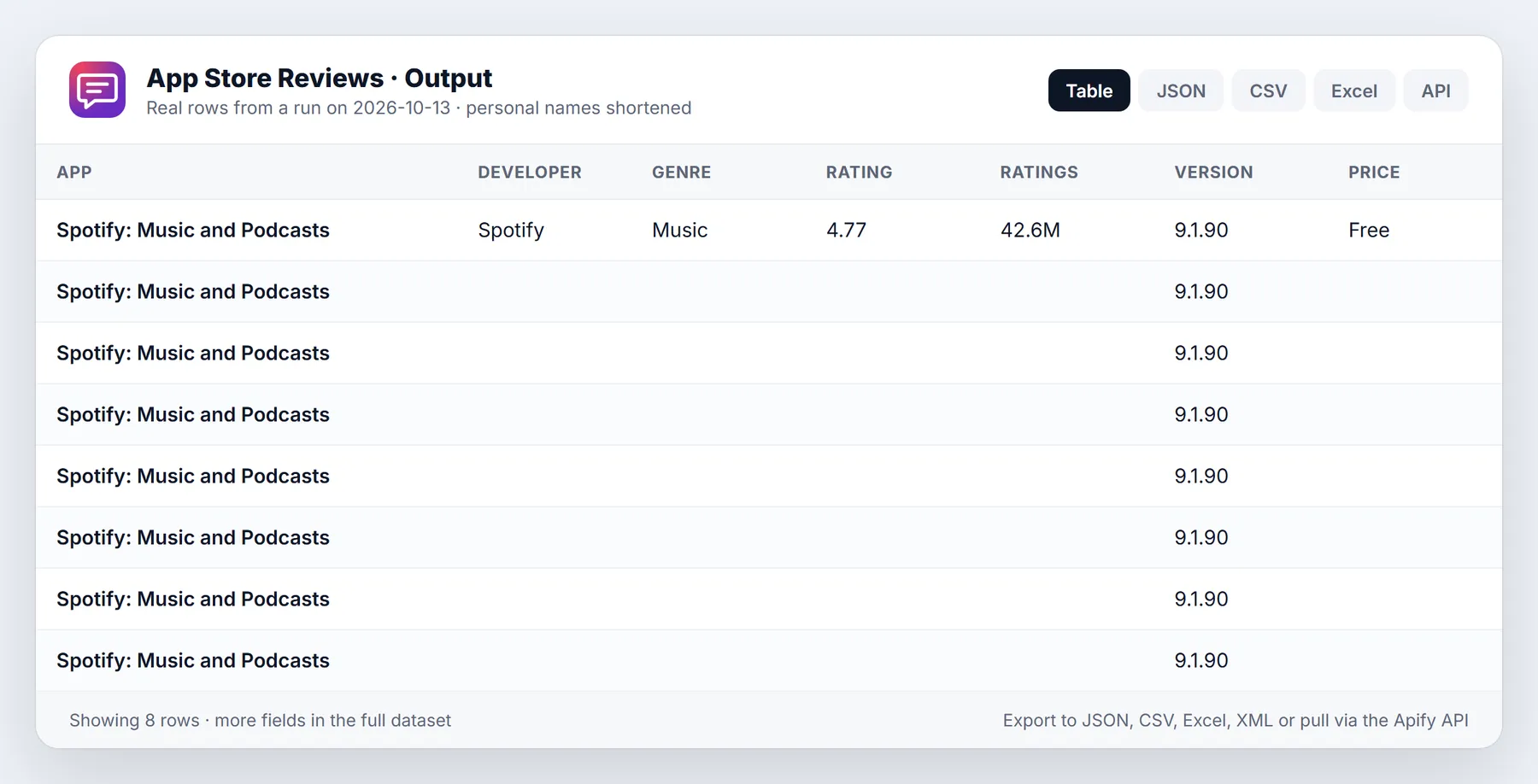
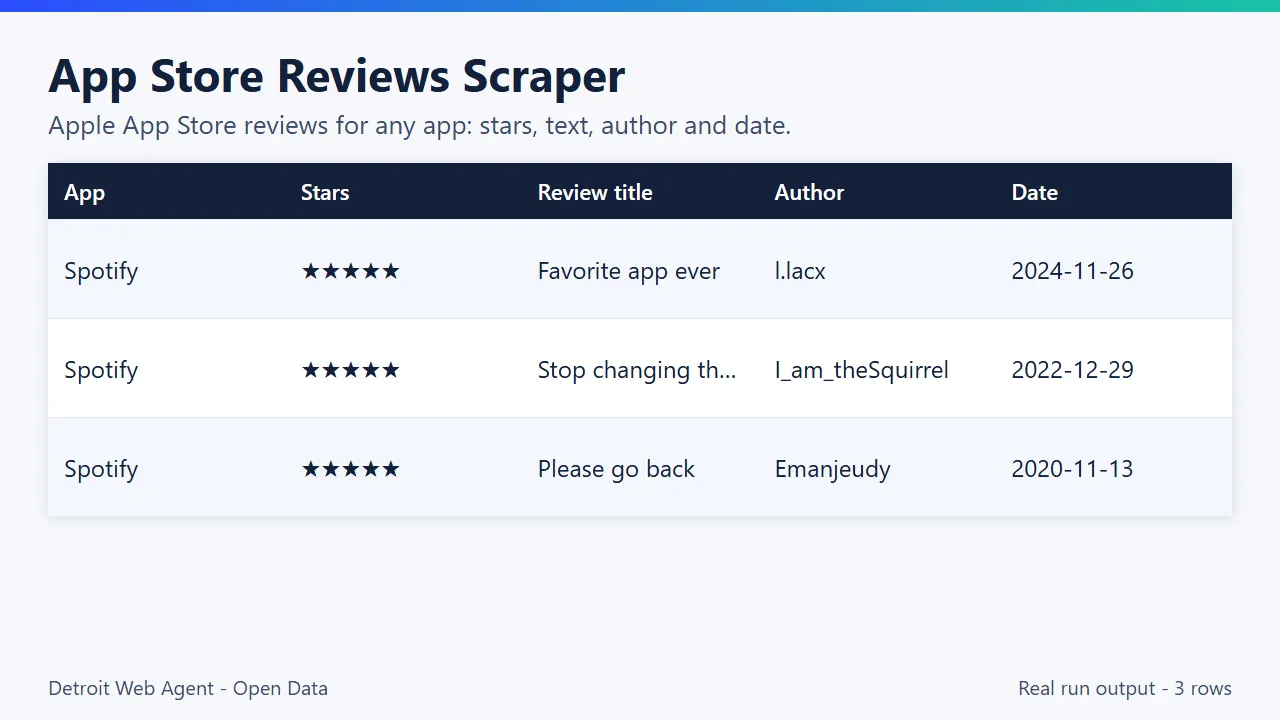
Every row has a type: review or app. Sample from a real run (2026-10-07, default input):
| App | Stars | Version | Date (UTC) | Title | Review |
|---|---|---|---|---|---|
| Spotify: Music and Podcasts | 3 | 9.1.88 | 2026-10-06 19:53 | UI is | Not good |
| Spotify: Music and Podcasts | 5 | 9.1.88 | 2026-10-06 19:38 | Wonderful | My phone screen is off and Spotify plays in the background saving my battery power. |
| Spotify: Music and Podcasts | 5 | 9.1.88 | 2026-10-06 19:25 | W app | Absolutely W app with sum knarly (with a k) beats |
| Spotify: Music and Podcasts | 5 | 9.1.88 | 2026-10-06 19:16 | Peak | Peak |
| Spotify: Music and Podcasts | 1 | 9.1.88 | 2026-10-06 19:11 | 4 ads to listen to one song! | 4 ads to listen to one song! |
App details rows from the same run:
| App | Avg rating | Ratings | Price | Genre | Developer | Version | Size (MB) | Age rating |
|---|---|---|---|---|---|---|---|---|
| Spotify: Music and Podcasts | 4.77 | 42,467,237 | 0 | Music | Spotify | 9.1.88 | 298.8 | 12+ |
| Duolingo: Language Lessons | 4.72 | 5,493,736 | 0 | Education | Duolingo | 7.142.0 | 491.3 | 4+ |
One review item:
Every review row also has userName and userUrl (the reviewer's name and Apple profile link when Apple provides one), isHelpful, reviewTitleLength and reviewTextLength. App rows also include bundleId, developerId, genres, currency, formattedPrice, ratingAverageCurrentVersion, ratingCountCurrentVersion, currentVersionReleaseDate, releaseDate, releaseNotes, sizeBytes, minimumOsVersion, languages, description, iconUrl and url. A RUN_SUMMARY record in the key-value store lists per-app counts, stop reasons, skipped inputs and apps not found in a country.
Sample output (real run, truncated)
Pricing
Pay per event, no subscription:
| Event | Price |
|---|---|
| Actor start | $0.00005 per run |
| Review returned | $0.0005 per review ($0.50 per 1,000) |
| App details row | $0.002 per app and country |
Worked example: 5 apps in 3 countries with 200 reviews each = 3,000 reviews ($1.50) + 15 app rows ($0.03) + start = about $1.53. A daily delta monitor on one app that sees 40 new reviews a day costs about $0.02 per day. Set a maximum cost per run in Apify and the actor stops cleanly at the limit.
Apify's free plan includes $5 of monthly platform credit, which covers about 8,500 reviews with this actor (at $0.0005 per result, plus small platform usage). Paid Apify plans get the same data with no monthly cap; scheduled daily runs stay cheap because each run only returns new records.
Use cases
- Product managers: export recent reviews to find bugs and feature requests.
- ASO and review monitoring: track ratings by country store and star range.
- Competitive analysis: compare reviews of competing apps.
- Alerts:
deltaModereturns only reviews not seen in earlier runs.
Use from AI agents (MCP, ChatGPT, Claude, Perplexity)
App Store Reviews Scraper works as a tool for AI assistants through the official Apify MCP server. Add this server URL to any MCP client (Claude Desktop, Claude Code, Cursor, ChatGPT connectors, VS Code):
Claude Desktop / Cursor config:
Then ask in plain language, for example: "How do I export App Store reviews for an app?"
Call it directly over HTTP (runs the actor and returns the dataset items in one request):
Python:
The same actor works in n8n, Make, Zapier, LangChain, LlamaIndex and CrewAI through their Apify integrations.
Questions people ask
How do I export App Store reviews for an app? Paste the App Store URL or numeric app ID into appIds and pick countries; reviews come back as JSON or CSV.
Can I monitor new reviews only? Yes, turn on deltaMode and schedule the actor.
How many reviews can I get? Apple's public feed can return up to about 500 reviews per app per country when it is serving them. At the moment Apple's feed is returning empty, so the actor falls back to the reviews shown on the app's own page (about 8 per app).
Use it from code
Small real input: it returns only a couple of rows, so a test run costs very little (see Pricing). Set the APIFY_TOKEN environment variable to your token from Apify Console > Settings > API & Integrations.
Python (pip install apify-client)
JavaScript / Node.js (npm install apify-client)
curl (runs the actor and returns the dataset items in one call)
Send results to Google Sheets, Zapier, Make or n8n
- Google Sheets: every run's dataset has a CSV export link:
https://api.apify.com/v2/datasets/<DATASET_ID>/items?format=csv&clean=true(the dataset ID is on the run's Storage tab). In Sheets,=IMPORTDATA("<that link>")loads it. Anyone with the link can read that dataset, so share it carefully. To export to Google Drive automatically, use the Google Drive integration on the actor's Integrations tab. - Zapier: in the Apify app, use the trigger Finished Actor run (or Run Actor as an action) with
transparent_meteorite/app-store-reviews, then Fetch dataset items and pass the rows to Google Sheets, a CRM or Slack. - Make: the Apify app has Watch Actor Runs, Run an Actor and Get Dataset Items modules; connect them to any Make app.
- n8n: install the Apify node (
@apify/n8n-nodes-apify) and use Run an Actor and get dataset, or the On new Apify event trigger. - Schedule and webhooks: create a Task with your input, add a Schedule in Apify Console, and add a webhook if you want a call when a run finishes.
See the Apify integrations docs for setup steps.
Integrations
- API:
POST https://api.apify.com/v2/acts/transparent_meteorite~app-store-reviews/run-sync-get-dataset-items?token=YOUR_TOKENwith the input JSON as body. - JavaScript:
import { ApifyClient } from 'apify-client';const client = new ApifyClient({ token: 'YOUR_TOKEN' });const run = await client.actor('transparent_meteorite/app-store-reviews').call({ appIds: ['570060128'], countries: ['us'], maxReviewsPerApp: 100 });const { items } = await client.dataset(run.defaultDatasetId).listItems();
- Python:
from apify_client import ApifyClientclient = ApifyClient("YOUR_TOKEN")run = client.actor("transparent_meteorite/app-store-reviews").call(run_input={"appIds": ["570060128"], "countries": ["us"]})items = client.dataset(run["defaultDatasetId"]).list_items().items
- Make, Zapier, n8n: use the Apify app or node, choose this actor, map
itemsto Google Sheets, Slack, Airtable or your CRM. - Schedules and webhooks: schedule a daily run with
deltaMode: trueand a webhook onACTOR.RUN.SUCCEEDEDto push only new reviews to your team.
New to Apify? Create a free account and run this Actor in under a minute. Some links are affiliate links.
Related actors
More tools from the same publisher that fit this workflow:
- Company News Monitor: brand and keyword news alerts
- Hacker News Scraper: Hacker News, npm and PyPI developer signals
- Company Enrichment by Domain: enrich a domain with socials, emails and tech stack
- Website Email Extractor: pull emails, phones and socials from each business website
- Website Tech Stack Detector: detect the CMS, frameworks and hosting behind any site
- Local Business Leads: find local businesses with no website from OpenStreetMap, a cheap complement to Maps data
Use from AI agents: every actor here is callable through the Apify MCP server (mcp.apify.com) and our open-data-actors MCP endpoint.
FAQ
Is it legal to scrape App Store reviews?
The actor reads only data Apple publishes openly through its public iTunes Search/Lookup API and public customer reviews feed. No login, no private data, no rate-limit evasion. Reviews are public content; use them in line with Apple's terms and your local laws (for example, do not use nicknames to profile individuals).
How many reviews can I get per app?
Apple's public feed serves up to 500 reviews per app, per country and per sort order (10 pages of 50) when it is available. Right now Apple's feed is returning empty, so the actor falls back to the reviews shown on the app's page (about 8 per app). Use several countries, or both sort orders, to get more. For ongoing coverage, run daily in delta mode and your history grows with every run.
Does it support Google Play?
No. This actor is focused on the Apple App Store and uses Apple's public endpoints only. Google Play is not included.
Which countries are supported?
All 150+ App Store storefronts with two-letter codes (us, gb, de, fr, jp, br, in, au, ca, mx and more). uk is accepted as gb. Unknown codes are skipped with a warning.
How does delta mode work?
With deltaMode: true the actor saves the review IDs it returned in a named key-value store (app-store-reviews-delta, key = stateKey). Next run, those reviews are skipped and not charged. Use a different stateKey per monitor.
Can I get only negative reviews?
Yes. Set minRating: 1 and maxRating: 2. Only matching reviews are saved and charged.
Why are some reviews in another language?
Each country store holds reviews written by its users, so a us store can include Spanish or other languages. Pick the countries that match your market.
What if an app is not available in a country?
It is listed in RUN_SUMMARY.notFound and no app details row is charged. Reviews are attempted and usually return empty.
More questions
How do I export App Store reviews to CSV?
Add the app ID or App Store URL to appIds, run, and export the dataset as CSV or Excel.
How many reviews can I get? Apple's public feed can return up to about 500 reviews per app per country when it is serving them. At the moment Apple's feed is returning empty, so the actor falls back to the reviews shown on the app's own page (about 8 per app).
Can I get only 1- and 2-star reviews?
Yes. Set minRating and maxRating.
Can I monitor new reviews only?
Yes, with deltaMode.
Does it cover Google Play? No, Apple App Store only.
How this compares
Apple's review feeds are public. This actor reads them for many apps and country stores at once, adds app details, filters by stars and date, and supports an "only new" mode. Paid app-intelligence tools add download estimates and long review history; this actor returns what Apple's public feed exposes.
Limits
- Up to 500 reviews per app, country and sort order when Apple's public feed is serving (currently it returns empty, so the app-page fallback gives about 8). Older reviews beyond that are not available from public endpoints.
- Star ratings without written text are not in the public feed; the average and count are in the app details row.
- Search uses the first country in your list and returns up to 20 apps per term.
Reliability
Last 30 days, measured from Apify run records (all runs, including our own daily health checks): 21 of 21 finished runs succeeded (100.0%), median run time 2.9 s (90th percentile 9.7 s). Aborted runs (0) are not counted.
Updated 2026-10-11 automatically every week from the run history. Report any failure on the Issues tab with the run URL.
More resources
- Guide & examples: mamoo85.github.io/open-data-actors/app-store-reviews.html
- Sample output and example input on GitHub (masked sample CSV): github.com/Mamoo85/apify-actor-samples/app-store-reviews
Changelog
- 2026-10-07: Launched: reviews and app details, keyword search, country stores, star and date filters, delta mode.
- 2026-10-09: README example link fixed; Output tab table view; video walkthrough.
- 2026-10-09: Input sections, status messages, examples.
- 2026-10-09: Branding: maintained by Detroit Web Agent - Open Data.
- 2026-10-13: Added a Run in 30 seconds section with a one-click prefilled run link, saved use-case presets and Store title and search description reworded around how buyers search.
- 2026-10-13: New inputs: Start URLs (App Store links), Single country shortcut, Max items in total. New review fields: userName, userUrl, isHelpful, reviewTitleLength, reviewTextLength. Prices unchanged.
Support
Open an issue on the actor's Issues tab with your run ID and input. Feature requests are welcome.
Works well with
Other actors from Detroit Web Agent - Open Data that pair with this one:
- Company News Monitor: news about the app's company next to its reviews.
- Company Enrichment by Domain: company details for the developers behind the apps you track.
- Website Contact Extractor: contacts from app developers' websites.
- Amazon Product Search: Amazon search results and prices next to Shopify store and app data.
What the free plan gets you
Free plan: about 10,000 reviews from your $5 monthly Apify credit (at $0.0005 each, today's price); default settings return about 10 reviews. App details are a separate $0.002 per app. Need more? Upgrade your Apify plan or set a higher result limit in the input.
Need more than the data?
This actor is built by Detroit Web Agent, a small Detroit studio that builds websites, lead pages and simple data tools for small businesses. If you want these results turned into a working website, a landing page or a CRM import, or you need a field this actor does not cover yet, open an issue on the Issues tab or visit detroitwebagent.com.
Built and maintained by Detroit Web Agent - Open Data (Detroit, Michigan). Questions, bugs or a field you need: open an issue on this Actor's Issues tab and we will reply there.


