

Google Trending Now Scraper: Trending Searches by Country
Pricing
from $4.00 / 1,000 trending searches
Google Trending Now Scraper: Trending Searches by Country
What each country is searching for right now, from Google Trends: every rising search with approximate searches, when it started trending and the news articles behind it. Any country, several at once, ready for schedules and alerts.

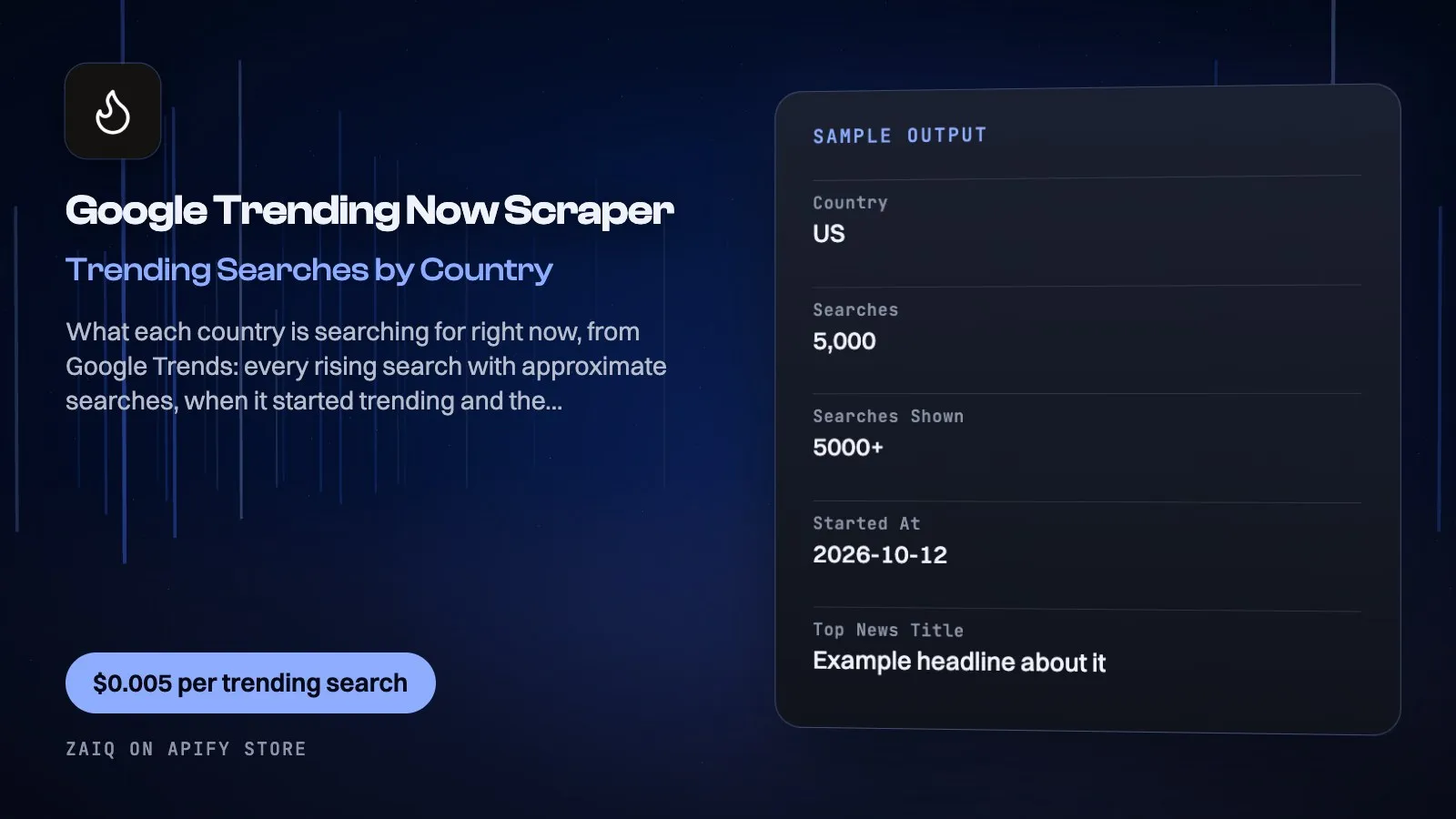
Get what each country is searching for right now from Google Trends' Trending now list: every rising search, its approximate number of searches (200+, 5,000+...), when it started trending, and the news articles Google links to it. Several countries in one run; schedule it every hour for a live feed.
No Google account or API key. Google's own trending feed, read directly, so runs take seconds and cost almost nothing to run.
What you get
| Field | What it holds |
|---|---|
country, rank | Where and in which position |
search | The rising search |
searches, searchesShown | Approximate searches (5000 / 5000+) |
startedAt | When it started trending (UTC) |
news | The articles behind it: title, source, link |
topNewsTitle, topNewsUrl | The first article, for quick tables |
picture | Google's picture for the trend |
What people use it for
- Newsjacking: publish on a trend while it is rising
- Social and ads teams: see what people care about today, country by country
- Media monitoring: keep a daily record of what each market searched for
- Alerts: schedule it hourly and alert on new searches that match your words
- AI agents: give an agent today's trends to write about
How to use it
- Add the countries (two-letter codes).
- Choose how many trending searches per country.
- Click Start, or schedule it every hour or every morning.
- Send new trends to Slack, a sheet or your app with a webhook.
Input
| Field | Example | Notes |
|---|---|---|
| Countries | US, GB, IN, ZA | One per line |
| Maximum per country | 20 | Google's list holds about 10-30 |
Output
Each result is one row in the run's dataset (download it as JSON, CSV, Excel, XML or HTML, or read it through the API). An example row (values shortened):
A record named SUMMARY in the run's key-value store says what each input returned, with any notes (for example an account that does not exist), what was charged and how much traffic the run used.
Pricing
- $0.005 per trending search
- Countries Google lists nothing for are free
What typical jobs cost at the list price:
| Job | Cost |
|---|---|
| 20 trends in one country | $0.10 |
| 20 trends in 10 countries | $1.00 |
| Hourly, 20 US trends, for a month | about $72 |
On Apify's Scale and Business plans the per-event prices are lower (Store discounts). Set Maximum cost per run and the Actor stops cleanly when it is reached: you never pay more than that.
Tips
- Run several countries together to compare what each market cares about.
- Join it with the Google News Scraper to read the full coverage of a trend.
- Keep the dataset of every run to build your own trend history.
Use it through the API
Python
JavaScript
HTTP (one call, results back)
Integrations and schedules
- Schedules: run it every hour, day or week from the Apify Console (Schedules) and keep a history of results.
- Make, Zapier, n8n, Google Sheets, Slack, Airtable: connect it through Apify's integrations, or send each finished run to a webhook.
- Datasets: results stay in the run's dataset; export them or read them by API whenever you need them.
Use it with AI agents (MCP)
Add Apify's MCP server (https://mcp.apify.com) to Claude, ChatGPT, Cursor, VS Code or any MCP client. The agent can find this Actor and run it for you: ask it for "what is trending in Brazil right now". AI agents can also pay for runs directly through Apify's agentic payments.
Limits
- Google rounds the search counts (200+, 2,000+, 50,000+).
- The list holds what is trending now; it is not a history (keep your runs for that).
FAQ
How fresh is it?
Live: the list Google shows when the run starts.
Which countries work?
Any country Google Trends shows a trending list for; one with none returns nothing and costs nothing.
Do I need a Google account?
No.
Related Actors from Zaiq
- google-trends-scraper: how interest in a search changed over time
- google-news-scraper: every article about a trend
- tiktok-transcript-scraper: what TikTok says about a trend
Support
Questions, a site that changed, or a field you need? Open an issue on this Actor's Issues tab: we answer there, usually within a day.
Also found as: google trending searches, google trends trending now, trending searches api, daily search trends, google trends rss.


