

Apple Maps Directions API - Navigation, ETA & Turn-by-Turn
Pricing
from $40.00 / 1,000 lookups
Apple Maps Directions API - Navigation, ETA & Turn-by-Turn
Get driving, walking, and cycling directions between any locations via Apple Maps. Returns multiple route alternatives with distance, ETA, live traffic, turn-by-turn steps, road names, incidents, environmental zones, and polyline coordinates with elevation. No Apple account needed. $0.09 per lookup.
Pricing
from $40.00 / 1,000 lookups
Rating
0.0
(0)
Developer

Zen Studio
Maintained by CommunityActor stats
0
Bookmarked
7
Total users
1
Monthly active users
9 days ago
Last modified
Categories
Share
Apple Maps Directions API | Driving, Walking & Cycling Routes (2026)
From Zen Studio, creators of Apple Maps Scraper, Google Maps Directions and Amap Directions. The same team behind an established collection of maps, places and routing actors.
Why choose this actor?
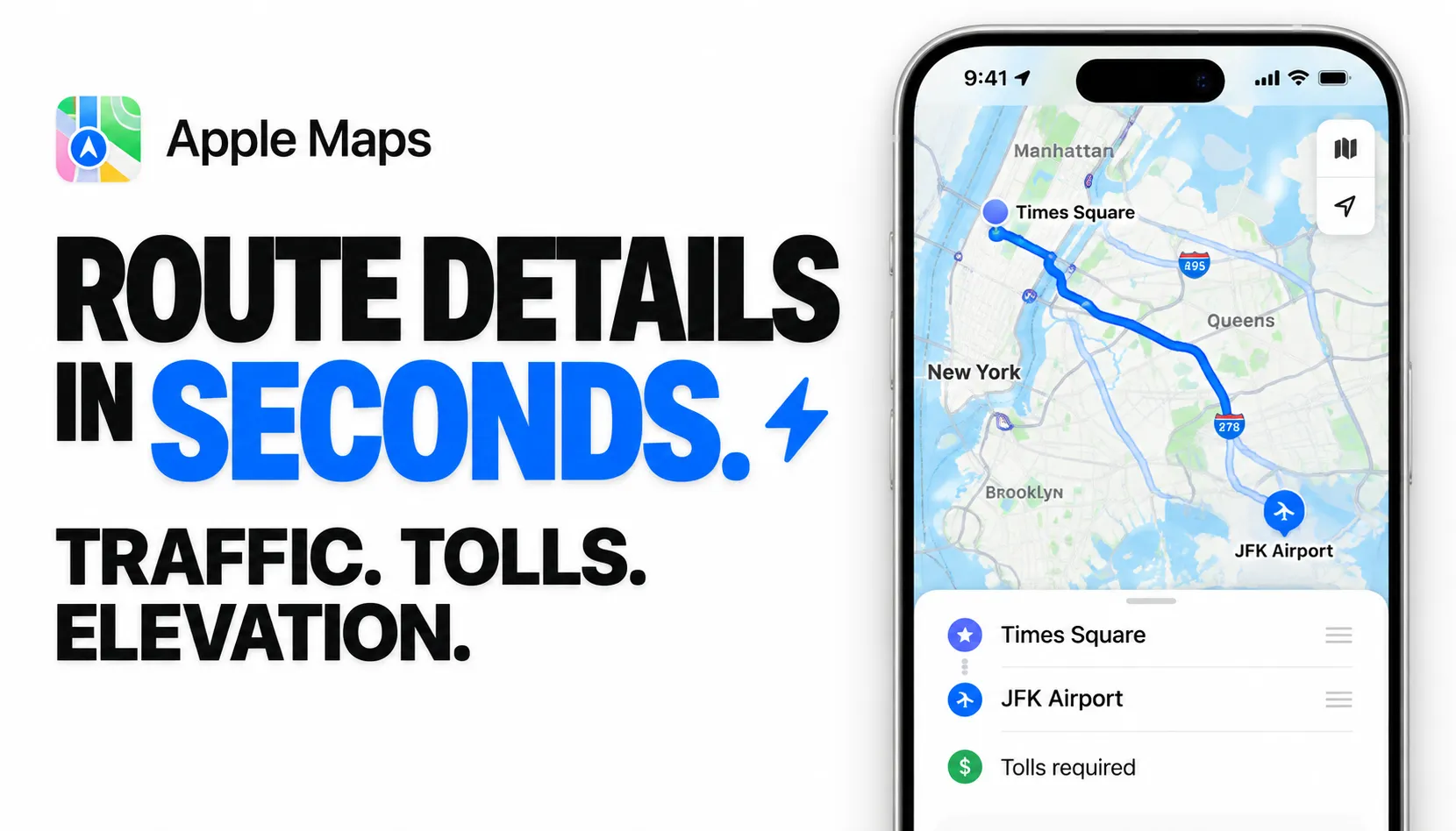
Route details in seconds. Get route alternatives, travel times and turn-by-turn instructions as structured data, ready for your app, spreadsheet or routing analysis. Start with place names, addresses or coordinates; the actor resolves your locations automatically.
Traffic, tolls and elevation in the same result. Compare traffic-adjusted, historical and free-flow travel times. Inspect toll and congestion-charge advisories, road incidents and restriction zones where available. Full route coordinates include elevation where Apple supplies it, so you can map the route and examine its terrain.
Plan beyond a direct trip. Add up to 13 intermediate driving stops, with distance, duration and instructions for each leg. Walking and cycling support preferences for hills and busy roads; walking also supports avoiding stairs. Set a departure or arrival time for traffic-aware planning.

Quick input
Try a driving route from Times Square to JFK Airport:
Open actor input to choose your locations and preferences. One lookup returns the available route alternatives together. Use JSON to preserve nested legs, steps and route coordinates, or export CSV and Excel from the dataset.
Route alternatives and detail availability depend on Apple's coverage and travel mode. Driving stops are visited in the order supplied; unresolved stops may be skipped with a warning. See current pricing for lookup charges.
| Zen Studio · Maps & Routes | ||||
 Apple Routes Apple RoutesYou are here | Apple Places Business details |  Google Routes Google RoutesTraffic & routes |  Amap Routes Amap RoutesChina directions |  Baidu Maps Baidu MapsChina businesses |
Copy to your AI assistant
Copy this block into ChatGPT, Claude, Cursor, or any LLM to start using this actor.
How It Works
Enter an origin and destination. The Actor resolves locations via Apple Maps, fetches all available routes, and returns structured direction data.
Basic Route
Returns 2-3 route alternatives with the fastest route labeled. Each route includes distance, duration, traffic conditions, and turn-by-turn steps.
With Stops
Add intermediate waypoints. The route visits them in order.
Stops are available on driving routes only, up to 13. Walking and cycling routes go straight from origin to destination.
Walking & Cycling
Walking and cycling routes include elevation data per coordinate.
Traffic-Aware Routing
Set a departure or arrival time to get routes optimized for predicted traffic.
Each route returns three duration values:
- durationSeconds -- estimated with current/predicted traffic
- historicalDurationSeconds -- average based on historical data
- freeflowDurationSeconds -- speed-limit travel time, no traffic
Leave both departAt and arriveBy empty to use current traffic conditions.
Country and Language Matter
These aren't cosmetic. They affect routing data, road names, and restriction zones.
A route through France with countryCode: "US" vs "FR" can return different road names and toll information. With language: "fr-FR", instructions read "Tournez à droite sur Rue de Rivoli" instead of "Turn right onto Rue de Rivoli".
Set both to match the country your route is in.
Pricing
Pay-per-event pricing. You pay per direction lookup.
| Plan | Per Lookup |
|---|---|
| Regular | $0.09 |
| Bronze | $0.08 |
| Silver | $0.06 |
| Gold | $0.04 |
Cost Examples (Regular Plan)
| Lookups | Cost |
|---|---|
| 10 | $0.90 |
| 50 | $4.50 |
| 100 | $9.00 |
Check your available Apify credits and the current pricing before starting a lookup.
Budget controls built in. Set a maximum spend and the Actor stops when the limit is reached.
Input Parameters
| Parameter | Type | Default | Description |
|---|---|---|---|
origin | string | -- | Starting point. Place name, address, or coordinates (lat, lng). Required. |
destination | string | -- | End point. Same formats as origin. Required. |
stops | array | -- | Intermediate waypoints in order. Driving only, up to 13. |
transport | string | driving | Transport mode: driving, walking, or cycling. |
departAt | string | -- | ISO 8601 departure time for traffic-aware routing. |
arriveBy | string | -- | ISO 8601 arrival time. Mutually exclusive with departAt. |
avoidHighways | boolean | false | Avoid highways and motorways. Driving only. |
avoidTolls | boolean | false | Avoid toll roads and congestion charges. Driving only. |
avoidStairs | boolean | false | Avoid stairs and steep steps. Walking only. |
avoidBusyRoads | boolean | false | Prefer quieter roads. Walking and cycling. |
avoidHills | boolean | false | Prefer flatter routes. Walking and cycling. |
countryCode | string | US | Affects routing data and restriction zones. Match to route country. |
language | string | en-US | Language for instructions, road names, and place names. |
Output Example
A route from Times Square to JFK Airport (driving) returns:
Output is trimmed for readability — showing the first route with 4 of 17 steps and a clipped polyline. A full response includes all 3 route alternatives, every turn-by-turn step, and the complete polyline with hundreds of coordinates.
API Integration
Python
JavaScript
Advanced Usage
Compare Transport Modes
Run the Actor multiple times with different transport values to compare driving, walking, and cycling for the same route.
Multi-Stop Road Trip
Plan a road trip with up to 13 stops:
Each stop adds a leg to the route. The response includes per-leg distance, duration, and steps.
Avoid Preferences
Combine avoid flags to tailor routes:
These preferences request routes that avoid highways and tolls where available.
What's in the Data
| Field | Description |
|---|---|
distanceMeters | Total route distance |
durationSeconds | Estimated travel time with current traffic |
historicalDurationSeconds | Average travel time based on historical data |
freeflowDurationSeconds | Travel time at speed limit, no traffic |
trafficDescription | Human-readable traffic summary |
routeNames | Highway/road names for the route (e.g., A81, I-95) |
incidents | Construction, hazards, lane closures with positions |
restrictionZones | Environmental zones, congestion zones with bounding boxes |
advisories | Low emission zone warnings, route advisories |
steps | Turn-by-turn instructions with maneuver type, road name, distance |
polyline | Full path coordinates with elevation (cm) |
signposts | Highway shields and exit signs per step |
features | What the route avoids (tolls, highways) |
Data Export
Export results from the Apify Console in:
- JSON -- programmatic analysis, route visualization
- CSV -- spreadsheets, quick analysis
- Excel -- reporting, comparison tables
- XML -- legacy system integration
FAQ
How many routes does it return? Apple Maps typically returns 2-3 route alternatives per request. The fastest route is labeled.
Do I need an Apple account? No. No login, no cookies, no authentication required.
How fresh is the data? Routes and traffic conditions are fetched in real time from Apple Maps. You get whatever Apple Maps currently shows.
What location formats work? Place names ("Times Square, New York"), full addresses ("1600 Amphitheatre Parkway, Mountain View, CA"), and coordinates ("48.858, 2.294"). Be specific with place names for best results.
What are the three duration values?
durationSeconds reflects current/predicted traffic. historicalDurationSeconds is the historical average. freeflowDurationSeconds is travel time at speed limits with zero traffic.
What are restriction zones? Environmental zones (low emission zones) and congestion charge zones along the route. Each includes a type, bounding box, and human-readable description. Common in European cities.
Does it include elevation?
Yes. The polyline coordinates include elevationCm (elevation in centimeters) for all transport modes.
Is there a free trial? You can use available Apify credits toward actor charges. Check your account and the current pricing before starting.
What happens when I hit my budget limit? The Actor stops and keeps all data from the current run. Nothing is lost.
More Zen Studio scrapers for maps & local data
- Baidu Maps 百度地图
- Google Maps
- Apple Maps
 Yandex Maps Яндекс Карты
 2GIS 2ГИС
 Naver Map & Place 네이버 지도
 Bing Maps
Disclaimer
Data is collected from publicly available sources and provided "as is" for informational purposes. Users are responsible for compliance with Apple's terms of service and applicable regulations in their jurisdiction.


