

Google Maps Directions & Routes API | Multi-Stop Navigation
Pricing
from $1.49 / 1,000 directions
Google Maps Directions & Routes API | Multi-Stop Navigation
Extract driving, walking, cycling, and transit directions from Google Maps as structured data. Get multi-stop routes (2-10 stops), turn-by-turn instructions, distance, duration, traffic estimates, and Street View thumbnails. No API key needed. Supports departure/arrival times and route preferences.
Pricing
from $1.49 / 1,000 directions
Rating
5.0
(1)
Developer

Zen Studio
Maintained by CommunityActor stats
1
Bookmarked
156
Total users
28
Monthly active users
6 days ago
Last modified
Categories
Share
Google Maps Directions Scraper | Multi-Stop Routes as Structured Data (2026)
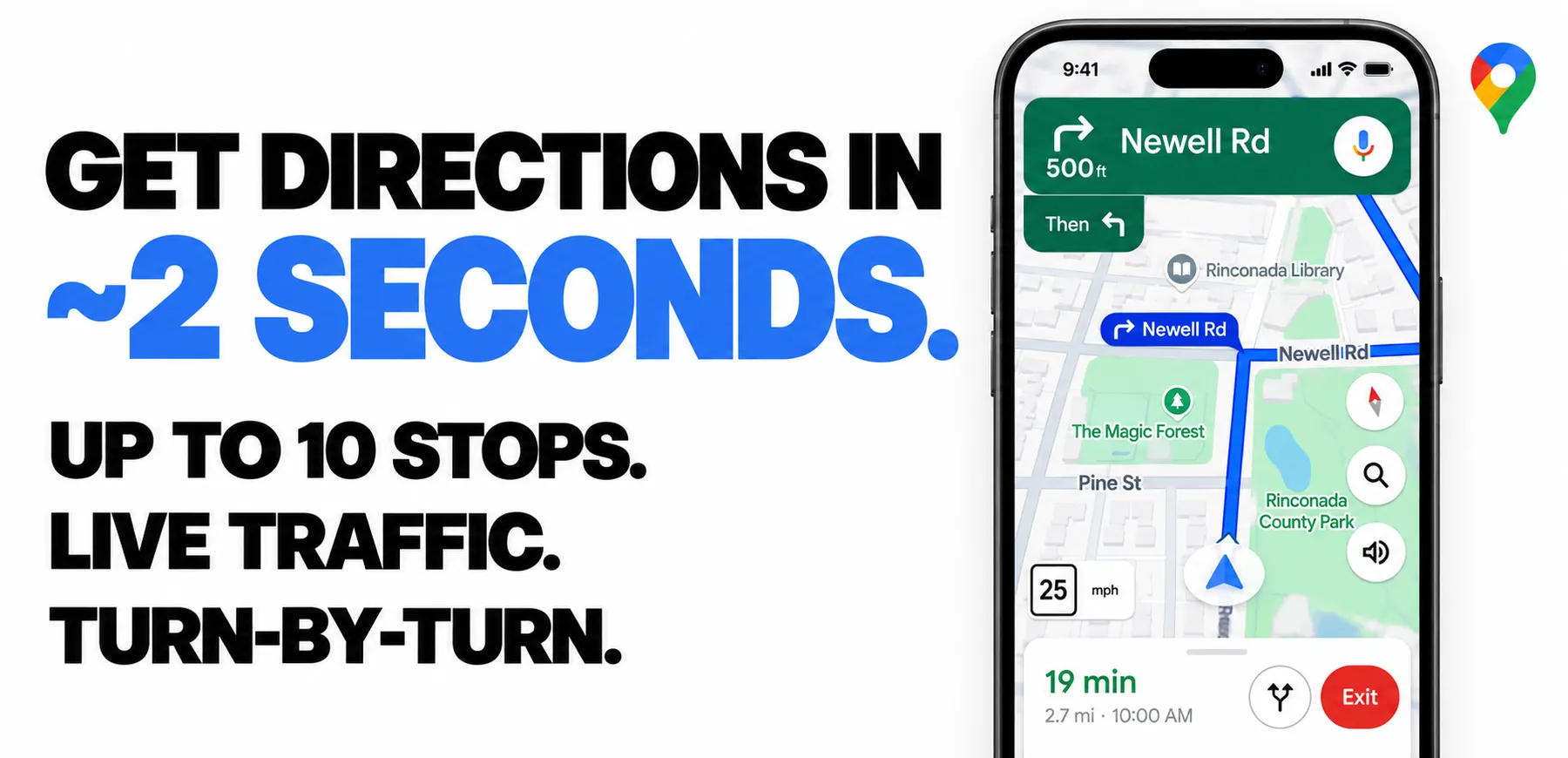
From Zen Studio, creators of Google Maps Scraper, Apple Maps Directions and AMap Directions. Maps and routing tools for business data and travel planning.
Why choose this actor?
Get route data in seconds. Enter place names or addresses and receive structured directions with distance, travel time and route alternatives. Choose driving, walking, cycling or public transit.
Plan up to 10 stops. Keep your stops in the order you need and get a separate leg for each part of the journey. Compare the alternatives Google returns, with travel times and traffic estimates where available.
Keep the navigation detail. Export turn-by-turn instructions, route and leg distances, traffic estimates and Street View thumbnails where available. Full detail is included by default; choose overview mode for a smaller response.

Quick start
Try a three-stop driving route from Berlin through Prague to Vienna. Replace the stops with your own locations.
Open actor input to choose your stops and travel mode. Export JSON, CSV or Excel; JSON preserves route alternatives, legs and navigation steps.
Traffic, route alternatives and Street View availability depend on the route and travel mode. Processing time varies with the request.
| Zen Studio · Maps Suite | ||||
 Google Routes Google RoutesYou are here |  Google Maps Google MapsFind businesses |  Google Reviews Google ReviewsReview histories |  Apple Routes Apple RoutesRoutes & travel times |  AMap Routes AMap RoutesChina directions |
Copy to your AI assistant
Copy this block into ChatGPT, Claude, Cursor, or any LLM to start using this actor.
How to Scrape Google Maps Directions
Enter your stops (2-10 locations), pick a travel mode, and run. The Actor geocodes place names via Google Maps autocomplete, fetches directions, and returns structured route data.
Two-Stop Route (Simple)
Multi-Stop Route
Each pair of consecutive stops becomes a leg. A 4-stop route returns 3 legs per route alternative.
Walking with Wheelchair Access
Public Transit with Preferred Types
transitTypes is a preference, not a hard filter. When no route uses only the types you
pick, the best available route is still returned, so a bus-only preference can come back
with a subway leg. Each transit segment carries a vehicle_category (bus, subway,
train, tram) so you can drop the routes you do not want.
Depart at a Specific Time
Date and time are interpreted in the timezone of the first stop. Use arrive_by to plan backwards from an arrival time (driving and transit only).
Overview Mode (Smaller Output)
Returns all stops, legs, and segment instructions without turn-by-turn substeps, Street View, or polyline tokens. Transit stops and departure times are kept. Same routes, much smaller response.
What Data You Get from Google Maps Directions
Each run returns one dataset item containing:
- Multiple route alternatives -- Google typically returns 2-3 different routes per query
- Turn-by-turn instructions -- every maneuver with human-readable text and emphasis markers
- Distance and duration -- at route, leg, segment, and substep level (meters + formatted text)
- Traffic estimates -- current, typical, and no-traffic durations with congestion level
- Street View thumbnails -- per navigation step with panorama IDs
- Transit detail -- line and vehicle type, boarding and alighting stops with departure and arrival times, intermediate stops, operators, and service alerts
- Waypoint data -- geocoded place names, coordinates, and place IDs for each stop
- 30+ languages -- localized street names and instructions (en, de, fr, es, ja, zh, ar, and more)
Pricing
Pay-per-event pricing. You only pay for directions successfully fetched.
| Event | Price |
|---|---|
| Actor start | $0.00699 |
| Direction result | $0.00299 |
Cost Examples
| Runs | Cost |
|---|---|
| 10 | $0.10 |
| 100 | $1.00 |
| 1,000 | $9.99 |
Try it free -- new Apify users get $5 in platform credits. That's ~1,600 routes at no cost.
Budget controls are built in. The Actor stops automatically when your spending limit is reached.
Input Parameters
| Parameter | Type | Default | Description |
|---|---|---|---|
stops | string[] | required | 2-10 locations in order. First is origin, last is destination, rest are intermediate stops. |
travelMode | string | driving | driving, transit, walking, or cycling. |
timeOption | string | now | now, depart_at, or arrive_by. Arrive by supports driving and transit only. |
date | string | — | Travel date in YYYY-MM-DD format. Required when timeOption is not now. |
time | string | — | Travel time in 24h HH:MM format. Required when timeOption is not now. |
avoidHighways | boolean | false | Avoid highways. Driving mode. |
avoidTolls | boolean | false | Avoid toll roads. Driving mode. |
avoidFerries | boolean | false | Avoid ferries. Driving mode. |
wheelchairAccessible | boolean | false | Prefer accessible routes. Walking mode. |
transitTypes | string[] | all | Types to prefer: bus, subway, train, tram. A preference, not a hard filter. Transit mode. |
transitRoutePreference | string | best_route | best_route, fewer_transfers, or less_walking. Transit mode. |
detailLevel | string | full | full (turn-by-turn substeps, Street View, polyline) or overview (all stops and segments, without substeps or Street View). |
distanceUnit | string | auto | auto (regional default), km, or miles. |
language | string | en | Language code for instructions. en, de, fr, es, ja, etc. |
Output Example (Full)
Default detailLevel: "full" — includes turn-by-turn substeps, Street View thumbnails, emphasis markers, and polyline tokens.
Output Example (Overview)
detailLevel: "overview" — all stops, legs, and segment instructions, but without turn-by-turn substeps, Street View, or polyline tokens. Same routes at a fraction of the size.
Transit Output
In transit mode each segment is either a walk or one ride on a line. A ride carries the line, the vehicle type, the stops you board and leave at with their times, every stop in between, the operators, and any service alerts. This detail is present at both detail levels.
| Field | Description |
|---|---|
mode | transit for a ride, walking for a walk between stops. |
transit.line | Line as shown on the vehicle, e.g. 56, M1, RJX 69. |
transit.line_color / line_text_color | Line colours as hex, for rendering a badge. |
transit.headsign | Direction shown on the vehicle. |
transit.vehicle_type | Vehicle name in your chosen language, e.g. Autobus, Metropolitana. |
transit.vehicle_category | Normalised and language-independent: bus, subway, train, tram, or ferry. Use this to filter. |
transit.departure_stop / arrival_stop | Stop name, platform, coordinates, place ID, and time. |
transit.departure_time / arrival_time | Time for this ride, with text, Unix timestamp, timezone, and the scheduled time. |
transit.num_stops | Number of stops travelled on this line. |
transit.intermediate_stops | Every stop between boarding and alighting, each with its own times. |
transit.agencies | Operators, with phone, website, and ticket link where published. |
transit.alerts | Service alerts: strikes, reduced service, engineering work, with validity window and a link. |
Routes also carry departure_time and arrival_time for the whole journey.
Use Cases
Logistics and Fleet Management
- Route planning -- calculate distances and durations between warehouses, stops, and customers
- Multi-stop optimization -- compare route alternatives for delivery sequences
- Toll and highway avoidance -- estimate costs for routes that skip toll roads
Travel and Tourism
- Itinerary building -- get walking times between attractions in a city
- Transit planning -- find public transport connections with transfer counts
- Accessibility -- plan wheelchair-accessible walking routes
Real Estate and Location Intelligence
- Commute analysis -- measure driving/transit times from properties to offices
- Location scoring -- compare accessibility across neighborhoods
- Distance matrix -- build origin-destination tables for site selection
Research and Data Science
- Transportation studies -- collect route data across cities and travel modes
- Traffic analysis -- extract congestion levels and typical vs current travel times
- Urban planning -- analyze pedestrian and cycling route availability
API Integration
Python
JavaScript / Node.js
Advanced Usage
Avoid Tolls and Highways
Transit with Specific Types
Prefer trains and subways, and prefer fewer transfers:
Distance in Miles
Multi-Stop Road Trip
Returns 4 legs (Amsterdam-Brussels, Brussels-Luxembourg, Luxembourg-Strasbourg, Strasbourg-Zurich) with 2-3 route alternatives.
Arrive by a Specific Time (Transit)
Depart at a Specific Time (Driving)
The timezone is automatically determined from the first stop's location. arrive_by is available for driving and transit modes only.
Data Export
Export results from the Apify Console in:
- JSON -- full nested structure with all route detail
- CSV -- flattened for spreadsheet analysis
- Excel -- reporting and pivot tables
FAQ
How many route alternatives does it return? Google Maps typically returns 2-3 alternative routes per query. Each has its own distance, duration, and turn-by-turn instructions.
What's the maximum number of stops? 10 stops per run. The first stop is the origin, the last is the destination, everything in between are intermediate waypoints.
Do I need a Google account or API key? No. No login, no API key, no cookies.
How accurate are the travel times? Same data as Google Maps. Driving routes include real-time traffic estimates with typical and no-traffic durations.
Does it support all countries and languages?
Yes. Any location that Google Maps can resolve, in 30+ languages. Set language to get localized street names and instructions — English, German, French, Spanish, Japanese, Chinese, Arabic, Korean, and many more.
Can I schedule a departure or arrival time?
Yes. Set timeOption to depart_at or arrive_by, then provide date (YYYY-MM-DD) and time (HH:MM, 24-hour). The timezone is auto-detected from the first stop's location. arrive_by works with driving and transit only.
What travel modes are available? Driving, public transit, walking, and cycling. Each mode has its own route options (e.g., avoid highways for driving, wheelchair access for walking, preferred transit types for public transit).
Is there traffic data? Yes, for driving routes. Includes current duration, typical duration, no-traffic duration, congestion level, and a min/max time range.
What's in the Street View data? Each navigation substep includes a Street View panorama ID, thumbnail URL, and camera angle. Useful for visual route previews.
Is there a free trial? New Apify users get $5 in platform credits, enough for ~1,600 routes at no cost.
More Zen Studio scrapers for maps & local data
 Baidu Maps 百度地图
- Google Maps
- Apple Maps
 Yandex Maps Яндекс Карты
 2GIS 2ГИС
 Naver Map & Place 네이버 지도
 Bing Maps
Disclaimer
Data is collected from publicly available sources and provided "as is" for informational purposes. Users are responsible for compliance with Google's terms of service and applicable regulations in their jurisdiction.


