Google Lens Search API - Reverse Image Search & OCR
Pricing
from $7.99 / 1,000 image searches
Google Lens Search API - Reverse Image Search & OCR
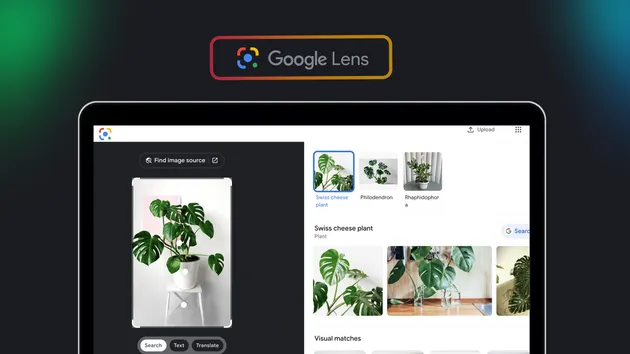
Reverse image search via Google Lens. Returns visual matches, AI descriptions, related links, related searches, and OCR text with bounding boxes. Four modes from fast OCR-only to full all-tabs extraction.
Pricing
from $7.99 / 1,000 image searches
Rating
0.0
(0)
Developer

Zen Studio
Maintained by CommunityActor stats
1
Bookmarked
400
Total users
39
Monthly active users
5.2 days
Issues response
2 days ago
Last modified
Categories
Share
Google Lens Reverse Image Search API
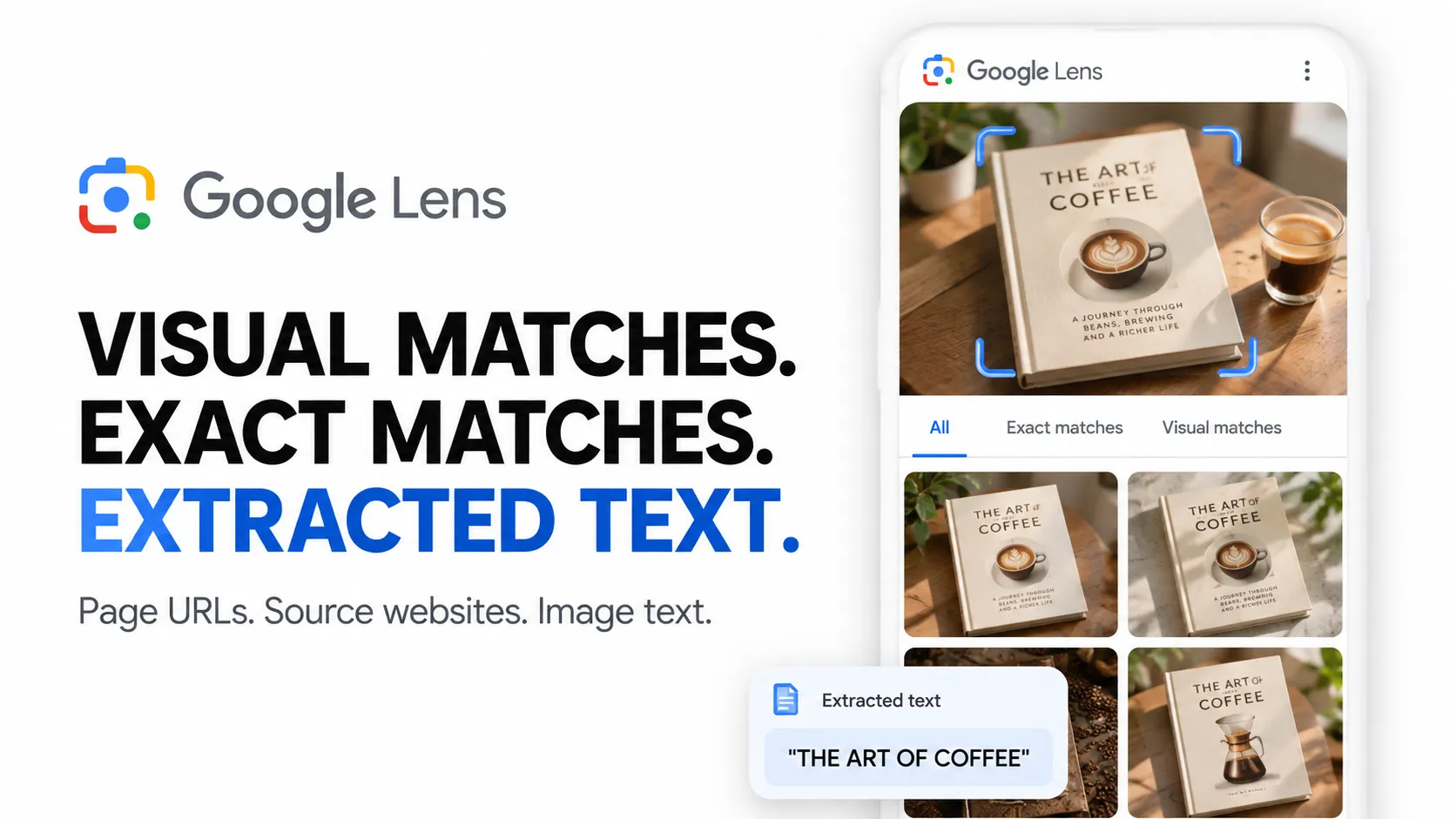
From Zen Studio, creators of Google Lens OCR, Google Maps and Google Hotels data tools. 80,000+ combined runs across our two Google Lens actors.
Why choose this actor?
- Every match with the page it sits on. Google hands out its matches behind redirect links; this actor follows each one and returns the page itself. No tokens to resolve, no duplicates between the match list and the related pages.
- Get links you can use. Every match carries the page URL, title, site name and thumbnail, plus the price, snippet and publication date when the page shows them. Find where an image appears, research similar products or trace a photo to relevant pages.
- Keep image text alongside the matches. Enable OCR to include detected language, full text, paragraphs and word-level bounding boxes in the same result. Google's AI description and related search suggestions add context where available.

Try a book cover
Open actor input and replace the sample book cover with your own publicly accessible image URL. Keep includeOcr enabled to collect the advertised combination. Results depend on what Google returns for the image. Export JSON to preserve matches and nested OCR data, or use the Visual Matches dataset view for tabular export.
| Zen Studio · Google Data Tools | |||
 Lens Search Lens SearchYou are here |  Lens OCR Lens OCRText & coordinates |  Google Maps Google MapsBusiness details |  Google Hotels Google HotelsCompare hotel rates |
Copy to your AI assistant
What Data You Get
Each image returns a structured result containing:
- AI description -- Google's AI-generated summary of the image content
- Visual matches -- pages showing the image, with title, page URL, site name, thumbnail, and price where the page is a listing
- Related links -- further pages on the same subject, with title, page URL and site name
- Related searches -- suggested search queries based on the image
- Available tabs -- result categories Google identified (AI Mode, Exact matches, Visual matches)
- OCR text (optional) -- extracted text with word-level bounding boxes and pixel coordinates
Search Modes
| Mode | What it does | Speed |
|---|---|---|
| All results | Description of the image, matching pages, related pages, related searches | ~25s |
| Visual matches | Same result set; matching pages arrive in visualMatches | ~25s |
| Exact matches | Same result set; Google no longer serves this separately | ~25s |
| OCR only | Text extraction only | ~1s |
Google returns what used to sit behind the Visual matches and Exact matches tabs together with the main results, so every mode above draws on the same page. Enable Include OCR text to run text extraction in parallel with any search mode at no extra time cost.
Pricing
$7.99 per 1,000 images -- flat rate, every mode, every option included.
No per-feature surcharges. OCR, any search mode -- same price.
Free trial: 5 runs with 1 image each, no credit card required.
Quick Start
Minimal
Full extraction
OCR only (fastest)
Input Parameters
| Parameter | Type | Default | Description |
|---|---|---|---|
imageUrl | string | required | Public image URL to reverse search (JPEG, PNG, WebP) |
searchType | string | all | Search mode: all, visual_matches, exact_matches, ocr_only. The first three return the same result set |
includeAllTabs | boolean | false | Accepted for existing setups; tab results are always included |
includeOcr | boolean | false | Add OCR text extraction in parallel |
language | string | en | ISO 639-1 language code for OCR hints |
countryCode | string | US | Country for localized results (52 countries supported) |
maxResults | integer | 50 | Max visual matches, and max related links (1-200) |
The image must be publicly accessible since Google's servers fetch it directly.
Output Example
price is filled when the matching page is a product listing, date when the page is dated, snippet when the card carries a description.
When includeOcr is enabled, the result also contains:
How to Reverse Image Search with Python
How to Reverse Image Search with JavaScript
Advanced Usage
Full extraction with max coverage
Get every match and the image text:
Find exact copies of an image
Use exact_matches mode to find pages hosting the same image:
OCR-only for text extraction
Extract text only, in about a second:
Technical Details
- Memory: 256 MB
- Speed: ~25s per image (visual search), ~1s per image (OCR only)
- Residential exit used for visual search, included in the price
- 52 countries supported for geo-targeted results
Data Export
Results are available in JSON, CSV, Excel, and XML via the Apify platform. Use the API, webhooks, or scheduled runs to integrate with your data pipeline.
FAQ
Why do some images return empty results? Occasionally an image cannot be processed. The actor tries again automatically, and if it still fails, the image is marked with an error.
What image formats are supported? JPEG, PNG, and WebP. Images must be publicly accessible via URL since Google's servers fetch them directly.
What's the difference between visual matches and related links? Visual matches are the cards Google shows with a thumbnail of the image, so those pages carry the image itself. Related links are the further results listed below them: pages on the same subject, which may or may not show the image.
Can I use this for real-time monitoring? Yes. Schedule runs on Apify to periodically check where your images appear. Use webhooks to get notified when new matches are found.
Is OCR included in visual search modes?
Not by default. Enable includeOcr to run text extraction in parallel. It adds no extra processing time.
Legal Compliance
This actor extracts publicly available data from Google Lens search results. Users are responsible for compliance with Google's Terms of Service and applicable data protection regulations (GDPR, CCPA).