
Npm PyPI Package Scraper
Pricing
from $2.99 / 1,000 results
Npm PyPI Package Scraper
npm & PyPI Package Scraper is a Python tool designed to extract package metadata, download statistics, version histories, and dependencies from npm and PyPI, exporting structured software data into clean CSV or JSON formats for ecosystem analysis and research.
Pricing
from $2.99 / 1,000 results
Rating
0.0
(0)
Developer

ZeroBreak
Maintained by CommunityActor stats
0
Bookmarked
2
Total users
1
Monthly active users
2 days ago
Last modified
Categories
Share
npm & PyPI Package Scraper: Downloads, Maintainers & GitHub Links (Free)
Overview
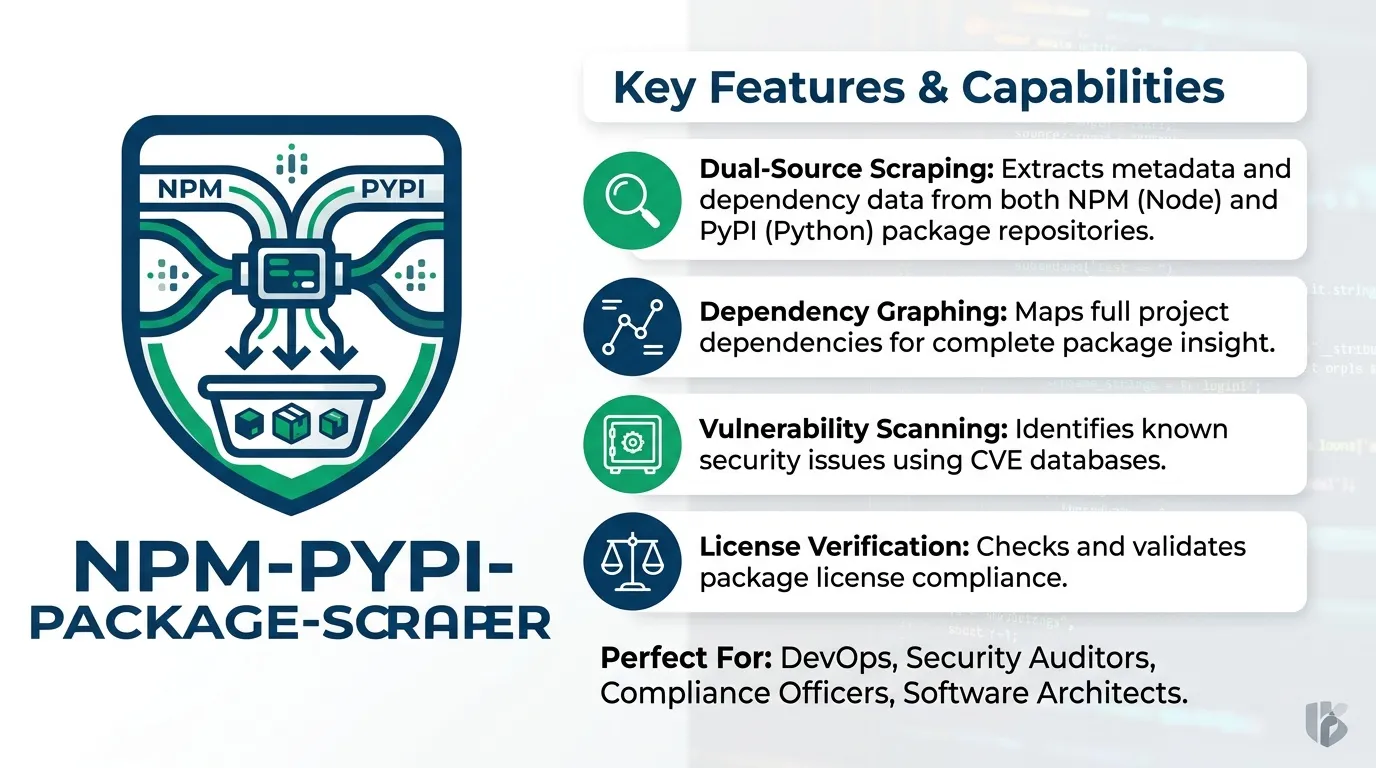
Discover and analyze software packages published on npm and PyPI in one unified dataset. Search npm packages by keyword or look up specific packages from either ecosystem.
Each record can include the latest version, license, download statistics, maintainers, publicly listed email addresses, dependencies, and normalized repository or homepage links.
PyPI keyword search is not supported. To collect PyPI package information, provide package names or package-page URLs.
Use Cases
- Developer lead generation: Identify maintainers and publicly listed contact details for packages with meaningful download activity.
- Open-source market research: Track package versions, publishing activity, licensing, and adoption trends.
- Dependency and license audits: Review licenses, version counts, and dependency information for known packages.
- Developer ecosystem research: Discover packages with growing download activity and identify their maintainers.
- Newsletter and trend analysis: Run recurring keyword searches and compare newly discovered packages over time.
Features
- Search npm packages by keyword.
- Look up specific npm and PyPI packages.
- Collect latest versions, descriptions, licenses, and keywords.
- Gather weekly and monthly download counts where available.
- Collect daily download counts for PyPI when download history is enabled.
- Extract maintainer names and publicly listed email addresses.
- Normalize GitHub repository URLs and identify repository owners and names.
- Collect homepage, documentation, issue-tracker, and project links.
- Include README content when enabled.
- Filter packages by minimum weekly downloads and publication date.
- Deduplicate records across repeated searches and package lookups.
- Preserve failed lookups in a separate error dataset.
Input Parameters
| Parameter | Type | Default | Description |
|---|---|---|---|
mode | string | npm_search | Search npm packages, look up npm packages, or look up PyPI packages. |
searchQueries | array | ["web scraper"] | Search phrases for npm package discovery. |
packages | array | Empty | Package names or package-page URLs. Scoped npm package names are supported. |
includeDownloads | boolean | true | Include weekly and monthly download counts. PyPI can also include the previous day's count. |
includeDownloadHistory | boolean | false | Include daily download history when available. |
enrichSearchResults | boolean | false | Collect additional package details for npm search results. |
minWeeklyDownloads | integer | 0 | Exclude packages with fewer weekly downloads than the specified minimum. |
updatedAfter | string | Empty | Keep packages published on or after the specified date. |
includeReadme | boolean | false | Include package README text. |
maxItems | integer | 200 | Maximum number of output rows. Hard limit: 5,000. |
maxConcurrency | integer | 5 | Maximum number of parallel package lookups. Range: 1–10. |
timeoutSecs | integer | 300 | Maximum duration of the entire run, up to 3,600 seconds. |
requestTimeoutSecs | integer | 30 | Timeout for an individual request. Some package metadata requests use a 60-second timeout. |
Example Input
Search npm Packages
Search npm for packages related to web scraping and filter out packages with fewer than 100 weekly downloads.
Look Up Named Packages
Collect information for specific PyPI packages.
For npm lookups, use the corresponding npm package lookup mode and provide package names in packages. Scoped names, such as @scope/name, are supported.
Extracted Data
The scraper produces one normalized record per package. Fields vary depending on the package ecosystem and the information available for each package.
Field Reference
| Field | Type | Description |
|---|---|---|
ecosystem | string | Package ecosystem: npm or pypi. |
name | string | Package name. |
url | string | Public package-page URL. |
latestVersion | string | Latest available version. |
packageDescription | string | Short package description. |
summary | string | Summary text, also stored in description. |
license | string | Package license, when available. |
keywords | array | Package keywords. |
versionsCount | integer | Number of published versions, when available. |
createdAt | string | Initial publication timestamp, when available. |
lastPublishedAt | string | Most recent publication timestamp, when available. |
requiresPython | string | Python version requirement for PyPI packages, when available. |
dependenciesCount | integer | Number of dependencies, when available. |
downloadsLastDay | integer | Previous day's download count, available for PyPI where supported. |
downloadsLastWeek | integer | Weekly download count, when available. |
downloadsLastMonth | integer | Monthly download count, when available. |
downloadHistory | array | Daily download records containing date and downloads, when history is enabled and available. |
dependents | integer | Dependent-package information for npm search results, when available. |
searchScore | number | Search relevance score for npm search results, when available. |
maintainers | array | Maintainer names and related information, when available. |
author | string | Package author information, when available. |
emails | array | Publicly listed email addresses, deduplicated. |
repositoryUrl | string | Normalized repository URL, when available. |
githubOwner | string | GitHub repository owner, when the repository is hosted on GitHub. |
githubRepo | string | GitHub repository name, when available. |
homepage | string | Package homepage, when available. |
bugsUrl | string | Issue-tracker link, when available. |
docsUrl | string | Documentation link, when available. |
projectUrls | object | Additional project links, when available. |
classifiers | array | PyPI package classifiers, when available. |
readme | string | README content, included only when enabled. |
sourceInput | string | Search query, package name, or input used for the record. |
scrapedAt | string | UTC timestamp indicating when the record was collected. |
errorCode | string | Error identifier for failed lookups, when applicable. |
errorMessage | string | Description of a collection error, when applicable. |
httpStatus | integer | HTTP status associated with a failed lookup, when available. |
Dataset Views
The dataset contains three views:
- Packages: Normalized package information and statistics.
- Leads: Maintainer and publicly available contact information.
- Errors: Failed package lookups and associated error details.
A missing or unavailable package does not stop the entire run. The scraper records an error row and continues processing other inputs.
Download Statistics and History
Enable includeDownloads to collect weekly and monthly download figures where supported.
Enable includeDownloadHistory to collect daily download records for supported PyPI packages. Historical data collection can take longer, particularly when many packages are selected.
For ongoing trend analysis, schedule recurring runs and compare the download counts across saved datasets. Daily history is useful when you need a more detailed view of changes within a reporting period.
Download statistics depend on the source's available reporting data. Recently published packages may not have download figures yet.
Limits and Performance
- PyPI keyword search: Not supported. Provide package names or package-page URLs instead.
- npm search results: Search pages contain at most 250 results. Collection stops when no further results are available.
- Daily download history: The supported statistics source limits requests to approximately 60 per minute. The scraper spaces requests by at least one second and respects available retry timing instructions.
- New packages: Recently created packages may not have download statistics yet. Their package records can still be saved without those figures.
- Scoped npm packages: Scoped names, such as
@scope/name, are processed individually for download statistics when batch collection is unavailable. - Maximum results: The default is 200 rows, with a hard limit of 5,000 rows per run.
- Concurrency: Parallel package lookups can be configured between 1 and 10.
- Timeouts: The overall run and individual requests have configurable time limits.
- Deduplication: Repeated packages are identified using their ecosystem and normalized package name. PyPI names are normalized according to PEP 503 conventions.
- Error handling: Missing packages and individual lookup failures are recorded without necessarily stopping the run. Error rows count toward the overall output limit.
FAQ
Can this scraper search PyPI by keyword?
No. PyPI keyword search is not supported. Enter package names or package-page URLs using the pypi_packages mode.
Where do download statistics come from?
Download figures are collected from the available package statistics for each ecosystem. npm provides weekly and monthly counts, while PyPI can provide daily, weekly, and monthly figures where supported.
How many packages can one run return?
The default limit is 200 rows, and the maximum is 5,000. Error records count toward the limit. Duplicate packages are removed using the ecosystem and normalized package name.
Will a missing package fail the entire run?
No. The scraper records an error row, which may include NOT_FOUND, an error message, or an HTTP status, and continues with other packages where possible.
Can I collect maintainer email addresses?
The scraper includes publicly listed email addresses when available. Use contact information responsibly and comply with applicable privacy and anti-spam requirements. The scraper does not send emails.
Can I track package growth over time?
Yes. Schedule recurring runs and compare download counts between datasets. Enable daily download history when you need a more detailed trend for supported PyPI packages.
Can I include package README content?
Yes. Set includeReadme to true to include README text where available.
Trademark Notice
npm, PyPI, and their respective names, logos, and trademarks belong to their owners. Their use in this documentation is solely to identify the sources of the collected information and does not imply affiliation, sponsorship, endorsement, or partnership.
Disclaimer
This is an independent data collection tool. It is not affiliated with, endorsed by, sponsored by, or officially associated with npm or PyPI.
Is Web Scraping Legal?
Collecting information that is already public is generally legal. Scraping is not the same thing as hacking, and there is no single law that bans it. The limits are the usual ones: do not break into accounts, do not take private or confidential data, and be careful with personal data and copyrighted works. A site's terms can also restrict how you access it. Facts such as a public name, price, or rating are not the same thing as republishing someone's article or photo.
This actor collects information from public pages. It does not log in and it does not bypass access controls.
For a longer explanation, see Apify's article Is web scraping legal?.


