
Ticketmaster Presale Monitor
Pricing
from $3.15 / 1,000 results
Ticketmaster Presale Monitor
[💰$4.5 / 1K] ⚡ Fast, cheap Ticketmaster presale monitor that bypasses anti-bot blocking. No login, no API key. Track new events, presales, on-sale dates, sold-out, limited availability, cancellations and price changes in 20 countries by keyword or URL. Get only what changed since the last run.
Pricing
from $3.15 / 1,000 results
Rating
0.0
(0)
Developer

Aboo Script
Maintained by CommunityActor stats
0
Bookmarked
2
Total users
1
Monthly active users
2 days ago
Last modified
Categories
Share
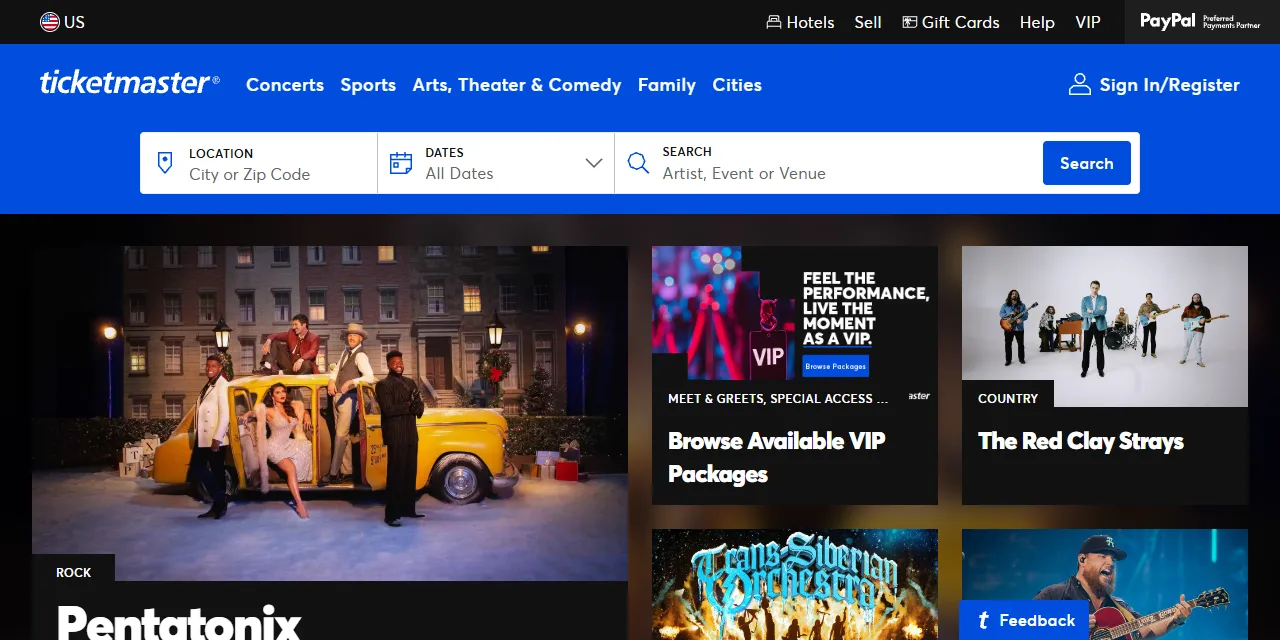
Ticketmaster Presale Monitor tracks events on Ticketmaster in 20 countries, including the US, Canada, the UK, Germany, and Australia, and tells you what changed since the last run: new events, new presales, on-sale dates, sold-out and limited availability, cancellations, and price changes. Paste a Ticketmaster artist, venue, search, or category URL, or type a few keywords, then schedule it. Download the results as JSON, CSV, Excel, or HTML. No account, login, or API key required.
Introduction
Ticketmaster is the largest ticketing platform for concerts, sports, theater, and comedy. Tickets for popular events are often released in several presale windows before the general sale, and the best seats go within minutes.
This actor checks the public event listings you see in your browser and keeps a history of every event between runs. Each event is marked as new, changed, or unchanged, with a list of exactly what changed. Run it on a schedule and get only the events that need your attention.
What data can you extract from Ticketmaster?
- 🎫 Event name, date, time zone, and direct event URL
- 🗓️ Presale calendar: every presale window with its name, start, and end time
- 🚦 Sale status (Presale, On Sale, Not On Sale Yet, Sold Out, Cancelled, Postponed, Past), general on-sale date, and the next upcoming sale
- 📉 Sold-out, limited availability, cancelled, postponed, and rescheduled flags
- 💲 Lowest and highest ticket price with currency
- 🔔 Change type (New, Changed, Unchanged) and a list of changes with the previous and current value
- 📍 Venue name, address, city, postal code, country, and GPS coordinates
- 🎤 Artists with their Ticketmaster pages, event image, and seat map image
- ⏱️ When the event was first seen, last checked, and checked now
Use Cases
- 🎟️ Presale alerts: know when a new presale is announced or opens for the artists, teams, or venues you follow.
- 📈 Ticket market research: track sell-outs, limited availability, and price moves across tours and venues.
- 🏟️ Venue and promoter monitoring: follow every new show added to a venue calendar.
- 📰 Event news and listings: keep an event guide up to date with new dates, cancellations, and postponements.
- 🤖 AI and automation: send changes to Slack, email, Google Sheets, or your own workflows.
How to monitor Ticketmaster step by step
- Paste one or more Ticketmaster URLs into Start URLs, or type keywords into Search queries.
- Set Maximum number of results to how many events you want to follow per URL or per query.
- Choose the Output: all events, or only new and changed events.
- Click Start. The first run records every event as new.
- Schedule the actor (for example every hour or every day). Each next run compares the events with the previous run and marks what changed.
- Download your data in JSON, CSV, Excel, or HTML from the Output tab, or connect it to your tools.
Input
- Start URLs: Ticketmaster URLs to monitor. Supported pages: search results, artist pages, venue pages, and category pages on ticketmaster.com (US), ticketmaster.ca (Canada), ticketmaster.co.uk (UK), and 17 other country sites. Filters in search URLs (keyword, dates, sort) are kept. The country is taken from the URL.
- Search queries: keywords to monitor, such as an artist, team, tour, or venue, one per line. Each query is searched separately.
- Country: the Ticketmaster country site used for search queries. Default: United States.
- Start date and End date: only monitor events in this date range. Applies to search queries.
- Sort by: order of search results (relevance or date). Applies to search queries.
- Output: "All events" saves every checked event on every run with its change type and changes. "Only new and changed events" saves an event only when it is new or one of its sale details changed, which is ideal for scheduled alerts.
- Track ticket prices: also check the lowest and highest ticket price of each event and report price changes.
- Monitor name: optional name for this monitor. Runs with the same name share their history. Leave it empty to keep a separate history for every combination of start URLs, search queries, and filters.
- Maximum number of results: how many events to monitor for each start URL or search query.
- Proxy configuration: residential proxies are required, because Ticketmaster blocks datacenter IP addresses. Keep the default.
You can use start URLs, search queries, or both in the same run.
Input Examples
Monitor two venues, one in the US and one in the UK:
Monitor a keyword on Ticketmaster US:
Output
Each event is saved as one item in the dataset. Here is an example of a single item:
On later runs, changeType becomes Changed when something changed, and changes lists each changed field (name, startDate, onsaleDate, presales, saleStatus, soldOut, limitedAvailability, cancelled, postponed, rescheduled, priceMin, priceMax) with its previousValue and currentValue. nextSale shows the next presale or general sale that has not started yet, with its name and start time.
You can download the dataset in JSON, CSV, Excel, XML, or HTML, or access it through the Apify API.
Notes
- The first run of a monitor reports every event as new. Changes appear from the second run on.
- The history is kept per monitor name, or per combination of start URLs, search queries, and filters when no name is set. Changing the URLs or queries starts a new history; set a Monitor name to keep it.
- Sale status is worked out at the moment of the check, so an event moves from "Not On Sale Yet" to "Presale" or "On Sale" by itself when a sale window opens.
- Ticket prices are not available on ticketmaster.com (US) and ticketmaster.ca (Canada), or for events sold through partner sites; those prices are
null. Elsewhere, prices are face values (without service fees), and events that are not on sale yet have no price. - Only events at venues in the country of the site are monitored. Search results from other countries are skipped.
- Single event URLs are not supported. Monitor the event through its artist, venue, or a search URL instead.
- Supported countries: United States, Canada, United Kingdom, Ireland, Germany, Austria, Switzerland, Netherlands, Belgium, Denmark, Norway, Sweden, Finland, Poland, Czech Republic, Australia, New Zealand, Mexico, South Africa, and United Arab Emirates. URLs from other Ticketmaster sites (such as France, Spain, or Italy) are skipped.
- Events that have taken place are removed from the history one day after their date.
- Residential proxies are required for stable results.
Why use the Ticketmaster Presale Monitor?
- ✅ No login or API key: works with public data only, so there is nothing to set up.
- 🔔 Real change tracking: every run tells you what changed, with old and new values.
- 🌍 20 countries: monitor the US, Canada, the UK, Europe, Australia, and more in one run.
- 🎯 Keeps your filters: paste any search, artist, venue, or category URL from your browser.
- 💸 Pay for what matters: switch to "Only new and changed events" to get and pay for changes only.
- 🔄 Ready for automation: schedule runs and connect to Slack, Google Sheets, Make, Zapier, and n8n.
FAQ
How often should I run the monitor?
Schedule it as often as you need. Hourly runs catch presales as they are announced; daily runs are enough to follow new dates and sell-outs.
How many events can I monitor?
Set any number in Maximum number of results. The actor keeps going through the pages until it reaches your limit or runs out of events.
Do I need a Ticketmaster account?
No. The actor only reads publicly available event listings. You do not need to log in or provide any account details.
Can I get alerts?
Yes. Use "Only new and changed events" and connect the actor to Slack, email, or any app through Apify integrations or webhooks, so each run sends only the changes.
Can I request a new feature or filter?
Yes. Right now the actor supports start URLs, search queries, country, date range, and sort. If you need other filters or alerts, such as a price threshold or a specific presale name, get in touch and they can be added.
Can I get a custom or private version?
Yes. The actor can be customized for your workflow, delivered as a private version, or a new scraper can be built for a different website. Use the contact details below.
Need to scrape other event platforms?
- Ticketmaster Scraper: full event details and every ticket price with fees from Ticketmaster in 18 countries.
- Fever Scraper: events, experiences, sessions, and ticket prices from Fever.
- Tiqets Scraper: attraction and museum tickets with prices and ticket options from Tiqets.
- Webook Scraper: events and experiences with tickets from Webook.
- Agoda Activities Scraper: tours and activities with packages and prices from Agoda.
Need help or want a custom solution?
- 📧 Email: aboo.script@gmail.com
- 🧩 More scrapers: Apify profile
Image Credit
Image credit: Ticketmaster


