

AI Watermark Remover — Photo Watermarks & Logos
Pricing
from $30.00 / 1,000 watermark-removeds
AI Watermark Remover — Photo Watermarks & Logos
Process image watermarks and optional metadata cleanup; download finished images and result links. Bulk result-link export: JSON, CSV, Excel and API. PPE: $30/1K image results; start fee extra.
Pricing
from $30.00 / 1,000 watermark-removeds
Rating
0.0
(0)
Developer

Apivault Labs
Maintained by CommunityActor stats
2
Bookmarked
338
Total users
34
Monthly active users
3 days ago
Last modified
Categories
Share
AI Watermark Remover — Bulk Image & Metadata Cleanup API
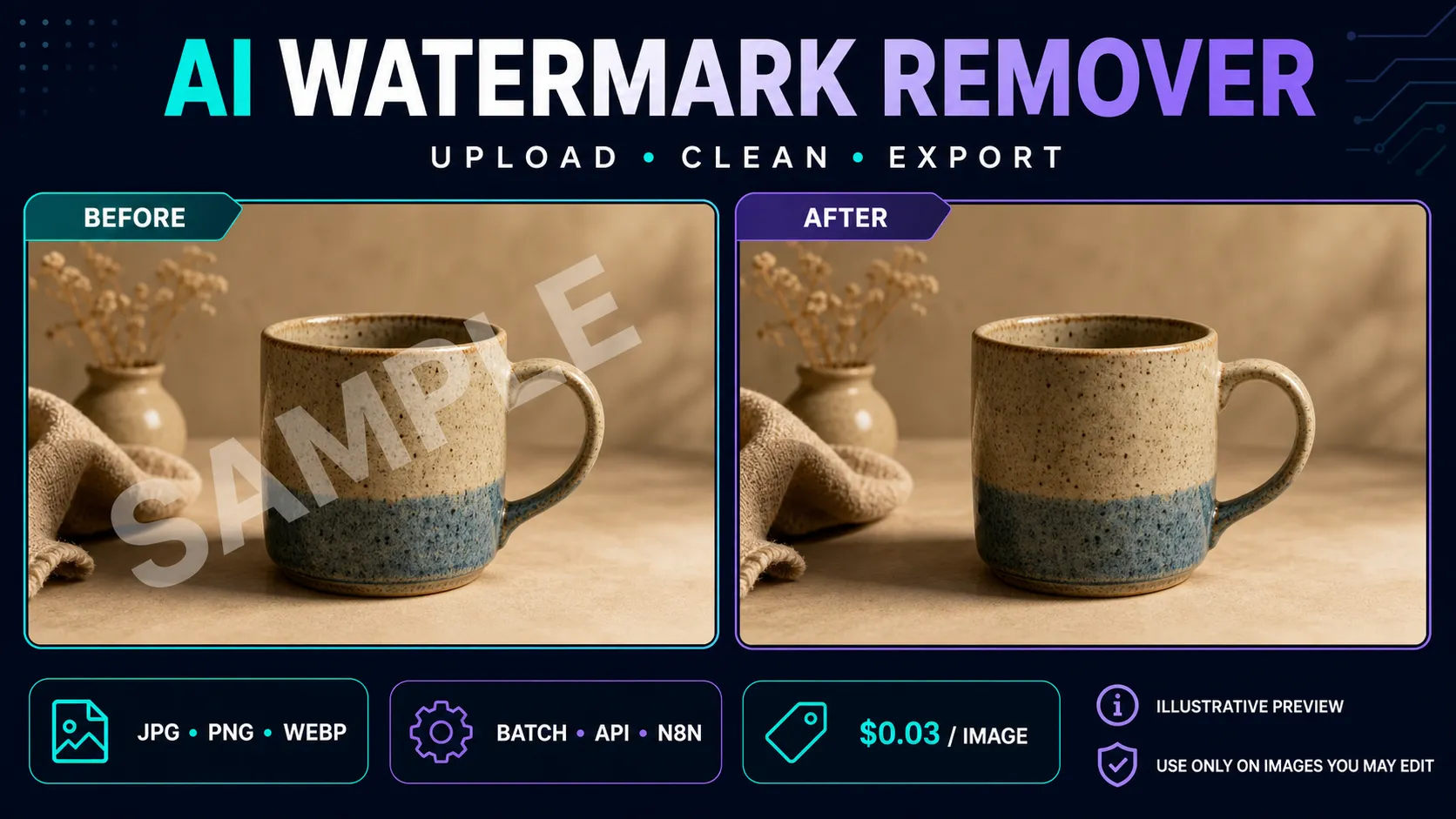
Remove visible watermarks and text overlays from images you own or have permission to edit. Use batch watermark removal for up to 100 photos, or choose local metadata cleanup to remove EXIF/GPS/XMP tags from your own files. Upload files, provide public image URLs, or send raw base64; receive fully decoded and validated PNG, JPEG or WebP results with measured dimensions.
Use the Actor from Apify Console, through the API, in scheduled workflows, or with n8n, Make, and Zapier. Batch processing supports up to 100 unique images per run.
Choose visible-mark removal or file-metadata cleanup
Use AI Watermark Remover for images you own or are authorized to modify. A creative team can clean a permitted draft overlay; an asset-migration workflow can process a bounded batch; a privacy-conscious publisher can strip file metadata before a separate manual review. The two operations have different effects and use the same delivered-image event price.
| Goal | Operation/settings | What you still need to review |
|---|---|---|
| Remove a visible text/logo overlay | watermark | Reconstructed pixels, blur and lost detail |
| Remove EXIF/GPS/XMP or PNG text | metadata | Actual metadata report and color/orientation behavior |
| Remove a visible mark and clean file tags | watermark with cleanMetadata | Both visual changes and metadataAfter |
| Prepare a compact agent response | outputPreset compact | Use full when dimensions/metadata reports matter |
Neither operation verifies ownership or certifies authenticity. Metadata removal does not establish that invisible pixel watermarks are absent.
Pricing
- $0.03 per successfully delivered image — $30 per 1,000 results.
- A small Actor-start event of $0.00005 applies to each run.
- Failed, invalid, duplicate, and empty inputs do not create paid Dataset results.
useDemoOnEmpty=trueexplicitly processes one demo image and may create one result charge.- Apify platform usage is charged separately to the user under the active pricing configuration.
The Actor stores a Dataset item only after it has received, validated, and saved an actual result image.
Input options
Upload files
Use Upload images in Apify Console to select JPG, PNG, or WEBP files from your computer.
Public URLs
URLs must resolve to public HTTP(S) images. Private, local, credentialed, unsafe redirect, and unsupported-file inputs are rejected without a paid result.
Base64
Pass a complete data:image/...;base64,... value inside imageUrls. This is useful when an automation platform already exposes an uploaded file as base64. The full base64 payload is not copied into the Dataset output.
You can also send a list of raw base64 strings in imageBase64, or one string in image_base64. image_url accepts one public URL. These aliases share the existing 100-image limit with uploads and URL lists. Upload-only workflow ignores URL/base64 fields.
Metadata cleanup and export
operation: "watermark" is the default and removes visible marks. operation: "metadata" works locally, without sending the photo to the watermark processing service, and does not remove visible marks. Both operations use the same $0.03 per delivered-image tariff. Set cleanMetadata: true to clean the result after visible-watermark processing as well.
Cleanup re-encodes pixels without EXIF (including GPS), XMP, PNG text or embedded provenance metadata, while optionally retaining ICC. EXIF orientation is applied to pixels. Choose outputFormat: "original", "png", "jpg" or "webp"; outputQuality sets JPEG/WebP quality from 1–100. Original/default delivery leaves processing result bytes unchanged. Converting formats can lose metadata; JPEG composites transparency on white and JPEG/WebP re-encoding can change pixels.
Full results include sourceWidth, sourceHeight, resultWidth, resultHeight, imageVerified, metadataBefore and metadataAfter. The metadata report contains EXIF/XMP/ICC presence and a heuristic C2PA marker check, not cryptographic signature validation. synthidStatus: "not_checked" means no SynthID detection or removal claim. The compact MCP preset retains its small legacy field set; choose full for the report.
Removing file metadata does not prove removal of invisible pixel watermarks or change who created an image. Review provenance obligations before editing your files.
| Input | Purpose |
|---|---|
workflow | Auto/Combined merges both sources; Uploads or URLs selects one source explicitly |
imageFiles | Direct JPG, PNG, or WEBP uploads |
imageUrls | Public image URLs or base64 data URIs |
outputPreset | compact minimizes MCP tokens; full preserves legacy metadata |
maxConcurrency | Process 1–5 images in parallel; default 2 |
timeout | Per-image processing wait from 30–180 seconds |
useDemoOnEmpty | Opt in to one potentially billable demo result on empty input |
Uploaded files and URLs share a combined limit of 100 unique inputs. Exact duplicate inputs are processed once.
Output
The example URL and measurements are illustrative. Actual output format, file size, visual quality, and processing time depend on the source image and processing result.
Successful images appear in the Dataset. Additional free records are written to the default key-value store:
SUMMARY— input, success, failure, duplicate, capped, and demo counts;FAILED_IMAGES— inputs that did not produce a paid result and their error details.ERRORS— stable machine-readable error codes and retry guidance (empty on a clean run).
MCP quick start
For an AI agent, start with workflow: "auto" and outputPreset: "compact".
Provide one or more authorized images in imageUrls or imageFiles, run the Actor,
then read results. Use summary to understand the run and errors to decide
whether a failed image should be retried. outputPreset: "full" remains the default
for backwards compatibility with existing tasks and API clients.
API and automation
Start runs with the standard Apify API and retrieve cleaned images from the default Dataset. You can export results as JSON, CSV, Excel, XML, or RSS, or connect Dataset events and webhooks to downstream workflows.
For n8n, the community package n8n-nodes-apivault-watermark-remover provides a no-code integration. You can also use the Actor with generic Apify nodes or HTTP requests.
Appropriate use cases
- remove a draft watermark added by your own design workflow;
- clean text or timestamp overlays from images you own;
- restore authorized product, property, or marketing images;
- process a controlled batch for a permitted content migration;
- integrate authorized image cleanup into an application or automation.
Limitations
Results vary with watermark size, opacity, placement, image detail, and background complexity. The removed area may contain blur, texture changes, reconstruction artifacts, or missing details. Animated images, SVG, PDFs, private network URLs, and files other than JPG, PNG, or WEBP are not supported.
Source and delivered images must fully decode and stay within 25 MB and 25 megapixels. Use concurrency 1 for large files to reduce memory demand. Result links follow Apify storage retention. The header image is illustrative; it is not a measured example of watermark removal.
A temporary processing-service issue can return no result. In that case the input is recorded in FAILED_IMAGES and is not delivered as a paid Dataset item. Retry later or reduce concurrency for a large batch.
Responsible use
Use this Actor only on images you own, created, licensed for modification, or otherwise have permission to edit. Do not use it to conceal ownership, bypass licensing, misrepresent authenticity, remove provenance required by law or contract, or infringe copyright or trademark rights.
You are responsible for confirming your rights and reviewing each output before publishing or relying on it. The Actor does not determine ownership, authorization, copyright status, or whether a particular modification is lawful.
Authorized-image processing recipes
Use a public image URL that you control and have permission to edit. The example.com URLs above are placeholders, not downloadable test files. For a first meaningful run, replace the URL and process one image at concurrency 1.
For a metadata-only workflow, visible pixels are not reconstructed by the watermark service. Re-encoding can still change pixels through format conversion or lossy compression, and orientation is applied before saving.
When you need both steps, request metadata cleanup after visible-watermark processing. Output quality changes JPEG/WebP encoding quality; it does not select a watermark-removal strength or guarantee fidelity.
For an explicitly selected URL workflow and smaller agent response, use compact output. Keep the run's SUMMARY and errors rather than assuming every supplied URL produced a result.
Validate delivery before publishing an edited image
A successful row identifies a delivered file. Download it while storage is retained and inspect both the whole picture and the affected region. imageVerified/dimensions confirm decoding and measured geometry, not removal quality or faithful reconstruction of hidden details. Keep the source separately if you need a before/after review. A public input URL can expire or refuse access independently of the Actor.
With full output, compare source/result format, size and dimensions, metadataBefore and metadataAfter. The metadata report uses a heuristic C2PA marker check, not certificate validation. synthidStatus stays not_checked; there is no supported promise of invisible-watermark detection/removal. Retaining ICC can preserve a color profile while other file metadata is removed.
Use the signed resultUrl as delivered rather than copying a run token into a shared URL. Link lifetime follows the relevant storage retention and access settings. Exporting the Dataset exports references and measurements; it does not embed all the image bytes into a CSV.
Watermark and metadata-cleanup questions
What does one delivered image cost? At 256 or 512 MB, one result is $0.03 plus the minimum $0.00005 start event: $0.03005 in events before platform usage. The start event scales by memory GB with a minimum of one. Both watermark and metadata operations have this result price.
Does supplying an invalid image create a paid result? Invalid or failed images are diagnostic entries, not successful Dataset rows. Startup and resources can still apply. Read SUMMARY/FAILED_IMAGES/ERRORS to distinguish rejected input, processing failure and an intentionally empty run.
Will an empty input automatically run a demo? The default is useDemoOnEmpty=false. An explicit true can create a potentially billable demo result. Set false for automated pipelines where accidental empty input must not trigger a sample.
Does a 100-image limit mean 100 results? No. Exact inputs are deduplicated, only supported decodable images are eligible, and failures can reduce delivery. Upload-only workflow ignores URL/base64 inputs; choose the intended workflow before submitting a mixed batch.
Can I guarantee a clean result without reviewing it? No. Fine detail under an overlay is reconstructed, not recovered from a known original. Review each edited image and keep its limitations with any downstream use.
n8n and developer integrations
Use this Actor in your automation or application with the existing community integrations below. An Apify account and API token are required; Actor and platform charges follow the current pricing.
- n8n community node: n8n-nodes-apivault-watermark-remover. Install package name
n8n-nodes-apivault-watermark-removerin a self-hosted n8n instance that permits community packages. - Python client and examples: GitHub.
- n8n source and usage: GitHub.
These are community packages. Publication on npm does not establish n8n verification or availability in n8n Cloud. Review the linked package README for supported inputs and setup.


