
WooCommerce Scraper — $0.9/1K · Prices, Ratings & Stock
Pricing
from $0.90 / 1,000 product scrapeds
WooCommerce Scraper — $0.9/1K · Prices, Ratings & Stock
Collect supported public WooCommerce catalogs and export source-returned products and price fields. Bulk export: JSON, CSV, Excel and API. PPE: $0.9/1K products; start fee extra.
Pricing
from $0.90 / 1,000 product scrapeds
Rating
0.0
(0)
Developer

Apivault Labs
Maintained by CommunityActor stats
0
Bookmarked
34
Total users
2
Monthly active users
a day ago
Last modified
Categories
Share
WooCommerce Scraper — products, variants & Shopify CSV mapping
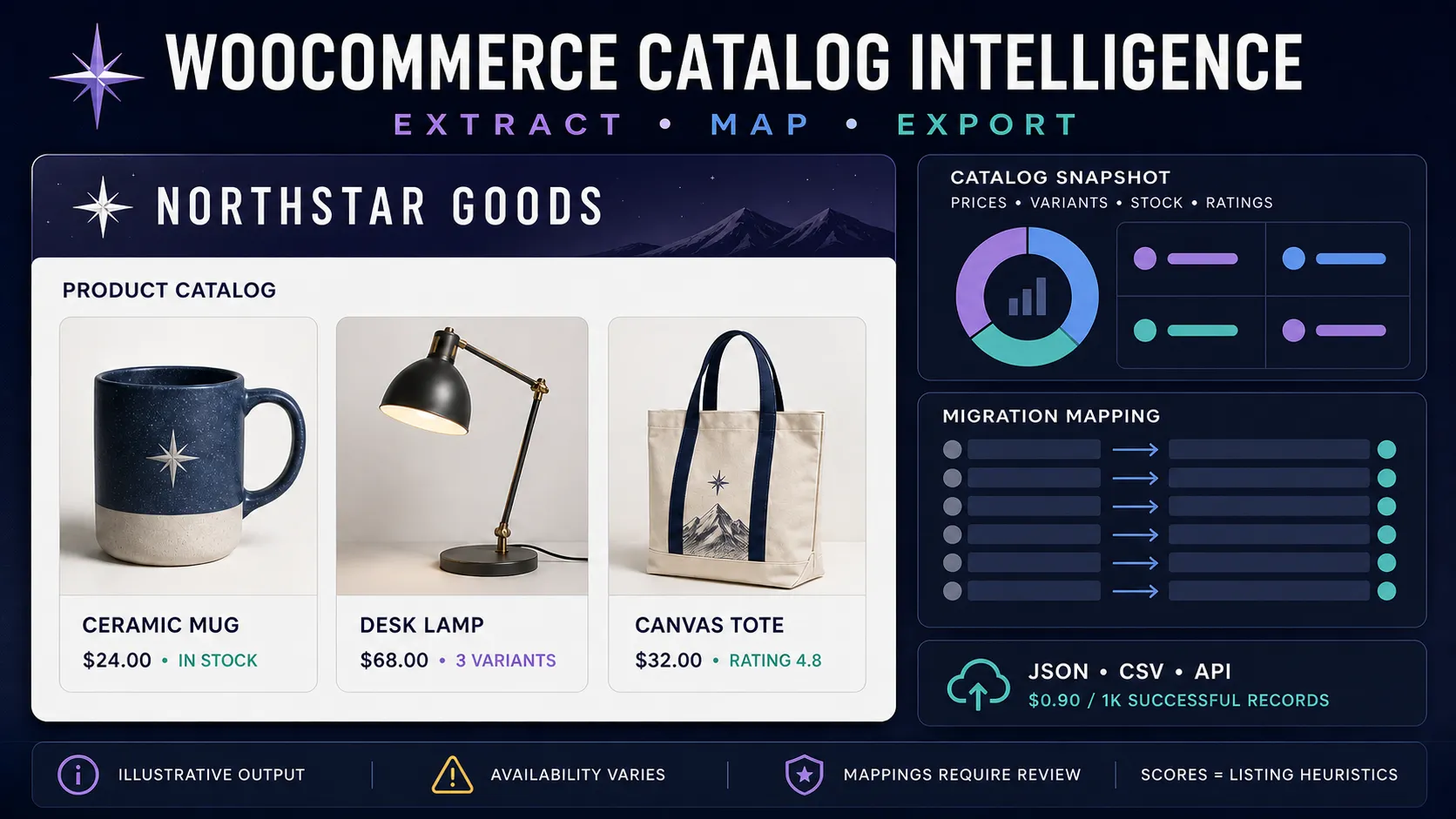
Extract available public WooCommerce catalog data into structured product, variant, or store-snapshot records. Collect prices, stock status, ratings, images, categories, attributes, optional reviews, and draft Shopify CSV or Google Merchant mappings for downstream review.
The Actor costs $0.0009 per successful Dataset record ($0.90 per 1,000) plus a $0.00005 run-start event per GB, minimum one. Apify platform resources are paid by the user. A run-wide maxResults cap makes the maximum record charge predictable.
What you get
- Store-root and exact
/product/{slug}/input modes. - Product IDs, canonical public URLs, titles, descriptions, SKUs, prices, sale signals, currency, images, categories, and attributes when exposed.
- Stock, purchasability, rating, review count, variation IDs, and optional enriched variant details when available.
- Optional displayed review text and reviewer information.
- Product, flattened-variant, custom-field, migration-mapping, product-feed, and catalog-snapshot output modes.
- Stable source-store metadata, record type, source mode, and UTC collection timestamp.
- Free
SUMMARYandFAILED_SOURCESreports outside the paid Dataset. - Strict public URL, DNS, and redirect validation to reject private networks and unsafe inputs.
Field availability varies by store configuration, plugins, theme, permissions, product type, and time. A store can use WooCommerce without exposing the catalog data required by this Actor.
Quick start
An exact public product URL can be mixed with store roots:
Replace the fictional .example domains with public WooCommerce stores you are authorized to process.
Input reference
| Field | Type | Default | Description |
|---|---|---|---|
storeUrls | string[] | [] | Up to 20 public store roots or exact product URLs. |
maxResults | integer | 1000 | Hard run-wide cap of 1–10,000 paid Dataset records. |
maxProducts | integer | 1000 | Source products fetched per store before filtering and flattening, 1–10,000. |
perPage | integer | 100 | Requested catalog page size, 1–100. |
onlyInStock | boolean | false | Deliver only records explicitly reported as in stock. Unknown stock is excluded. |
category | string | empty | Optional source category slug. |
flattenVariants | boolean | false | Deliver one record per available variant; can increase Dataset rows. |
enrichVariants | boolean | false | Request available variant details and related-product IDs. |
extractReviewsText | boolean | false | Request displayed reviews for each product. |
reviewsPerProduct | integer | 5 | Maximum displayed reviews requested per product, 1–50. |
exportFormat | string | default | Structured, mapping, custom subset, or snapshot output. |
customColumns | string | empty | Comma-separated output fields for custom-csv. |
convertToCurrency | string | empty | Optional ISO target currency for a point-in-time reference conversion when available. |
extract* | boolean | true | Select individual product field groups. |
maxConcurrency | integer | 3 | Public sources processed in parallel, 1–10. |
timeout | integer | 30 | Per-request timeout, 10–120 seconds. |
Output modes
| Mode | Paid Dataset unit | Intended use |
|---|---|---|
default | One successful product or flattened variant record | Analysis, JSON/CSV/API workflows |
shopify-csv | Product record with an embedded mapping | Inspect source data beside draft migration fields |
shopify-csv-only | One draft mapped row | Prepare a Shopify-compatible import workflow |
google-merchant | Product record with an embedded mapping | Inspect source data beside draft feed fields |
google-merchant-only | One draft mapped row | Prepare a product-feed workflow |
custom-csv | One selected-field record | Smaller exports for downstream tools |
catalog-snapshot | One non-empty store snapshot | Compare bounded catalog samples across stores |
Mappings are generated from available source fields and require review before import. They do not guarantee acceptance by Shopify, Google Merchant Center, or another destination. Required identifiers, taxonomy, inventory, tax, shipping, policy, and image requirements remain your responsibility.
Example product record
The example is fictional. Empty or null fields mean the source did not expose a usable value.
Catalog snapshots and heuristic fields
catalog-snapshot summarizes only the products returned within maxProducts, filters, and source availability. It can include price range, sale share, known stock coverage, freshness coverage, categories, ratings, images, and listing-completeness signals.
productIntelligenceScoremeasures listing completeness using available content signals. It is not product quality, demand, seller reliability, or a commercial recommendation.autoCategoryis a text heuristic, not an official product taxonomy.aov_estimateis explicitly labeled withaovEstimateMethod=median_available_product_price_x_1_5_heuristic. It is not observed order data or revenue.isNewArrivalisnullwhen no usable source timestamp exists.- Currency conversions are point-in-time reference values and should not be used as accounting or settlement rates.
Pricing and billing safety
- Actor start: $0.00005 per GB, minimum one event, plus user-paid Apify platform resources.
- Successful Dataset record: $0.0009.
maxResultscaps paid records across every store and flattened variant.- Invalid, duplicate, unavailable, empty, and insufficient records do not enter the paid Dataset.
- A non-empty catalog snapshot is one paid Dataset record; an empty snapshot is not delivered.
- Review
SUMMARYafter each run to reconcile delivered rows and limit status.
API example
Responsible use
Use public catalog data only for lawful purposes and respect store terms, rate expectations, copyrights, trademarks, and database rights. Product reviews may contain personal data and copyrighted text; collect only what you need and avoid republishing large bodies of review content without permission. Verify prices, stock, variants, identifiers, and mapped fields against the source before operational use.
WooCommerce, WordPress, Shopify, and Google are trademarks of their respective owners. This independent Actor is not affiliated with or endorsed by them.
Reliability notes
- Source stores can disable, customize, restrict, or remove public catalog access.
- Redirects and DNS are revalidated, but public websites can still change after a run.
- Product availability, pricing, stock, reviews, and currency values are point-in-time observations.
- Optional enrichment adds requests and can increase runtime.
- A successful run can contain zero paid rows; inspect
SUMMARYandFAILED_SOURCESfor the reason.
WooCommerce catalog research, migration and feed preparation
This WooCommerce product scraper is useful for catalog analysts, ecommerce operations and teams preparing a reviewed migration. Start from known public stores or product URLs. It does not discover every WooCommerce merchant or provide private orders, customer accounts, conversion rates or revenue.
| Task | Output mode | Useful review step |
|---|---|---|
| Product pricing and listing review | default | Preserve sourceStore, productId and currency |
| Size/color spreadsheet | Flatten variants | Check exposed variation fields and row count |
| Draft Shopify migration | shopify-csv or shopify-csv-only | Validate mapped fields before importing |
| Draft product feed | google-merchant or google-merchant-only | Complete required destination attributes |
| Lightweight research file | custom-csv | Keep product identity and source provenance |
| Bounded store comparison | catalog-snapshot | Record sampled products, filters and missing coverage |
Inspect three public product records
Use both limits: maxProducts bounds fetched source products per store, while maxResults bounds delivered records across the run. A store may expose fewer usable products than requested, and optional field coverage can differ.
Build a compact CSV-oriented file
custom-csv selects fields in each structured Dataset record. Download the Dataset using Apify's CSV export to get a CSV file; selecting this mode alone does not create a separate file attachment. Provenance fields are retained.
Review draft Shopify mappings
Keep the embedded mapping beside source fields on your first run. Confirm handles, options, SKUs, images and destination requirements before using mapped rows in a migration. Source content and identifiers may need manual cleanup.
Compare a bounded catalog snapshot
A non-empty snapshot is a single paid record summarizing the collected sample. Set maxProducts deliberately: maxResults counts snapshots in this mode and does not mean only one underlying product is fetched. Comparing stores with different sample limits or filters can give misleading apparent differences.
Interpret catalog evidence before operational use
Keep sourceStore, sourceMode, recordType and collectedAt with the product identifier. Compare prices within the correct currency and variant. Missing stock is unknown; onlyInStock excludes records without an explicit true stock value. Optional enrichment adds requests and may still return incomplete fields. Reviews and rating counts are reported source observations, not verified customer identity, sales volume or proof of product quality.
Default and mapped output modes serve different handoffs. Use the embedded mapping modes when a reviewer needs source data alongside the proposed import fields. Use mapping-only modes after confirming that the available fields suit your workflow. Feed acceptance, taxonomy assignment, taxes and policy compliance are determined by the destination and your completed data, not this extraction.
For dated catalog comparisons, join by sourceStore and productId, adding the variation identifier for flat records. A missing row can result from a source failure, cap, filter or changed public API; it is not proof of a removed product. Retain SUMMARY and FAILED_SOURCES with the run before deciding to alert on it.
Automation and cost examples
Use apivault_labs/woocommerce-product-scraper in the Console, linked clients or
an Apify MCP tool discovered as apivault_labs--woocommerce-product-scraper.
Pass the same small JSON input, retain the returned run and storage IDs, and read
actual Dataset rows plus SUMMARY before citing results. Scheduling and external
diff/alert delivery belong to your downstream workflow.
Ten successful records have $0.009 in result events plus the start event and user-paid platform usage. A single non-empty catalog snapshot has $0.0009 in result events, but fetching its sample still uses resources. Variant enrichment and review requests can increase those resources even when maxResults is small. Use the run's charge limit and inspect actual run usage rather than treating a row-fee example as an all-in price.
WooCommerce scraper FAQ
Why does a WooCommerce site return nothing? Public catalog access may be disabled, restricted or customized. Inspect FAILED_SOURCES and SUMMARY; a successful empty run is not evidence that the merchant has no products.
Does category mean every matching product is guaranteed? It is a source category request. Endpoint behavior and collection limits still determine what is available. Verify categories in the returned sample before scaling.
Can I use the estimate fields as revenue or demand? No. Listing-completeness scores, text categories and the labeled AOV heuristic are derived from observed product content. They are not order data, sales performance or recommendations.
Should I rerun just to get Excel or CSV? Read/export the existing Dataset. Another Actor run requests current source data and can create new charges and different observations.
n8n and developer integrations
Use this Actor in your automation or application with the existing community integrations below. An Apify account and API token are required; Actor and platform charges follow the current pricing.
- n8n community node: n8n-nodes-apivault-woocommerce. Install package name
n8n-nodes-apivault-woocommercein a self-hosted n8n instance that permits community packages. - Python client and examples: GitHub.
- Python client and examples: GitHub.
- n8n source and usage: GitHub.
- n8n source and usage: GitHub.
These are community packages. Publication on npm does not establish n8n verification or availability in n8n Cloud. Review the linked package README for supported inputs and setup.


