
App Store Scraper: iOS Apps, Ratings & Pricing
Pricing
from $0.56 / 1,000 app scrapeds
App Store Scraper: iOS Apps, Ratings & Pricing
Scrape the iOS App Store through Apple's official Search API: name, developer, rating, review count, price, category, screenshots, version and release notes.
Pricing
from $0.56 / 1,000 app scrapeds
Rating
0.0
(0)
Developer

Arman Hossain
Maintained by CommunityActor stats
0
Bookmarked
1
Total users
1
Monthly active users
2 months ago
Last modified
Categories
Share
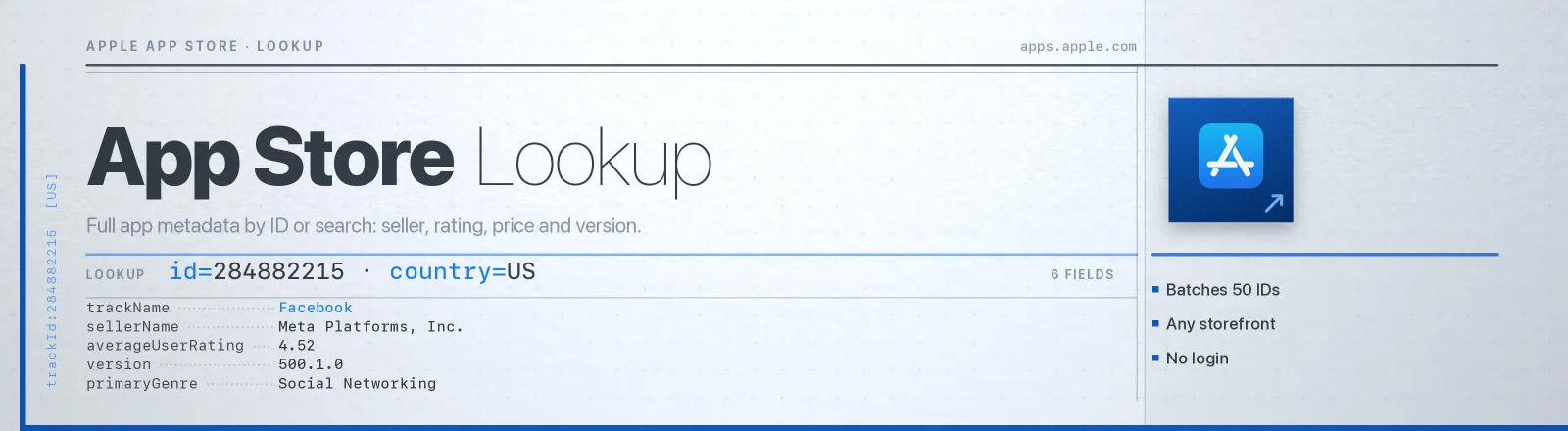
Pulls iOS, iPad and Mac app metadata straight from Apple's own Search API. You get the name, developer, rating, review count, price, category, screenshots, version, release notes, file size and minimum OS.
This is Apple's own documented data, the same source iTunes affiliate tools have used for years. A 200-app keyword sweep is a single request.
Agent skill: SKILL.md
What you get
| Field | What it holds |
|---|---|
trackId, trackName, bundleId | Apple's numeric app ID, the store name and the reverse-DNS bundle ID |
sellerName, artistName, artistId | Legal seller name, display developer name and developer ID |
price, formattedPrice, currency | Numeric price, the localised string ("Free", "£5.99") and the storefront currency |
averageUserRating, userRatingCount | Lifetime rating and rating count |
averageUserRatingForCurrentVersion, userRatingCountForCurrentVersion | The same two, scoped to the shipping version |
primaryGenre, genres | Primary category and the full category list |
version, releaseDate, currentVersionReleaseDate | Shipping version, first release, and when this version shipped |
releaseNotes, description | Full "What's New" text and the full store description |
minimumOsVersion, fileSizeBytes, contentAdvisoryRating, languages | Requirements, download size in bytes, age rating and supported languages |
screenshotUrls, ipadScreenshotUrls, artworkUrl512 | iPhone and iPad screenshots, plus the 512px icon |
trackViewUrl, sellerUrl | Store listing URL and the developer's own site |
country, source, scrapedAt | Storefront used, which input produced the row, and when the run happened |
RUN_SUMMARY in the key-value store holds per-run counts, the filters you used, and any target that failed.
Use cases
- ASO research. See exactly which apps rank for a keyword, and how their ratings compare.
- Release tracking. Poll
versionandcurrentVersionReleaseDatedaily to spot a competitor's ship cadence. - Cross-storefront pricing. Run the same app IDs against US, GB, DE and JP to compare price and rating.
- App enrichment. Turn a list of bundle IDs from an MDM or analytics export into full store records.
- Category benchmarking. Pull the top 200 for a category keyword and chart the rating distribution.
Quick start
One keyword, top 50 US apps:
Specific apps in the UK storefront, with mixed ID formats:
Mac apps, two keywords, capped:
Input
| Field | Type | Default | Notes |
|---|---|---|---|
searchTerms | array | [] | Keywords, one search pass each. Ranked as the store ranks them. |
appIds | array | [] | Numeric IDs, apps.apple.com URLs or bundle IDs. Numeric IDs are batched 50 per request, and bundle IDs cost one request each. |
country | string | US | Two-letter storefront code. Changes price, currency, availability and localised text. |
entity | string | software | software (iPhone), iPadSoftware or macSoftware. |
maxResultsPerTerm | integer | 50 | Cap per search term, clamped to Apple's hard limit of 200. Ignored for appIds lookups. |
At least one of searchTerms or appIds has to be non-empty. They combine freely: results are deduplicated on trackId, so an app that appears in both a search and a lookup is saved once.
Output example
Finding an app ID
Open the app's store page and read the URL.
| URL you see | What to paste |
|---|---|
apps.apple.com/us/app/slack/id618783545 | The whole URL, or just 618783545 |
apps.apple.com/gb/app/instagram/id389801252?l=en | The whole URL. Query strings are ignored |
If all you have is a bundle ID from an MDM inventory or a crash report, such as com.tinyspeck.chatlyio, paste that instead. Anything containing a dot and no leading id is treated as a bundle ID and resolved through Apple's bundleId lookup.
API example
JavaScript example
Notes
- Search returns at most 200 apps per term, and there is no page two. Apple accepts an
offsetparameter and then ignores it, which was verified directly. If you need more than 200 results, use more specific terms rather than deeper paging. - The storefront changes the data, not just the currency. Ratings, availability and release-note translations are all per-country, so run the same IDs against several
countryvalues to compare. - The endpoint answers with
content-type: text/javascript. The body is valid JSON, and the Actor parses it as text rather than trusting the header. - The rate limit is roughly 20 requests per minute per IP. It is undocumented but consistent. Because keyword sweeps are one request per term, normal runs sit far below it.
- A bad target won't kill the run. An invalid storefront returns HTTP 400 and is recorded in
RUN_SUMMARY.failures. The Actor only errors out if every target fails.
FAQ
Do I need an Apple developer account or API key? No. You supply no credentials.
Do I need a proxy? No. Proxy configuration is not required to run this Actor.
Can I get user reviews? Not from this Actor. The Search API returns aggregate ratings only. Individual review text lives in a separate RSS feed and is not part of this dataset.
Why does an app return no results? Either it is not available in that storefront, or the ID is wrong. A lookup that finds nothing returns zero results with HTTP 200, so check RUN_SUMMARY. The listed-versus-saved counts tell the two apart.
Can I get ranking positions? Search results come back in Apple's own relevance order, so row order is the ranking for that keyword. Chart positions (Top Free, Top Paid) are a different feed and are not included.
Can I plug it into something else? Yes. Apify API, the client libraries, webhooks, scheduled runs, dataset exports to JSON, CSV or Excel, or MCP. The output is structured JSON.


