
Shopify Store Scraper: Products, Variants & Inventory
Pricing
from $0.74 / 1,000 record scrapeds
Shopify Store Scraper: Products, Variants & Inventory
Scrape any Shopify store's complete catalogue through the public /products.json endpoint: titles, variants, prices, SKUs, images, tags and availability. Millions of stores, no key, no browser.
Pricing
from $0.74 / 1,000 record scrapeds
Rating
0.0
(0)
Developer

Arman Hossain
Maintained by CommunityActor stats
0
Bookmarked
1
Total users
1
Monthly active users
2 months ago
Last modified
Categories
Share
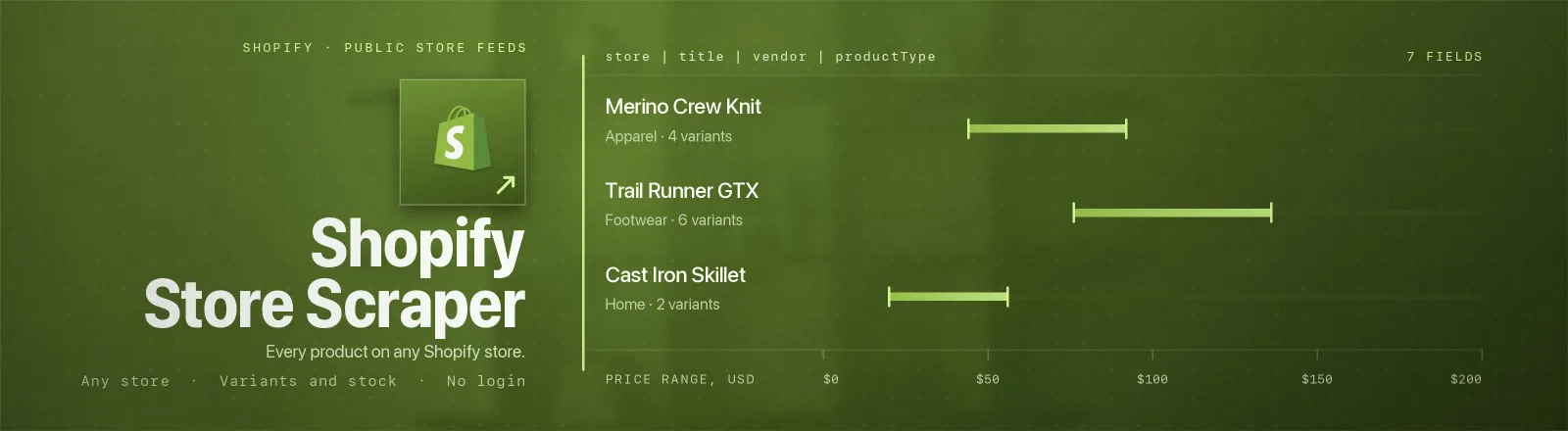
Shopify Store Scraper reads any Shopify storefront's complete catalogue through the public /products.json endpoint, titles, variants, prices, compare-at prices, SKUs, images, tags, product types and stock flags.
Every Shopify store publishes this data. It is the same catalogue the storefront's own theme renders from, so there is no browser, no proxy, no login and no credentials to manage. A 291-product catalogue comes back in seconds.
Agent skill: SKILL.md
What you get
| Output field | Meaning |
|---|---|
store, storeName | Domain you passed, and the shop name from the store's own record |
productId, title, handle | Shopify product ID, display title, and the URL slug |
vendor, productType, tags | Brand, Shopify's product type, and the full tag list as an array |
priceMin, priceMax, currency | Cheapest and dearest variant, in the store's own currency |
available | True when at least one variant is purchasable |
variantCount, variants | Variant count, and the nested list with price, compareAtPrice, sku, available, options |
images, featuredImage | Every product image URL, and the first one |
bodyPlain | Product description as clean plain text, HTML stripped, entities decoded |
publishedAt, updatedAt, url | Posting timestamps and the direct product URL |
scrapedAt | Run timestamp |
A RUN_SUMMARY record in the key-value store holds per-run counts, the filters used, and any store that refused.
Common use cases
- Competitor price and assortment monitoring. Daily snapshot per SKU, diff on
priceandavailable. - Dropshipping and sourcing research. Filter thousands of catalogues by
productType,vendorand price band. - New-product launch tracking. Watch
publishedAtacross a set of brands. - Lead qualification. Run
detectOnlyover a prospect list to find which domains are Shopify and how big their catalogue is.
Quick start
Two stores, first 250 products each:
Price monitoring, one row per size/colour, ready to join on SKU:
Qualify a prospect list without paying to scrape it:
Input
| Field | Type | Default | Notes |
|---|---|---|---|
stores | array | - | Required. Bare domains, full URLs, or .myshopify.com hosts. Everything after the host is stripped, so pasting a collection URL is fine. |
collectionHandles | array | [] | Restrict to collections. The handle is the slug after /collections/. Full URLs accepted. Empty = whole catalogue. |
maxProductsPerStore | integer | 250 | Cap on products read per store. 0 = everything Shopify will serve. |
outputMode | string | product | product = one row per product, variants nested. variant = one flat row per variant. |
includeVariants | boolean | true | Embed the variant list in product rows. Ignored in variant mode. |
minPrice | number | 0 | Drop cheaper items, in the store's own currency. No FX conversion. |
detectOnly | boolean | false | Report Shopify-or-not per domain and stop. Two requests per domain, no product rows. |
Which combinations make sense
outputMode: "variant"withmaxProductsPerStore, the cap counts products, not rows. A 250-product apparel catalogue is routinely 3,000+ variant rows, and each one is a billed event.collectionHandlesplusmaxProductsPerStore, the cap is per store, not per collection, and collections are read in the order given.includeVariants: falsein product mode, the fastest, narrowest shape. You keeppriceMin,priceMax,variantCountandavailable, which is enough for assortment tracking.detectOnlyignores every other filter.
Output example
A real product record from a live run against allbirds.com (variant list abridged to two of thirteen):
In detectOnly mode you get one row per domain instead:
RUN_SUMMARY
productsListed vs recordsSaved separates "the store is small" from "my filters were too tight".
How to tell whether a domain is Shopify
Set detectOnly: true and the Actor answers it for you: it returns the shop record with myshopify_domain, currency, country and the published product and collection counts. Domains that are not Shopify storefronts are reported as such rather than guessed at.
Two independent signals matter, and they can disagree:
isShopify: the domain is a Shopify storefront.productsEndpointOpen: its catalogue JSON is actually readable. Some brands run a headless front end (Vercel, Next.js) or an enterprise CDN in front of Shopify; those answer/products.jsonwith 403, 404 or 429 even though the store is Shopify.
Manually, the fastest check is curl -sI https://{domain}/products.json | grep -i powered-by, a genuine Shopify origin answers powered-by: Shopify.
Finding a collection handle
Open the collection page and read the URL: allbirds.com/collections/mens → mens. You can paste the whole URL, the Actor extracts the handle. An unknown handle is not an error, Shopify serves an empty page for it, so the Actor logs a warning rather than failing the store.
API example
JavaScript example
Limits and behaviour
- Pagination is
?page=N&limit=250. 250 is Shopify's hard maximum forlimit; asking for 300 silently returns 250. An emptyproductsarray marks the end. There is no cursor and no total count in the response. - 25,000 products is Shopify's ceiling.
page * limitabove 25,000 returns HTTP 400 ("Page * Limit exceeds the 25000 limit."), so 100 pages is the most any store will serve through this endpoint. - Not every store leaves it open. Of eight well-known brands probed, five answered 200 and three refused: 403 behind Akamai, 404 and 429 behind a Vercel-hosted headless front end. Refusals are per-store failures with a message that names the cause; the run continues.
- There is no stock quantity here. The public endpoint exposes
availableas a boolean and nothing more, noinventory_quantity, nobarcode, noinventory_management. Those exist only in the authenticated Admin API. This Actor does not invent them. - Prices are unconverted. Each store reports in its own currency, as published by the store itself.
minPricecompares raw numbers, so mixing a EUR and a USD store in one run with a price floor will not do what you want. - Transient errors are retried. 429 and 5xx get three attempts with backoff, honouring
Retry-After. 400/403/404 and non-JSON responses are fatal for that store and not retried. - Requests are paced 300 ms apart. 40 back-to-back requests drew no throttling, so this is courtesy rather than necessity.
- Public data only. No authentication, no personal data, no access-control bypass.
FAQ
Do I need a proxy? No. Proxy configuration is not required to run this Actor.
Do I need a Shopify account or API key? No. You supply no credentials.
Why does one of my stores return nothing? Three possibilities, and RUN_SUMMARY distinguishes them: the domain is not Shopify (404/non-JSON). It is Shopify but fronted by a CDN that blocks the endpoint (403/429), or your collectionHandles / minPrice filtered everything out. Run with detectOnly: true to settle the first two in one cheap pass.
Can I get stock levels? Only available (true/false) per variant. Shopify does not publish quantities on the storefront endpoint.
Product rows or variant rows? Product rows for catalogue snapshots and assortment analysis; variant rows for price monitoring, since each size and colour has its own price, SKU and stock flag. Switch with outputMode.
Does www. matter? Sometimes. Apex and www. hosts occasionally sit behind different edges, gymshark.com answers 200 while www.gymshark.com answers 403. If one form is refused, try the other.
Can I schedule it? Yes, it is designed for scheduled runs. A daily variant-level sweep of one 250-product store is two requests.
Can I integrate it with something else? Yes, Apify API, client libraries, webhooks, scheduled runs, dataset exports (JSON/CSV/Excel) or MCP. Output is structured JSON.


