Zillow Rental Auto-Apply Bot - 3 Seconds per Application
Pricing
$35.00/month + usage
Zillow Rental Auto-Apply Bot - 3 Seconds per Application
Submit Zillow rental applications in 3 seconds vs 10+ minutes manually. Custom messages, ZPID/URL support, validation. Chain with search actors for search-to-apply automation. $35/month unlimited. US/Canada phone numbers.
Pricing
$35.00/month + usage
Rating
0.0
(0)
Developer

ClearPath
Maintained by CommunityActor stats
1
Bookmarked
5
Total users
0
Monthly active users
an hour ago
Last modified
Categories
Share
🏠 Zillow Rental Application Request Submitter | Automatically Apply for Rentals
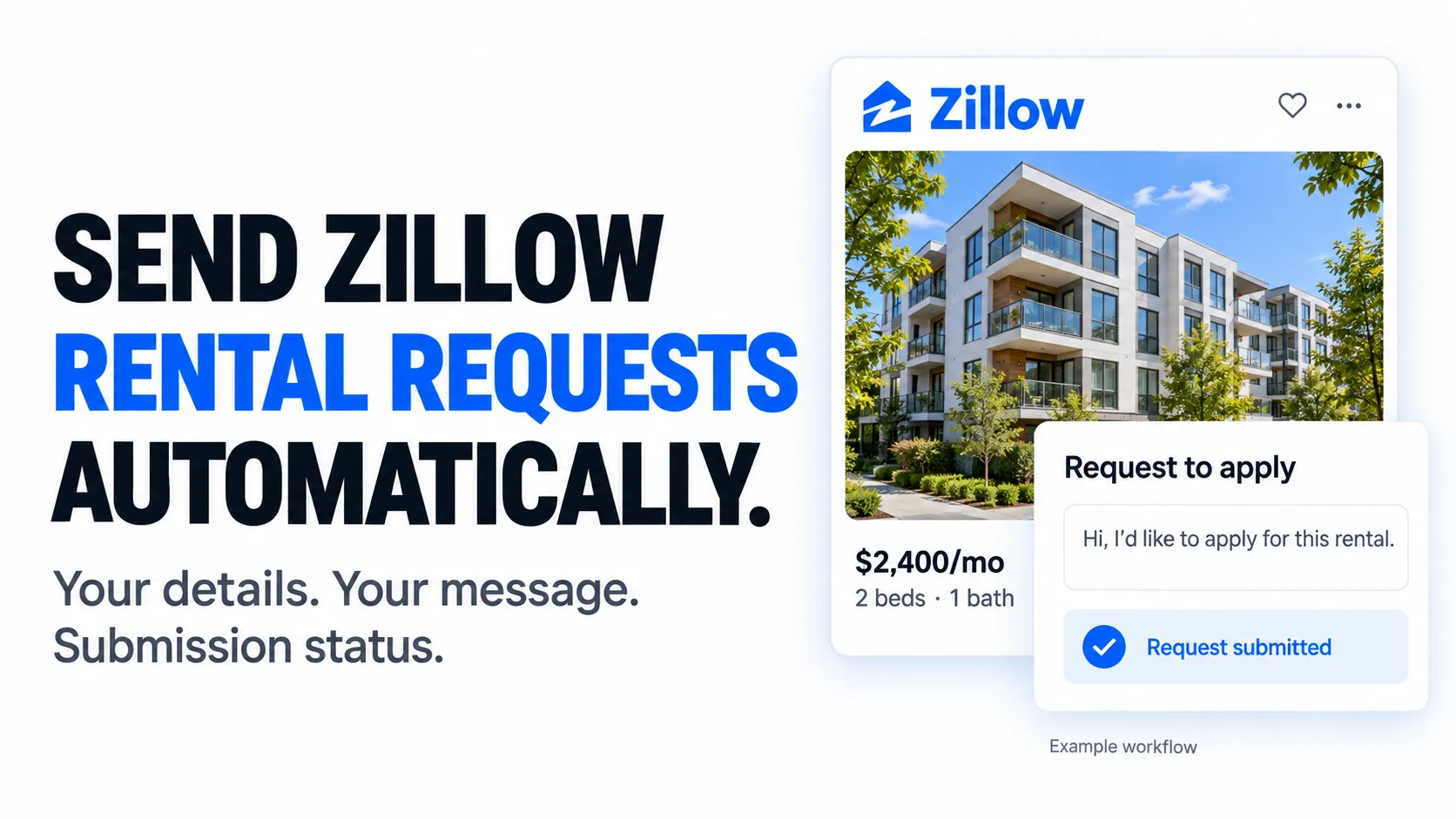
From Clearpath, creators of Zillow Bulk Search and Zillow ZIP Code Search. Find rentals, build your shortlist and send a request to apply.
Why choose this actor?
- Automate your request to apply. Provide a Zillow property ID or listing URL, your contact details and a message. The actor submits the rental request for that listing.
- Make every message your own. Use custom text or the built-in template. Add
{name}to insert the applicant’s name automatically. - Keep a record of each request. Get the property ID, applicant name and email, message, timestamp and success status in your dataset. Connect it to a search workflow, using one run for each selected rental.

Prepare your first rental request
Replace the example property ID and contact details with your own. Each run processes one rental listing.
Open actor input to review your details and message before starting. Running the actor sends a real request to apply. It does not complete tenant screening or upload application documents. Listings that require a Zillow login are not supported; successful submission is not landlord approval.
| Clearpath · Zillow Suite | ||||
 Bulk Search Bulk SearchLarger searches |  ZIP Search ZIP SearchLocal listings |  Contact ContactSend inquiries |  Auto Apply Auto ApplyYou are here |  Inbox InboxExport messages |
Copy to your AI assistant
Copy this block into ChatGPT, Claude, Cursor, or any LLM to start using this actor.
Features
- Automated rental requests - Send a request to apply with your contact details and message
- 🔗 Integrate with any other Zillow Actor - Chain with search actors for automation
- ✉️ Custom Messages - Personalize with templates and variables
- Current pricing - See the Pricing tab for billing terms
🚀 Quick Start
Basic - Single Property by ZPID
Single Property by URL
Advanced - Custom Message
⚡ Key Features
Instant Automated Submission
- Request-to-apply automation - Submit a rental request with your chosen message
- Automatic validation - Phone, email, and required fields checked
- Success tracking - Know exactly which applications succeeded or failed
🔗 Apify Integration
- Chain with search actors - Use with zillow-bulk-scraper or zip-code-search
- Workflow automation - Build complete search-to-apply pipelines
- Programmatic access - Full API integration for custom workflows
✉️ Custom Message Templates
- Professional default - Pre-written template included
- Fully customizable - Personalize every aspect of your message
- Variable interpolation - Use {name} placeholder for automatic insertion
🎯 Flexible Input
- ZPID or URL - Direct property ID or full Zillow URLs
- Speaking URLs supported - Works with friendly URLs like /apartments/city/building-name/
- Automatic extraction - Converts any format to property ID
🎯 Use Cases
For Individual Renters
- Competitive rental markets - Be first to apply in hot markets like NYC, SF, LA where properties rent within hours
- Apartment hunting automation - Apply to 50+ matching properties instantly when new listings appear
- Remote relocations - Submit applications from anywhere without visiting properties
- Less repeated typing - Reuse your contact details and message templates
- Application blitzes - Apply to every property in your target area in minutes
- Market research - Test application process across multiple properties and landlords
For Real Estate Professionals
- Client services - Submit applications on behalf of clients with their information
- Property managers - Streamline tenant application workflows for managed properties
- Relocation specialists - Automate applications for corporate relocations
- Rental agents - Request to apply for selected properties, using one run per listing
- Market analysis - Test landlord responsiveness across different properties
- Portfolio expansion - Quickly identify accepting landlords for new client placements
For Developers & Automation Specialists
- Search-to-apply pipelines - Chain zillow-bulk-scraper → filter → auto-apply workflows
- Scheduled automation - Run nightly to apply to new listings matching criteria
- Multi-platform integration - Combine with other rental platforms for comprehensive coverage
- Custom filtering - Build intelligent selection logic before batch application
- API orchestration - Integrate into existing property management systems
- Data collection - Track application acceptance rates and landlord response times
📝 Input Parameters
| Parameter | Type | Description | Default |
|---|---|---|---|
| zpid | integer | Zillow Property ID (8-10 digits). Either ZPID or Property URL is required. | Optional* |
| propertyUrl | string | Full Zillow property URL. Supports both direct URLs (with _zpid/) and speaking URLs. Either ZPID or Property URL is required. | Optional* |
| name | string | Your full name as it should appear on the application (e.g., "Sarah Johnson") | Required |
| string | Your email address for application correspondence | Required | |
| phoneNumber | string | US/Canada phone in international format: +1XXXXXXXXXX (exactly 12 characters) | Required |
| message | string | Your message to the landlord/property manager. Uses professional default if not provided. | Professional template |
*Note: Either zpid OR propertyUrl must be provided (not both required, but at least one). If both are provided, zpid takes precedence.
Phone Number Format
- Format: +1XXXXXXXXXX (exactly 12 characters)
- Example: +12125551234 (New York), +14165551234 (Toronto), +13105551234 (Los Angeles)
- Supported: US and Canada only
- Validation: Automatic validation before submission
Default Message Template
If you don't provide a custom message, this professional template is used automatically:
The {name} placeholder is automatically replaced with your actual name.
📊 Output
Each application returns comprehensive submission details:
Success Response:
zpid- Property ID that was applied topropertyUrl- Full URL to the property listingapplicantName- Your name as submittedapplicantEmail- Your email as submittedmessage- The exact message sent to the landlordsuccess- true (application submitted successfully)scrapedAt- Timestamp of submission
Error Response:
Error Response Fields:
- Same fields as success, plus:
success- false (application failed)error- Description of why the application failed
🔌 Apify Integration - Call from Other Actors
Perfect for automation workflows: Chain this actor with search actors to build complete search-to-apply pipelines.
Python - Chain with Search Results
JavaScript - Batch Application from Search
Integration Pattern: Search → Filter → Apply
Recommended Workflow:
- Use
zillow-bulk-scraperorzip-code-searchto find matching properties - Filter results programmatically (price, location, features, days on market)
- Call this actor with filtered property ZPIDs for batch application
- Track success/failure rates and landlord responses
Pricing
See the Pricing tab for current rates and billing terms.
💡 Advanced Usage
Batch Application to Multiple Properties
Apply to 50+ properties in one run by calling the actor multiple times in parallel:
Scheduled Automation - Apply to New Listings Daily
Set up automated applications to new listings matching your criteria:
Custom Message Templates by Property Type
Customize your message based on property characteristics:
🔌 API Integration
Python
JavaScript/TypeScript
📊 Data Export
Export your application records in multiple formats:
- JSON - Perfect for programmatic analysis and record keeping
- CSV - Import into spreadsheets for tracking success rates
- Excel - Create professional application logs with formatting
🤖 Automation
Scheduled Runs
Set up automated application submission:
- Daily monitoring - Apply to new listings every morning
- Instant response - Be first to apply when properties match criteria
- Competitive edge - Beat other applicants in hot markets
Webhooks
Receive real-time notifications:
- Success alerts - Know immediately when applications are submitted
- Error notifications - Get alerted if applications fail
- Integration endpoints - Send results to your CRM or tracking system
API Access
Build custom workflows:
- Search-to-apply pipelines - Automate the entire apartment hunting process
- CRM integration - Track applications in your property management system
- Custom dashboards - Monitor application success rates over time
❓ FAQ
Q: How does automated application submission work? A: The actor sends a request to apply for a rental. Provide a property ID or URL, your name, email, phone number and message. It does not complete screening or upload documents.
Q: How fast is application submission? A: Duration depends on the listing and source response. Each run processes one rental request.
Q: Does this work with all Zillow rental properties? A: The actor works with properties that accept application requests without login. Some properties require tenant login for direct applications - these will return an error with details.
Q: What phone number formats are supported? A: Currently US and Canada only, in international format: +1XXXXXXXXXX (e.g., +12125551234). The phone number must be exactly 12 characters.
Q: Can I customize the application message? A: Yes! You can provide a fully custom message, or use the professional default template. Use the {name} placeholder to automatically insert your name.
Q: How do I know if an application succeeded? A: Each request returns a success/failure status. Success refers to submission of the request, not a completed application or landlord approval. Failure includes an error description.
Q: Can I apply to multiple properties at once? A: Yes! Call the actor multiple times (in parallel or sequentially) with different ZPIDs. Each run processes one property, so you can batch by running multiple actors simultaneously.
Q: Can I integrate this with search actors? A: Absolutely! This is the recommended workflow: Use zillow-bulk-scraper or zip-code-search to find properties, filter results programmatically, then call this actor to apply to matching properties.
Q: What information is included in the application? A: The application includes your name, email, phone number, and your message to the landlord. All fields are validated before submission.
Q: Will I get a confirmation email? A: Yes! Zillow automatically sends a confirmation email to the email address you provided, confirming that your application request was submitted to the landlord.
Q: Will my Zillow profile information be visible to landlords? A: Yes. Zillow automatically detects your account using the email you provide. If you have a Zillow renter profile with additional information (credit score, rental history, income verification, etc.), landlords will be able to view this profile information along with your application.
Q: Is my information secure? A: Yes. The actor only submits your information directly to Zillow's application system. No personal data is stored or logged (except in your dataset output for your own records).
Q: What's the cost? A: See the Pricing tab for current rates and billing terms.
Q: Can I schedule automated applications? A: Yes! Set up scheduled runs through Apify to automatically apply to properties on a daily, weekly, or custom schedule.
Q: What happens if a property doesn't accept applications? A: The actor will return an error message explaining why the application couldn't be submitted (e.g., "Login required for this property"). Your run will still succeed - only that specific property application will show as failed.
Q: Can I track my application history? A: Yes! All application results are stored in the dataset output, including success/failure status, timestamps, and the exact message sent to each landlord.
🚀 Getting Started
1. Account Setup
- Sign up for Apify (free tier available, no credit card required)
- Review current billing terms in the Pricing tab
- Get your API token from account settings
2. Prepare Your Application
- Gather property details - ZPID or URL from Zillow listing
- Prepare your information - Name, email, phone (+1XXXXXXXXXX format)
- Customize message (optional) - Write a personalized message or use the default
3. Submit Your First Application
- Click "Start" with your input configuration
- Monitor progress in real-time through the run log
- Check dataset output for success confirmation
- Review the exact message that was sent to the landlord
4. Scale & Automate
- Use Apify API to integrate with search actors
- Set up webhooks for real-time success notifications
- Create scheduled runs for daily application automation
- Build search-to-apply pipelines for complete automation
- Track success rates across different properties and markets
📧 Support
- Email: max@mapa.slmail.me
- Feature Requests: Email or submit via issues
- Response Time: Typically within 24 hours
⚖️ Legal Compliance
This actor automates submission of rental applications through Zillow's public application system. Users are responsible for:
- Truthful information: Only submit accurate, truthful information in applications
- Legitimate intent: Use only for genuine rental applications, not spam or abuse
- Terms compliance: Follow Zillow's Terms of Service and applicable laws
- Privacy: Comply with data protection regulations (GDPR, CCPA)
Responsible Use: This tool is intended for legitimate rental application purposes. Do not use for spam, harassment, fraudulent applications, or any activities that violate platform terms or housing laws.
🚀 Start Submitting Rental Applications Now
Automate your apartment hunt and never fill out rental forms manually again - submit to dozens of properties in seconds with professional, customizable applications at one simple monthly price.