

Resume / Candidate Profile Scraper
Pricing
from $2.40 / 1,000 candidate-results
Resume / Candidate Profile Scraper
Extract structured candidate data from public resume, portfolio, GitHub, and profile URLs into flat, CSV-ready rows with skills, visible contacts, profile links, and a completeness score — no login, cookies, or residential proxy.
Pricing
from $2.40 / 1,000 candidate-results
Rating
0.0
(0)
Developer

Delowar Munna
Maintained by CommunityActor stats
0
Bookmarked
9
Total users
1
Monthly active users
4 months ago
Last modified
Categories
Share
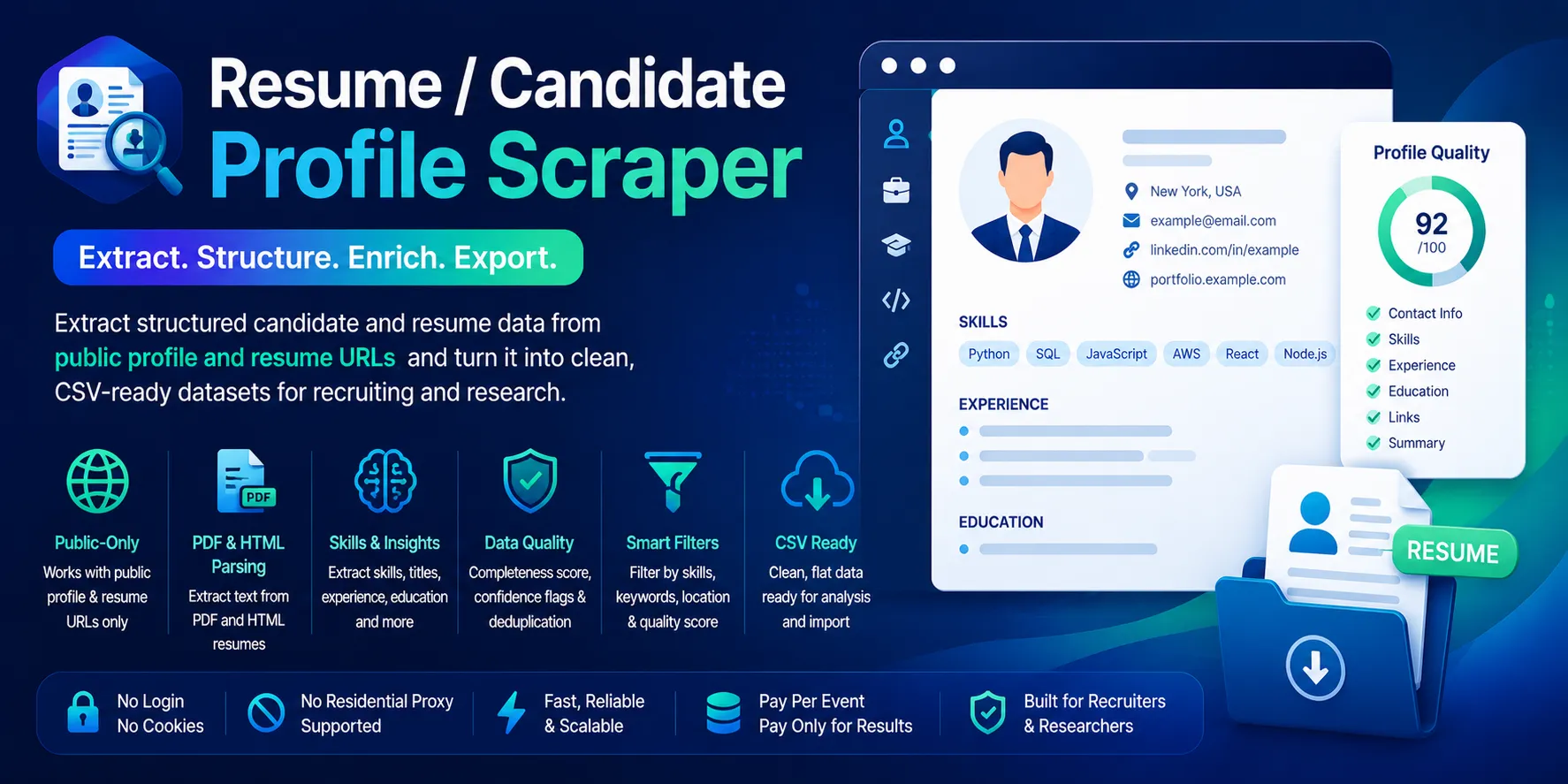
Turn public resume, portfolio, GitHub, and profile URLs into clean, flat, CSV-ready candidate records — names, titles, skills, location, publicly visible contacts, profile links, and a transparent profile-completeness score. Built for recruiters, sourcing agencies, HR analysts, and staffing teams.
Public-only. No login, no cookies, no sessions, no residential proxy, no paid enrichment. You supply a list of public URLs; the actor fetches each one over HTTP, parses HTML pages and directly public PDF resumes, and returns one flat row per candidate. You pay one flat event per saved unique candidate.
✨ Why this scraper
- Public-only & safe — no logged-in LinkedIn / Indeed Resume / Naukri / Seek private databases, no cookies, no credentials. Login-required pages are skipped, never bypassed.
- Mixed inputs — public HTML profiles, personal sites, portfolios, public GitHub profiles, and directly public PDF/text resumes, all into one stable schema.
- 32 flat fields — identity, visible contacts, profile links, source tracking, detected skills, completeness score. No nested objects; drops straight into Sheets/Excel/CRMs.
- Transparent completeness score — rule-based (no AI), explained below.
- Pay-Per-Event — one flat
candidate-resultevent per saved unique candidate. Failed, skipped, duplicate, and filtered rows are never charged.
🚀 Quick start — sample inputs
Example 1 — mixed public URLs with skill detection
Example 2 — filtered shortlist + custom residential proxy via your own provider
Tip: a public resume URL like
{ "url": "https://example.com/jane-doe-resume.pdf" }also works — directly public PDF resumes are parsed withincludePdfText: trueand fill theeducation_summary/experience_summary/certifications_textfields that profile pages usually leave empty.
Provide at least one valid public HTTP/HTTPS URL in
startUrls. Unsupported protocols (file:,ftp:,mailto:,tel:) are rejected, and duplicate URLs are removed before crawling.
The actor blocks Apify Residential proxy; if you need residential routing, supply your own provider via
proxyConfiguration.proxyUrlsas shown. See 🚦 Proxy policy below.
📦 Output
The dataset has one view: Candidates — a 32-column flat table.

Output fields (32)
candidate_name, headline, current_title, current_company, location_text, email, phone, website_url, linkedin_url, github_url, portfolio_url, source_url, canonical_url, source_domain, source_type, resume_file_type, skills_detected, skill_count, matched_keywords, experience_years_text, education_summary, experience_summary, certifications_text, languages_text, public_contact_available, profile_completeness_score, profile_quality_label, reason_tags, page_title, page_text_snippet, input_index, scraped_at.
Scalar fields fall back to null, comma-joined lists to "", counts/scores to 0, and booleans to false when a value isn't visibly present.
Sample records — Candidates
Real output rows (public GitHub / personal-site profiles). Fields populate from what's publicly visible — resume-section fields (education_summary, experience_summary, certifications_text) are blank on profile pages and fill in from public resume PDFs.
A public GitHub profile (github_profile):
A personal-site profile (public_profile) with a visible contact:
🎯 Profile-completeness score
Transparent rule-based score (0–100) computed from extracted fields — no AI, no external enrichment.
| Signal | Points |
|---|---|
candidate_name present | +15 |
headline or current_title present | +15 |
current_company present | +10 |
location_text present | +10 |
at least one public contact (email or phone) | +15 |
any profile link (linkedin / github / portfolio / website) | +10 |
skill_count >= 3 | +10 |
experience_summary present | +10 |
education_summary or certifications_text present | +5 |
Score is capped at 100.
Labels: high (70–100) · medium (40–69) · low (0–39).
reason_tags is a comma-separated list explaining the row — e.g. has_public_email, has_public_phone, has_linkedin, has_github, has_portfolio, has_skills, has_experience, has_education, resume_pdf, public_profile, low_information, plus keyword_match / location_match when your filters matched.
⚙️ Filters
| Filter | Effect |
|---|---|
requiredKeywords | Keep only rows whose visible text or detected skills contain at least one keyword. Missing text fails. |
locationIncludes | Keep only rows whose location_text contains one of the values. Missing location fails (when set). |
minCompletenessScore | Keep only rows scoring at or above the threshold (0–100). |
deduplicate | Drop duplicates by email, canonical/profile URL, or name + source; the richer duplicate is kept. |
Filters are applied after extraction and before any dataset push or event charge. Filtered-out rows are counted in filtered_out and never charged.
💰 Pricing
Pay-Per-Event. One flat event per saved row (final per-event price is configured on the Apify console):
| Event | Charged when |
|---|---|
candidate-result | Once per unique candidate row that passed all filters and was successfully written to the dataset. |
So your bill is simply results_saved × price_per_event. The actor honors the user-configured per-run spending cap (Apify eventChargeLimitReached): it caps how many results it collects up-front to what the limit can pay for, and stops cleanly the moment the cap is reached during charging.
Not charged:
- Failed inputs and blocked/transient errors.
- Pages skipped because they require login / cookies / private access.
- Duplicates (by email, canonical/profile URL, name + source).
- Rows filtered out by
requiredKeywords/locationIncludes/minCompletenessScore. - Pure low-information / error rows (no useful candidate signal).
🚦 Proxy policy
Use Apify Datacenter proxy or no proxy for normal runs — both work for public resume/profile pages at this actor's conservative concurrency.
Apify Residential proxy is not supported. The actor will fail at startup if proxyConfiguration.apifyProxyGroups includes RESIDENTIAL. Reason: in pay-per-event actors, residential bandwidth (~/GB) is billed to the developer, not the run user, so a single bandwidth-heavy run could exceed the per-result event revenue.
If you genuinely need residential routing, supply your own residential provider via the proxy editor's Custom proxy URLs field — that traffic goes through your provider, not Apify, and is unaffected:
📊 Run summary
After each run, a RUN_SUMMARY entry is written to the key-value store:
charged_events equals the number of successfully saved unique candidate rows.
🚧 Limitations (V1)
- Public data only: no login, cookies, sessions, or member-only content. Pages behind an auth/login wall, paywall, or captcha are skipped (counted in
skipped_private_or_login_required), never bypassed. - HTTP-first: HTML + directly public PDF/text resumes. No browser automation in V1 (a future opt-in), no media/image downloads, and no crawling beyond the URLs you provide.
- Visible-only contacts:
email/phoneare extracted only when publicly visible (mailto/tel links, structured data, or visible text). No enrichment, verification, or append. - No AI: skills come from a static dictionary plus your
skillKeywords; the completeness score is rule-based. - PDF caps: PDFs over 10 MB are skipped; extracted text is truncated for memory safety. Only structured fields are stored — not full document text.
❓ FAQ
Do I need any account, cookie, or API key? No. The actor only fetches public URLs over HTTP. No usernames, passwords, cookies, authorization headers, session tokens, or paid people-data vendor keys are accepted.
Which URLs work best? Public personal sites / "about" pages, public portfolios, public GitHub profiles, and directly public PDF/text resumes. Private resume databases and logged-in LinkedIn/Indeed pages are out of scope.
Why are some fields empty?
Fields populate only when the value is visibly present on the page or in the PDF text. Missing scalars are null, missing lists are "".
How is profile_completeness_score computed?
A transparent rule-based sum (see above) — no AI. Use it with minCompletenessScore to keep only richer profiles.
Can I export to CSV?
Yes — every field is flat (no nested objects). Use Apify's CSV / Excel export, or the dataset API with format=csv.
🛠️ Technical notes
- Stack: Node.js 22 · Apify SDK 3 · Crawlee
HttpCrawler· Cheerio (HTML) ·unpdf(public PDF text). No browser. - Concurrency:
min=1,max=10(conservative; tune after real runs). - Memory: 1 GB min · 2 GB default · 4 GB max.
- Proxy: Apify Proxy enabled by default; custom proxy URLs accepted; Apify Residential rejected at startup.
- Reliability: session rotation, realistic headers, and retry/backoff on transient
429/5xx. Auth walls and401/403are skipped without retry.


![✨Leads Finder - $1.5/1k leads with Emails [Apollo Alternative] avatar](https://images.apifyusercontent.com/hQh95d2BMIK4aiNBVTAopmRKraOLFaDFmflsEsCTEKM/rs:fill:76:76/cb:1/aHR0cHM6Ly9hcGlmeS1pbWFnZS11cGxvYWRzLXByb2QuczMudXMtZWFzdC0xLmFtYXpvbmF3cy5jb20vaUpPU0hXZDl4ZmFoRzBTWm0tYWN0b3ItSW9TSHF3VFI5WUdoemNjZXotYmdMcjdPbmo0Qy1jb21wYW55X3NjcmFwZXIucG5n.webp)

