

Bulk Image Converter & Compressor - WebP, AVIF, JPEG, PNG
Pricing
from $1.97 / 1,000 image converted (failed images free)s
Bulk Image Converter & Compressor - WebP, AVIF, JPEG, PNG
Convert and compress images in bulk from URLs: WebP, AVIF, JPEG or PNG, resize, hit a target file size, auto-rotate, strip EXIF/GPS by default. Download links and savings per image. $0.00197 per image (+$0.00019 per megapixel above 4 MP); failed images free.
Pricing
from $1.97 / 1,000 image converted (failed images free)s
Rating
0.0
(0)
Developer

DigiVibeTech
Maintained by CommunityActor stats
0
Bookmarked
2
Total users
1
Monthly active users
4 days ago
Last modified
Categories
Security
Limited permissionsShare
Convert and compress thousands of images from URLs in one run: WebP, AVIF, JPEG or PNG, resize to a maximum width/height, hit a target file size, auto-rotate phone photos, and strip EXIF/GPS metadata by default. Each result has a download link and the bytes saved.
$0.00197 per image up to 4 megapixels, plus $0.00019 per extra megapixel of the input image (a 12 MP phone photo costs $0.00349). No start fee. Images that fail are free.
Why this one
- WebP, AVIF, JPEG or PNG output with resize, a target file size, auto-rotate and EXIF/GPS stripping on by default.
- Every result has a download link and the bytes saved.
- $0.00197 per image up to 4 megapixels with no start fee, against $0.01 per result plus platform usage at a rival with a target-size option (checked 28 Oct 2026). Images that fail are free.
Screenshots
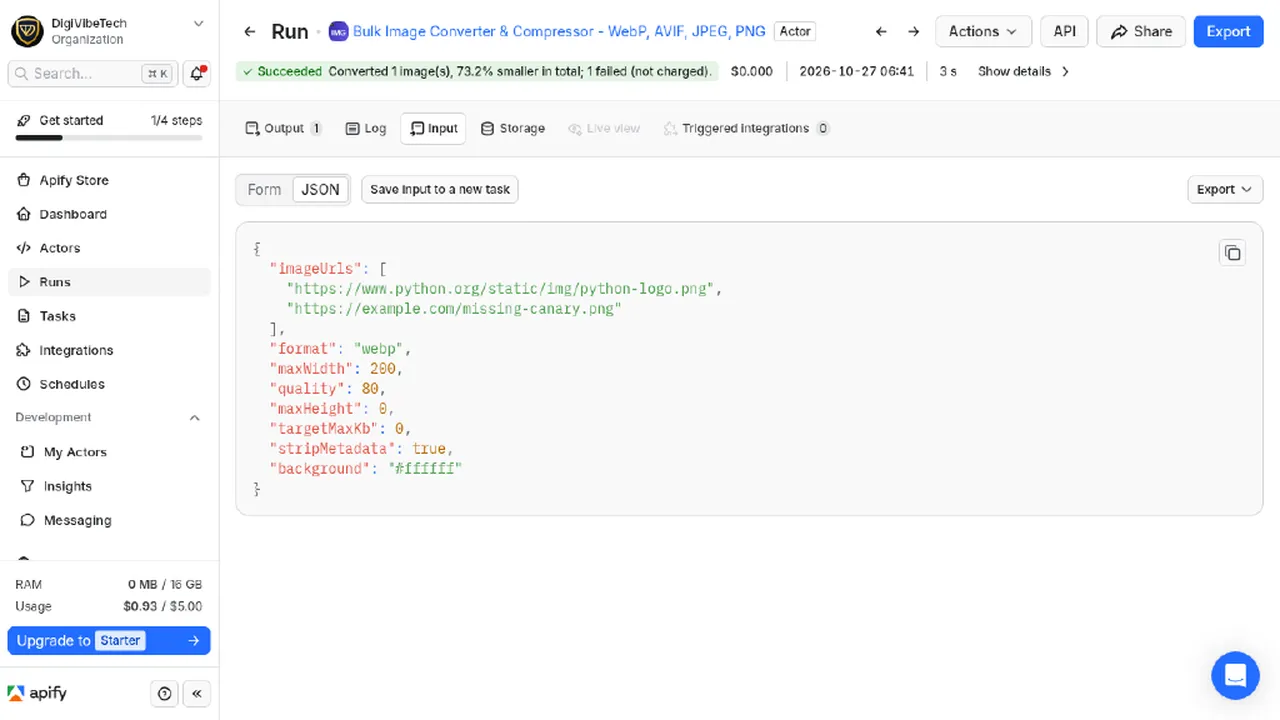
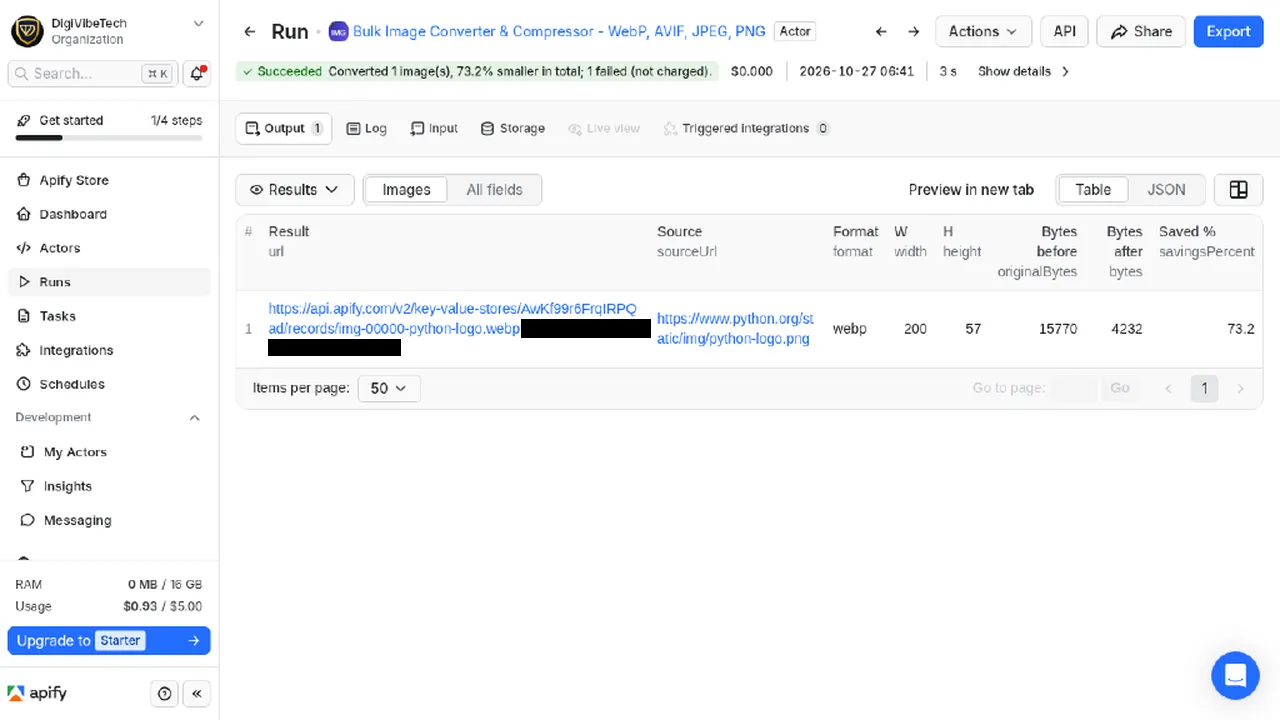
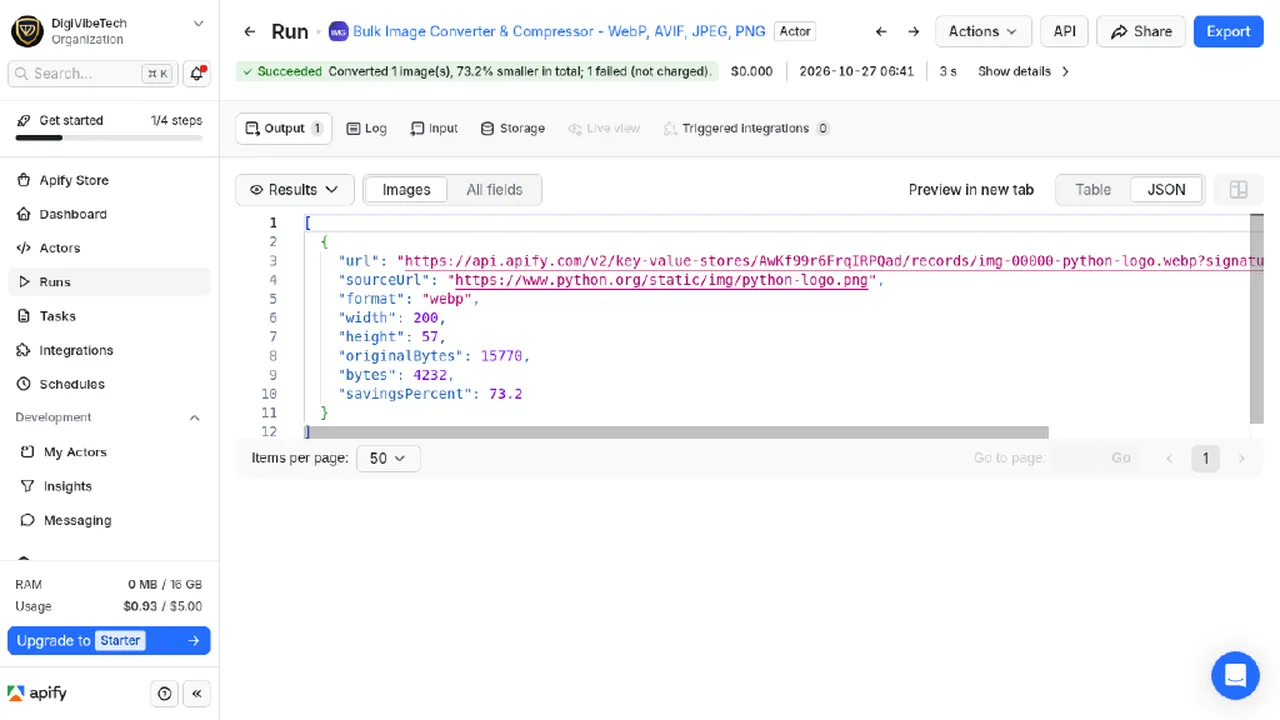
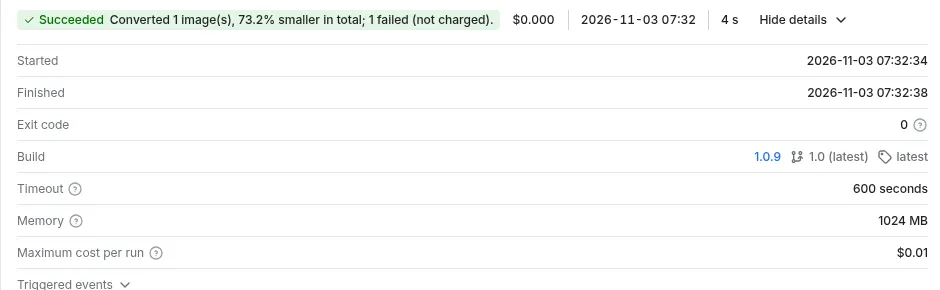
From a real Console run, 27 Oct 2026 (run g1SOgIMTaIfIIs15j): public python.org logo PNG converted to WebP at 200 px wide, 1 image; 1 deliberately missing example.com image reported as failed.
Quick start: example input, output and cost
Convert images to WebP, AVIF, JPEG or PNG in bulk, resize, compress to a target size, strip EXIF and GPS. $0.00197 per image, failed images free.
Example input
Cost example: 1,000 images up to 4 MP x $0.00197 = $1.97.
Use cases
- Shop and CMS image optimisation (WebP/AVIF for faster pages and better Core Web Vitals).
- Thumbnails and resized product images.
- Removing location data from photos before publishing.
Output (one item per image)
url (download link), key, sourceUrl, format, width, height, originalWidth, originalHeight, originalBytes, bytes, savingsPercent, quality, targetMet, metadataStripped. Files are in the run's key-value store. Totals in SUMMARY, failures in ERRORS.
Use it in n8n, Make or Zapier (no code)
This actor works with Apify's official integrations, so you can send results to Google Sheets, Slack, Notion, a CRM or any of thousands of other apps.
n8n: n8n.io
- In the Nodes panel, search Apify and install the verified node. Add your Apify API token.
- Choose Actors > Run actor and get dataset, Actor source Apify Store, Actor URL
https://apify.com/digivibetech/bulk-image-converter-compressor. - Paste the input below into Input JSON. Each result item becomes an n8n item.
Make: make.com
- Add the Apify > Run an Actor module, select this actor, turn on Run synchronously.
- Add Apify > Get Dataset Items and map the
defaultDatasetIdfrom step 1. - Connect any app (Google Sheets > Add a Row, Slack > Create a Message, ...).
Zapier: use the Apify app, action Run Actor (pick this actor, paste the input), then Fetch Dataset Items.
Example input
API (any language): POST https://api.apify.com/v2/acts/digivibetech~bulk-image-converter-compressor/run-sync-get-dataset-items with header Authorization: Bearer <APIFY_TOKEN> and the input above as the JSON body.
Hit a file-size target
Set targetMaxKb (for example 150) and, for JPEG, WebP and AVIF, the actor searches for the highest quality that still fits under that size (binary search, quality 5 up to your quality). Each item reports the quality used, bytes and targetMet. If even quality 5 is too big, you get the smallest file and targetMet: false. PNG is lossless and is not squeezed.
Limits and safety
Up to 30 MB and 50 megapixels per image (protection against decompression bombs). Animated images are converted as their first frame.
Responsible use
Only process images you own or are allowed to use. We follow robots.txt for every download, make about one request per second per site, use an honest User-Agent (ImageConverter/1.0), and do not process images from social networks.
| Event | Price |
|---|---|
| Image converted | $0.00197 |
| Extra megapixel above 4 MP (input image) | $0.00019 |
Maintained by DigiVibeTech. Questions or bugs: use the Issues tab or digivibetech.com/support; we reply within 2–5 business days.


