
TikTok Profile Posts Scraper | Videos, Stats & Authors
Pricing
from $0.23 / 1,000 posts
TikTok Profile Posts Scraper | Videos, Stats & Authors
Get the posts of public TikTok profiles: caption, publish date, views, likes, comments, shares, saves, hashtags, sound, video and cover links, plus exact author follower and like counts. Many usernames, URLs or secUids per run, date range and video/photo filters, no login.
Pricing
from $0.23 / 1,000 posts
Rating
0.0
(0)
Developer

Flowo
Maintained by CommunityActor stats
0
Bookmarked
2
Total users
1
Monthly active users
5 days ago
Last modified
Categories
Features
Share
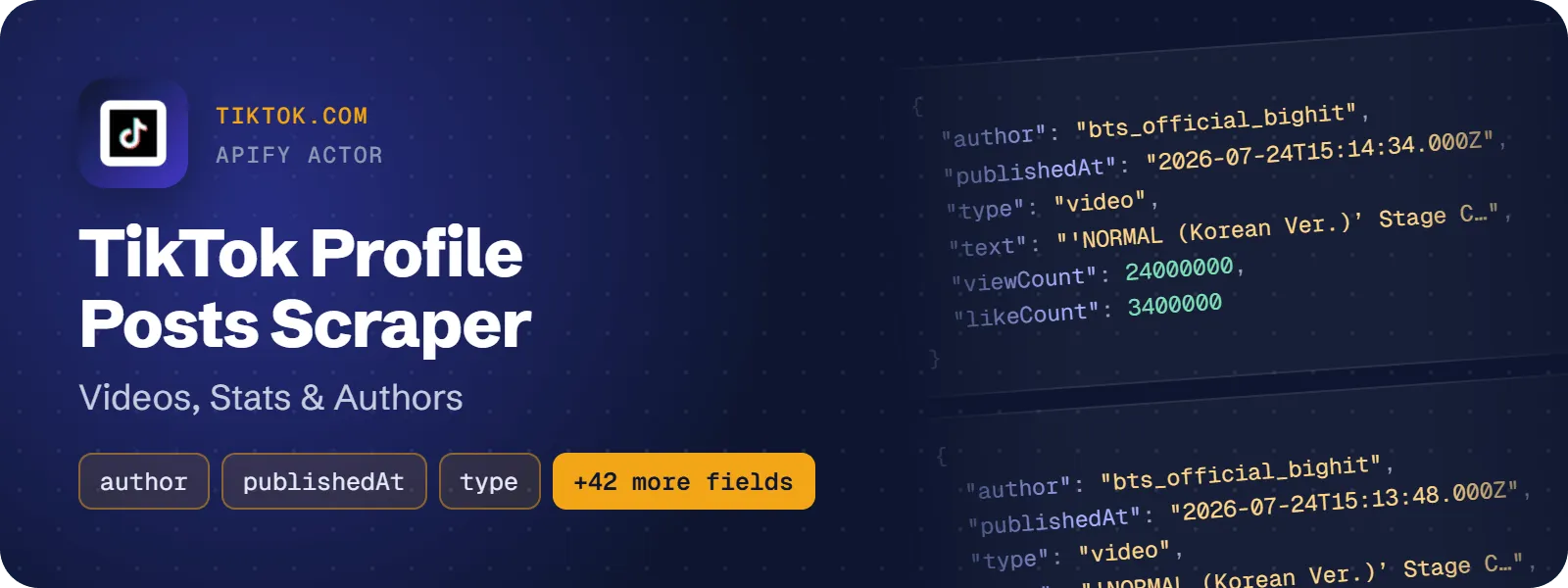
Get every public post from the feed of TikTok accounts. Each post is one row with the caption, publish date, view count, like count, comment, share, save and repost counts, hashtags, the sound, and video and cover links. Rows also include the author's follower count (exact, read from the profile page at run time), total likes and post count. You give it usernames, profile URLs or secUids, and you can limit posts by date range and by type (video or photo post).
What does TikTok Profile Posts Scraper do?
You give it one or more TikTok accounts. It pages through each account's posts feed, newest first, and saves one dataset row per post. Influencer-marketing analysts use it to compare creators, brands use it to track their own and their competitors' accounts, and researchers use it to collect an account's full post history. It works without a TikTok login or API key.
The actor scrapes the posts feed only. TikTok has no public list of posts an account is tagged in, so there are no tagged posts. Reposts, liked and favourite videos are not scraped either.
How to scrape TikTok profile posts
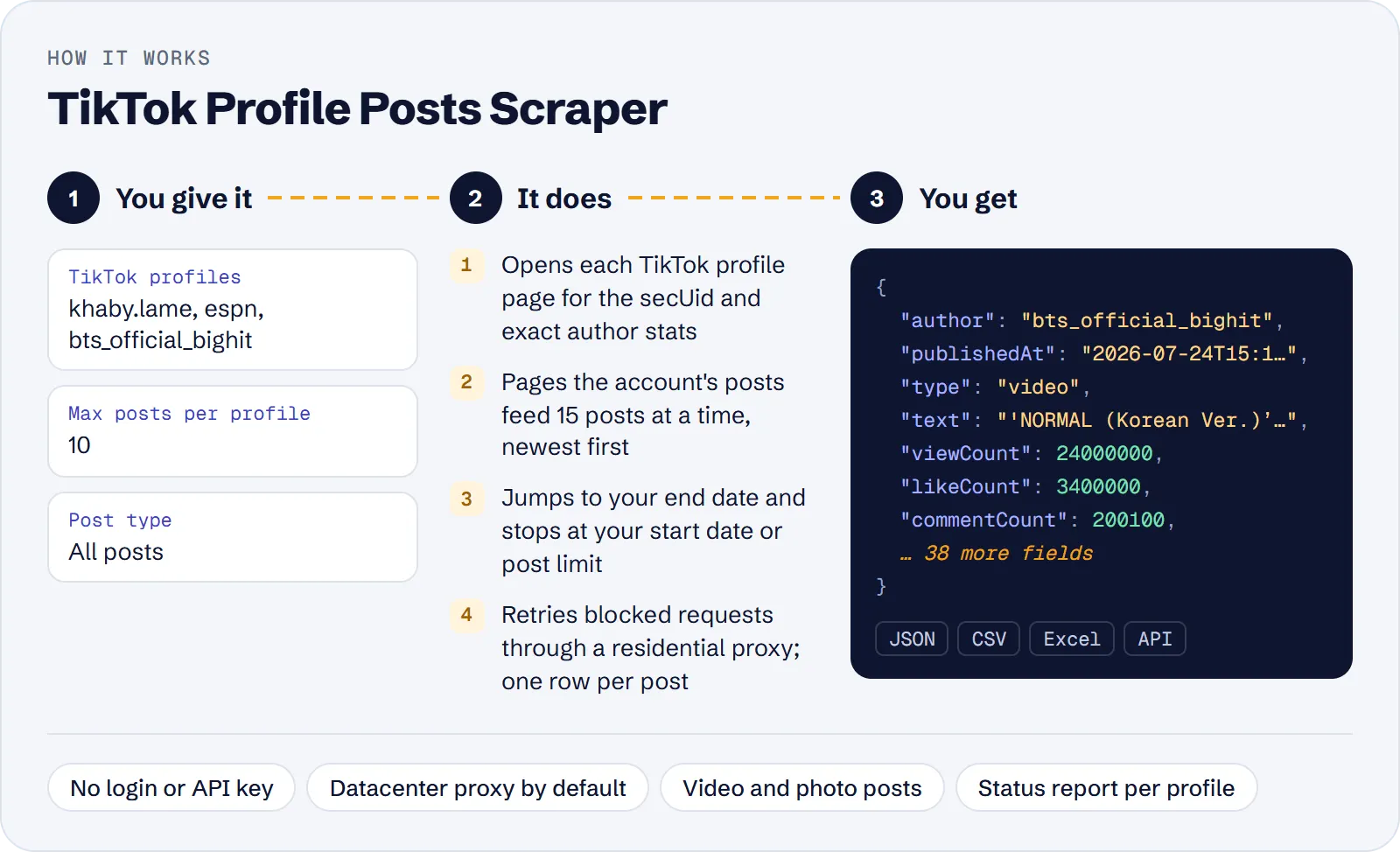
- Open the actor in Apify Console and click Try for free.
- In Profiles, enter one account per line:
nasa,@duolingo,https://www.tiktok.com/@espnor a secUid. - Set Max posts per profile, for example 20 for the latest posts or 100000 for the whole feed.
- Optional: set Posts published on or after / on or before to get a date window, and pick a Post type.
- Click Start. When the run ends, download the posts as JSON, CSV or Excel, or read them through the API.
How much does it cost to scrape TikTok?
Price per event by Apify plan:
| Event | Free | Bronze | Silver | Gold and above |
|---|---|---|---|---|
| Post | $0.27 per 1,000 | $0.257 per 1,000 | $0.243 per 1,000 | $0.229 per 1,000 |
| Actor start | $0.00005 | $0.00005 | $0.00005 | $0.00005 |
A test run with the API example input below returned 30 rows in 8 s.
You pay per post saved to the dataset ($0.27 per 1,000 posts on the Free plan) plus a small start fee per run ($0.00005). The date range and post type filters cost nothing extra. Posts removed by your filters, duplicates, and profiles that are missing or private are free. The per-profile status record is free too.
| Scenario | Posts (events) | Cost on the Free plan |
|---|---|---|
| Latest 20 posts of 2 creators | 40 | ≈ $0.011 |
| Whole feed of @nasa (65 posts) | 65 | ≈ $0.018 |
| 50 creators × 20 posts | 1,000 | ≈ $0.27 |
| Full feeds of 10 accounts with 1,000 posts each | 10,000 | ≈ $2.70 |
Input
| Field | What it does |
|---|---|
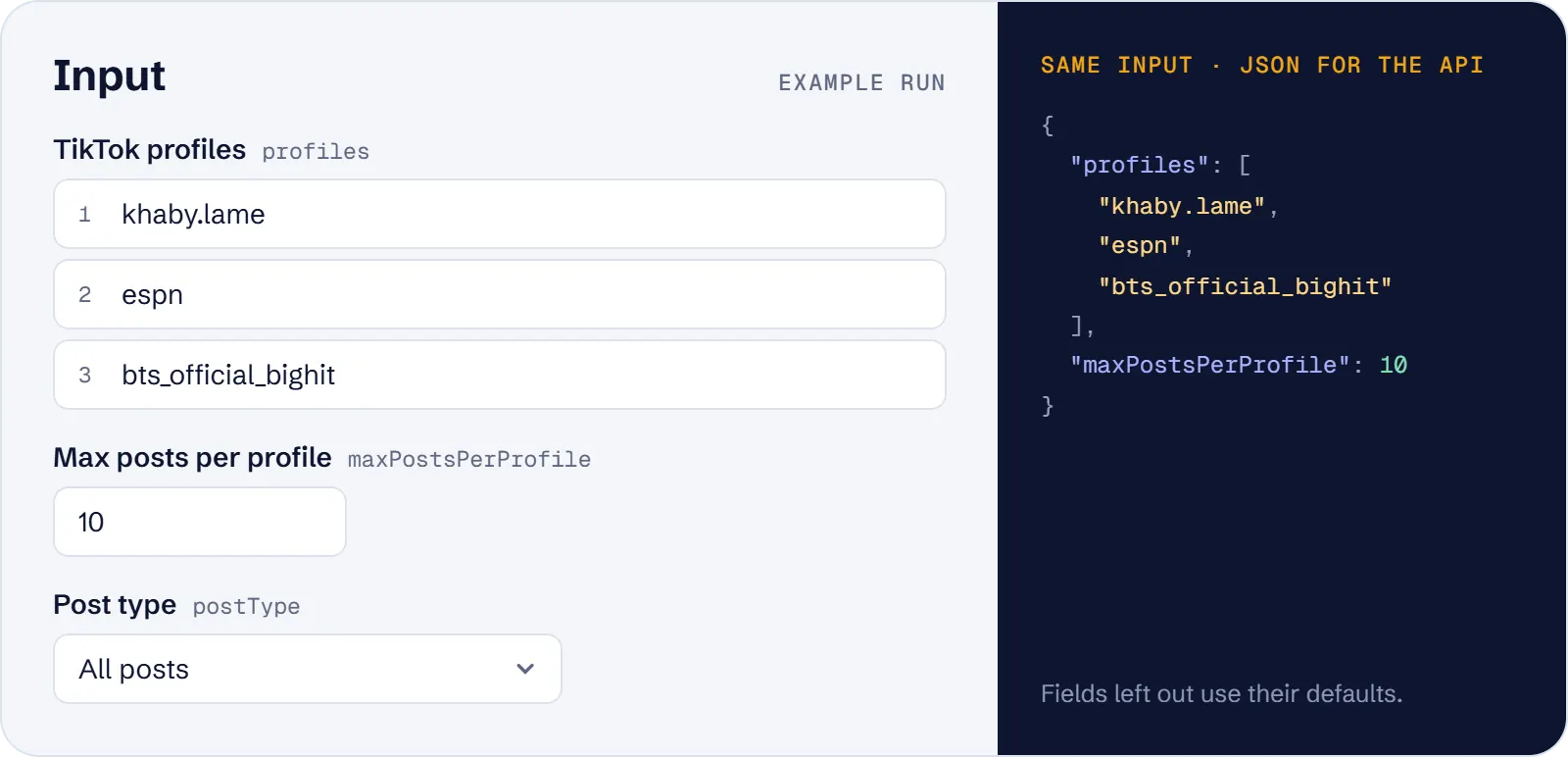
profiles (required) | TikTok accounts, one per line: a username (nasa), @username, a profile URL (https://www.tiktok.com/@nasa) or a secUid (MS4wLjABAAAA…). A post URL (…/@nasa/video/123 or …/@nasa/photo/123) means its author. Short links (vm.tiktok.com, tiktok.com/t/…), hashtag and music URLs are rejected with an input error. |
maxPostsPerProfile | Posts saved per profile, newest first, after the filters (default 50, minimum 1). Use a large number, e.g. 100000, for the whole feed. |
oldestPostDate | Only posts published on or after this date: YYYY-MM-DD (from 00:00 UTC) or relative like 7 days or 3 months. It must not be in the future and not after newestPostDate. |
newestPostDate | Only posts published on or before this date: YYYY-MM-DD (the whole day, UTC) or relative like 30 days. The feed jumps straight to this date, so newer posts are neither fetched nor paid for. A future date means no upper bound. |
postType | all (default), video or photo (slideshows / carousels). |
maxItems | Optional cap on all saved posts of the run, across every profile. |
proxyConfiguration | Apify datacenter proxy by default. Blocked requests are retried through a residential proxy automatically. |
Example input for a campaign report:
What data can you extract from TikTok?
| Field | Description |
|---|---|
id, url, type | Post id, post page (/video/<id> or /photo/<id>), video or photo |
text, language | Caption as written, caption language detected by TikTok |
publishedAt | Publish time (ISO 8601, UTC) |
viewCount, likeCount, commentCount, shareCount, saveCount, repostCount | Engagement counts |
hashtags, mentions | Hashtags without #, mentioned usernames without @ |
isAd, isAiGenerated | Ad / paid promotion flag, AI-generated content label |
durationSec, videoWidth, videoHeight, videoDefinition, videoUrl | Video length, size, quality label (e.g. 720p) and signed play URL |
imageUrl, imageUrls, imageCount | Cover image, and the images of a photo post |
musicId, musicTitle, musicAuthor, musicOriginal | The sound |
location, locationAddress | Tagged place (rare) |
author, authorUrl, authorId, authorSecUid, authorNickname, authorVerified | Who posted it |
authorBio, authorBioLink, authorAvatarUrl | Author bio, bio link and avatar |
authorFollowerCount, authorFollowingCount, authorLikeCount, authorPostCount | Author stats from the profile page at run time |
query, scrapedAt | The input entry that produced the row, and when it was scraped |
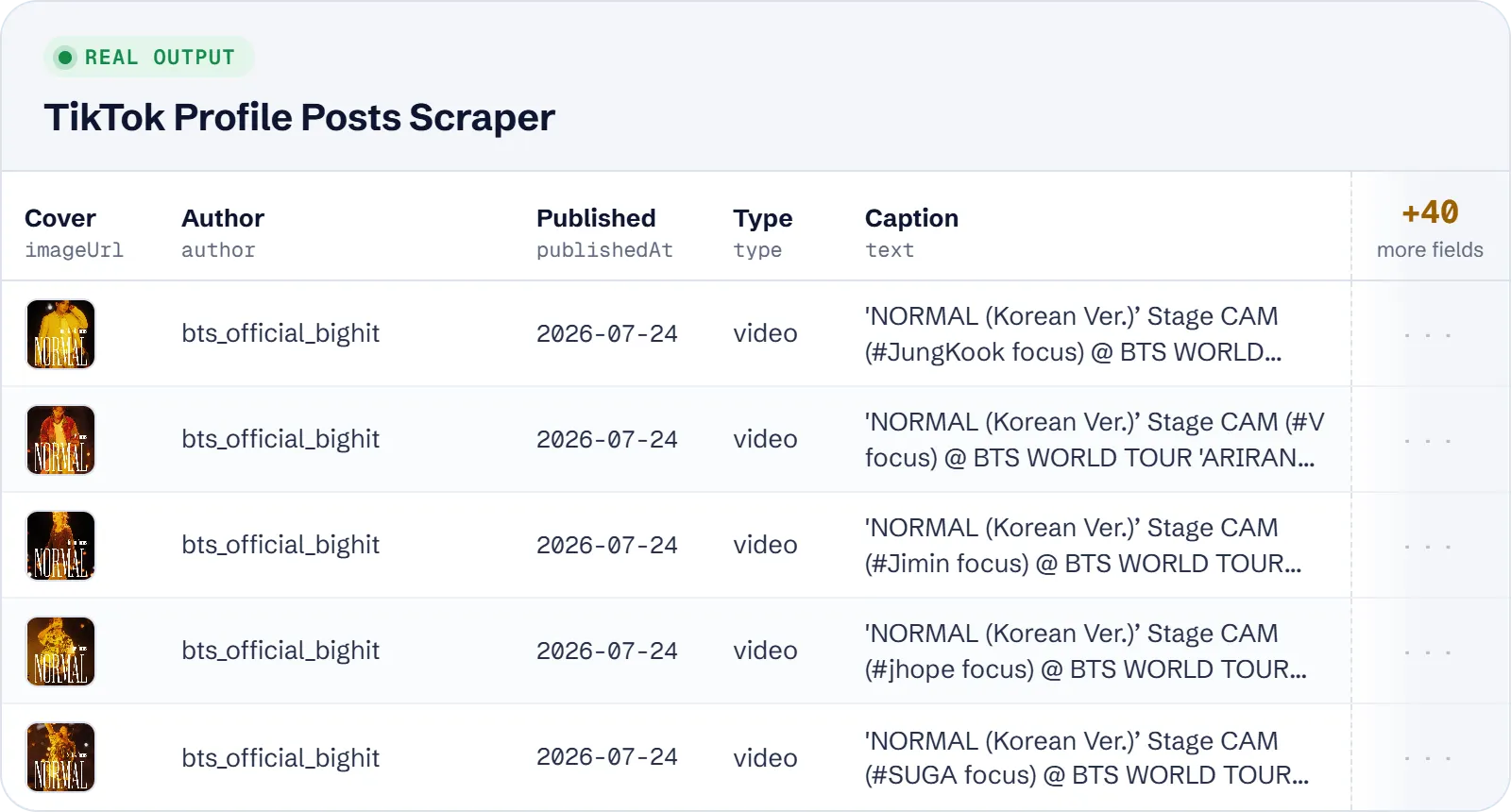
A real row (long URLs shortened):
Besides the dataset, the run saves a free PROFILE_STATUS record in the key-value store: one entry per input profile with its status (ok, not_found, private, no_posts, failed or skipped), the number of posts saved and a message.
Use cases
- Compare creators: get the latest 20 posts of several accounts with views, likes and follower counts side by side.
- Campaign reports: collect all posts of a brand account between two dates.
- Weekly monitoring: schedule a run with
oldestPostDateset to7 daysto get only last week's posts, with no stored state. - Full history for research: page through an account's whole feed for content or engagement analysis.
- Carousel analysis: keep only photo posts with
postType: photoand get every image URL.
Limitations
- No tagged posts, reposts, liked or favourite videos. Only the posts feed of an account is scraped.
- Public accounts only. Private accounts return no posts (status
private); missing or banned accounts get statusnot_found. - Newest first only. The feed has no "popular" or "oldest first" order; to reach old posts the actor pages through newer ones, unless you set
newestPostDate. - Pinned posts are not flagged. They appear in their date position.
- Rounded counts. TikTok rounds large counts for logged-out viewers (e.g.
viewCount24000000,likeCount3400000). - Expiring media links.
videoUrl,imageUrl,imageUrlsandauthorAvatarUrlare signed URLs that expire in about 2 days; download media soon after the run. - Fields that can be null or empty: every field except
id,url,type,publishedAt,isAd,isAiGenerated,author,authorUrl,queryandscrapedAt. For example,languageis null when TikTok cannot detect it, the video fields (durationSec,videoWidth,videoHeight,videoDefinition,videoUrl) are null for photo posts,imageCountis null andimageUrlsis empty for videos,location,locationAddressandauthorBioLinkare often null, andhashtagsandmentionsare empty when the caption has none. - A feed can end slightly before the post count the profile declares, because some posts are hidden or removed.
Tips and troubleshooting
- Only new posts on a schedule: use a relative
oldestPostDatelike7 daysinstead of tracking ids. - Old date windows are cheap: set
newestPostDateand the actor starts at that date, so newer posts are not fetched or charged. - 0 rows or fewer than expected? Open the
PROFILE_STATUSrecord and the log: each profile showsok,not_found,private,no_posts,failedorskippedwith a message. AnewestPostDatebefore the account's first post givesno_posts. - Input error? Use a username,
@username, atiktok.com/@…URL, a post URL or a secUid. Short links likevm.tiktok.com/…are not followed: open them in a browser and paste the profile URL. - Keep the default proxy. Without a proxy TikTok usually blocks the profile page.
- The same account entered twice (e.g. a username and its secUid) is scraped once and charged once.
API, MCP and integrations
Run the actor from your code with the same JSON input as in Console. Your API token is in Console → Settings → API & Integrations.
Python (pip install apify-client):
Node.js (npm install apify-client):
HTTP — one request runs the actor and returns the results (runs up to 5 minutes; longer ones: run asynchronously):
AI agents (MCP). Add the actor as a tool of the Apify MCP server. Claude Code:
Claude Desktop, Cursor or VS Code: {"mcpServers": {"apify": {"url": "https://mcp.apify.com?tools=genial_candlestand/tiktok-profile-posts-scraper"}}}. Then ask, for example:
- "Get the 20 newest TikTok posts of nasa, duolingo and espn with views and likes"
- "List all TikTok posts of realmadrid published between 2026-10-01 and 2026-10-15"
- "Get only the photo carousel posts of realmadrid on TikTok, 10 most recent"
Integrations. Run it on a schedule with Apify Schedules and send the results to Google Sheets, Slack, Zapier, Make, n8n or your webhook — see Apify integrations.
FAQ
Can it scrape tagged posts or reposts?
No. TikTok has no public tagged-posts list, and reposts, liked and favourite videos are not scraped. The actor returns the account's own posts feed.
Do I need a TikTok account or API key?
No. The actor reads public pages without a login.
How many posts can I get per profile?
Any number from 1 up to the whole feed. There is no minimum and no built-in cap (set maxItems if you want one): a profile with one post returns one row.
How is it different from other TikTok profile scrapers?
It charges $0.27 per 1,000 posts, while the most used TikTok profile scrapers charge $3.00–3.70 per 1,000. The date range costs nothing extra, there is no per-profile fee, author follower counts are exact from the profile page, and each row has isAd and isAiGenerated flags.
Is it legal to scrape TikTok?
The actor collects only data that TikTok shows publicly to any visitor without a login. You are responsible for how you use it: follow TikTok's terms, copyright and data-protection laws such as the GDPR, especially when you store usernames of the people in the data.
Also useful
- TikTok Video Details Scraper — get single TikTok posts by URL or ID, including short links, with an optional transcript
- Instagram Profile Scraper — compare the same creators on Instagram: exact followers, bio, links and latest posts
- YouTube Channel Scraper — add the creators' YouTube channels: subscribers, videos, Shorts and exact views
- YouTube Scraper — search YouTube videos and channels with views, likes and publish dates


