
Crexi Commercial Real Estate Scraper
Pricing
from $0.00375 / listing scraped
Crexi Commercial Real Estate Scraper
Scrape Crexi commercial real estate listings: price, address, property type, size, cap rate, broker and URL.
Pricing
from $0.00375 / listing scraped
Rating
0.0
(0)
Developer

hiper soft
Maintained by CommunityActor stats
0
Bookmarked
2
Total users
2
Monthly active users
2 days ago
Last modified
Categories
Share
Crexi Scraper — Commercial Real Estate Listings, Prices & Brokers
Scrape Crexi — a leading US commercial real estate marketplace — into clean JSON, CSV or Excel. Give the Actor a property type and it returns name, asking price, price per sqft, square footage, property type, full address, geo-coordinates, brokerage, status and listing URL for every commercial listing. Fast and reliable.
Perfect for CRE market research, deal sourcing, broker & investor tools, comps and lead generation.
What does Crexi Scraper do?
The Crexi Scraper crawls commercial real estate listings and exports every data point as structured rows. Pick a property type (or all types) and export thousands of listings with pricing, location, brokerage and status metadata ready for analysis.
What data can you scrape from Crexi?
| Category | Fields |
|---|---|
| Property | name, description, propertyTypes, status |
| Pricing | askingPrice, pricePerSqft, squareFootage |
| Location | address, city, county, state, stateName, zip, latitude, longitude |
| Broker | brokerageName |
| Flags | isInOpportunityZone, isNew, hasVideo, hasVirtualTour |
| Media & links | thumbnailUrl, url, sourceUrl |
| Dates | activatedOn, updatedOn, collectedAt |
Use cases
- Build commercial real estate datasets filtered by property type and market.
- Source off-market and on-market deals for investors and syndicators.
- Power broker and investor tools with fresh listing feeds.
- Run price-per-sqft comps across cities, counties and states.
- Generate broker lead lists by brokerage and location.
- Track opportunity-zone and newly activated listings.
How to scrape Crexi data
- Add the Crexi Scraper to your Apify account.
- Choose a
propertyType(or leave it empty for all types). - Set
maxItemsto cap how many listings you collect. - Click Run.
- Export the results as JSON, CSV, Excel or XML, or pull them via the Apify API.
Input
| Field | Description |
|---|---|
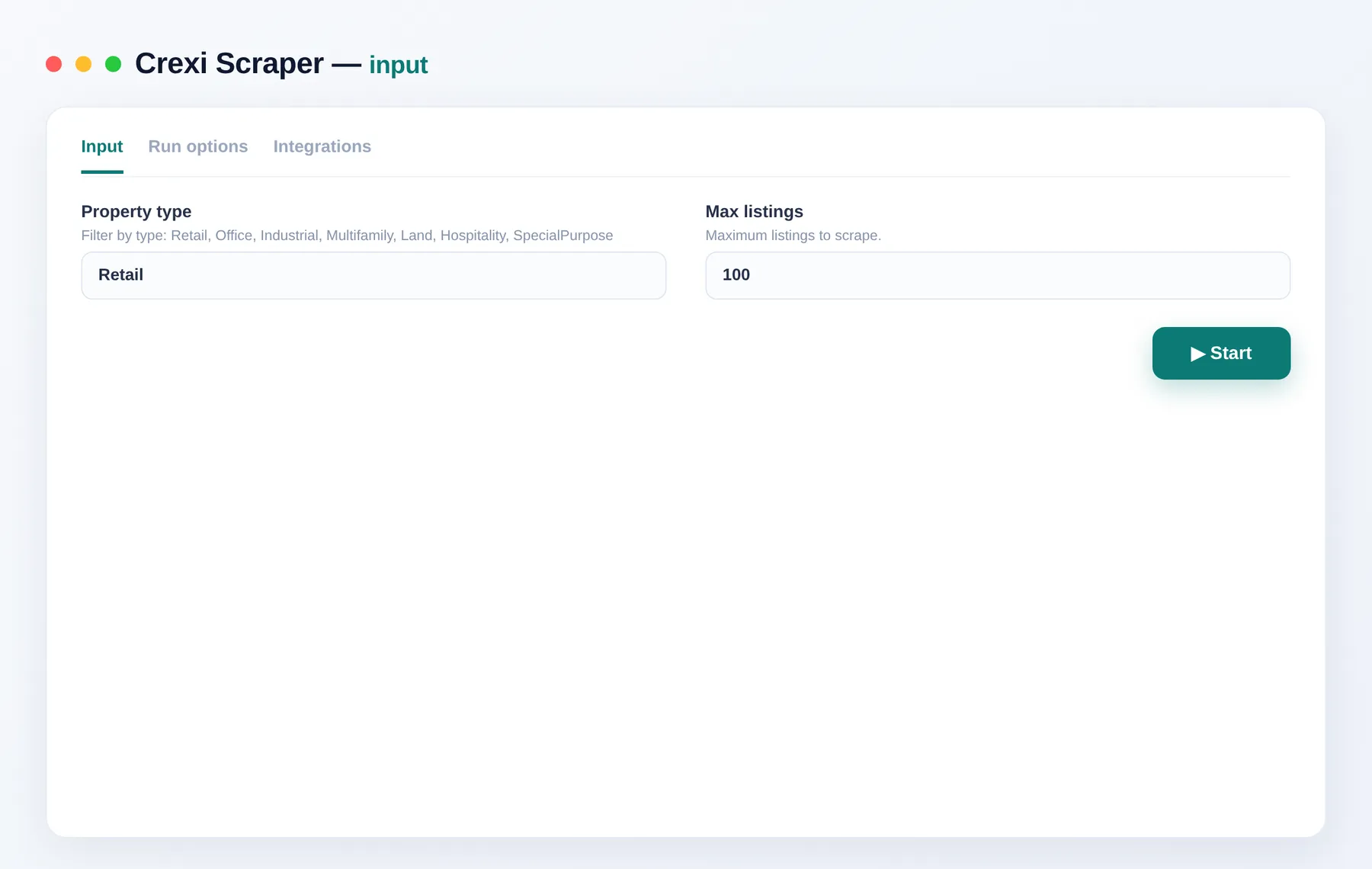
propertyType | Property type to collect: Retail, Office, Industrial, Multifamily, Land, Hospitality, SpecialPurpose… Leave empty for all types. |
maxItems | Maximum number of listings to collect (tens of thousands available per type). |
What you get
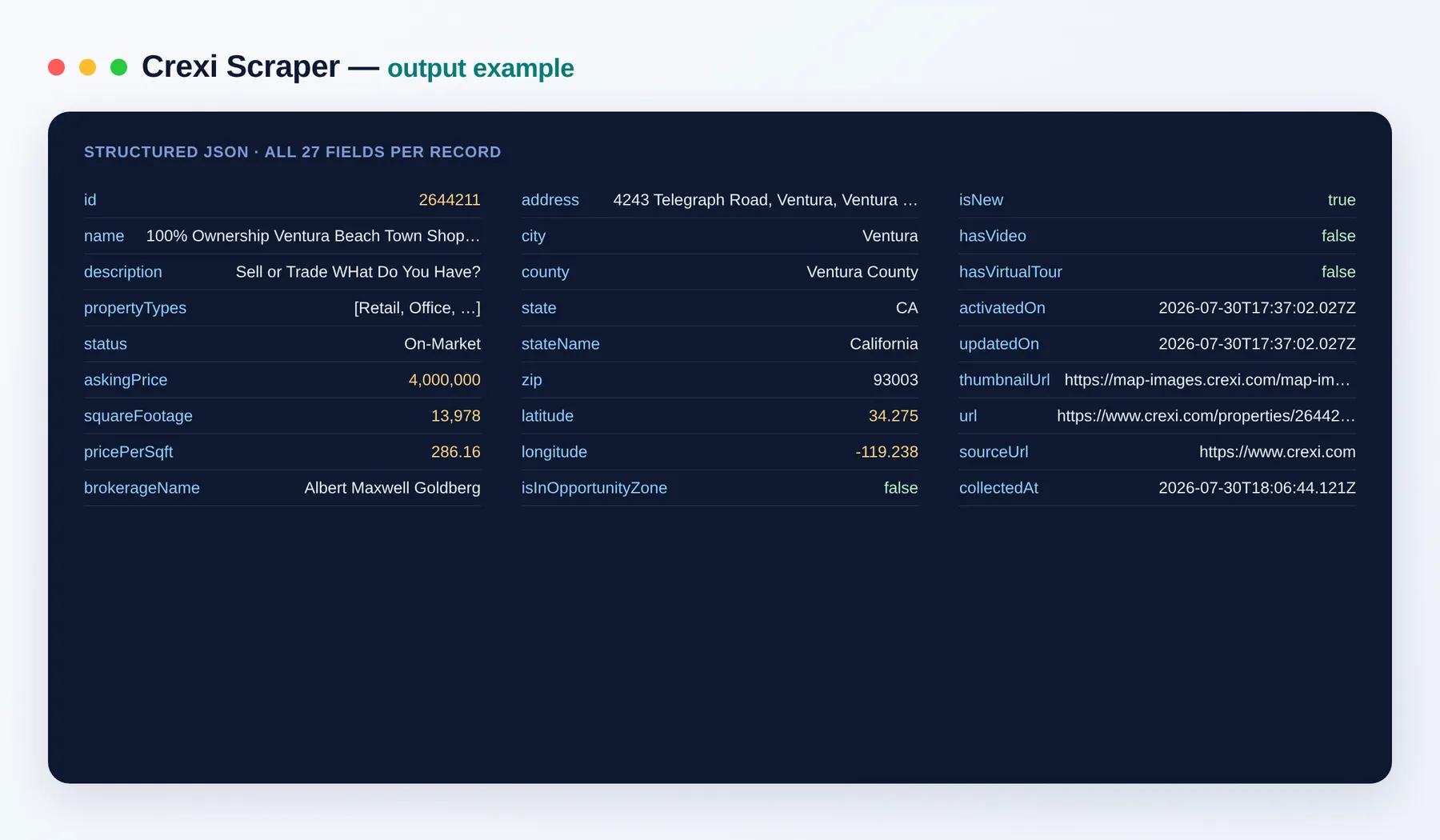
Output schema
| Field | Type | Description |
|---|---|---|
id | integer | Unique Crexi listing ID. |
name | string | Property or listing name. |
description | string | Listing description text. |
propertyTypes | array | One or more property types assigned to the listing. |
status | string | Listing status (e.g. On-Market). |
askingPrice | integer | Asking price in US dollars. |
squareFootage | integer | Building or lot size in square feet. |
pricePerSqft | number | Asking price divided by square footage. |
brokerageName | string | Name of the brokerage representing the listing. |
address | string | Full street address. |
city | string | City. |
county | string | County. |
state | string | State abbreviation. |
stateName | string | Full state name. |
zip | string | Postal ZIP code. |
latitude | number | Latitude coordinate of the property. |
longitude | number | Longitude coordinate of the property. |
isInOpportunityZone | boolean | Whether the property sits in a designated opportunity zone. |
isNew | boolean | Whether the listing is newly added. |
hasVideo | boolean | Whether the listing includes a video. |
hasVirtualTour | boolean | Whether the listing includes a virtual tour. |
activatedOn | string (ISO date) | Date the listing was activated. |
updatedOn | string (ISO date) | Date the listing was last updated. |
thumbnailUrl | string (URL) | Link to the listing's thumbnail image. |
url | string (URL) | Direct link to the listing page. |
sourceUrl | string (URL) | The URL the record was collected from. |
collectedAt | string (ISO date) | Date and time the record was collected. |
Need more market data?
- Google Maps Scraper — find local businesses by keyword and location for market research.
- Website Content Crawler — extract clean page text for building datasets.
FAQ
Do I need an account or any setup? No setup and no login. Choose a property type, set a limit and run.
How many listings can I collect?
Tens of thousands of listings are available per property type. Use maxItems to cap the run, or leave it open to collect the full set.
What export formats are supported? Export your results as JSON, CSV, Excel or XML, or pull them via the Apify API.
Is the data only public data? Yes. The Actor collects only publicly available listing data — the same content any visitor sees.
Can I connect this to other apps and services? The Crexi Scraper can be connected with almost any cloud service or web app thanks to integrations on the Apify platform. It works with Make, Zapier, Slack, Airbyte, GitHub, Google Drive and many more, plus the Apify API, JavaScript/Python clients and MCP. Or use webhooks to trigger an action whenever a run finishes.
Related Actors
- Google Maps Scraper — businesses, addresses and coordinates by keyword and location.
- Website Content Crawler — clean text extraction for datasets and enrichment.
Notes
Original clean-room implementation. Returns only public data; you are responsible for compliance with Crexi's terms. Not affiliated with Crexi.


