

JSON Flatten & Unflatten
Pricing
from $0.0025 / json transformed
JSON Flatten & Unflatten
Flatten nested JSON into dot-path keys or rebuild nested JSON from flat keys. Perfect for turning deep API data into flat columns for CSV, SQL and BI tools.
Pricing
from $0.0025 / json transformed
Rating
0.0
(0)
Developer

hiper soft
Maintained by CommunityActor stats
0
Bookmarked
2
Total users
1
Monthly active users
5 days ago
Last modified
Categories
Share
Flatten nested JSON into dot-path keys — or rebuild nested JSON from flat keys. Turn deep API responses and config objects into flat user.address.city columns ready for CSV, SQL and BI tools, or reverse the process to reconstruct nested structures. Every run also saves the full transformed JSON to your storage.
What it does
- Flatten:
{ "user": { "name": "Ada" } }→{ "user.name": "Ada" }. - Unflatten:
{ "user.name": "Ada" }→{ "user": { "name": "Ada" } }. - Custom key delimiter and optional max depth.
- Emits one key/value row per path (perfect for CSV/Excel) and the full JSON as a file.
Use cases
- Data engineering — flatten nested JSON before loading into a spreadsheet, SQL table or BI tool.
- Config management — convert between flat env-style keys and nested config.
- API prep — reshape deep responses into flat records.
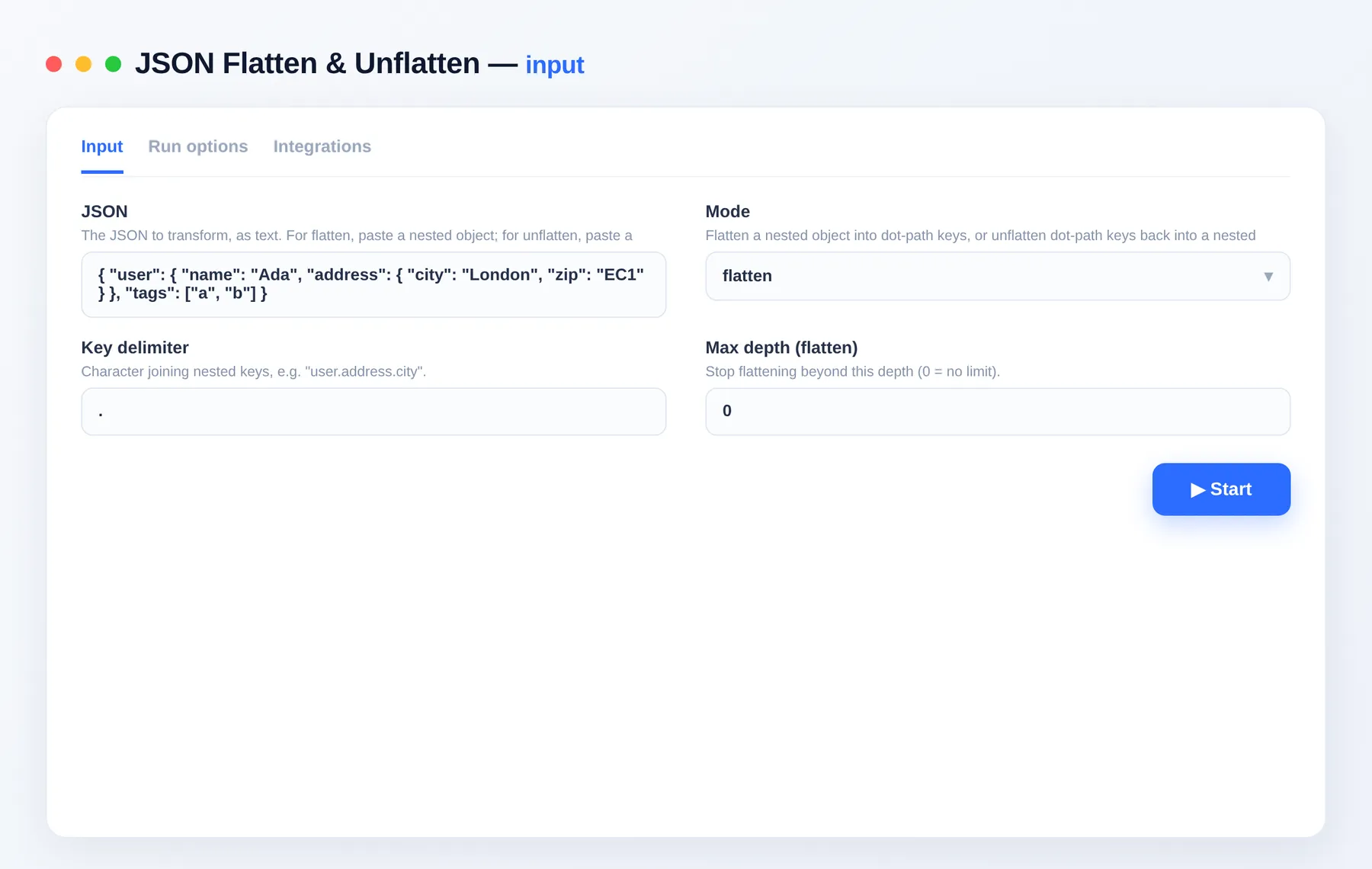
Input
| Field | Type | Description |
|---|---|---|
jsonText | string | The JSON to transform (as text). |
mode | string | flatten or unflatten. |
delimiter | string | Character joining nested keys. Default .. |
maxDepth | integer | Stop flattening beyond this depth (0 = no limit). |
Output
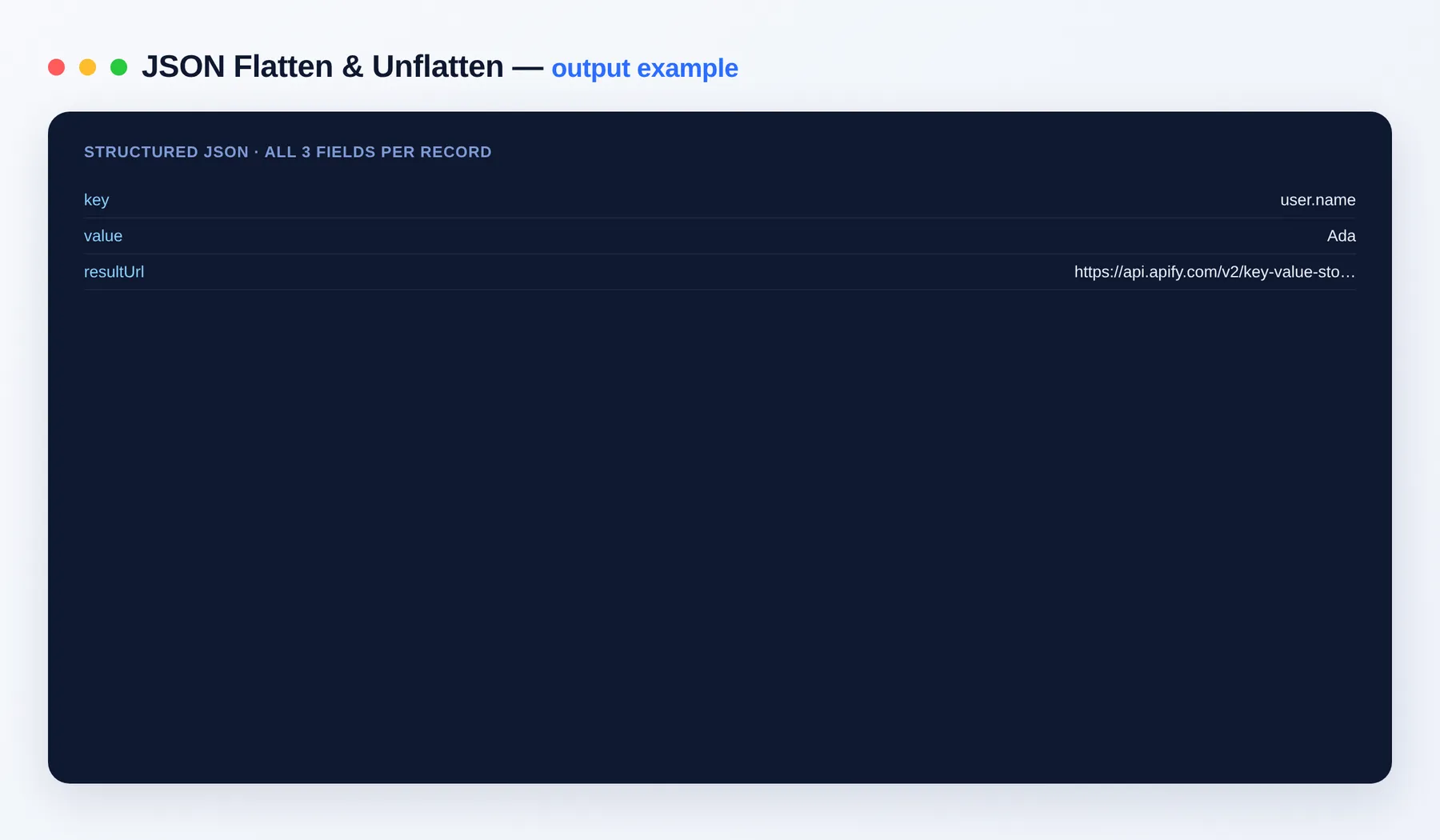
Key/value rows in the dataset, plus the full transformed JSON at result.json in your key-value store.
Output schema
| Field | Type | Description |
|---|---|---|
key | string | Flattened key path (or (result) for unflatten). |
value | string | Value at that key. |
resultUrl | string (URL) | Link to the full transformed JSON file. |
FAQ
Can I paste an array? Yes — arrays and objects are both supported.
Where's the full result? Saved as result.json in the run's key-value store (link in every row).
Can I automate it? Yes — via integrations on the Apify platform and the Apify API.
Notes
Original clean-room implementation.


