

CMS Hospital Enrollment Scraper - Locations & Identifiers
Pricing
from $1.80 / 1,000 results
CMS Hospital Enrollment Scraper - Locations & Identifiers
Collect official CMS Hospital Enrollments by state, city or organization. Export published identifiers and location fields with source status. No API key; no hospital quality ratings.
Pricing
from $1.80 / 1,000 results
Rating
0.0
(0)
Developer

Brandt May
Maintained by CommunityActor stats
0
Bookmarked
2
Total users
1
Monthly active users
7 days ago
Last modified
Categories
Features
Share
CMS Hospital Enrollment Scraper - Locations & Identifiers
Collect official CMS Hospital Enrollments by state, city or organization. Export published identifiers and location fields with source status. No API key; no hospital quality ratings.
Open in Apify Console · First run · Output · Pairings · Price
First run and source setup
- Review the source targets and filters before starting. Apify account authorization is required to run the Actor.
- Open the JSON input editor and start with the bounded configuration below. Review dates and targets for your intended use.
- Review the current Pricing tab and set a maximum run charge and timeout in Run options. A result limit does not set a spending limit or promise that many rows.
- After completion, inspect the dataset and the run's diagnostics/Storage records described in the full guide. A successful process alone does not establish complete source coverage.
Checked against the captured input schema. This bounded configuration has not been run as part of the presentation refresh.
Output worth checking
The published default dataset view includes these fields. Missing values and source-specific coverage are explained in the full guide.
- CMS certification number ·
ccn - National provider identifier ·
npi - Organization name ·
organizationName - Doing-business-as name ·
dbaName - City ·
city - State ·
state
Keep original source links and observation dates when interpreting records. JSON preserves nested values; CSV is useful for flat columns.
Use this with other Mayd It Actors
These are separate tools for a reviewed workflow. Each run uses its own input, authorization and pricing; this guide does not configure automatic execution.
ClinicalTrials.gov Monitor - Studies, Status, Phases
Search and monitor ClinicalTrials.gov studies via the official v2 API. Filter by condition, status, phase or keyword. One clean row per study. No API key. Keep this ClinicalTrials.gov Monitor evidence alongside the original source in a reviewed health research workflow.
Parallel research context: Choose the corresponding source target in this second Actor’s own input form; no automatic field transfer is configured. Keep both original source URLs and observation dates in your review sheet; reconcile identities manually.
Keep the distinction: Provider records, trial registrations, advisory calendars and shortage notices serve different purposes. They do not establish quality of care, treatment efficacy or a clinical recommendation.
FDA Advisory Committee Catalyst Monitor
Keep published advisory-calendar events separate from trial, product or shortage records; calendar entries do not establish an approval outcome.
Parallel research context: Choose the corresponding source target in this second Actor’s own input form; no automatic field transfer is configured. Keep both original source URLs and observation dates in your review sheet; reconcile identities manually.
Keep the distinction: Provider records, trial registrations, advisory calendars and shortage notices serve different purposes. They do not establish quality of care, treatment efficacy or a clinical recommendation.
Price and run limits
At the captured FREE-tier rate (2026-11-16 UTC), $0.003 per result. Actor Start is $0.00005 per event; the number of startup events depends on memory. Plan rates and future changes may differ; check the current Pricing tab before starting.
A capped or interrupted run can save useful rows without covering its intended scope. Review the source-specific completeness and comparison rules below before treating missing rows as removals.
Documentation and support
Product guide, source limits and saved output · API and MCP setup · Input schema
Open this Actor's Issues tab with a run URL, the relevant input field and the result you expected. Remove API keys and private information before sharing.
Complete source guide
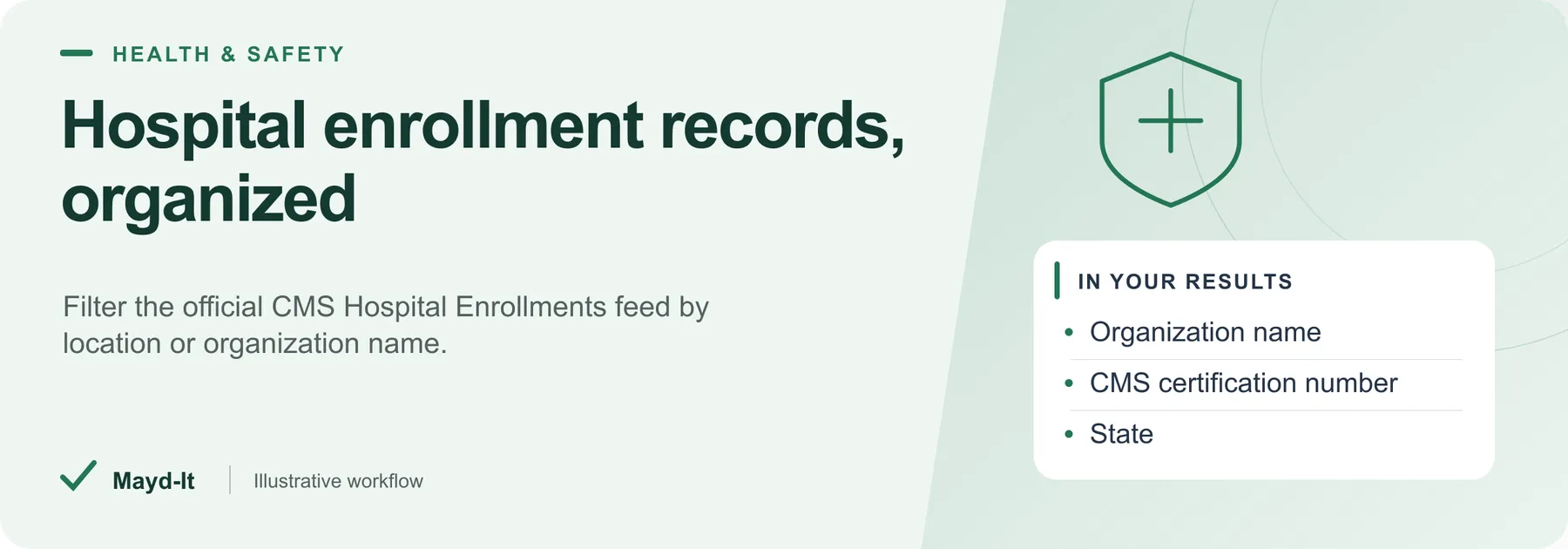
Hospital enrollment records, organized
Build a hospital enrollment and location research table from the official CMS data API. This Actor uses the Hospital Enrollments feed associated with the broader Care Compare ecosystem.
Open this Actor in Console · First run · Results · Cost · Full guide
Try this Actor
- Choose a small scope. Keep the existing
TNstate prefill and maximum of twenty-five records for a first sample. Add city or organization-name filters if you need a narrower slice. - Run and review. Open the dataset for enrollment rows and the run's key-value-store
SUMMARYfor saved counts, source failures and incomplete coverage. - Use the results. Export CSV or JSON and retain CMS Certification Numbers (CCNs) and National Provider Identifiers (NPIs) where published.
Read this before using the data: This feed contains enrollment records, not hospital quality ratings or a clinical recommendation. The classic Hospital General Information Care Compare dataset is not the source used here.
Result preview
The dataset view highlights these columns:
- CMS certification number ·
ccn - National provider identifier ·
npi - Organization name ·
organizationName - Doing-business-as name ·
dbaName - City ·
city - State ·
state
Use the original source links and the field definitions below when interpreting the results. CSV works well for flat columns; JSON preserves nested values.
Usage and pricing
Base result rate on the FREE tier: $3 per 1,000 results. The Pricing tab shows your plan's result rate and any Actor Start charge. Set a small result limit for the first run; the requested limit is not a guarantee of that many results.
Full guide
Collect CMS Hospital Enrollments from the official
data.cms.govdata API. No API key.
What it does
Fetches enrollment rows (CCN, NPI, organization, address, subgroups) from dataset id f6f6505c-e8b0-4d57-b258-e2b94133aaf2 via https://data.cms.gov/data-api/v1/dataset/.../data.
Honest scope
This Actor uses Hospital Enrollments, not the Hospital General Information Care Compare dataset. Its enrollment and location fields do not include hospital quality ratings.
Input
- state — default
TN - organizationContains / city — optional filters
- maxResults / maxRunSeconds
Source updates
CMS can replace dataset identifiers or change availability. The source is listed as Hospital Enrollments in the CMS data catalog. Report source failures through Actor Issues.
Result accounting
Only real source records are written to the dataset. SUMMARY.total counts saved rows. A dataset spending cap stops further writes and sets SUMMARY.stoppedOnChargeLimit and SUMMARY.incomplete. Source failures and time limits are reported in the summary; they do not generate substitute result rows.
Help with your run
Open the Issues tab on this Actor with the run URL, the input field that caused trouble and what you expected to receive. Remove API keys and private information before posting.
Understand your run
Open Run report in the run’s Output tab for saved-record counts, reported source issues and limits, and suggested next steps. Use CSV export to take the saved results into a spreadsheet. The existing JSON results and detailed machine-readable summary remain available.
The report reflects this run’s recorded coverage. A successful run or a saved result does not establish that every possible source record was collected.


