

Gartner Peer Insights Scraper - Reviews, Ratings & Profiles
Pricing
from $1.39 / 1,000 reviews
Gartner Peer Insights Scraper - Reviews, Ratings & Profiles
Extract reviews, star ratings, reviewer details, and full product profiles from Gartner Peer Insights. No login required. Scrapes 1,000 reviews in under 60 seconds with parallel fetching. Filter by star rating, sort by most helpful or most recent. Export as JSON, CSV, or Excel.
Pricing
from $1.39 / 1,000 reviews
Rating
0.0
(0)
Developer

Zen Studio
Maintained by CommunityActor stats
2
Bookmarked
81
Total users
22
Monthly active users
11 hours
Issues response
4 days ago
Last modified
Categories
Share
Gartner Peer Insights Reviews Scraper | Extract Reviews & Product Data (2026)
From Zen Studio, creators of G2 Reviews and Capterra Reviews, with 50,000+ combined lifetime runs across those two review actors.
Why choose this actor?
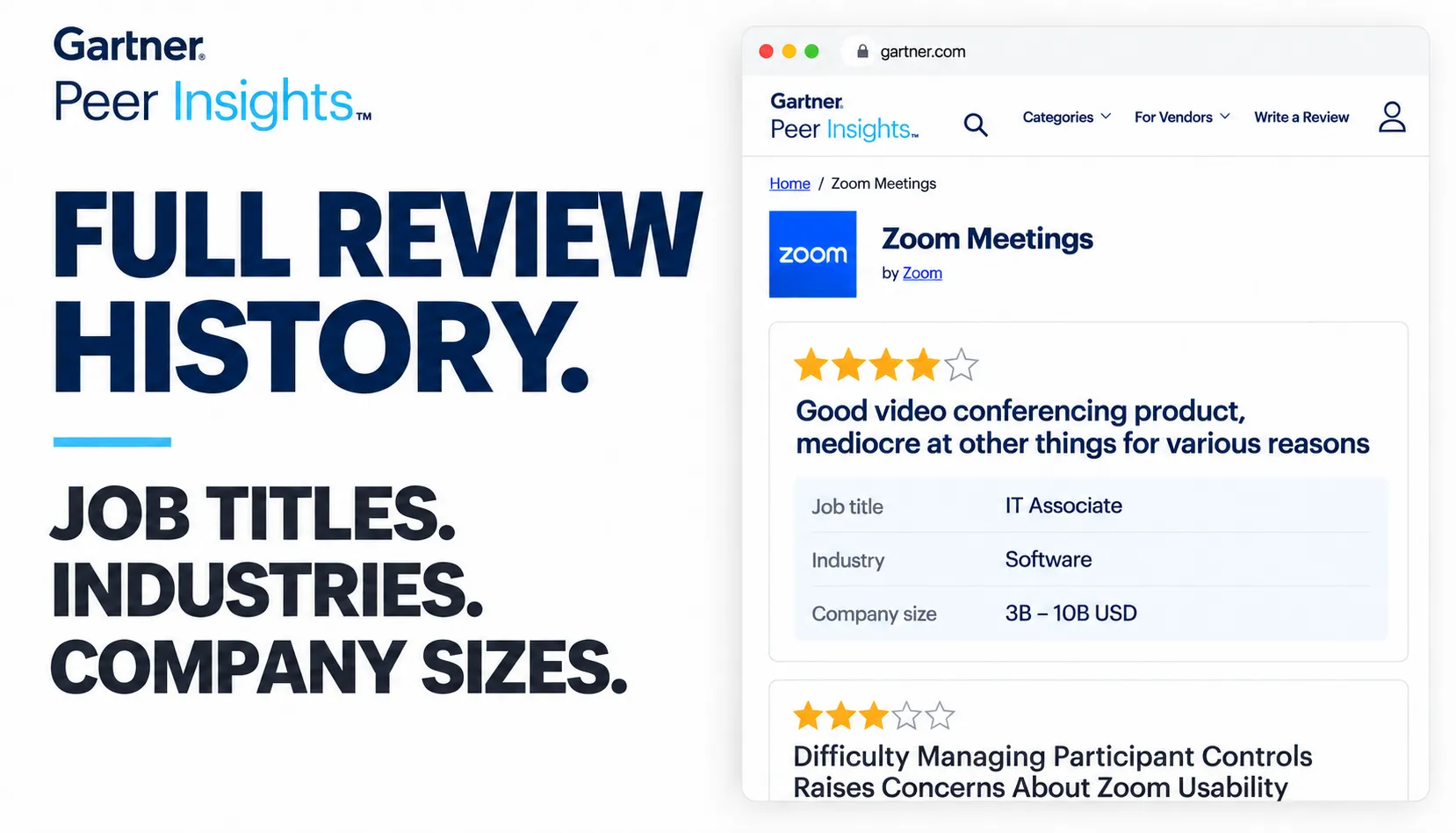
Go through the full review history. Collect all available reviews for a product, or set your own limit. Search patterns across years of feedback, then narrow the results by star rating or collect the most recent reviews first.
Know who the feedback comes from. Get reviewer job titles, industries and company-size bands alongside review summaries and ratings. Separate an enterprise IT team's experience from feedback by smaller businesses using the published reviewer details.
Product and competitor context, included. Get product and vendor descriptions, pricing descriptions, rating breakdowns and alternative products with their ratings where available. Compare up to 10 products per run, with each review linked to its product.

Quick input
Start with 20 reviews from one product:
Open actor input. Set maxResults to 0 for the full available history on a paid Apify plan. Free Apify accounts are limited to 50 reviews per run. Your spending limit still applies; reviews are billed under the current Store pricing.
Export JSON, CSV or Excel. Product profiles appear in the first review's productData for each product and in the run's key-value store. Field availability depends on Gartner; detailed likes and dislikes are included for selected spotlight reviews where published.
| Zen Studio · Software Reviews | |||||
 Gartner GartnerYou are here |  G2 Reviews G2 ReviewsSoftware feedback |  Capterra CapterraBuyer reviews |  TrustRadius TrustRadiusB2B reviews |  All-in-One All-in-OneMultiple platforms |  Glassdoor GlassdoorEmployer reviews |
Copy to your AI assistant
Copy this block into ChatGPT, Claude, Cursor, or any LLM to start using this actor.
What Data Can You Extract from Gartner?
Per review:
- Headline, review summary, star rating (1-5)
- Reviewer job title, industry, company size
- Review date, direct URL to the review
- Product name, vendor name, Gartner market category
Product profile (embedded in the first review's productData field):
- Product description, pricing model description, logo
- Vendor name, vendor description
- Average rating, star distribution (1-5 breakdown)
- Top 3 competing products with their ratings
- Review spotlight: the top favorable and top critical review, each with the reviewer's full "what they liked" and "what they disliked" answers
How to Scrape Gartner Peer Insights Reviews
- Go to Gartner Peer Insights and find your product
- Copy the product URL (e.g.
https://www.gartner.com/reviews/market/meeting-solutions/vendor/zoom/product/zoom-meetings/reviews) - Paste it into the
productUrlsfield (add up to 10 products) - Set
maxResults(0 = all reviews) and optional filters - Run the Actor
Input Example
Input Parameters
| Parameter | Type | Required | Description |
|---|---|---|---|
productUrls | array | Yes | Gartner Peer Insights product page URLs, up to 10 per run |
productUrl | string | No | A single product page URL. Used only when productUrls is empty |
maxResults | integer | No | Max reviews to extract per product. 0 = all reviews. Default: 0 |
sort | string | No | most-recent (default), most-helpful, or least-recent |
starRating | array | No | Filter by star rating: ["5", "4", "3", "2", "1"]. Empty = all |
maxResults, sort and starRating apply to every product in the run.
Output
All results land in a single dataset (JSON/CSV/Excel). Every review carries productId and productSeoName, so results streamed to a webhook can be grouped by product. The first review of each product also includes a productData field with the full product profile; the rest have productData: null.
Output Example (First Review)
Output Example (Subsequent Reviews)
Pricing
The primary review-result charge is $1.99 per 1,000 reviews on the Free plan and $1.39–$1.79 per 1,000 on paid plans. Actor-start and dataset-item charges also apply. See the Store Pricing tab for your plan's current rates.
Free Apify accounts can collect up to 50 reviews per run. Set maxResults to 0 on a paid plan for the full available history, subject to your spending limit.
Advanced Usage
Scrape Several Products in One Run
Pass up to 10 product URLs. maxResults applies to each product, so this returns up to 300 reviews:
Reviews from all products land in the same dataset, each carrying productId, productSeoName and productName, so you can split them per product afterwards.
Extract All Reviews for a Product
Set maxResults to 0 to collect the full available review history on a paid Apify plan. Free Apify accounts are capped at 50 reviews per run; your spending limit also applies.
Filter by Rating
Extract only negative reviews (1-3 stars) for competitor analysis:
Most Helpful Reviews First
Get the highest-signal reviews by sorting by helpfulness:
API Integration
Python
JavaScript
Data Export
Results can be downloaded in:
- JSON -- for programmatic analysis and integrations
- CSV -- for spreadsheets and BI tools
- Excel -- for reporting and visualization
FAQ
Is a Gartner account required?
No. The Actor extracts all reviews without a Gartner account or login.
How many reviews can I extract?
On a paid Apify plan, set maxResults to 0 to collect the full available history without an actor review-count cap. Free accounts are limited to 50 reviews per run, and your spending limit always applies.
How fresh is the data?
Every run fetches live data directly from Gartner. Reviews appear as soon as Gartner publishes them.
What is sourceCode and incentiveCode?
These are Gartner's internal codes indicating how the review was sourced (organic, invited, vendor-facilitated) and whether an incentive was offered. Useful for filtering review authenticity.
Can I scrape multiple products?
Yes. Add up to 10 product URLs to productUrls and they are collected in a single run. Every review carries its product's ID and name, so the results can be split per product.
How fast is it?
Runtime depends on the number of reviews, selected products and source response times. Multiple products can be processed in parallel.
Legal Compliance
This Actor extracts publicly available review data from Gartner Peer Insights. Users are responsible for complying with Gartner's terms of service and applicable data protection regulations (GDPR, CCPA).


