

YouTube Transcript: Captions, Timestamps & Speech to Text
Pricing
from $1.99 / 1,000 transcripts
YouTube Transcript: Captions, Timestamps & Speech to Text
Get YouTube transcripts from videos, Shorts, channels and playlists. Transcribe videos without subtitles. Export timestamps, SRT, VTT, Word and Markdown, with optional speaker labels, summaries and English translation.
Pricing
from $1.99 / 1,000 transcripts
Rating
0.0
(0)
Developer

Zen Studio
Maintained by CommunityActor stats
0
Bookmarked
1
Total users
0
Monthly active users
3 days ago
Last modified
Categories
Features
Share
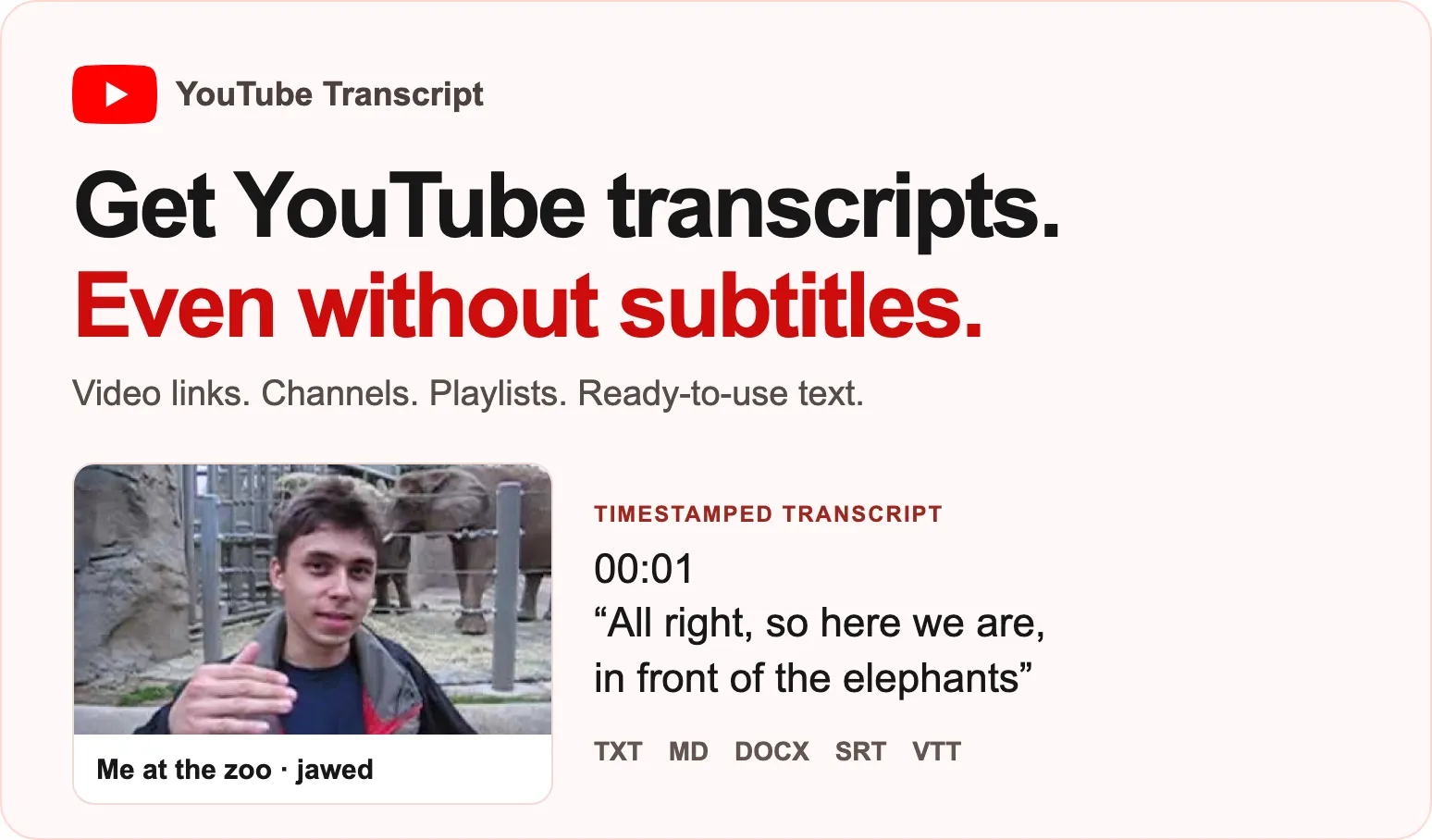
From Zen Studio, creators of Media Transcriber and X Video Transcript.
Get a YouTube transcript from a video, Short, channel or playlist. Videos without subtitles can be transcribed too. Public recordings only; private, members-only, age-restricted videos and live broadcasts in progress are excluded.
- Useful text and files: timed segments, paragraphs, SRT/VTT subtitles, Word and Markdown downloads.
- More than a transcript: video title, channel, publication date and available caption languages. Add summaries, chapters, English translation or separately charged speaker labels when needed.
- One video or a batch: paste links, process channels and playlists, or request one transcript per HTTP request.

Open the input form, paste a public video link and start. This example returns Me at the zoo, with transcript files and timestamps. It limits speech processing to one minute; caption transcripts remain complete. A caption transcript costs $0.00199 plus the run's $0.004 start at the default 2 GB. If speech processing is needed, one started minute adds $0.00799 on FREE.
 Zen Studio · Video Transcripts

Copy to your AI assistant
YouTube videos, Shorts, channels and playlists
Paste up to 1,000 links per run. Accepted YouTube formats include watch links, youtu.be links, Shorts, embed links, replay links and bare video IDs. Channels accept @handles and channel links. maxItemsPerSource limits each channel or playlist separately, from 1 to 500 videos, default 10. Direct video links are always one item. Repeated links to the same video in one run are charged once.
Channels return their newest videos. Playlists follow playlist order. publishedAfter and titleContains filter expanded channel and playlist videos; they do not filter direct video links. A date can be 2026-09-01 or a relative window such as 30 days. Separate alternative title terms with |.
For general audio, podcast or file workflows, use Media Transcriber. Both listings produce the same row format.
Transcript options and defaults
| Setting | Default | Result |
|---|---|---|
mode | auto | Return a transcript, using speech-to-text when needed. |
mode: captionsOnly | Optional | Existing subtitles only; a video without them returns no_captions, without custom charges. |
mode: transcribe | Optional | Always transcribe the recording; adds started audio-minute charges. |
language | Detect | Language code such as en, de or pt; selects a caption language or identifies the spoken language. |
translateToEnglish | false | Return English text and subtitles. |
includeWordTimestamps | true | Word timings when available on automatic-caption or speech rows. |
includeSubtitles | true | SRT, VTT and timestamped text. |
saveFiles | true | Linked TXT, Markdown, Word, SRT and VTT files in the run's storage. |
speakerLabels | false | Identify speakers as S1, S2 and so on; separately charged per started labelled minute. |
speakerCount | Unset | Optional known speaker count, 1 to 12. |
summarize | false | Add a summary, chapters and keywords; included in the transcript charge. Very short text may be too short to summarize. |
vocabulary | Unset | Names and terms to help speech spelling. |
maxMinutesPerItem | 180 | Speech duration cap; 0 means 600 minutes. Existing captions remain complete. |
The form prefills one short video, 3 videos per channel and a 5-minute speech cap. These prefills do not change the defaults used when fields are omitted.
Output and downloads
The default dataset has one row per requested video, including clearly marked unsuccessful items. Filter status: transcript for delivered transcripts. Download JSON, CSV or Excel from the dataset. Open txtFileUrl, markdownFileUrl, docxFileUrl, srtFileUrl or vttFileUrl for individual files when available. The run's Output tab links to transcripts, SUMMARY, ERRORS and stored files.
- Video:
id,url,inputUrl,title,description, channel fields, publication date, duration, thumbnail, views, likes, comments, tags and creator chapters when available. - Transcript:
text,wordCount,language, timedsegments,words,paragraphs,timestampedText,srt,vttandmarkdown. Word timings depend on the transcript; creator captions may have segment timings only. - Options:
speakers, segment speaker labels andspeakerMinutes;summary,chapters,keywordsandsummaryNote. Optional fields may be null or empty when disabled or unavailable. - Caption detail:
availableCaptions,captionTranslationLanguages,captionTrackandtranscriptSource. Values includenative_captions,auto_captionsandspeech_recognition. - Run and billing:
status,charged,chargedEvents,chargedAudioMinutes,transcribedSeconds,warnings,error,retryable,stopReasonandprocessedAt.fromCacheidentifies an earlier completed transcript; it still incurs the transcript event, with no new audio-minute event. Video metadata is refreshed for the current request.
Real output example
This is the matching local result for the quick input above. Every top-level field is retained. Repeated array entries are reduced to one member for readability, including caption languages and paragraphs; the full transcript text remains intact. The five local workstation file links were removed and replaced with null; platform runs populate these fields when files are saved. wordCount describes the complete result.
Price
Prices below are per 1,000 events, except startup. Each completed video incurs one transcript event. Audio and speaker events are additional, only when performed.
| Event | FREE | BRONZE | SILVER | GOLD / PLATINUM / DIAMOND |
|---|---|---|---|---|
| Transcript | $1.99 | $1.99 | $1.99 | $1.99 |
| Started speech minute | $7.99 | $6.99 | $6.99 | $6.99 |
| Started speaker-labelled minute | $9.99 | $8.99 | $8.99 | $7.99 |
Startup is $0.002 per GB of configured memory, minimum one GB. The default 2 GB run starts at $0.004, including runs that return no transcript. One captioned video at the default memory costs $0.00599 total. One video requiring one started minute of speech processing costs $0.01398 total on FREE; adding one speaker-labelled minute gives $0.02397. Summaries do not add a separate event.
Videos without speech or captions, unavailable videos, duplicates, skipped items and errors have no transcript, audio or speaker charge. The startup charge remains. Set a maximum run charge in Console to bound spending. Very new free-plan accounts may be asked to upgrade before a run starts.
Schedule channel transcripts
Save a task with a channel link and a watchlistId, then schedule it in Apify Console. With newItemsOnly: true, videos already delivered under that watchlist name are left out, without a row or custom charge. Watchlist names refer to your own storage. Use a different name if you want this listing and Media Transcriber to maintain separate watchlists.
You can also set datasetId to an earlier run's dataset, or paste datasetItems, to transcribe its video links. Dataset output connects to n8n, Make and Zapier through Apify integrations; select the transcript text or downloadable files for your workflow.
One transcript per HTTP request
Standby accepts GET /?url=<public-video-link> or POST / with a JSON body containing url and transcript options. Use the authenticated Standby endpoint displayed in this actor's Console. A successful response contains transcripts, an array with the same row format as batch runs. Check the response's delivery and billing fields before using it. Standby requests default to a 120-minute speech cap, which is also the maximum per request, and do not save files unless requested. Standby capacity can have additional platform costs shown by Apify. A saved channel task remains a batch workflow.
Limits and troubleshooting
- Public published recordings only. Private, members-only and age-restricted videos, deleted videos and live broadcasts in progress cannot be transcribed. Try a published replay after a live stream ends.
- Maximum 500 videos per expanded channel or playlist and 1,000 input links per batch. Use several runs for larger jobs.
- Speech processing is limited by
maxMinutesPerItem, up to 600 minutes. A capped transcript includes a warning; caption transcripts are complete. status: no_captionsmeans captions-only mode found no usable subtitles. Selectautoto allow charged speech processing.status: no_speechmeans no usable speech was found; text is empty. An unavailable or failed item has a readableerror.messageandretryableflag.- If the run ends early, inspect
SUMMARY.stoppedByandERRORS. Raise the time or spending limit when appropriate. Successful earlier rows remain available. - Speaker labels can be imperfect when people overlap or the recording is unclear. Summaries and translation may also need review before consequential use.
Frequently asked questions
Can I get a YouTube transcript without subtitles?
Yes, use the default auto mode or choose transcribe. Speech processing adds an audio-minute charge. captionsOnly never performs speech processing.
Can I download a YouTube transcript as text or subtitles?
Yes. With saveFiles: true, open the row's TXT, Word, Markdown, SRT or VTT file link. Segment timestamps also remain in the dataset.
Can I transcribe a full channel or playlist?
Yes. Paste its link and choose maxItemsPerSource. Channels return newest videos; playlists retain their order. The limit is per link, rather than a total run limit.
Is this a free YouTube transcript generator?
It is a paid Apify actor with explicit transcript, optional processing and startup charges. Your Apify account may provide platform credits; these do not make a run unconditionally free.
Do I need a YouTube login?
No login or cookies are accepted. Use public videos that are playable without an account.
Related tools
Media Transcriber handles audio/video links, podcasts and files. X Video Transcript handles X video posts.
Support
Open an issue on this actor's Apify page with the public video link, run link and expected result. Do not share credentials or private recordings. Process only content you have the right to use, and respect applicable rights and terms.


