

Ticombo Scraper
Pricing
from $2.10 / 1,000 results
Ticombo Scraper
[💰$3 / 1K] ⚡ Fast, cheap Ticombo scraper. No login, no API key. Get resale ticket events by keyword or by category, artist, team, venue or event URL: dates, venues, all-in prices, tickets left and price stats per seating category and section. Filter by date, price and city.
Pricing
from $2.10 / 1,000 results
Rating
0.0
(0)
Developer

Aboo Script
Maintained by CommunityActor stats
0
Bookmarked
2
Total users
1
Monthly active users
a day ago
Last modified
Categories
Share
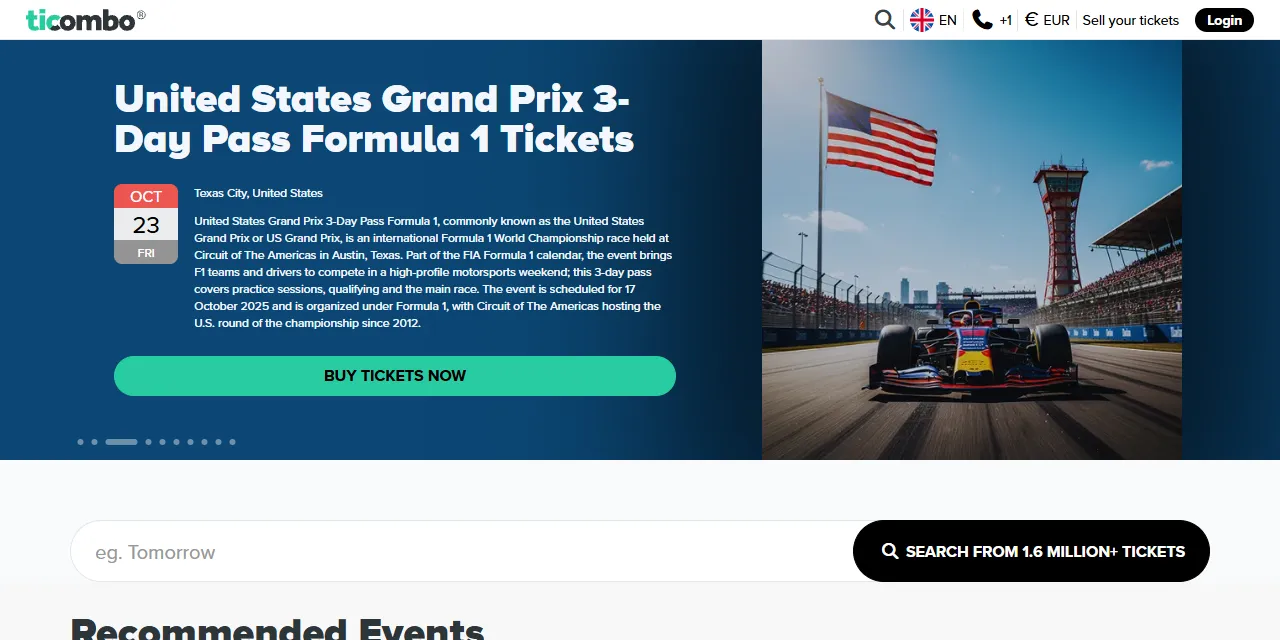
Ticombo Scraper extracts ticket events from Ticombo into clean, structured data you can download as JSON, CSV, Excel, or HTML. Paste a Ticombo category, artist, team, competition, venue, or event URL, or type a few keywords, and get event dates, venues, ticket prices, availability, and price stats for every ticket category and section. No account or login required.
Introduction
Ticombo is a ticket marketplace where fans buy and resell tickets for football matches, concerts, Formula 1, theatre shows, and festivals in Europe and around the world. Its listings show what tickets really cost on the secondary market, how many are left, and which seating areas are in demand.
This actor collects the same public information you see in your browser and turns it into a ready-to-use dataset. You can run it once, schedule it to run daily, or connect it to your own tools.
What data can you extract from Ticombo?
- 🎫 Event name, description, category, and subcategory
- 📅 Start and end date (UTC and local time), time zone, and ticket sale start date
- 🏟️ Venue name, venue page, address, city, state, postal code, country, and coordinates
- 🎤 Artists, teams, competition, tours, and genres
- 💶 Lowest and highest ticket price with fees, plus lowest, highest, and average price before fees (EUR)
- 📊 Number of tickets and listings for sale
- 🪑 Every ticket category with its sections: listings, tickets, lowest and average price
- 📱 Ticket formats offered (e-ticket, mobile ticket, paper ticket)
- 🖼️ Event image, thumbnail, and seating map
- 🔗 Direct URL to each event page
Use Cases
- 📈 Market research: track resale prices for concerts, football matches, and festivals across categories and cities.
- 💹 Price monitoring: follow how ticket prices and availability change as an event gets closer.
- 🪑 Seating analysis: compare prices by stand, tier, or section to find where demand is highest.
- 🗂️ Event database building: build your own calendar of upcoming events with venues, dates, and prices.
- 🤖 AI and automation: feed clean, structured data into spreadsheets, dashboards, or AI workflows.
How to scrape Ticombo step by step
- Paste one or more Ticombo URLs into Start URLs, or type keywords into Search queries.
- Set Maximum number of results to how many events you want per URL or per query.
- Optionally narrow search queries with dates, price, city, or sort order.
- Click Start and wait for the run to finish.
- Download your data in JSON, CSV, Excel, or HTML from the Output tab.
Input
- Start URLs: Ticombo URLs to scrape. Supported pages: categories (for example Sports or Football), artists, teams, competitions, tours, venues, search results, and single event pages. A page number in the URL (
?p=2) is kept. - Search queries: keywords to search on Ticombo (artist, team, event, or venue name), one per line. Each query is scraped separately.
- Maximum number of results: how many events to collect for each start URL or search query. Set 0 for no limit.
- Date from and Date to: only events between these dates (local event time).
- Minimum price (EUR) and Maximum price (EUR): only events whose cheapest ticket, before fees, is within this range.
- City: only events in this city, written in English (for example London or Las Vegas).
- Only events with tickets for sale: skip events that currently have no tickets listed.
- Sort by: soonest date first, lowest price, or popularity.
The date, price, city, ticket, and sort filters apply to search queries. You can use start URLs, search queries, or both in the same run.
Input Examples
Scrape a competition page from Ticombo:
Search by keywords:
Search with filters:
Output
Each event is saved as one item in the dataset. Here is an example of a single item (ticket categories shortened):
You can download the dataset in JSON, CSV, Excel, XML, or HTML, or access it through the Apify API.
Notes
- All prices are in EUR, the base currency of Ticombo.
priceFromandpriceToinclude fees, as shown on the event page; fields ending inBeforeFeesand the ticket category prices are the sellers' prices before fees. startDateandendDateare in UTC;localStartDateandlocalEndDateshow the time at the venue.- Ticket category stats are not available for a few very large events; those events are still saved with an empty
ticketCategorieslist. - Ticombo returns at most 10,000 events for one page or search. Split very broad pages (such as all Sports) into smaller categories or competitions.
- Filters you set on a Ticombo page in your browser (dates, price slider, teams) are not part of its URL, so use the actor's own filters with search queries instead.
- Keyword search matches single words, like the search on the website, so results may include related artists or teams.
- Results from start URLs and search queries are deduplicated, so the same event is saved only once per run.
- Venue coordinates come from Ticombo and can be inaccurate for some venues.
- Other pages (help, account, sell pages) are not supported and are skipped.
Why use the Ticombo Scraper?
- ✅ No login needed: works with public data only, so there is no account to manage.
- 🪑 Prices by seating area: get listings, tickets, and prices for every ticket category and section, not just the cheapest seat.
- 🎯 Many entry points: categories, artists, teams, competitions, tours, venues, search pages, and single events.
- 🧹 Clean data: numbers are real numbers, dates use one standard format, and text is free of HTML.
- 💸 Pay for what you need: set a result limit per URL or query and keep every run small and cheap.
- 🔄 Ready for automation: schedule runs, export to Google Sheets, or connect to Make, Zapier, and n8n.
FAQ
How many results can I scrape?
You can set any number in Maximum number of results, or 0 for no limit. The actor keeps going until it reaches your limit or runs out of events. See Notes for the limit set by Ticombo.
Do I need a Ticombo account?
No. The actor only collects publicly available data. You do not need to log in or provide any account details.
Can I scrape data on a schedule?
Yes. Use Apify Schedules to run the actor every hour, day, or week, and get fresh prices automatically.
Why are some fields empty?
Some events do not show every piece of information, such as an end time, a description, or tickets for sale. When a field is not available on the website, it is returned as null or an empty list.
Can I request a new feature or filter?
Yes. Right now the actor supports start URLs, search queries, and date, price, city, availability, and sort filters. If you need other filters or data, such as individual seller listings or other currencies, get in touch and they can be added.
Can I get a custom or private version?
Yes. The actor can be customized for your workflow, delivered as a private version, or a new scraper can be built for a different website. Use the contact details below.
Need to scrape other ticket and event platforms?
- Ticketmaster Scraper: events, venues, and ticket prices from Ticketmaster.
- Ticketmaster Presale Monitor: upcoming presales and on-sale dates from Ticketmaster.
- Webook Scraper - Events & Experiences: events, concerts, matches, and experiences from Webook.
- Get-In Scraper - Events: events, parties, festivals, and concerts from Get-In.
- Fever Scraper - Events & Experiences: events and experiences by city, category, or keyword from Fever.
Need help or want a custom solution?
- 📧 Email: aboo.script@gmail.com
- 🧩 More scrapers: Apify profile
Image Credit
Image credit: Ticombo


