

Viator Reviews Scraper
Pricing
from $1.40 / 1,000 results
Viator Reviews Scraper
[💰$2 / 1K] ⚡ Cheap Viator reviews scraper that bypasses anti-bot blocking on DataDome-protected pages. No login, no API key. Viator and Tripadvisor reviews by tour URL, destination, search page or keyword: rating, text, date, traveler type, photos, owner reply. Filter by stars, traveler, date.
Pricing
from $1.40 / 1,000 results
Rating
0.0
(0)
Developer

Aboo Script
Maintained by CommunityActor stats
0
Bookmarked
2
Total users
1
Monthly active users
4 days ago
Last modified
Categories
Share
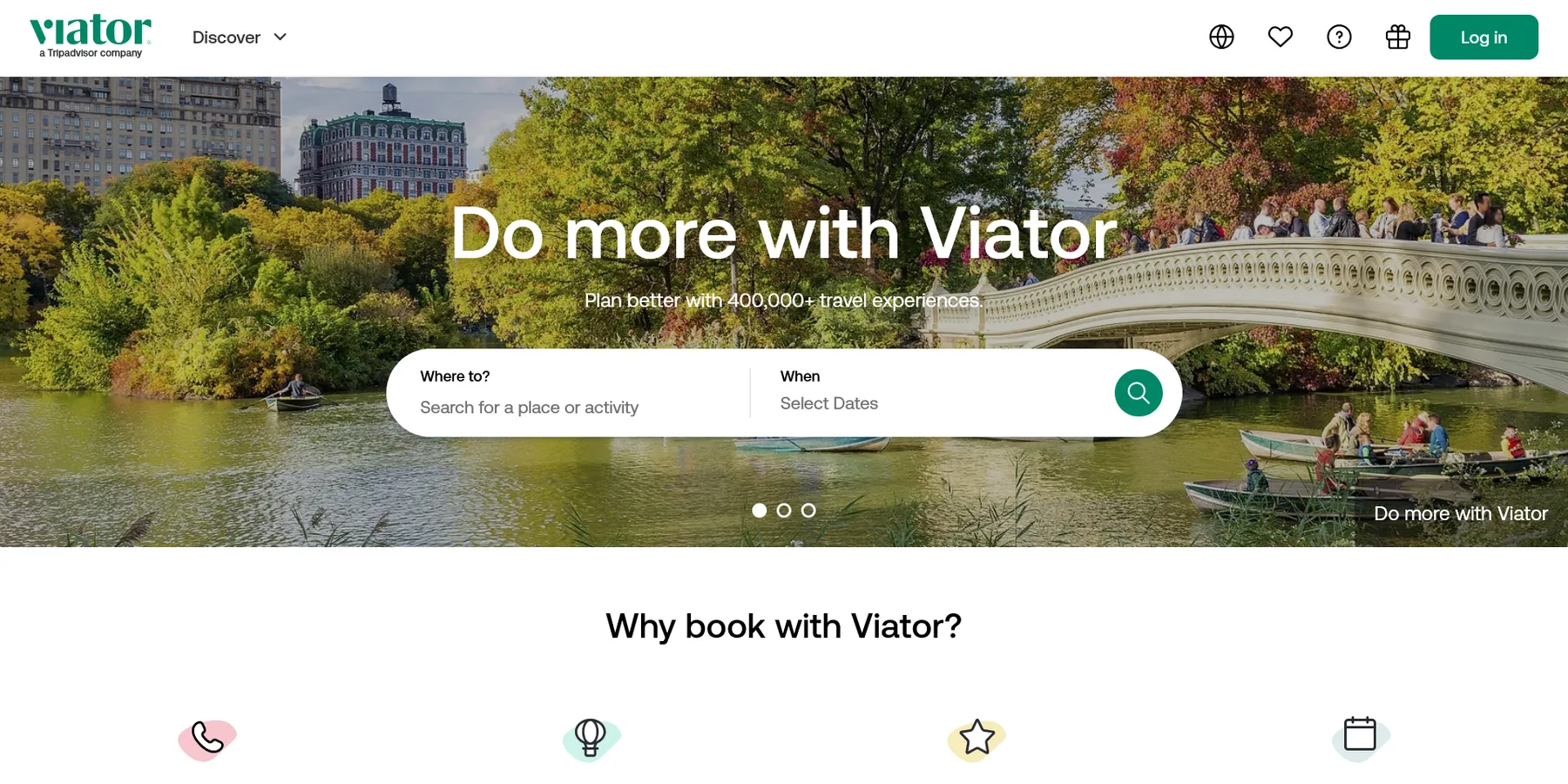
Viator Reviews Scraper extracts customer reviews of tours and activities from Viator into clean, structured data you can download as JSON, CSV, Excel, or HTML. Paste a Viator tour URL, a destination or search page, or type a few keywords, and get the star rating, title, full text, date, reviewer, traveler type, photos, and owner response for every review, from both Viator and Tripadvisor. No account or login required.
Introduction
Viator, a Tripadvisor company, is one of the largest marketplaces for tours, activities, and attractions, with more than 400,000 travel experiences worldwide. Each tour collects reviews from travelers on Viator and on Tripadvisor, which makes it a rich source of honest feedback about tour operators, guides, and destinations.
This actor collects the same public reviews you see in your browser and turns them into a ready-to-use dataset. You can run it once, schedule it to run daily, or connect it to your own tools. It works on Viator's DataDome-protected pages.
What data can you extract from Viator?
- ⭐ Star rating, review title, and full review text
- 📅 Publication date and review language
- 👤 Reviewer name and traveler type (couples, family, friends, solo, business)
- 🏷️ Review source (Viator or Tripadvisor), helpful votes, and machine translation flag
- 🖼️ Review photos in full size and as thumbnails
- 💬 Owner response with its text, date, and author
- 🗺️ Tour details on every review: tour title, product code, destination, overall rating, review counts per source, and rating breakdown
- 🔗 Direct URL of each tour
Use Cases
- 📈 Market research: compare how travelers rate tours, activities, and operators across destinations.
- 🕵️ Competitor monitoring: follow new reviews of competing tours and see what customers praise or complain about.
- 😊 Sentiment analysis: collect negative or positive reviews only and find recurring issues such as pickup, guides, or food.
- 🗂️ Reputation tracking: check your own tours, owner responses, and rating changes over time.
- 🤖 AI and automation: feed clean, structured reviews into spreadsheets, dashboards, or AI workflows.
How to scrape Viator reviews step by step
- Paste one or more Viator URLs into Start URLs, or type keywords into Search queries.
- Set Maximum number of reviews to how many reviews you want per URL or per query.
- Optionally choose the review source, sort order, star ratings, traveler types, a keyword, or a start date.
- Click Start and wait for the run to finish.
- Download your data in JSON, CSV, Excel, or HTML from the Output tab.
Input
- Start URLs: Viator URLs to scrape reviews from. Tour pages give the reviews of that tour. Destination, category, attraction, and search result pages give the reviews of the tours listed on them, page by page. A list URL ending with a page number starts from that page.
- Search queries: keywords to search on Viator, one per line, for example a city, attraction, or activity. The reviews of the tours found are scraped, separately for each query.
- Maximum number of reviews: how many reviews to collect for each start URL or search query. For destination, category, attraction, and search pages, the limit counts the reviews of all their tours together. Set 0 for no limit.
- Maximum reviews per tour: how many reviews to collect from each tour, useful to spread a destination or search run over more tours. Set 0 for no per-tour limit.
- Review source: Viator and Tripadvisor reviews (Viator reviews first), Viator reviews only, or Tripadvisor reviews only.
- Sort by: most recent, highest rated, or most helpful first.
- Star ratings: only reviews with the selected star ratings, for example 1 and 2 stars for negative reviews.
- Traveler types: only reviews from couples, families, friends, solo travelers, or business travelers.
- Review keyword: only reviews that mention a word or phrase, for example guide, food, or pickup.
- Reviews from date: only reviews published on or after this date.
- Proxy configuration: residential proxies are required, Viator blocks datacenter and server IPs. The default setting already uses them.
You can use start URLs, search queries, or both in the same run.
Input Examples
Scrape the reviews of a Viator tour:
Search by keywords and collect negative reviews from several tours:
Output
Each review is saved as one item in the dataset. Here is an example of a single item:
You can download the dataset in JSON, CSV, Excel, XML, or HTML, or access it through the Apify API.
Notes
- Residential proxies are required. Runs without them, or with datacenter proxies, are blocked by Viator.
- The first reviews can take a minute or two to appear, because the run first opens Viator like a regular visitor.
- With Viator and Tripadvisor as the source, all Viator reviews of a tour come first, then the Tripadvisor reviews.
- Reviews from date works best with Most recent order: the run then stops at the first older review of each tour. With other orders, every review is checked.
- Viator's search is broad: keywords with no exact match still return the closest tours, and their reviews are scraped.
- Only tour pages and destination, category, attraction, and search result pages are supported. Other URLs are skipped, and tours that no longer exist are skipped with a warning.
- A tour that appears in several of your inputs is scraped only once.
- Reviews are returned in the language shown on Viator's English site.
- Fields such as the review title, owner response, or photos are
nullor empty when the reviewer or operator did not add them.
Why use the Viator Reviews Scraper?
- ✅ No login needed: works with public reviews only, so there is no account to manage.
- 🌐 Viator and Tripadvisor reviews: get both review sources in one dataset, each review labeled with its source.
- 🎯 Powerful filters: star ratings, traveler types, keyword, start date, and sort order, just like on the website.
- 🗺️ Whole destinations at once: paste a destination, category, attraction, or search page and collect reviews of every tour on it.
- 🧹 Clean data: ratings are real numbers, dates use one standard format, and text is free of HTML.
- 💸 Pay for what you need: set a limit per URL, per query, and per tour to keep every run small and cheap.
- 🔄 Ready for automation: schedule runs, export to Google Sheets, or connect to Make, Zapier, and n8n.
FAQ
How many reviews can I scrape?
You can set any number in Maximum number of reviews, or 0 for no limit. The actor keeps going until it reaches your limit or runs out of reviews.
Do I need a Viator account?
No. The actor only collects publicly available reviews. You do not need to log in or provide any account details.
Can I scrape reviews on a schedule?
Yes. Use Apify Schedules to run the actor every hour, day, or week. Combine it with Most recent order and Reviews from date to collect only new reviews.
Can I get only negative reviews?
Yes. Select 1 and 2 stars in Star ratings. You can also add a keyword, for example "pickup", to find reviews about a specific topic.
Can I request a new feature or filter?
Yes. If you need other inputs or filters, get in touch and they can be added.
Can I get a custom or private version?
Yes. The actor can be customized for your workflow, delivered as a private version, or a new scraper can be built for a different website. Use the contact details below.
Need to scrape other travel review platforms?
- Agoda Reviews Scraper: hotel and activity reviews from Agoda and Booking.com.
- Fever Event Reviews Scraper: reviews of events and experiences on Fever.
- GetYourGuide Scraper - Activities & Attractions: tours, activities, prices, and ratings from GetYourGuide.
- Tiqets Scraper - Attractions & Tours: attraction tickets and tours with prices and ratings from Tiqets.
- Agoda Activities Scraper: tours and activities with prices and ratings from Agoda.
Need help or want a custom solution?
- 📧 Email: aboo.script@gmail.com
- 🧩 More scrapers: Apify profile
Image Credit
Image credit: Viator


