

AI Background Remover — $10/1K · Transparent PNG Cutouts
Pricing
from $10.00 / 1,000 results
AI Background Remover — $10/1K · Transparent PNG Cutouts
Remove photo backgrounds from image URLs; download transparent PNG cutouts and result links. Bulk result-link export: JSON, CSV, Excel and API. PPE: $10/1K image results; start fee extra.
Pricing
from $10.00 / 1,000 results
Rating
0.0
(0)
Developer

Apivault Labs
Maintained by CommunityActor stats
0
Bookmarked
15
Total users
1
Monthly active users
4 days ago
Last modified
Categories
Share
AI Background Remover — Transparent PNG | $10/1K
Background-removal workflows for product and design teams
Use this background remover when you need a transparent cutout from an existing photo that you are allowed to process. A catalogue team can prepare assets for manual layout, a designer can isolate a subject for a composition, and an automation can organize delivered PNGs for review. The tool does not generate a new scene, repair product defects or guarantee studio-quality subject edges.
| Workflow | What you receive | What to check |
|---|---|---|
| Prepare product cutouts | A PNG with transparency and result metadata | Product boundaries, holes, handles and reflections |
| Isolate a portrait | An available subject cutout | Hair, glasses, shoulder edges and missing detail |
| Build an asset-review queue | sourceUrl, resultUrl, dimensions and file size | That each returned PNG belongs to the requested image |
| Export a small batch | Dataset rows plus SUMMARY/FAILED_IMAGES | Delivered count rather than requested count |
| Reuse an approved asset | A downloaded PNG in your own storage | Access permissions and retention before URLs expire |
A valid alpha channel proves transparency exists, not that the model selected the intended subject perfectly. Review actual images before adding them to a product feed or publishing them.
MCP and AI agent guide
Remove the background from a public image URL and return a transparent PNG. This edits an existing image; it does not generate a replacement scene.
Connect an authenticated Apify MCP client to:
Use your own Apify token in the client Authorization header; never paste it into Actor inputs, prompts or public examples. Call tools/list and use the current schema for apivault_labs--background-remover. The input description summarizes the first-run/output contract; this README contains the full workflow.
Minimal Actor input:
For a direct Actor MCP call, add waitSecs: 45 to the tool arguments if the discovered schema supports it. waitSecs is a tool wait, not an Actor input, run timeout or spending limit. If the response is still RUNNING, keep its runId and poll get-actor-run; do not launch a duplicate paid run. After a network timeout, reconcile the existing run before repeating the call.
Use returned default storage IDs. Read get-dataset-items with a small limit (start with 5) and selected fields; use get-key-value-store-record only for the records supported below. Fetch a small page first, then paginate the Dataset instead of filling model context with the whole export. The wrapper may return a preview before the run finishes. Confirm terminal status, actual rows and result validity before reporting success. A missing record is not a zero value.
Agent decisions and output contract
imageUrlsmust contain public HTTP/HTTPS images that Apify can download. Begin with one URL; duplicate URLs are processed once. Private/login-only links can fail; do not put credentials in URLs.- Successful Dataset rows contain
success=true,sourceUrl,resultUrl,format=png,width,height,fileSizeBytesandprocessedAt. DownloadresultUrlwith your Apify authentication when required; do not assume the store is public. - Read
SUMMARYandFAILED_IMAGESfrom the default Key-Value Store. A partial batch can be SUCCEEDED with fewer useful images than requested; zero usable outputs is FAILED. Invalid input may fail before these records exist, so handle missing records and read run status. - Verify the downloaded PNG can be decoded and contains both transparent and visible pixels. Review subject edges visually; a valid alpha channel does not guarantee perfect hair/glass detail. Dimensions can differ from the source.
- Pay per successful Dataset result, currently $10/1K plus the configured start fee. Failed images are not result events. Platform usage follows the active Pricing tab. Copy generated files to your own storage for long-term retention.
Use the smallest request that answers the user's question. Costs and source availability are separate from MCP discovery: seeing a schema does not prove a successful collection or image generation. Full instructions may be shortened by discovery summaries; open this Store README when more detail is needed.
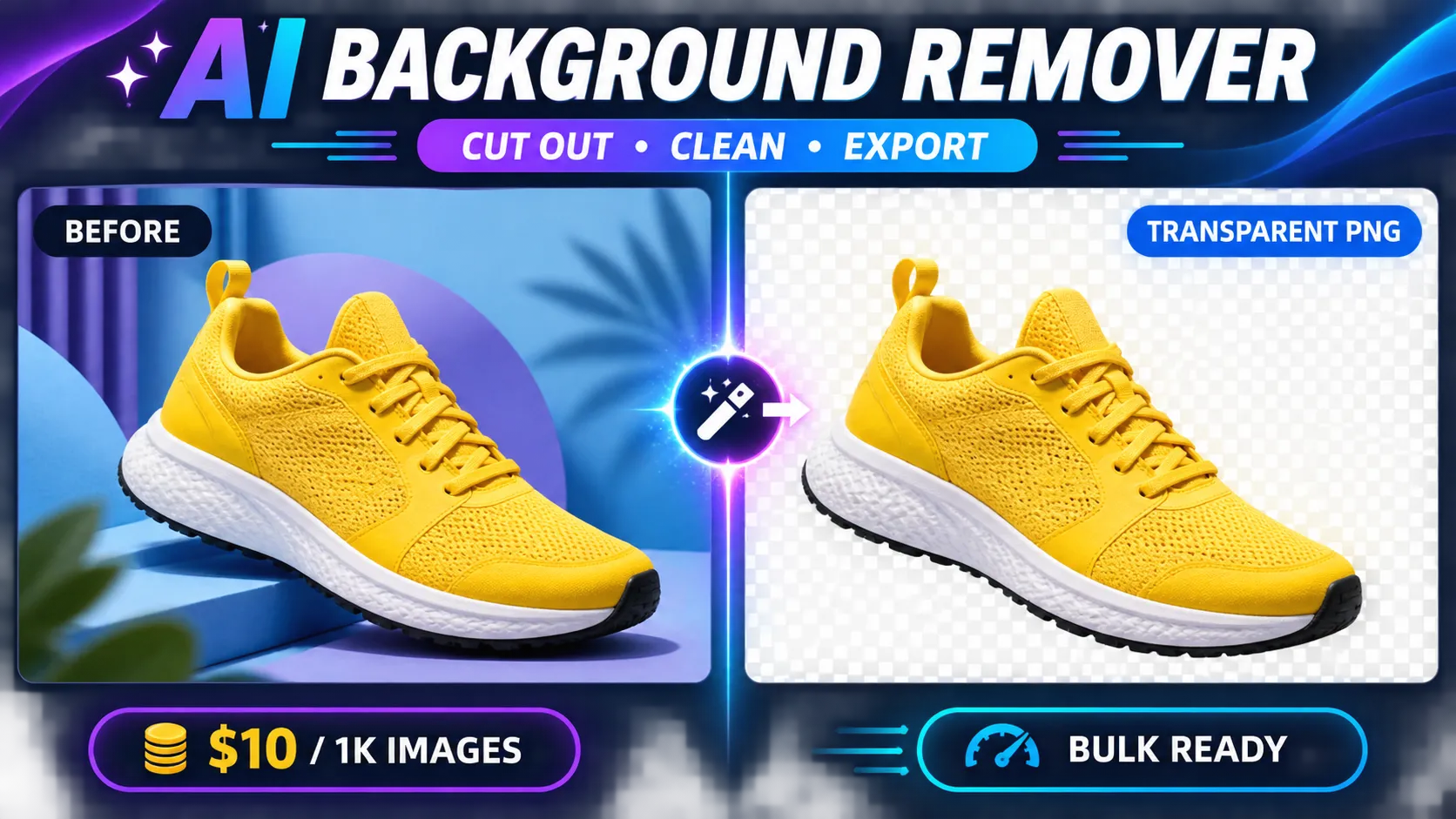
Background Remover removes image backgrounds in bulk and returns clean transparent PNG files without an external login, cookies, or third-party API key. Use it for product photos, portraits, catalogs, marketplaces, design workflows, and automated content pipelines.
$10 per 1,000 successful images · Pay per result · Batch input · API and n8n ready
Why use this AI Background Remover?
- Transparent PNG output — download a cutout ready for a new background, catalog, presentation, or design.
- Bulk processing — submit up to 100 public image URLs in one run.
- Pay only for successful results — failed or invalid images never enter the billable Dataset.
- Useful result metadata — output includes PNG width, height, file size, source URL, and processing time.
- No third-party key or account — paste image URLs and run inside Apify.
- Automation-ready — use Apify Tasks, schedules, API, webhooks, Make, or n8n.
- Structured exports — export result links and metadata as JSON, CSV, Excel, XML, RSS, or through the API.
- Safe public-URL handling — private and internal network destinations are rejected.
Input
Provide public JPG, PNG, WEBP, or BMP image URLs:
| Field | Required | Description |
|---|---|---|
imageUrls | Yes | Up to 100 public HTTP/HTTPS image URLs; duplicates are removed automatically |
maxConcurrency | No | Number of images processed concurrently, from 1 to 5 |
timeout | No | Per-image timeout from 30 to 300 seconds |
Each source image can be up to 25 MB. The source server must allow Apify to download the image.
Output
Each successful image creates one Dataset item. The following is an illustrative output shape, not a new live result:
resultUrl points to the generated PNG in the run key-value store. Download or copy files into your own storage according to your retention requirements.
Billing safety
- $0.01 per successful image —
$10/1Ksuccessful background-removal results. - Actor-start and Apify platform usage may be shown separately.
- Invalid URLs, download failures, unsupported files, and failed removals are written to
FAILED_IMAGES, not the Dataset. - The run
SUMMARYreports requested, unique, successful, and failed counts. - A run with zero usable PNG results ends as
FAILED; inspectFAILED_IMAGESfor the reasons. A partially successful batch ends asSUCCEEDED, with only the successful images in the Dataset. - Each output is fully decoded and checked for both transparent pixels and visible content before it is added to the Dataset. Corrupt, opaque, or entirely transparent outputs are rejected without a result charge.
- Duplicate URLs are processed once and create at most one charged result.
Use cases
- E-commerce: prepare clean product cutouts for Shopify, WooCommerce, Amazon, eBay, Etsy, or marketplace feeds.
- Catalog production: remove backgrounds from supplier photos before adding consistent branded scenes.
- Creative workflows: create transparent assets for banners, presentations, thumbnails, and social posts.
- Portrait preparation: isolate a person for profile graphics or authorized document-production workflows.
- Automation: connect image uploads to an Apify Task and deliver finished PNG URLs through a webhook.
- Dataset cleanup: normalize mixed supplier imagery before downstream review or design work.
n8n integration
Install n8n-nodes-apivault-background-remover, add the Background Remover node, connect your Apify token, and map one or more image URLs from the previous workflow step.
Limitations
- Results depend on subject visibility, contrast, lighting, motion blur, and image resolution.
- Fine hair, transparent objects, reflections, smoke, shadows, and overlapping subjects can require manual review.
- Output dimensions may differ from the source dimensions.
- Animated images are not supported as animated output; the result is a PNG.
- This Actor removes backgrounds; it does not generate a replacement scene or perform product retouching.
Responsible use
Process only images you are allowed to use. Do not use the Actor to misrepresent people, products, documents, or evidence. Review sensitive portrait and commercial outputs before publication.
FAQ
Does it return a real transparent image?
Yes. Successful results are PNG files with an alpha channel. Transparency quality depends on the source image.
Am I charged for a failed image?
No. A result charge is created only when a successfully processed PNG is written to the Dataset.
Can I process several images at once?
Yes. Add up to 100 URLs to imageUrls. Duplicate URLs are removed automatically.
Can I use the result in Photoshop, Canva, or a product feed?
Yes. Download the PNG from resultUrl, then import it into any tool or storage system that supports PNG transparency.
Does it need another background-removal service API key?
No. Users do not provide a third-party image-processing key.
Support
If an image fails, share the Actor run ID and a non-sensitive public example URL in an issue. Do not publish private image links, credentials, or customer data.
Start with a representative photo
For the first call, use one accessible photo and concurrency 1. The public portrait in these examples is a sample input, not an endorsement or a guarantee of identical results on every source. Replace it with an authorized image for your use. The source download, processing response and output storage must all succeed before a useful PNG is delivered.
One portrait cutout with a bounded deadline
Inspect the actual PNG and subject edges after the run. sourceUrl and resultUrl have different roles: the first identifies the input, while the second retrieves the generated output from the run storage.
Deduplicate an exact repeated input URL
Exact duplicate URLs are processed once. Different signed URLs or resized versions of the same photograph are not guaranteed to collapse into one image identity; prepare your own deduplicated input list if needed.
Allow more time for a representative input
A larger timeout is an allowance, not a source-access repair or a promise of a successful cutout. Invalid images, inaccessible sources and processing refusals still need their actual failure reason reviewed.
Use the balanced concurrency option
With one input this still requests one image. For a batch, replace imageUrls with your own short list; higher concurrency can affect resource use and service availability. No throughput benchmark is implied.
Check transparency, subject quality and storage
Download resultUrl using your account's Apify storage authentication when required. Verify that the file decodes as PNG and contains both transparent and visible pixels. Then view it over a contrasting background or in your design application and inspect important edges. Fine hair, transparent glass, reflections, smoke, motion blur and overlapping objects may need manual correction even when basic output validation passes.
The output dimensions may differ from the source; compare width and height before placing the image in an existing template. A successful cutout does not establish that the image meets a marketplace's particular listing requirements. It does not create alternate product views, color variants or image rights. Use your own review rules for the destination rather than treating the delivery status as a publication approval.
The Dataset and CSV contain links and metadata, not embedded image files. Save approved PNGs to storage you control if you need them after the run's retention period. Keep private input URLs, customer photographs and storage credentials out of public exports. A failed download does not prove that the model failed; distinguish storage authorization/retention from processing diagnostics.
For a partial batch, match FAILED_IMAGES back to the requested URLs and check SUMMARY counts. Retry only the inputs whose failure can be resolved; resubmitting already successful images creates new processing work and result events. The Actor does not expose a persistent cross-run deduplication ledger or guarantee exactly-once billing across separate runs.
Background remover API questions
Do failed removals create image-result fees? No successful PNG means no primary Dataset-result fee for that image. Startup and platform usage can still apply. At 256 MB, two successfully delivered images create $0.02005 in event fees before usage; one successful image creates $0.01005. The current primary rate is $0.01 per PNG.
Is the output a replacement background? No. It is a transparent cutout. Add a new background later in a separate authorized design workflow; this Actor does not render a new studio or scene.
Does HTTP 200 or a green run prove a good cutout? Inspect the actual file, alpha channel and visible subject. A partial batch can have a successful run status with fewer images than requested. A valid transparent file can still contain edge artifacts or missing details.
Can I pass a local file path or private website login? This contract accepts public HTTP/HTTPS image URLs. Upload or otherwise prepare a legitimately accessible image link in your own workflow. A local Windows path is not a network image URL, and credentials should not be embedded in input URLs.
Does the API provide a processing-service key? Callers supply an Apify token for platform access; they do not supply a third-party image-service key for this Actor. Processing availability remains source-dependent and is not an unlimited guest-service guarantee.
Can I use n8n to organize the files? Use the existing matched community package below, read the completed run's Dataset and download the approved PNGs. The node does not make private result storage public or independently validate image quality.
n8n and developer integrations
Use this Actor in your automation or application with the existing community integrations below. An Apify account and API token are required; Actor and platform charges follow the current pricing.
- n8n community node: n8n-nodes-apivault-background-remover. Install package name
n8n-nodes-apivault-background-removerin a self-hosted n8n instance that permits community packages. - Python client and examples: GitHub.
- n8n source and usage: GitHub.
These are community packages. Publication on npm does not establish n8n verification or availability in n8n Cloud. Review the linked package README for supported inputs and setup.


