
Met & Chicago Art Institute Search: Public Domain Artworks
Pricing
from $1.40 / 1,000 artwork results
Met & Chicago Art Institute Search: Public Domain Artworks
Search The Met and Art Institute of Chicago for artwork metadata, creation years, credit lines and public-domain image links. Filter by artist, department and date.
Pricing
from $1.40 / 1,000 artwork results
Rating
0.0
(0)
Developer

Cliqto Media
Maintained by CommunityActor stats
0
Bookmarked
2
Total users
1
Monthly active users
an hour ago
Last modified
Categories
Features
Share
Search The Met and Art Institute of Chicago for artwork metadata and public-domain image links. This Actor brings artist names, creation dates, credit lines and rights flags into one dataset. No museum API key is needed.
For designers, publishers and teachers: start with sunflowers, both museums and 20 rows. A 20-row run costs $0.07 at the base rate and usually takes about one minute.
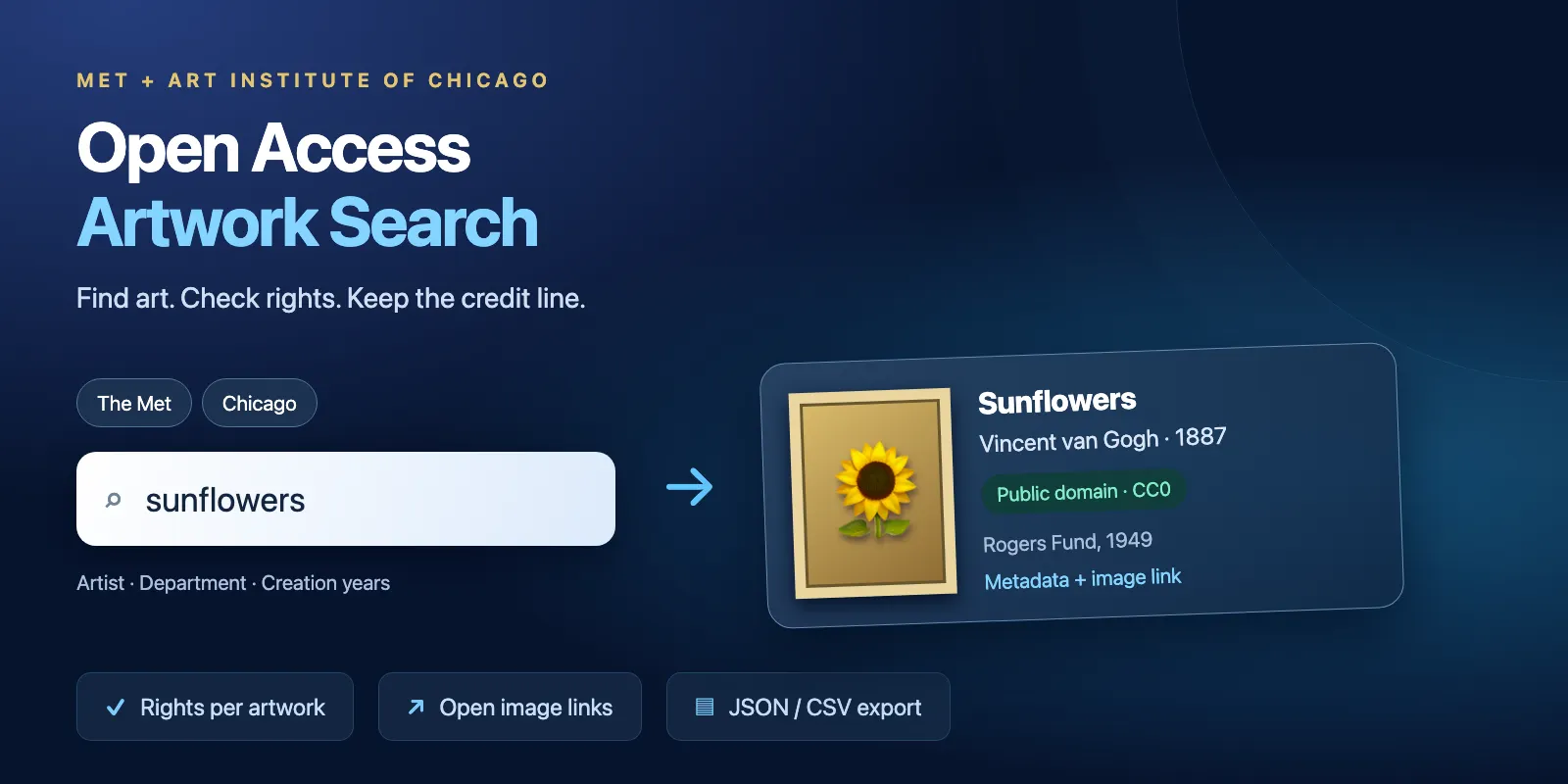
Table of contents
- What it does
- Data you get
- Quick start
- Input
- Output
- Pricing and limits
- Use cases
- Scheduling
- API and integrations
- Limits and partial results
- Troubleshooting
- FAQ
- Support
What it does
Search two museum collections with one input. Keep public-domain works, or include other artwork metadata. Filter by artist, department and creation years. Export results as JSON or CSV from the Dataset.
The Met searches object metadata. Chicago requires all query words within at least one title, artist or medium field. A search can match words outside the title. Chicago results use stable ID order. Use plain words; the museums do not share an advanced search syntax.
Data you get
Each row has a museum ID, title, artist, creation dates, medium, dimensions, department and credit line. It also has the museum page, source API link, fetch time and rights flag.
A work can have useful metadata and no image. Image and IIIF links appear only when the museum marks the work as public domain. Turning off publicDomainOnly keeps restricted metadata, but keeps restricted image links empty. The Actor returns links and does not download images.
Quick start
- Open Input. The form shows
sunflowers, both museums, public domain only and 20 rows. - Keep these values and click Start.
- Open the Artworks output view for titles, artists and image links.
- Open Rights for licences and credit lines.
- Check Run summary for per-museum counts and limits, then export the Dataset.
The demo returns a mix of Met and Chicago works. Results and rights may change when the museums update their records.
Input
| Field | Type | Required | Default / form prefill | Range and effect | Recommendation |
|---|---|---|---|---|---|
query | string | Yes | No runtime default; form prefill sunflowers | 1–200 characters; museum keyword search | Start with a subject or artist name. |
museums | string array | No | ["met", "aic"] | One or both names; duplicates are removed | Pick one museum for a narrower search. |
publicDomainOnly | boolean | No | true | Keep only confirmed public-domain works | Keep on for open image research. |
department | string | No | Unset | Part of a department name, ignoring case; at most 200 characters | Use European Paintings for Met or Prints and Drawings for Chicago. IDs are not accepted. |
artist | string | No | Unset | Part of the artist display name, ignoring case; at most 200 characters | Use van Gogh or Lemmen. |
dateFrom | integer | No | Unset | Earliest creation year, -10000 to 2100 | Negative years mean BCE. |
dateTo | integer | No | Unset | Latest creation year, -10000 to 2100 | Must be at least dateFrom when both are set. |
maxResults | integer | No | 20 | 1–200 rows in total across museums | Use 20 for the first run. |
An API input must include query. An empty object, empty query, null fields, unknown keys and wrong types are rejected. The form prefill and Restore example input contain a small demo. Optional empty artist and department strings turn those filters off.
All filters are combined. Date filtering keeps works whose creation period overlaps your range; it does not filter by record update time. One date boundary is allowed. A row with a missing needed date boundary is excluded. Artist and department use the returned text and are checked after search.
The museums are read in turns. This is a bounded search, so neither an equal split nor a full export is promised. Strong artist or department filters can return fewer rows than maxResults.
Input examples
Default open art search
Chicago works by Georges Lemmen from the 1800s
This returns the Chicago Sunflowers record from 1895 when it is available. For works with other rights, set publicDomainOnly to false; image links remain empty on those rows.
Output
Output example
This full row is from the default search. Empty values are null, not zero or an inferred licence.
Output fields
| Field | Type / empty value | Meaning and example |
|---|---|---|
museum | string | met or aic; pair with objectId for a unique key. |
provider | string | Full museum name, such as The Metropolitan Museum of Art. |
objectId | integer | Source artwork ID, such as 436524; IDs can overlap between museums. |
title | string / null | Artwork title, such as Sunflowers. |
artist | string / null | Artist display text; Chicago may include nationality and life dates. |
date | string / null | Museum date label, such as 1887 or c. 1950; kept as text. |
dateStart | integer / null | Start of creation period in years; negative means BCE. |
dateEnd | integer / null | End of creation period in years. |
medium | string / null | Material or technique, such as Oil on canvas. |
dimensions | string / null | Museum text with original units; no unit conversion. |
department | string / null | Museum department name, such as European Paintings. |
publicDomain | boolean / null | Museum flag: true, false, or unknown when missing. |
licence | string | CC0 for confirmed public domain; restricted_or_other for false; unknown when missing. This concerns image reuse. |
metadataLicence | string | CC0 for the returned metadata. Chicago description text is excluded. |
primaryImageUrl | HTTPS string / null | Open image link only for confirmed public domain and an available image. |
iiifUrl | HTTPS string / null | Chicago IIIF presentation manifest URL; Met has no IIIF field in this API. Restricted or missing images give null. |
creditLine | string / null | Museum credit, such as Rogers Fund, 1949; keep it with the artwork. |
objectUrl | HTTPS string | Museum artwork page. |
sourceUrl | HTTPS string | Source API record for this object. |
fetchedAt | ISO string | Time this Actor read the record. |
sourceUpdatedAt | ISO string / null | Record update time in the museum source system (Met metadataDate, Chicago source_updated_at); null when absent. |
Output surfaces
The Artworks view shows museum, ID, title, artist, date, department, public-domain flag, image link and object page. The Rights view shows museum, ID, title, rights flag, image and metadata licences, credit, image and IIIF links, source URL and fetch time. The full Dataset includes every field above.
The key-value store record RUN_SUMMARY contains status, reason, error, errorDetail (readable input problem), delivered, chargedResults, providers, requests, retries, responseBytes, startedAt, finishedAt, licence and limits. Each selected museum has a status, candidateTotal, scanned, delivered and reason. Candidate totals are before local filters, so they can be higher than eligible results. They are not promises of a complete export. chargedResults counts the artwork-result events; a local or unpriced run can have zero charges.
A valid empty search has no Dataset rows and not_found in the summary. A source error has error, or partial if rows were saved before the error.
Pricing and limits
Pay per saved artwork, plus one automatic Actor start event at the supported 256 MB memory. Platform compute and storage are paid by the developer under pay per event. No museum fees or image downloads are added.
| Apify plan | Per artwork | Start |
|---|---|---|
| Free | $0.0020 | $0.03 |
| Bronze | $0.0019 | $0.03 |
| Silver | $0.0018 | $0.03 |
| Gold, Platinum, Diamond | $0.0017 | $0.03 |
| Saved artworks | Base total | Gold total |
|---|---|---|
| 0 | $0.03 | $0.03 |
| 1 | $0.032 | $0.0317 |
| 10 | $0.05 | $0.047 |
| 20 | $0.07 | $0.064 |
| 100 | $0.23 | $0.20 |
| 200 | $0.43 | $0.37 |
| 1000 across five 200-row runs | $2.15 | $1.85 |
A zero-result search or a filter without matches still has the start fee. Partial, failed or cancelled runs can charge the start and the rows already saved. Rows not delivered are not billed as artwork results. Set your run charge limit to bound spending; a reached buyer limit gives a successful run with partial and CHARGE_LIMIT in the summary.
Use cases
| Job | Input | Useful fields |
|---|---|---|
| Find open images for a lesson | Subject query, public domain only | title, primaryImageUrl, creditLine |
| Build a design research shortlist | Query plus artist or years | artist, dateStart, dateEnd, medium |
| Check reuse rights before selecting art | One or both museums | publicDomain, licence, objectUrl |
Scheduling
You can create your own scheduled searches in Apify. Each run is a new export with the same limits and start fee. This Actor does not keep a baseline or provide an only-new mode. Use museum plus objectId to compare your exports.
API and integrations
Run the Actor with the same JSON input through the Apify API. Send a POST to https://api.apify.com/v2/acts/cliqtomedia~museum-open-access-search/runs with your Apify token in the Authorization header. Add memory=256&timeout=300&maxTotalChargeUsd=1 to set resources and a charge cap. Poll the run, then read its default Dataset and RUN_SUMMARY.
Apify Dataset export supports JSON and CSV. A spreadsheet or no-code tool can use objectUrl as a reference, primaryImageUrl for an open image link and creditLine for attribution. Keep museum and objectId together.
Use with AI agents (MCP)
The scoped MCP URL is https://mcp.apify.com?tools=cliqtomedia/museum-open-access-search. Use the default input example above. The Actor uses limited permissions.
Key fields are title, artist, publicDomain, primaryImageUrl and creditLine. Respect the 200-row maximum and inspect RUN_SUMMARY before treating a result as complete. The 20-row demo is about one minute and $0.07 at the base rate; source delays can make it slower.
Limits and partial results
- At most 200 saved rows per run, 180 Met candidates and 400 Chicago candidates, with a shared budget of 240 source requests and 2 MB of response data. A Met-only search therefore returns at most 180 rows.
- Requests are sequential for each museum, about one per second. Selective filters can use the whole candidate budget and still find no eligible works.
- Use 256 MB memory. Other memory settings are rejected before museum requests.
- Internal source work is bounded to 245 seconds or an earlier platform deadline. Raising the platform timeout does not expand the search.
completemeans this query was exhausted within the bounds.not_foundmeans it was exhausted with no eligible records.partialwithMAX_RESULTS,SCAN_LIMITorTIME_LIMITmeans more matching candidates may remain. These bounded runs succeed.partialwithCHARGE_LIMITmeans the buyer budget stopped delivery; the run succeeds.- A source error after some rows were saved gives a successful run with
partial,SOURCE_ERRORand the error code in the summary; the saved rows stay in the Dataset. With no rows saved, a source error fails the run witherror. Invalid input, cancellation or a deadline hit while retrying a failing source always make the run fail. - The Met search can repeat an object ID on a later page. Repeats are skipped and counted as
duplicatesSkippedin the per-museum outcome, so you never get the same artwork twice.
A forced platform kill can stop the process before the final summary is written. Dataset storage and event charging are separate operations; a lost storage response can need manual reconciliation.
Rights flags reflect museum records, not a legal guarantee for every use. The Actor is independent of the museums. Check third-party rights and trademarks for your project. Sources: The Met API, Chicago API, Met terms, Chicago terms and CC0.
Troubleshooting
No rows
Check RUN_SUMMARY. not_found is a valid empty search. Try a broader keyword or fewer artist, department or date filters. partial with SCAN_LIMIT or TIME_LIMIT is a bounded scan, not proof that no such artwork exists.
Image link is empty
The record may lack an image or may not have confirmed public-domain rights. Keep the metadata and open objectUrl to check the museum record. Turning off the rights filter does not enable restricted links. Museum image servers may block automated requests or some regions. These are source links, not hosted image copies; try the museum page in your browser.
Source error or deadline
Keep the saved rows and read the summary error and per-museum outcomes. Wait before trying a smaller run or one museum. A failed source request is not reported as a successful empty collection.
Invalid input
Use the exact field names above, integers for years and row limits, and booleans for flags. Use aic, not artic, in museums. Remove unknown fields and null values.
FAQ
Do I need a museum API key?
No. You need an Apify account to run the Actor. The museum routes are public and key-free.
Are all images free to reuse?
No. Open image links are returned only for confirmed public-domain records. Metadata alone does not make an image public domain. Check the museum page and any third-party rights.
Can I get more than 200 works?
A single run supports at most 200 rows. Split your searches by subject, museum or years. The Actor does not promise a complete collection export or provide a pagination cursor.
Does an empty search cost money?
Yes, it has the $0.03 start fee. No artwork-result events are charged when no rows are delivered.
Is this a drop-in replacement for other museum Actors?
The inputs and field names are specific to this Actor. Use the tables above to map them into your workflow.
Support
For a problem or feature request, open an issue on this Actor's Apify page. Include the run ID, museum choices and summary error. Keep tokens and other secrets out of the issue.


