

PDF Form Filler — Fill AcroForm Fields
Pricing
from $0.005 / pdf form filled
PDF Form Filler — Fill AcroForm Fields
Fill PDF form fields from JSON values and optionally flatten the result so it can't be edited. Auto-generate filled contracts, applications and government forms at scale.
Pricing
from $0.005 / pdf form filled
Rating
0.0
(0)
Developer

hiper soft
Maintained by CommunityActor stats
0
Bookmarked
2
Total users
1
Monthly active users
5 days ago
Last modified
Categories
Share
PDF Form Filler — Fill AcroForm Fields in Bulk
Fill PDF form fields from JSON values — and optionally flatten the result so it can't be edited. Auto-generate filled contracts, applications, tax forms and government paperwork at scale, straight from your data.
What it does
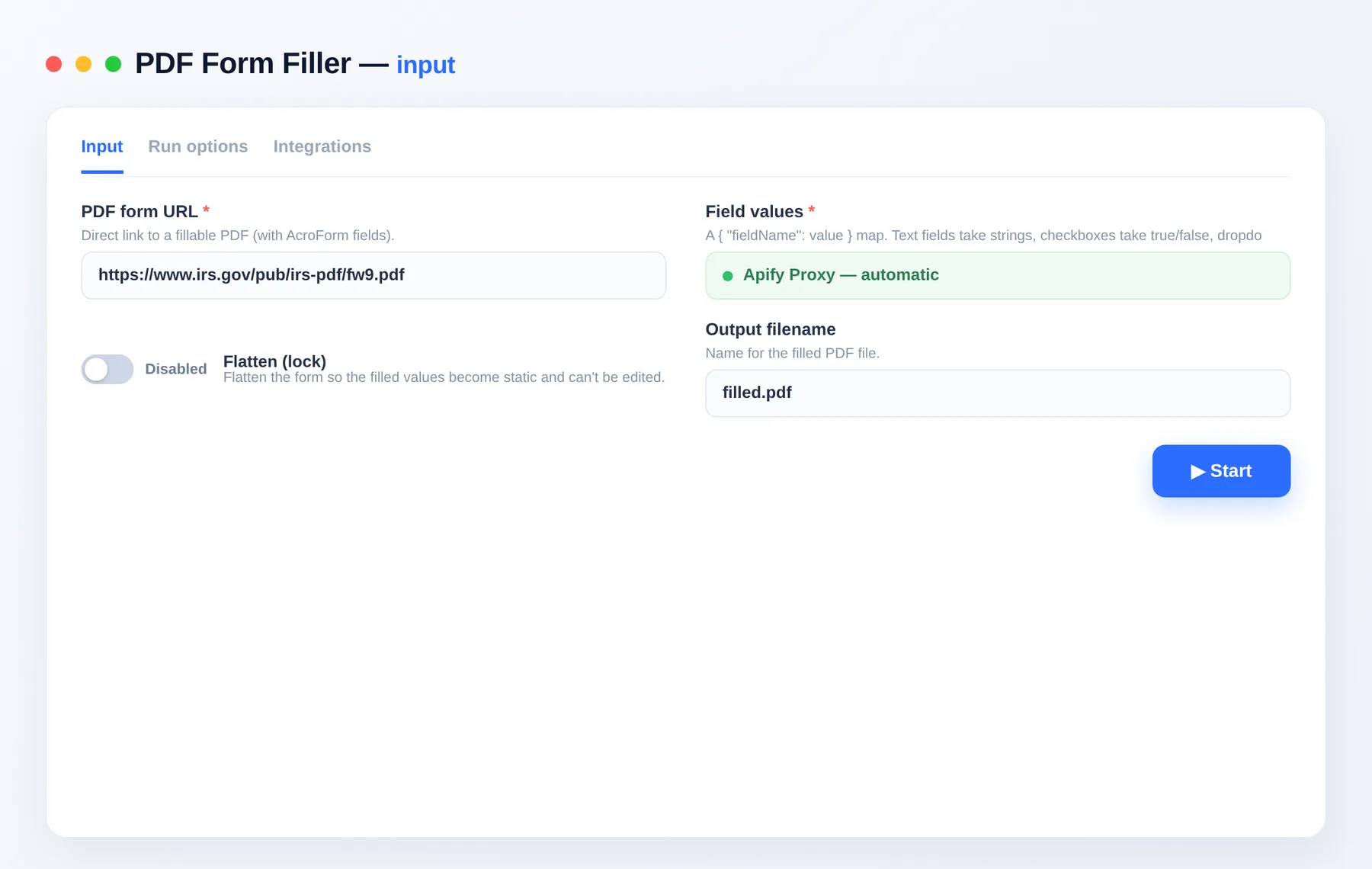
- Fills text fields, checkboxes, radio buttons and dropdowns from a
{ field: value }map. - Optionally flattens the form so the values become permanent.
- Lists the form's available fields so you know exactly what to fill.
Use cases
- Document automation — generate filled contracts/applications from a database or CRM.
- Government & tax forms — batch-fill standard PDF forms.
- HR & onboarding — pre-fill offer letters and forms per employee.
Input
| Field | Type | Description |
|---|---|---|
pdfUrl | string | A fillable PDF (with AcroForm fields). |
fields | object | { fieldName: value } — strings, booleans (checkboxes), option values (dropdowns/radios). |
flatten | boolean | Lock the filled values so they can't be edited. |
outputName | string | Output filename. |
Tip: run once with any values to see availableFields in the output, then map your data to those names.
Output
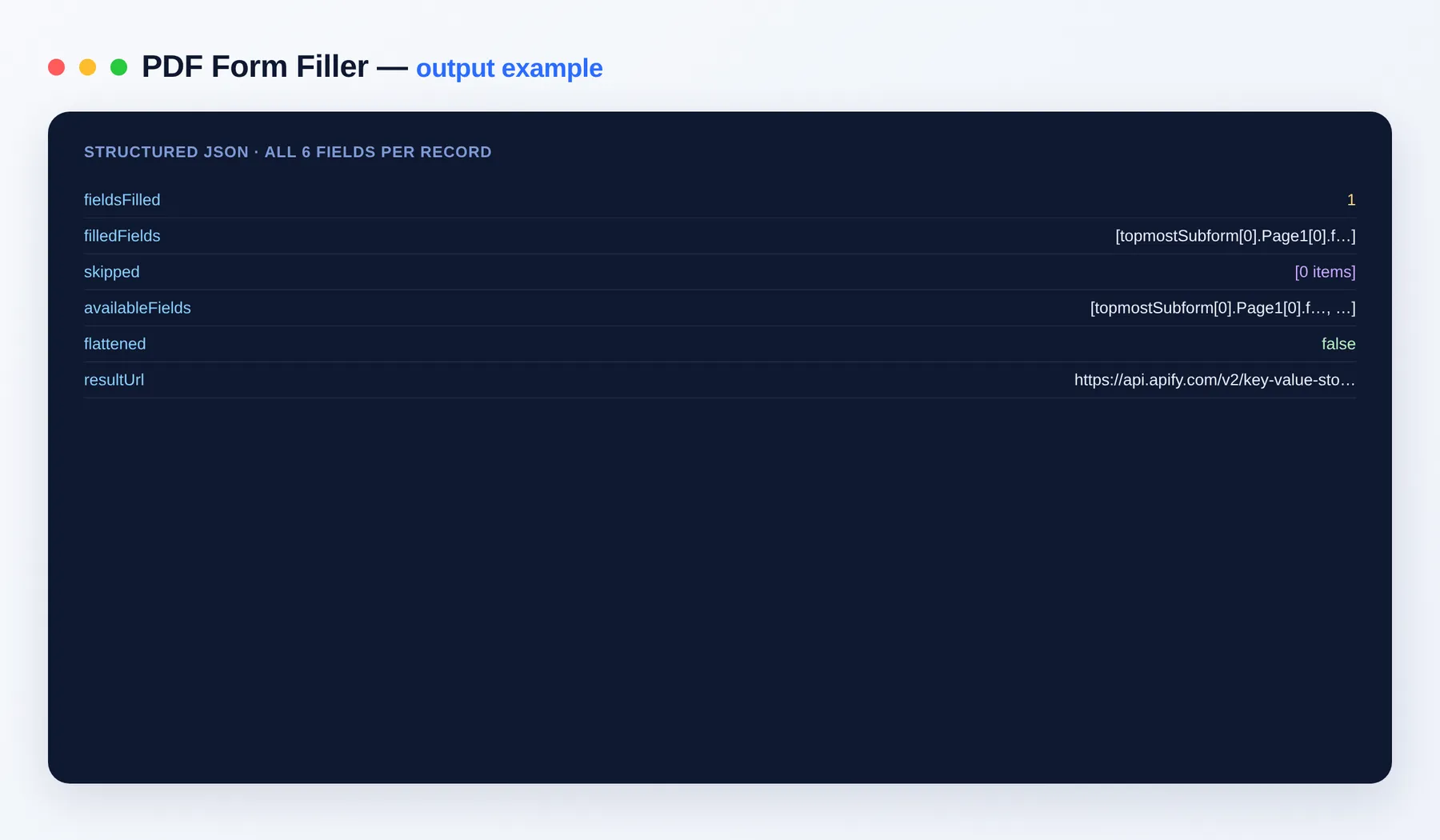
Output schema
| Field | Type | Description |
|---|---|---|
fieldsFilled | integer | How many fields were filled. |
flattened | boolean | Whether the form was flattened. |
resultUrl | string (URL) | Link to the filled PDF. |
FAQ
How do I find the field names? Run once — the output lists availableFields.
Can I automate it? Yes — via integrations on the Apify platform and the Apify API.
Notes
Original clean-room implementation.


