
AI Web Scraper: Webpage to JSON with Source Quotes
Pricing
from $30.00 / 1,000 page with extracted data
AI Web Scraper: Webpage to JSON with Source Quotes
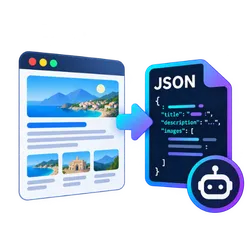
Webpage to JSON is an Apify Actor that extracts typed JSON from any web page with AI from plain-English fields or JSON Schema, each value with a source quote.
Pricing
from $30.00 / 1,000 page with extracted data
Rating
0.0
(0)
Developer

mohamed senator
Maintained by CommunityActor stats
0
Bookmarked
2
Total users
1
Monthly active users
10 days ago
Last modified
Categories
Share
What does Webpage to JSON for AI Agents do?
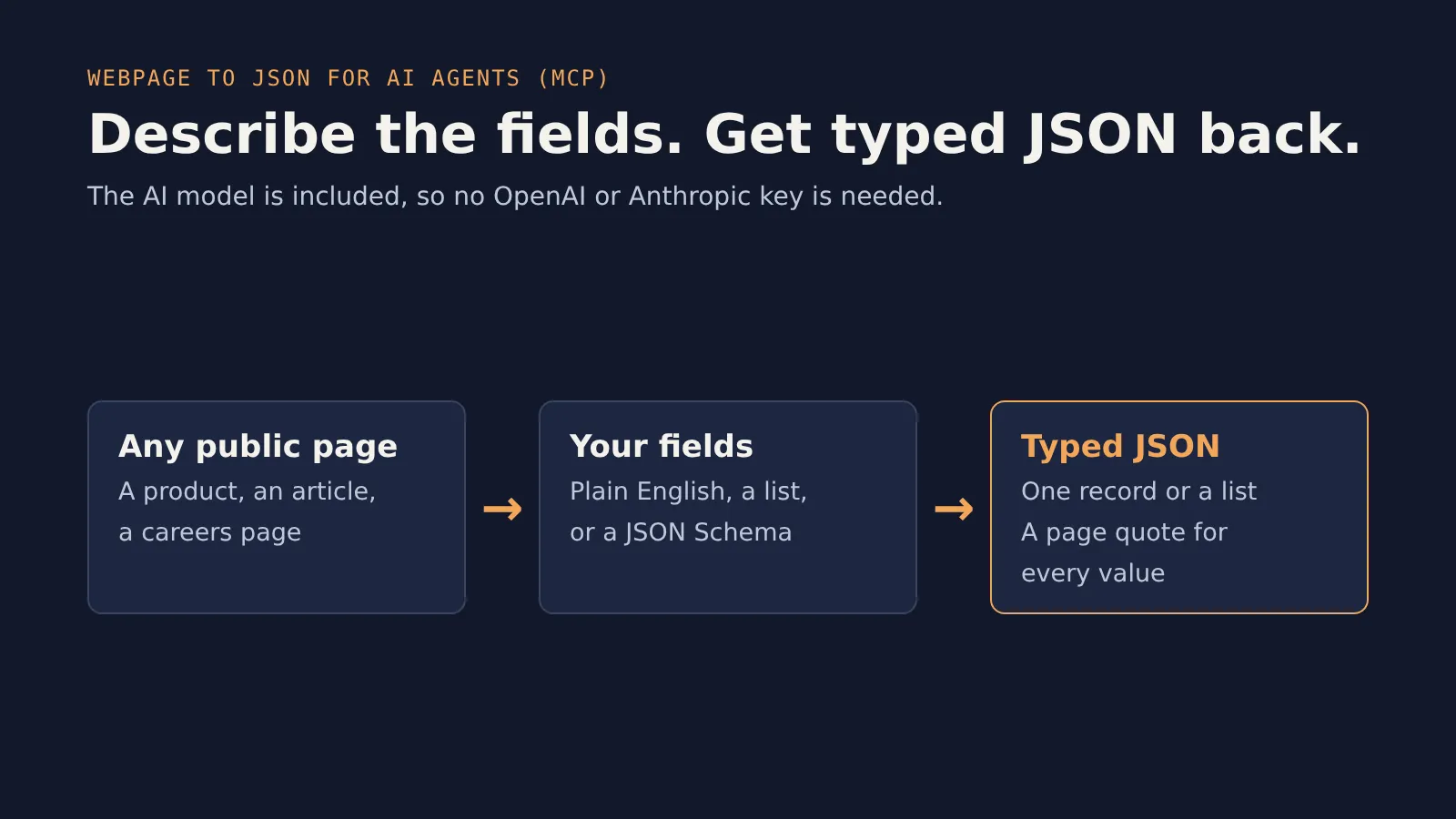
Webpage to JSON for AI Agents turns any public web page into clean, typed JSON using an AI model. You describe what you want, in plain English, as a simple list of fields, or as a JSON Schema. You get back structured records, and every value comes with a verbatim quote from the page that proves where it came from.
It's a web-to-JSON API built for AI agents and MCP clients like Claude, Cursor and ChatGPT: the AI model is included in the price, so you don't need your own OpenAI or Anthropic API key.
- 🧾 One record per page: product details, an article's metadata, a company's contact info
- 📋 Or a list of records per page: every product on a category page, every job on a careers page, every event on a calendar
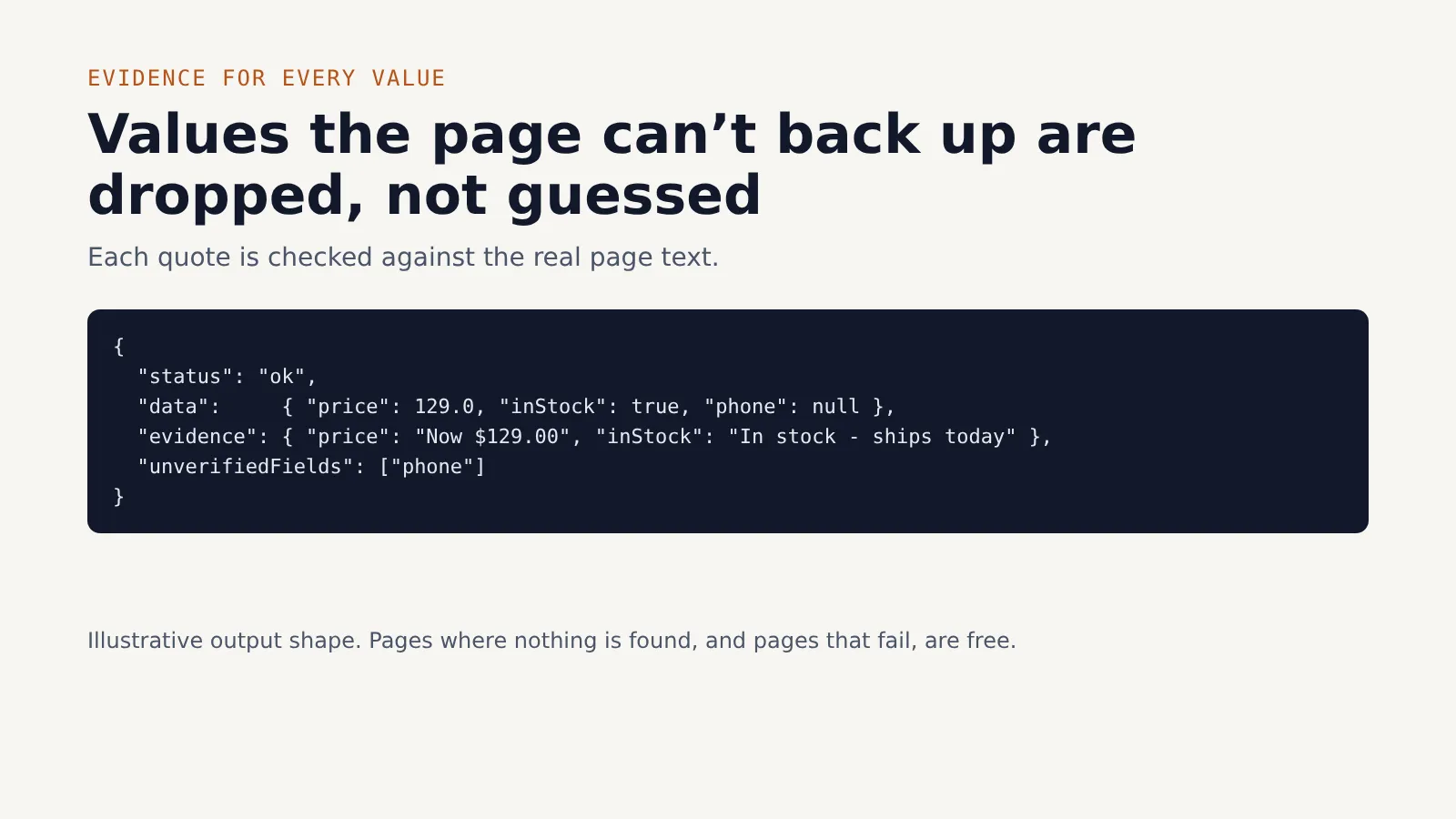
- 🔍 Evidence for every value: values the AI can't back with a quote from the page are dropped, not guessed
- 💸 Pay only for results: pages where nothing was found, and pages that fail, are free
Why use Webpage to JSON for AI Agents?
Writing CSS selectors for every site is slow, and they break when the site changes. LLM-based extraction fixes that, but most tools have two problems for agents: they need your own API key, and they make up values when the page doesn't contain them.
This Actor is built around those two problems:
- No API key needed. The model runs on our side and is part of the per-page price. An agent can call it through MCP with nothing but a URL and an instruction.
- Grounded output. For every field, the model must quote the page. The Actor checks each quote against the real page text. If the quote isn't there, the value is set to
nulland the field is listed inunverifiedFields. Your agent never gets an invented price or phone number. - Schema-checked. With a JSON Schema, output is validated and automatically repaired once if it doesn't match.
- Agent-friendly output. Small, predictable JSON, not a wall of page text.
- Works with JavaScript-heavy pages. Pass the dataset from a Website to Markdown for LLMs & RAG run (which renders JavaScript) as the source, and extract from the already-cleaned content without fetching the pages again.
- Everything Apify gives you: API access, scheduling, webhooks, integrations with Make, Zapier, n8n and Google Sheets, and spending limits per run.
Common use cases
- AI agents that need specific facts from a page (price, date, address, spec) instead of reading the whole thing
- Product and price monitoring across shops with different layouts
- Lead lists from directories, team pages and exhibitor lists
- Job, event and real-estate listings turned into rows for a sheet or a database
- RAG and knowledge bases that need metadata fields next to the text
What data can it extract?
Whatever you ask for. Each output item describes one page:
| Field | Type | Description |
|---|---|---|
url | string | The page URL |
status | string | ok (data found, charged), empty (nothing matching found, free) or failed (free) |
data | object or array | The extracted record, or a list of records in list mode |
evidence | object or array | For each field, the exact quote from the page that supports the value |
unverifiedFields | array | Fields whose quote couldn't be found on the page (set to null when evidence is required) |
schemaValid | boolean | Whether the output matches your JSON Schema (if you gave one) |
recordCount | integer | Number of records found on the page |
error | string | What went wrong, for failed pages |
How to extract structured data from a web page
- Click Try for free and open the Input tab.
- Paste one or more page URLs, one per line.
- Describe what to extract in plain English, for example "product name, price as a number, currency and whether it's in stock".
- Optional: list exact fields like
price (number): price without currency symbolto fix the field names and types, or paste a full JSON Schema. - Turn on list mode if each page has many items (a category page, a job board, an events list).
- Click Start and download your data as JSON, CSV, Excel or HTML.
How much does it cost to extract data from a web page?
This Actor uses pay-per-event pricing:
- $0.03 per page with extracted data. The AI model is included.
- Pages where nothing matching was found are free. So are pages that fail to load.
- In list mode you still pay once per page, however many records it contains. A category page with 40 products costs the same $0.03.
Example: extracting product details from 1,000 product pages costs about $30. Extracting 40 products from each of 25 category pages (1,000 products) costs about $0.75.
You can set a maximum cost per run in the run options. The Actor stops cleanly before it goes over.
Input
See the Input tab for every option. The main ones:
- Page URLs: the pages to extract from. Each URL is one page; this Actor doesn't crawl links.
- What to extract: a plain-English instruction. On its own, the AI picks clear field names.
- Fields (simple): one field per line, in the form
name (type): description. Types:string,number,integer,boolean,array. - JSON schema (advanced): a JSON Schema for one record. It takes priority over Fields, and output is validated against it.
- List mode: return an array of records per page.
- Require evidence (on by default): drop any value the AI can't support with a quote from the page.
- Source dataset ID: extract from an existing Apify dataset instead of fetching URLs.
Example input
Output
You can download the dataset in various formats such as JSON, HTML, CSV, or Excel.
Single record
List mode
Use it from Claude, Cursor or ChatGPT (MCP)
Add this Actor as a tool through the Apify MCP server:
Then just ask your assistant, for example: "Get the price, currency and stock status from these three product pages." The agent sends the URLs and an instruction, and gets back verified JSON. No API key or schema writing needed.
You can also call it from code with the Apify API or the Apify client for JavaScript or Python. See the API tab.
Tips for better results
- Be specific about types and units. "price as a number without currency symbol" beats "price".
- Use list mode for listing pages, and set Max records per page to what you need.
- JavaScript-heavy page? If a page comes back as
failedwith "No readable text", run it through Website to Markdown for LLMs & RAG first. Then pass that run's dataset ID here as Source dataset ID. - Very long pages are trimmed to Max page characters (30,000 by default). Raise it if the data you need sits near the bottom.
- Turn off "Require evidence" only when you need values the AI has to compute (for example a total or a summary). Those can't be quoted word for word.
FAQ
Does it make up data?
It's designed not to. The model is told to use null for anything that isn't on the page, and every value must come with a quote. The Actor checks those quotes against the page text and removes values it can't confirm.
Do I need an OpenAI or Anthropic API key?
No. The AI model is included in the price per page.
Can it log in or crawl a whole website?
No. It extracts from the public pages you give it. To crawl a site and collect pages first, use Website to Markdown for LLMs & RAG and pass its dataset here.
Is it legal to extract data from websites?
Our Actors are ethical and do not extract any private user data, such as email addresses, gender, or location. They only extract what the user has chosen to share publicly. We therefore believe that our Actors, when used for ethical purposes by Apify users, are safe. However, you should be aware that your results could contain personal data. Personal data is protected by the GDPR in the European Union and by other regulations around the world. You should not scrape personal data unless you have a legitimate reason to do so. If you're unsure whether your reason is legitimate, consult your lawyers.
Something didn't work
Open an issue in the Issues tab with the URL and your input, and I'll take a look. If the Actor saves you time, a short review on its Store page helps other people find it.
Related Actors
- Website to Markdown for LLMs & RAG: clean Markdown and RAG chunks from web pages and whole websites, with JavaScript rendering. Its dataset can be the source for this Actor.
- PDF & Word to Markdown for RAG: clean Markdown and chunks with page numbers from PDF and Word files.
- Google Trends Scraper: Bulk Compare 100+ Keywords: decide which product or topic pages to extract by ranking up to 500 keywords on one Google Trends scale.
- YouTube Transcripts for AI: bulk YouTube transcripts from videos, channels and search as text, Markdown and RAG chunks.


