

LinkedIn Posts Search Scraper (No Login) - $1.50 per 1,000
Pricing
from $1.50 / 1,000 post scrapeds
LinkedIn Posts Search Scraper (No Login) - $1.50 per 1,000
Search public LinkedIn posts by keyword, company or author with no login or cookies. Get text, likes, comments, reposts, media, hashtags, author and top comments. Filter by date and content type. Paste post URLs too. $1.50 per 1,000 posts.
Pricing
from $1.50 / 1,000 post scrapeds
Rating
0.0
(0)
Developer

Detroit Web Agent - Open Data
Maintained by CommunityActor stats
0
Bookmarked
2
Total users
1
Monthly active users
an hour ago
Last modified
Categories
Share
LinkedIn Posts Search Scraper - keyword, company and author posts, no login ($1.50 per 1,000)
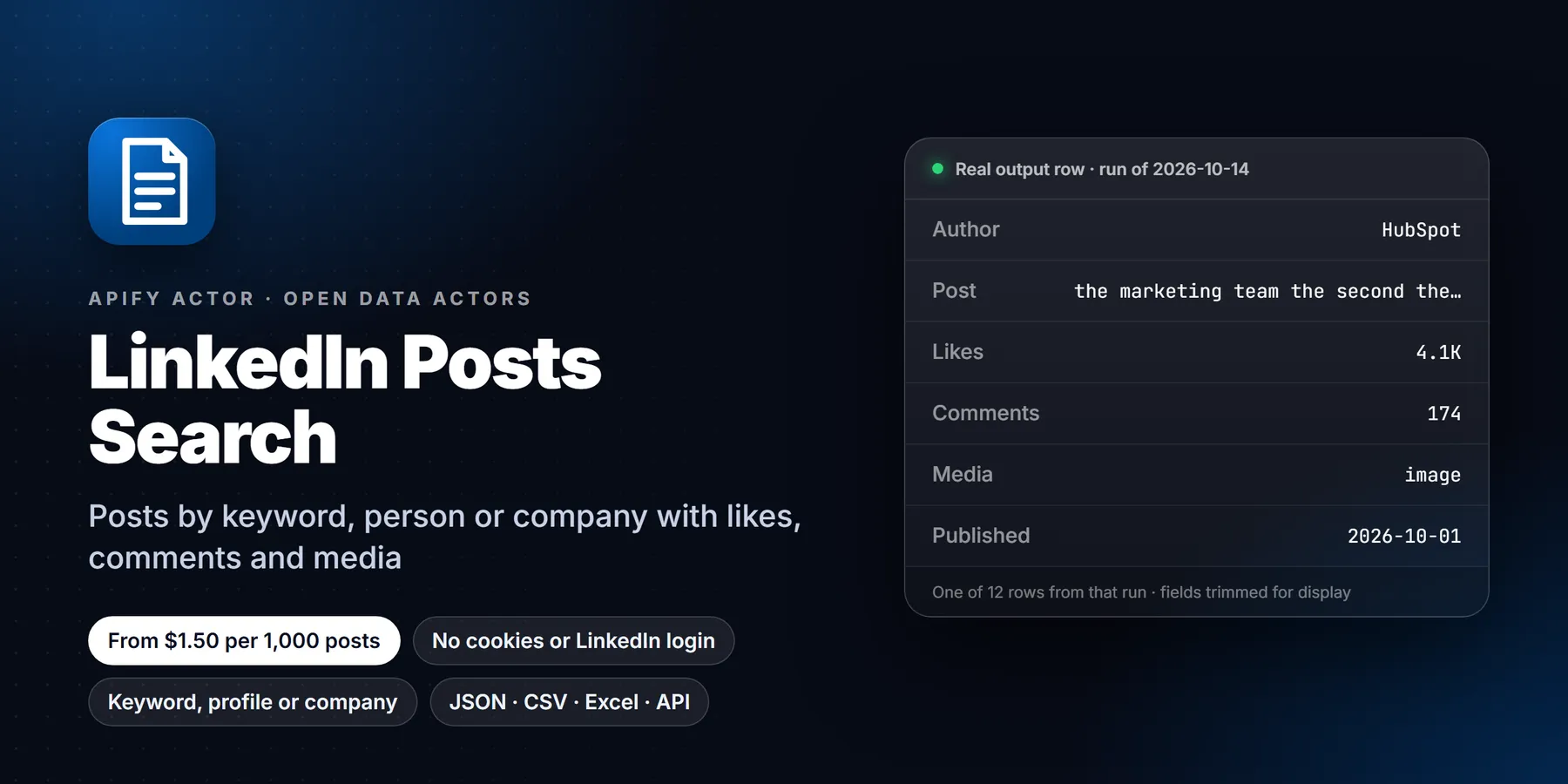

Find public LinkedIn posts by keyword, company page or author, or read post URLs you paste. You get one row per post with the full text, publish date, author, reactions, comments, media, hashtags and the top public comments. No LinkedIn account, no cookies.
Who it is for: agencies, freelancers and B2B sales teams looking for people who publicly say they need something; marketers doing social listening; founders tracking competitors; recruiters; and AI agents that need LinkedIn post data.
Key benefits
- No login, no cookies. Nothing is signed in, so no account of yours is at risk.
- $1.50 per 1,000 posts, comments included. Filtered, unavailable and duplicate posts are not charged.
- Three ways in, one run: keywords with a date window, company or author pages, and pasted post URLs. Duplicates are removed by activity id.
- Rich rows: text, reactions, comments, followers, images, video file and duration, shared links, documents, repost details and top comments.
- Run summary: every run writes an
OUTPUTrecord (found, delivered, filtered, unavailable, warnings) to the key-value store.
Use case: find people asking for what you sell
Search the phrases buyers write when they need help, such as "looking for a web designer", "need a bookkeeper" or "recommend a CRM". Set postedLimit to week or month to keep it fresh, then read each row's text, authorUrl and likes and reply on posts that are a real fit.
Real test run, Oct 15, 2026. Input: {"searchQueries": ["looking for a web designer"], "postedLimit": "month", "maxPosts": 15, "scrapeComments": false}. It returned 12 public posts from the last month:
| Author | Posted | Reactions | Post text |
|---|---|---|---|
| Riley Hennigh | 2026-09-25 | 16 | For a design agency website, it's often a struggle to show that you care about the details... |
| Iconic Web Studios | 2026-09-24 | 2 | Here's a look at how to choose a web design agency you can trust... |
| Ali M. | 2026-09-16 | 7 | Here's a niche area for you web designers: Go fix government website... |
| Ruslan Kosinov | 2026-09-18 | 42 | Why would I pay a designer when AI can build me a website? Fair point... |
Note what this sample shows: a keyword search returns every post that matches the phrase, and many come from people who sell the service, not people who want to buy it. Use exact phrases in quotes, run several narrow queries, and read the text before you reach out.
Input
| Field | Type | Default | What it does |
|---|---|---|---|
searchQueries | list of text | prefill product launch | Keywords to find public posts; one search per line, quotes for exact phrases, hashtags work |
postedLimit | any / 24h / week / month / year | any | Only posts published in this window |
maxPosts | integer 1-100 | 20 | Posts per keyword, company or author |
authorUrls | list of URLs | - | Company, showcase or school pages, person profiles (/in/), or company slugs |
authorKeywords | text | - | With authors: keep only posts that mention this |
postUrls (alias startUrls) | list of URLs or {url} objects | - | Post links to read directly |
contentType | any / text / image / video / document / article / reshare | any | Keep only this post type |
minLikes | integer | 0 | Skip posts with fewer reactions |
includeReshares | boolean | true | Turn off to drop pure reshares |
scrapeComments | boolean | true | Include top public comments (free) |
maxComments | integer 0-50 | 10 | Comments per post (logged-out pages show about 10) |
maxPostsTotal | integer | 1000 | Hard stop for the whole run |
maxConcurrency | integer 1-30 | 25 | Post pages read in parallel |
proxyConfiguration | proxy | Apify Proxy | Datacenter is enough; residential only if you see sign-in walls |
Leave every field empty for a short demo: the latest posts from Microsoft's company page.
Example input mixing all three sources:
Output
One row per post. A real row from the Oct 15 run above (long values trimmed, null fields and some URLs removed):
| Field | Description |
|---|---|
postUrl | Public link to the post |
activityId / urn | LinkedIn activity id and urn:li:activity:...; stable keys for dedupe and CRMs |
publishedAt | Publish time, ISO 8601 |
text / headline | Full post text with line breaks; first line or article headline |
authorName / authorUrl / authorType | Who wrote it, their profile or page, person or company |
authorHeadline / authorFollowers / authorImageUrl / authorPublicId | Author details, when the page shows them |
likes / comments / reposts | Reactions, comments and reposts counts (reposts when shown) |
engagement | likes, comments, shares and total in one object |
mediaType | text, image, video, document, article or reshare |
imageUrls / videoUrl / videoDuration / videoThumbnailUrl / videoTranscript | Media, with captions when LinkedIn provides them |
articleUrl / articleTitle / article | Shared link card, tracking redirect removed |
documentTitle | Document or carousel title |
isReshare / resharedText / resharedPostUrl | Reshare details |
isRepost / repostedByName / repostedByUrl / originalActivityId | Plain repost details |
shareUrn / shareUrl | Share or ugcPost id and its feed link |
hashtags | Hashtags in the text |
commentsList / commentsListCount | Top public comments (author, text, time, likes) and how many were included |
sourceType / sourceInput / searchResultTitle | How the post was found and which keyword or URL found it |
partial | true if the post page was unavailable and the row came from the company page card |
scrapedAt | When the row was scraped |
The dataset has three views: Posts, Authors and Media and links. Export as JSON, CSV, Excel, XML or HTML.
Pricing
Pay per event, no monthly rental:
| Event | Price | When |
|---|---|---|
apify-actor-start | $0.00005 | When a run starts (one per GB of memory, minimum one) |
post-scraped | $0.0015 | Once per post delivered |
1,000 posts cost about $1.50, comments included. Posts removed by your filters, unavailable posts and duplicates are never charged. Set Maximum cost per run in the run options and the actor stops cleanly at that amount.
API and MCP
AI agents (MCP): add the Apify MCP server (https://mcp.apify.com) with this actor enabled, then ask, for example, "find LinkedIn posts from the past week about 'series A' fintech".
More use cases
Social listening on a topic. Search a product category, a competitor's name or a hashtag with postedLimit: week, then read text, likes, comments and commentsList. The comments often carry the real objections and questions people have, which a headline count would never show.
Competitor content tracking. Put competitor company pages in authorUrls and schedule a daily run. contentType lets you keep only video, documents or text, and minLikes hides the posts nobody reacted to. Compare likes and comments over time to see which formats work for them.
Recruiting signals. Search phrases like hiring product designer or open to work and read authorHeadline and authorUrl. Posts are public, so there is nothing to connect to first.
Content research for writers. Pull the top posts for a theme with maxPosts: 100, sort the dataset by likes, and study the opening lines of the best performers. hashtags shows how they tag.
Feeding an AI agent. The actor works through the Apify MCP server, so an assistant can fetch fresh posts on demand and summarize them. Each row has postUrl, so the answer can cite its source.
Example: weekly competitor monitor
This reads the public posts of one company page, keeps only those that mention "AI", drops pure reshares and posts with fewer than 10 reactions. Replace the URL with each competitor and schedule it weekly.
Cost examples
Straight multiplication of the post-scraped price in the Pricing section ($0.0015 per post). Comments are included. The start event is a fraction of a cent.
| Job | Posts | Cost |
|---|---|---|
| First test | 15 | $0.0225 |
| Weekly monitor of one company page | 30 | $0.045 |
| Daily keyword watch for 30 days, 20 posts a day | 600 | $0.90 |
| Large research pull | 5,000 | $7.50 |
Posts removed by your filters, unavailable posts and duplicates are not charged, so these are upper bounds.
Tips for better results
- Quote exact phrases:
"looking for a web designer"returns far fewer false matches than the same words unquoted. - Run several narrow queries instead of one broad one. Keyword search goes through Google's index, so each query returns what Google ranks, not everything LinkedIn holds.
- Use
activityIdas the dedupe key in your sheet or CRM, because the same post can be found by two different queries. - A row with
partial: truecame from a company page card because the full post page was unavailable. Its text and counts can be shorter. - Counts such as
likesare the values shown on the public page atscrapedAt, and they keep changing afterwards.
Troubleshooting
Few or no results. Widen postedLimit to month or any, remove contentType and minLikes, and try a shorter phrase.
A post I know exists is missing. Very new posts take a day or two to appear in Google's index. Paste the post link into postUrls and it will be read directly.
Sign-in walls. If you see them in the log, switch proxyConfiguration to residential. The default datacenter proxy is enough for most runs.
Legal and compliance note
The actor reads only public posts that anyone can open without an account, and it stores no cookies. Post text and author names are personal data under rules such as GDPR, so keep the use proportionate, honor deletion requests, and do not use the data to build profiles of private individuals. LinkedIn's own terms apply to how you use the content. This is general information, not legal advice.
Related actors
- LinkedIn Company Scraper: public company page details.
- Website Contact Extractor: contact details from a company's own website.
FAQ
Do I need a LinkedIn account or cookies? No. Nothing is logged in and no account of yours is used.
Why is a very new post missing from keyword results? Keyword search uses Google's index of public LinkedIn posts, so new posts can take a day or two to appear. Paste the URL in postUrls to read it directly.
How do I monitor a keyword or competitor? Save a task with postedLimit: "24h", schedule it daily, and send new rows to Slack or a sheet. Use activityId to skip posts you have already seen.
How many comments do I get? About ten per post, the number logged-out pages show, at no extra cost.
Can I get all posts from a person's profile? Only their public posts that Google has indexed. Person profiles themselves are not scraped.
Is it legal? The actor reads only public pages anyone can open without signing in. You are responsible for how you use the data under your local law (for example GDPR) and LinkedIn's terms.
Limitations
- Public posts only. No connections-only, group or private posts, and no logged-in feed.
- Keyword search goes through Google, because LinkedIn has no logged-out post search. Ranking is Google's, not newest-first; use
postedLimitfor fresh posts. - Company pages show their 10 most recent posts publicly; for more, the actor also searches Google for that company's posts.
- Counts are what the public page shows at run time.
- If a post page shows a sign-in wall after retries, it is skipped and not charged (company posts fall back to card data, marked
partial: true).
Found a bug or need a field? Open an issue on the Issues tab with your run URL.
Need more than the data?
This actor is built by Detroit Web Agent, a small Detroit studio that builds websites, lead pages and simple data tools for small businesses. If you want these results turned into a working website, a lead list or a CRM import, or you need a field this actor does not cover yet, open an issue on the Issues tab or visit detroitwebagent.com.
New to Apify? Create a free account and run this Actor in under a minute. Some links are affiliate links.


