

Web Design Leads: Local Businesses With No or Weak Websites
Pricing
from $2.50 / 1,000 leads
Web Design Leads: Local Businesses With No or Weak Websites
Find local businesses on Google Maps with no website or a weak one (no HTTPS, not mobile-friendly, outdated, broken, parked, Facebook-only). Each lead gets a 0-100 opportunity score with plain-English reasons, phone and address. No login. $4 per 1,000 leads.
Pricing
from $2.50 / 1,000 leads
Rating
0.0
(0)
Developer

Detroit Web Agent - Open Data
Maintained by CommunityActor stats
0
Bookmarked
2
Total users
1
Monthly active users
a day ago
Last modified
Categories
Share

| Price per 1,000 leads | Free plan | Starter | Scale | Business |
|---|---|---|---|---|
| This Actor | $4.00 | $3.50 | $3.00 | $2.50 |
| Most-used alternative | $9.90 | $7.90 | $5.90 | $4.90 |
Find local businesses on Google Maps that need a new website, and know why before you call. Search any business type in any city; each business is checked and gets an opportunity score from 0 to 100 with plain-English reasons, plus its phone, address, rating and Google Maps link. Only the leads are returned and charged.
What does Web Design Leads do?
For every Google Maps result it answers one question: does this business need a website or a redesign?
- No website on the Google Maps listing (score 90-95)
- Social-only: the "website" is a Facebook, Instagram, Linktree or Yelp page (score 80-85)
- Parked or lapsed: domain for sale, "coming soon", or a web vendor's "this website is no longer available" page (score 85-90)
- Broken: domain does not resolve, server down, homepage returns an error (score 75-80)
- Weak website: the homepage is visited once and checked for
- HTTPS missing, not enforced, or an expired / self-signed certificate
- no mobile viewport (not mobile-friendly)
- copyright year 2+ years old
- slow response (3 s and 6 s thresholds)
- no contact form, booking link or email
- missing page title or meta description, very thin homepage
- Flash, default template text, DIY builder (Wix, Squarespace, GoDaddy, Weebly, Duda and more)
Businesses with 10+ Google reviews get a small boost and an "Active business" reason, because an established business with a bad website is the best lead.
Who is it for?
- Web design and SEO agencies building a call list
- Freelancers looking for local clients in their city
- Cold-email and lead-gen teams that want a website-quality filter on Maps data
- Anyone selling to small businesses that need a better online presence
Input
| Field | What it does | Default |
|---|---|---|
searchTerms | Business types, e.g. plumber, dentist, hair salon | ["plumber"] |
locations | Cities, ZIP codes or areas | ["Detroit, MI"] |
startUrls | Google Maps search URLs to check exactly those results | none |
maxPlacesPerSearch | Businesses checked per search (1-120) | 20 |
onlyLeads / minScore | Return only businesses scoring at least this much | on / 40 |
includeNoWebsite | Include businesses with no website at all | on |
checkWebsites | Visit each homepage (off = only no-website and social-only leads) | on |
maxItems | Stop after this many leads in total (0 = no limit) | 0 |
maxTotalChargeUsd | Stop before this spend | none |
onlyNew | Monitor mode: skip businesses already delivered by earlier runs | off |
proxyConfiguration | Proxy for Google Maps requests | Apify Proxy |
Running with an empty input {} checks 20 plumbers in Detroit, MI.
Example inputs
Roofers in three Ohio cities, hot leads only:
Dentists and chiropractors with a website that needs work (no "no website" rows):
Weekly monitor of new leads for one city (schedule it; only new businesses are charged):
Output sample
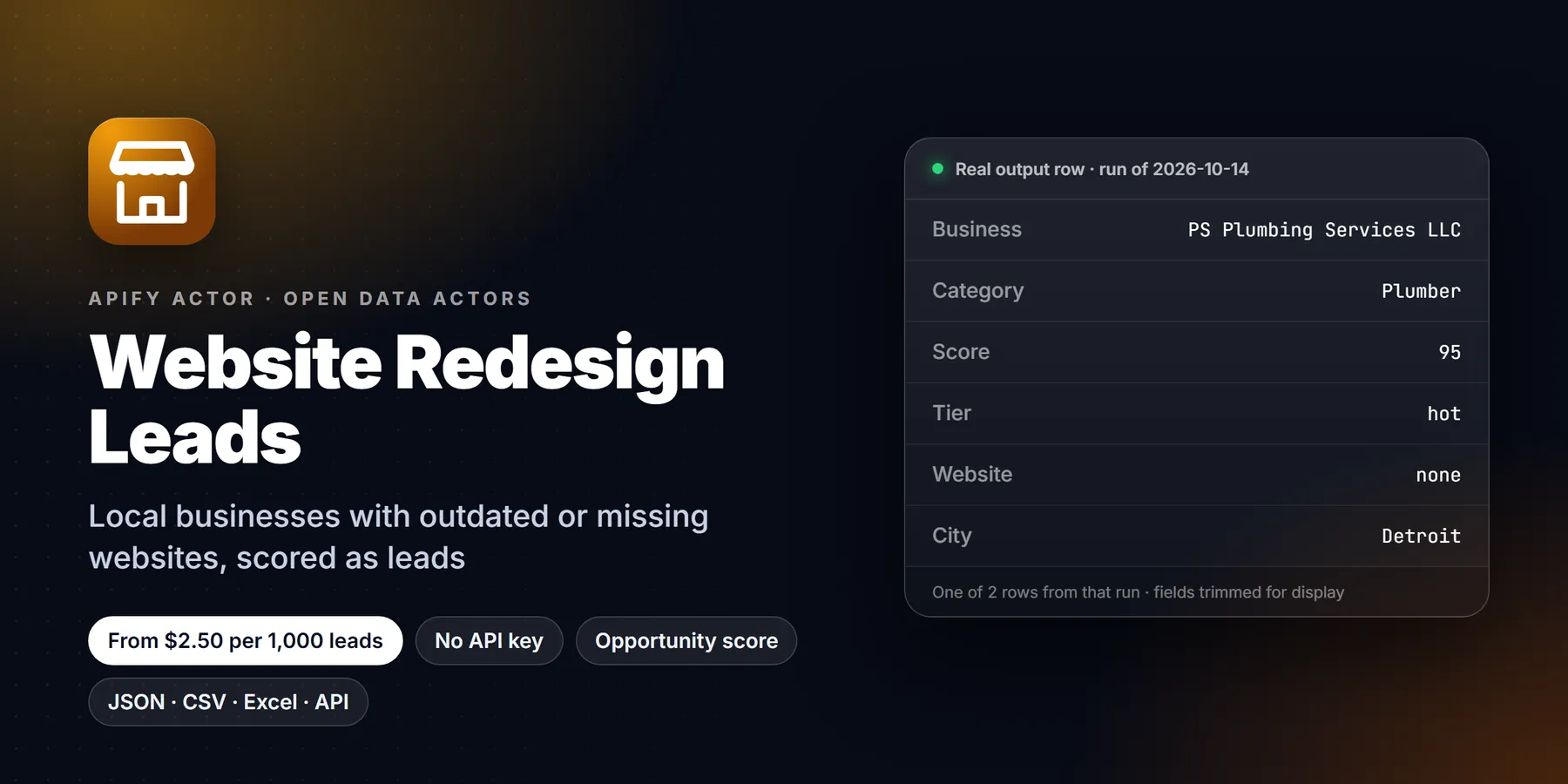
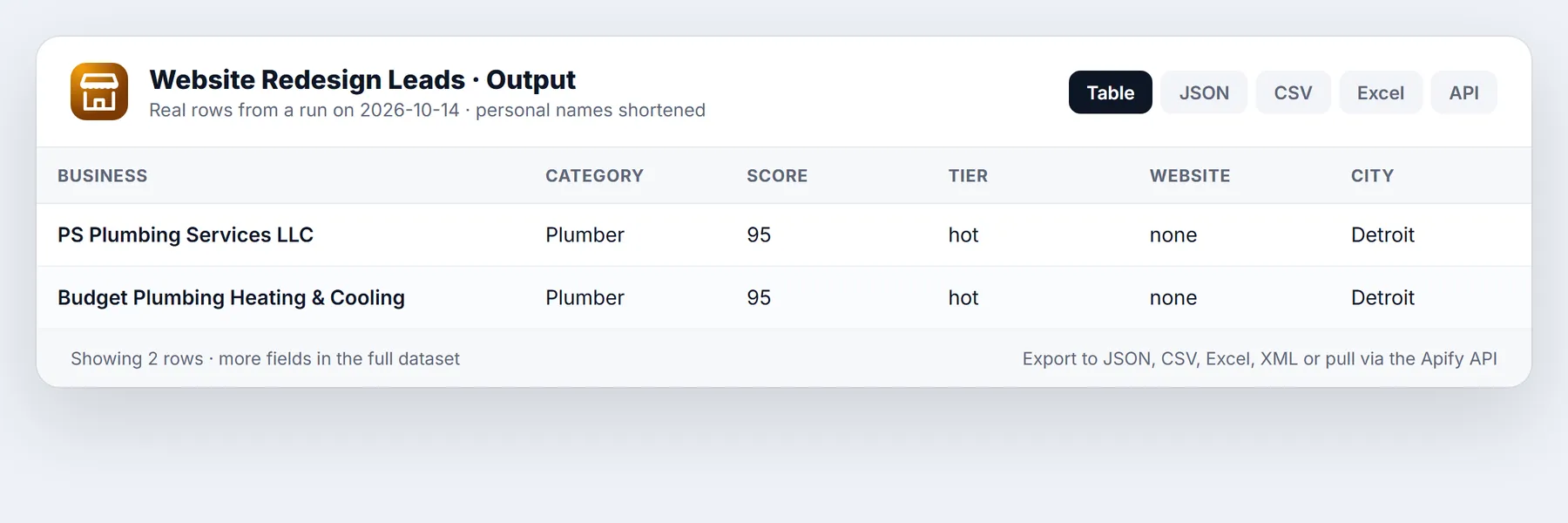
One row per lead (real row from a Detroit plumber search, trimmed):
websiteStatus is one of none, social_only, parked, unreachable, ok (site checked) or not_checked (the site blocks automated visits or its robots.txt asks us not to fetch it; these score 0 and are not returned as leads by default). Other fields: address, city, state, postalCode, categories, domain, finalUrl, httpStatus, httpsEnforced, copyrightYear, yearsStale, builderVersion, hasBookingLink, hasTitleAndMetaDescription, pageTitle, metaDescription, pageBytes, emails, websitePhones, socials, searchString, rank, checkedAt.
The dataset has two views: Leads (score, reasons, website checks) and Call list (name, phone, emails, address).
Pricing
Pay per lead. Businesses that are checked but not returned (good websites, below your minimum score, closed, duplicates, already seen in monitor mode, sites we could not check) are never charged.
| Apify plan | Price per lead | Per 1,000 leads |
|---|---|---|
| Free | $0.004 | $4.00 |
| Bronze | $0.0035 | $3.50 |
| Silver | $0.003 | $3.00 |
| Gold and above | $0.0025 | $2.50 |
Plus a $0.00005 start fee per run. A typical 20-business search returns 2 to 8 leads, so it costs a few cents.
Use it from code, Zapier or an AI agent
AI agents (Claude, Cursor, ChatGPT) can call it through the Apify MCP server: https://mcp.apify.com/?actors=transparent_meteorite/website-redesign-leads.
Honest limits
- One homepage request per business (15 s timeout, 1 MB cap). The score reflects the homepage, not every page of the site.
- Sites that block automated visits (Cloudflare challenges, 403s) or disallow crawlers in robots.txt are marked
not_checkedand are not scored or charged. - Google Maps shows up to about 120 results per search. For a whole metro area, split it into several locations or ZIP codes.
- Service-area businesses often hide their street address on Google Maps; for them
addressis empty but the phone is present. - Speed is measured from Apify's servers in the US, a single sample, not a lab test like Lighthouse.
- Emails are only those shown on the homepage. Emails on parked or lapsed pages belong to the registrar or host and are dropped.
Run in 30 seconds
- Open the Actor page and click Try for free (or Start if you are signed in).
- Paste this example into the JSON tab of the input:
- Click Start. Twenty businesses are looked up on Google Maps and their homepages are checked, which usually takes under two minutes.
- Open the Output tab. Switch between the Leads view (score and reasons) and the Call list view (name, phone, emails, address), then use Export for CSV, Excel or JSON.
How the opportunity score is read
The score runs from 0 to 100 and each row carries a leadTier. As a rule of thumb, 40 and above is a warm lead and 70 and above is a hot lead. A business with no website at all scores 90 to 95. A social-only listing scores 80 to 85, a parked or lapsed domain 85 to 90, and a broken site 75 to 80. A site that loads but has weaknesses scores according to how many of the weaknesses listed above were found.
Two practical consequences follow:
- The score is a sorting aid, not a verdict. Always open the
reasonsarray before you call. It lists, in plain English, what was found, such as an expired certificate or a missing mobile layout. - Reviews matter. An established business with 10 or more reviews gets a small boost and an "Active business" reason, because a business that already has customers and a poor website is the easiest one to help.
Who uses it and for what
- Web design agencies run the same trade across several cities every week and hand the Call list view to a sales rep. Hot leads with expired certificates or no mobile layout make a concrete opening line: "your site shows a security warning in the browser".
- Freelancers pick a trade they enjoy working with, such as roofers or dentists, and build a local pipeline from the no-website and social-only rows.
- Local SEO consultants filter for businesses with many reviews and a weak site, since search visibility is the next problem for them.
- Website builders and hosting resellers target the DIY-builder rows (Wix, Squarespace, GoDaddy, Weebly, Duda) with an upgrade pitch.
- Cold-email teams use the
emailsandwebsitePhonesfields as a first filter and add their own verification step before sending. - Researchers run
onlyLeadsoff to measure what share of local businesses in a city have no site, an insecure site or an outdated one.
Input fields explained
searchTermsandlocationsare combined, so 3 terms across 2 locations are 6 searches. Iflocationsis empty, the terms are searched as typed.startUrlsaccepts Google Maps search URLs when you want exactly the results of a search you refined by hand.maxPlacesPerSearchaccepts 1 to 120, the most Google Maps shows per search. It limits how many businesses are checked, not how many are returned.onlyLeads(default on) returns only businesses at or aboveminScore. Turn it off to receive every checked business, each returned row being charged.minScoreaccepts 0 to 100 and defaults to 40.includeNoWebsiteturns the no-website rows off, which is useful when you only want to pitch a redesign.checkWebsitesvisits each homepage once. With it off, only no-website and social-only leads are scored, which is faster.maxItemsstops the run after that many leads.maxTotalChargeUsdis an optional spend limit, given as a text value such as"1".onlyNewandmonitorKeycontrol monitor mode. The same key keeps the same memory even if you change other inputs.languageandcountryCodeset the Google Maps language and country.proxyConfigurationapplies to Google Maps requests only; business websites are visited directly so load times are real.
More worked examples
Hot leads only, across a metro area split by ZIP code
Only weak websites, skipping businesses with no site, for a redesign pitch
Fast scan of no-website and social-only businesses
Fields in the output, grouped
| Group | Fields |
|---|---|
| Score | opportunityScore, leadTier, reasons, websiteStatus |
| Business | name, category, categories, phone, address, city, state, postalCode, rating, reviewsCount, claimedByOwner |
| Google Maps | mapsUrl, placeId, lat, lng, searchString, rank |
| Website checks | website, domain, finalUrl, httpStatus, https, httpsEnforced, sslValid, sslError, mobileViewport, builder, builderVersion, copyrightYear, yearsStale, responseMs, pageBytes |
| Page content | pageTitle, metaDescription, hasTitleAndMetaDescription, hasContactForm, hasBookingLink |
| Contacts | emails, websitePhones, socials |
| Meta | checkedAt |
Fields that depend on a homepage visit are absent for businesses with no website.
Tips to keep runs cheap and useful
- Start with
maxPlacesPerSearchof 20 for each new trade and city. If a few leads come back, raise it. - Keep
onlyLeadson. You pay for leads only, and checked-but-fine businesses cost nothing. - Use
minScoreof 70 for a short call list and 40 for a wider pipeline. - Use
maxItemsor Max total charge on scheduled runs. - Use
onlyNewwith amonitorKeyper city so each weekly run delivers only businesses you have not seen. - Check the
reasonsof your first ten rows before scaling up, to confirm the lead type matches what you sell.
Call it from Python
More questions
What counts as a parked website? A domain for sale, a "coming soon" page, or a web vendor's "this website is no longer available" page. Such rows have websiteStatus set to parked.
What does not_checked mean? The site blocks automated visits, or its robots.txt asks crawlers not to fetch it. These businesses are not scored and are not returned by default.
Does the actor email the businesses? No. It only reads public Google Maps listings and homepages.
How many leads can I expect? A typical 20-business search returns a few leads, depending on the trade and city. Trades with many small owner-run shops produce more.
Which website builders are detected? Common DIY builders such as Wix, Squarespace, GoDaddy, Weebly and Duda, plus others listed in the README above. WordPress is reported in builder when found.
Can I use it outside the US? Yes. Set countryCode, language and a local location. Google Maps coverage decides the rest.
Why is address empty for some plumbers or cleaners? Service-area businesses often hide the street address on Google Maps. The phone is still present.
How current are the results? Each row has a checkedAt timestamp. Run again to refresh the website checks.
FAQ
Why did a business with a website get a high score? Read its reasons: each point in the score has a reason, for example an expired certificate or no mobile layout.
Why is a business I know missing? Either its website looks fine (score below your minimum), it was permanently closed, or Google did not list it in the first maxPlacesPerSearch results. Set onlyLeads to off to see every checked business with its score.
Is the website check polite? Yes. robots.txt is read first and respected, there is one homepage request per business, at most two requests at a time per website, and the crawler identifies itself as WebDesignLeadsBot.
Can I run it every week? Yes. Turn on onlyNew and schedule it; each run returns and charges only businesses not delivered before.
Legal note
This actor collects publicly available business information from Google Maps listings and public business homepages. It does not log in, solve CAPTCHAs or collect personal data beyond what businesses publish for customer contact. You are responsible for using the data in line with applicable laws (for example CAN-SPAM, GDPR and telemarketing rules) and the terms of the sites involved.
New to Apify? Create a free account and run this Actor in under a minute. Some links are affiliate links.


