
Google Maps Reviews Scraper - Unlimited Reviews Per Place
Pricing
from $0.30 / 1,000 reviews
Google Maps Reviews Scraper - Unlimited Reviews Per Place
Scrape unlimited Google Maps reviews from place URLs or IDs. Get ratings, full text, owner replies, sub-ratings, photos and reviewer details.
Pricing
from $0.30 / 1,000 reviews
Rating
0.0
(0)
Developer

Zen Studio
Maintained by CommunityActor stats
0
Bookmarked
25
Total users
1
Monthly active users
18 days ago
Last modified
Categories
Share
Google Maps Reviews Scraper | Unlimited Reviews Per Place, Owner Replies (2026)
From Zen Studio, creators of Apple Maps, Yandex Maps and 2GIS scrapers. Established maps tools for business discovery and local research.
Why choose this actor?
Collect the history, not just a sample. Set maxReviewsPerPlace to 0 to keep collecting until Google returns no more reviews. There is no preset per-place review cap, and results arrive progressively as individual rows.
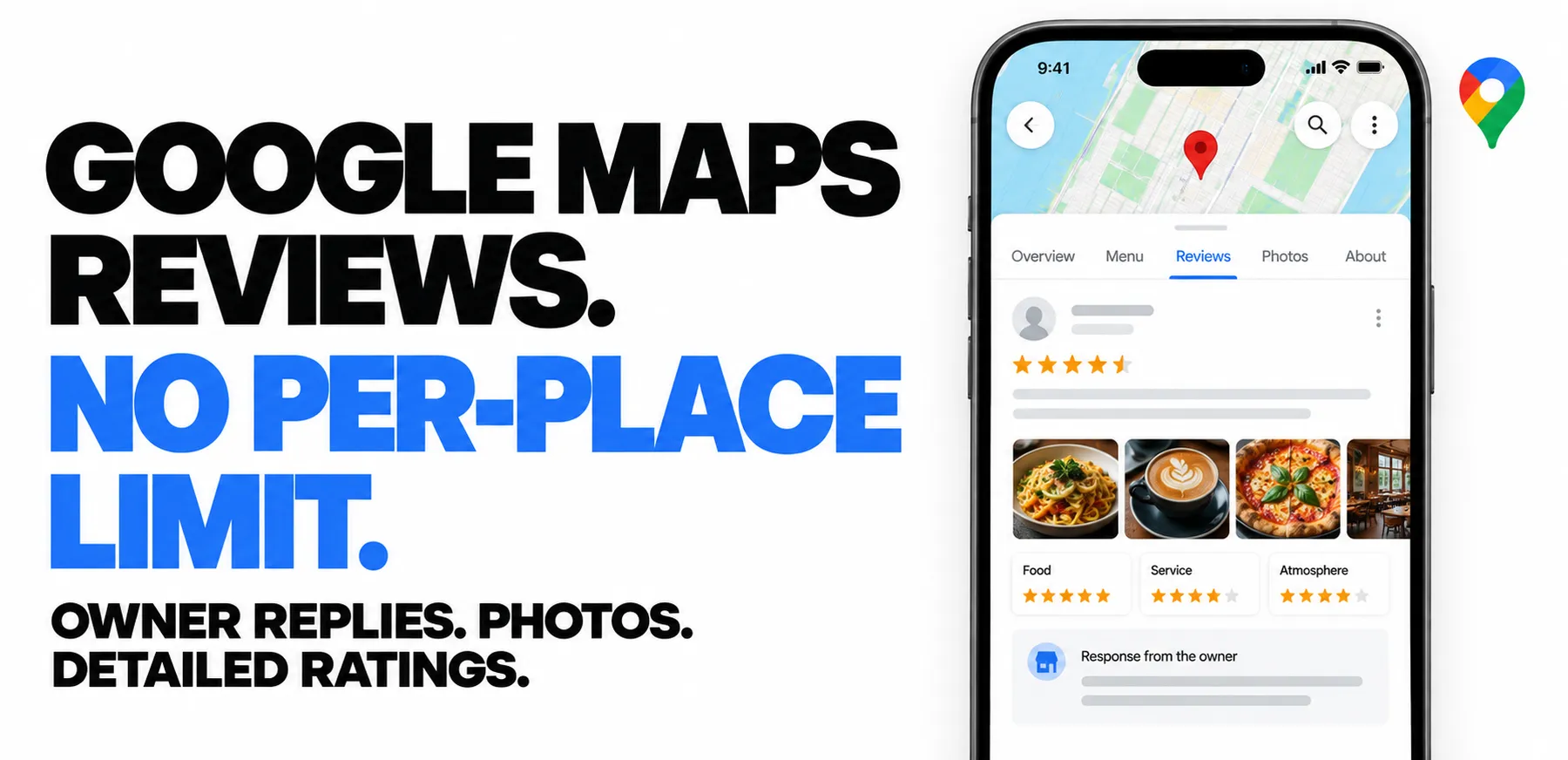
Keep the review and the response together. Export full review text, owner replies, photos and reviewer details. Capture Food, Service and Atmosphere scores, plus answers such as price per person and parking, where reviewers provide them.
Focus on the feedback that matters. Filter by topic, sort by newest or lowest rating, or use a rolling window such as 7 days. Recent edits are included, making recurring runs useful for reputation monitoring.

Quick start
Try the latest 100 reviews for the example place, then replace its ID with your own or paste a Google Maps URL into startUrls.
Open actor input to choose your places. Set maxReviewsPerPlace: 0 for uncapped collection. Export JSON, CSV or Excel; JSON preserves nested replies, ratings and media.
Collection stops when Google provides no further reviews or your run budget is reached. Free-tier limits still apply. Replies, photos and detailed ratings are included when present on the source review.
| Zen Studio · Maps Suite | ||||
 Google Reviews Google ReviewsYou are here |  Google Maps Google MapsFind businesses |  Apple Maps Apple MapsContacts & details |  Yandex Maps Yandex MapsRussia & CIS |  2GIS 2GISLocal business data |
Copy to your AI assistant
Key Features
- No limit per place: set Reviews per place to
0and the complete history comes back, however long it is. Rows stream out as they land, so a place with tens of thousands of reviews stays within 512 MB. - 41 fields per review: rating and its scale, full text, the owner's reply, per-question sub-ratings, translations, likes, photos and videos, Local Guide standing, and the place the review belongs to.
- Filter at the source: keyword, date cutoff and sort are applied before delivery, so you are not billed for reviews you discard.
- Partner reviews handled: Tripadvisor, Booking and Trip.com reviews arrive with their own rating scale, so an 8 out of 10 is never read as an 8 out of 5.
- Free tier: 10 lifetime runs, 100 reviews per run, no credit card.
How to Scrape Google Maps Reviews
- Open Google Maps Reviews Scraper in the Apify Console and click Try for free.
- Paste your Google Maps place URLs into Start URLs, or place IDs into Place IDs.
- Set Reviews per place, or leave it at
0to pull the complete history. - Click Start, then download the reviews as JSON, CSV, Excel, XML or HTML.
Basic: the latest reviews for a place
Monitoring: only what changed since last week
newerThan is measured from the moment the run starts, so a scheduled run keeps the same window instead of drifting behind a fixed date.
It compares each review's latest activity, not its original post date. A review edited this week comes back even if it was first posted years ago, which is what you want when watching for changes.
Complaints only
One topic across a portfolio
Keyword matching works the way the search box on the Google Maps reviews panel does, so related wording is included, not just the exact word.
Input Parameters
| Parameter | Type | Default | Description |
|---|---|---|---|
startUrls | array | [] | Google Maps place URLs, including shortened maps.app.goo.gl and share.google links. Max 500 |
placeIds | array | one example place | ChIJ... place IDs or 0x...:0x... feature IDs. Max 500 |
maxReviewsPerPlace | integer | 100 | Stop after this many per place. 0 for the complete history |
reviewsSort | string | newest | newest, mostRelevant, highestRanking, lowestRanking |
newerThan | string | "" | A date (2026-08-01) or a rolling period (7 days). Forces newest first |
reviewsKeyword | string | "" | Keep only reviews about a topic |
reviewsOrigin | string | all | all, or google for first-party reviews only |
language | string | en | Display language for place names, categories and relative dates |
countryCode | string | us | Two-letter country code used when loading each place |
Feature IDs need no lookup, so they start fastest. The Google Maps Scraper emits them as hexId.
What Data Can You Extract from Google Maps Reviews?
Every row carries its place, so the dataset is usable on its own with no join.
- Review:
reviewId,rating,ratingScale,text,textTranslated,language,translatedLanguage,date,publishedAtMicros,editedAtMicros,isEdited,likes,source,sourceIcon,reviewUrl - Owner reply:
ownerResponsewith its own text, date and language - Attributes:
attributes[], the sub-ratings and chip answers the reviewer filled in (Food, Service, Atmosphere, Rooms, Location, price per person, trip type, wait time, parking) - Media:
photos[]plusmedia[]with type, caption, capture date, dimensions and coordinates - Author:
author,authorId,authorProfile,authorPhoto,authorReviewCount,authorPhotoCount,isLocalGuide,localGuideLevel - Place:
placeName,placeRating,reviewsCount,primaryCategory,categories,address,addressFormatted,countryCode,latitude,longitude,placeId,hexId,googleMapsUrl - Place record: one full profile per place in the run's key-value store, 60+ fields: contact, hours and live status, amenities, menu and popular dishes, review keyword pills, photo tabs, related places, hotel offers
Output Example
Download the results as JSON, CSV, Excel, XML or HTML from the run's Storage tab, or pull them through the Apify API.
Place record
Each place also gets a full profile, saved once per run in the key-value store
under place-<feature id> (the run's Output tab links to them). Taken from a
live run; long arrays are shortened here with a ... +N more marker.
Advanced Usage
Ready-made configurations for review monitoring, reputation management, competitor tracking and sentiment analysis.
Track a portfolio daily
Pull a full history for analysis
Local-language reviews with local labels
How much does it cost to scrape Google Maps reviews?
$0.399 per 1,000 reviews on the Free and Bronze plans, falling automatically to $0.349 on Silver and $0.299 on Gold and above. A $0.05 start fee applies once per run.
| Reviews | Total cost |
|---|---|
| 100 | $0.09 |
| 1,000 | $0.46 |
Reviews are charged as they are delivered, so a run that returns 40 reviews is charged for 40. Filtering by keyword, date or sort happens before delivery, so narrowing your input is the direct way to lower cost.
Free tier: 10 lifetime runs, 100 reviews per run, no credit card.
Keeping it running
Reviews arrive continuously, so this Actor earns its place on a schedule rather than as a one-off.
Suggested cadence. Daily with newerThan: "2 days" for active monitoring, or weekly with newerThan: "8 days" for reporting. The small overlap covers a missed run.
Where the rows go. The dataset connects to Google Sheets, Make, Zapier, Slack and plain webhooks from the Actor's Integrations tab. A webhook on run completion is the usual way to push new reviews straight into a helpdesk or an alerting channel.
How to run the scraper and put it on a schedule (official Apify videos):
FAQ
What is Google Maps, and what counts as a review here?
Google Maps is Google's mapping and local-business service, where visitors rate places from one to five stars and leave written reviews. This Actor returns those reviews for places you already have, one row each, including the reviews Google syndicates from partner sites such as Tripadvisor and Booking.
Does Google have an official reviews API, and why use this instead?
The Google Places API returns at most five reviews per place, with no owner replies, no reviewer sub-ratings and no partner reviews. This Actor returns the complete history with all 41 fields, and needs no Google Cloud project, billing account or API key.
How many reviews can I extract per place?
There is no cap. Set Reviews per place to 0 and the complete history comes back; places with tens of thousands of reviews stream through in bounded batches.
How do I find the places to feed in?
Paste Google Maps URLs, or use Google Maps Scraper to find places by search term and location and feed its placeId or hexId values straight in here.
Can I search for places from this Actor?
No, this one starts from places you already have. Google Maps Scraper does the discovery, and Google Maps Directions & Routes API covers travel times between them.
How do I export the data?
JSON, CSV, Excel, XML or HTML from the run's Storage tab, or through the Apify API. JSON preserves the nested ownerResponse, attributes and media fields exactly; CSV flattens them.
Is it legal to scrape Google Maps reviews?
The Actor collects only publicly visible information. Reviews contain personal data such as author names and profile links, so you are the controller under GDPR, CCPA and equivalent laws, and you need a lawful basis to process them. Using the output is your responsibility, and so is compliance with Google's terms.
Why is a partner review's rating not out of 5?
Syndicated reviews keep their source's scale. ratingScale tells you what the number is out of, so always read rating together with ratingScale.
What are attributes on a review?
The structured answers reviewers give alongside the stars: Food, Service and Atmosphere scores for restaurants, Rooms and Location for hotels, plus chips such as trip type, price per person, wait time and parking. Each entry carries the question Google asked, so an unfamiliar key still explains itself.
Does it return reviews in one language?
Reviews come back in the language they were written in. Where Google offers a translation it is included as textTranslated, with both language codes.
What happens if a place cannot be loaded?
It is skipped and reported in the run log, and the rest of the run continues. If a place's history comes back only partially, the run says so explicitly rather than presenting it as complete.
What is the free tier?
10 lifetime runs, 100 reviews per run, no credit card.
More Zen Studio & Clearpath scrapers for maps & local data
-
 Baidu Maps 百度地图
 -
 Google Maps
 -
Apple Maps
-
Yandex Maps Яндекс Карты
-
2GIS 2ГИС
-
 Naver Map & Place 네이버 지도
 -
 Bing Maps
- Bing Maps Scraper 🔗 Review aggregators
-
 Place reviews
Support
- Bugs: Issues tab
- Features: Issues tab
Legal Compliance
Extracts publicly available data. Users must comply with Google's terms and data protection regulations (GDPR, CCPA).
Google Maps reviews scraper: unlimited reviews per place with ratings, review text, owner responses, reviewer sub-ratings, photos and videos, exported to CSV, JSON or Excel.


