

W Social Scraper - Profiles, Posts & Followers
Pricing
from $2.49 / 1,000 profiles
W Social Scraper - Profiles, Posts & Followers
Extract W Social profiles, posts with like, repost and reply counts, followers, and media from wsocial.eu. Search users by keyword, scrape by handle, or collect the whole network. Export to JSON, CSV, or Excel.
Pricing
from $2.49 / 1,000 profiles
Rating
0.0
(0)
Developer

Zen Studio
Maintained by CommunityActor stats
0
Bookmarked
2
Total users
0
Monthly active users
10 days ago
Last modified
Categories
Share
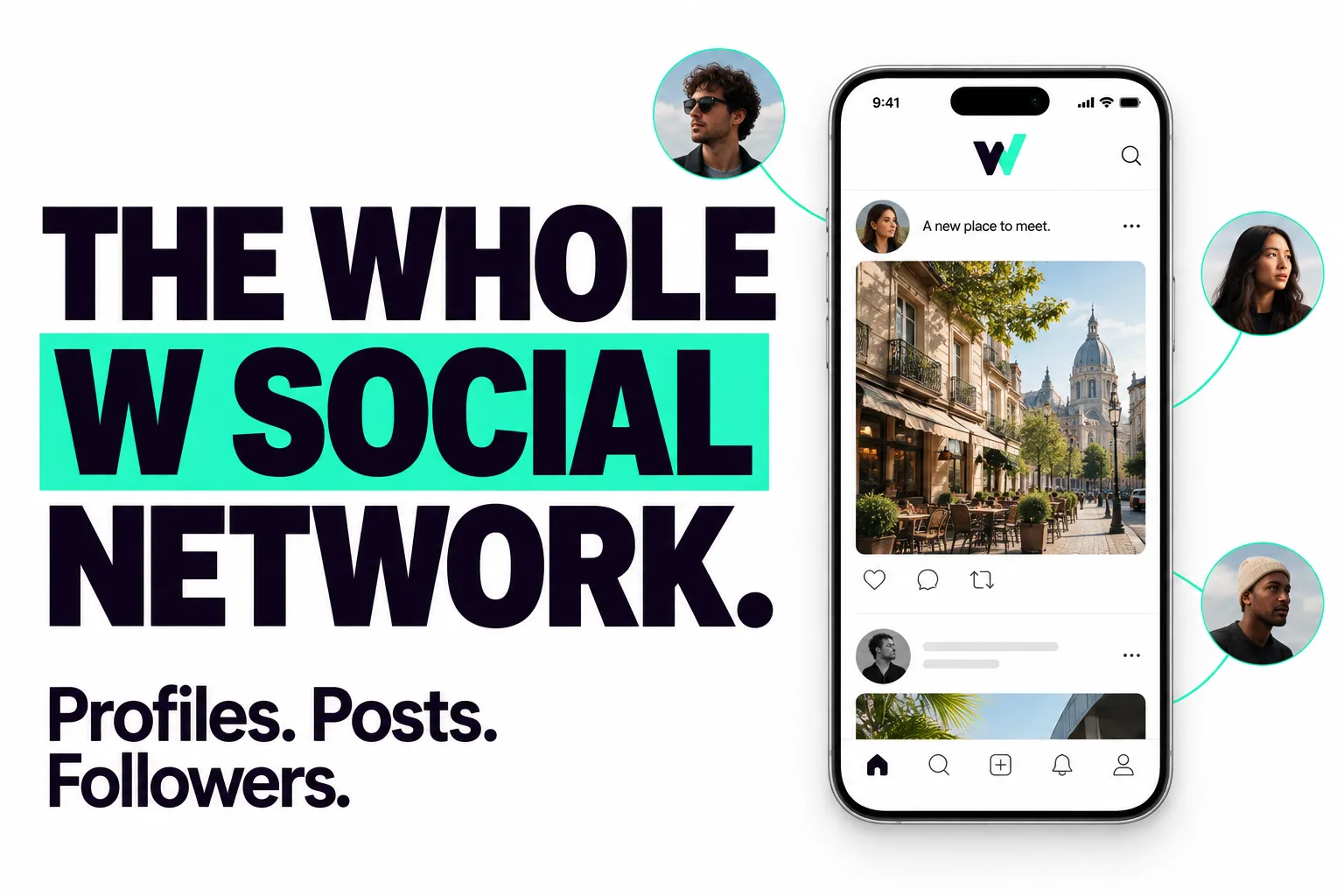
From Zen Studio, creators of the RedNote Search, Douyin Search and Weibo Search actors.
Why choose this actor?
Collect across the public W Social network. Turn on scrapeAllAccounts to discover accounts across the platform, or target specific profiles, keywords and feeds. Set maxResults to 0 to remove the actor's profile-count cap.
Keep profiles, posts and audiences together. Each result groups a user's profile and posts, with optional followers and following lists. Connection entries can include full profiles, so you get the people behind the follower count.
Get the details that make posts useful. Export text, available like/repost/reply/quote counts, image and video links, hashtags, mentions and quoted-post context. Available verification records add account type, approving authority and verification dates. Media files can also be downloaded.
Start with five profiles
Open actor input and start a run. This example discovers up to five public profiles, with up to 20 posts and 25 followers per profile. Basic profile, post and follower collection does not require a W Social login.
For a broader export, set maxResults, maxPostsPerProfile and maxFollowers to 0. Add includeFollowing to collect accounts each user follows. Profiles, posts, connection entries and optional media downloads are billed separately; see current pricing. JSON preserves the nested profiles, posts and connection lists.
| Zen Studio · Social Data | |||
 W Social W SocialYou are here |  Weibo WeiboPosts & engagement |  RedNote RedNotePosts & creators |  Douyin DouyinVideos & creators |
Copy to your AI assistant
Key Features
- One row per user, fully nested: profile, posts, followers, following, and engagement records collected into a single structured record.
- Posts with real engagement counts: like, repost, reply, quote, and bookmark counts plus resolved image and video links.
- Identity verification, in full: not just the badge, but who approved each verified human and exactly when, from W Social's own verification records.
- Complete by design: posts are merged from two sources so nothing the platform exposes is left out, and every field is passed through untouched.
- Flexible targeting: scrape specific profiles, search users by keyword, search posts by word or phrase, or collect the whole network.
- Full-network post search: find every post containing your term, across every account on the platform, including brand-new ones that keyword search cannot see.
- Feed scraping: point at a feed and get every user who appears in it, each with the posts the feed surfaced.
How to Scrape W Social Data
Give the actor one or more profiles, a search term, or turn on whole-network collection. Each user becomes one result row.
Basic: scrape one or more profiles
Search users by keyword
Search posts by word or phrase
Returns every user with a matching post. Each row's posts list contains only the posts that matched.
Matching is case-insensitive, and a post matches if it contains any one of your terms.
Scrape the users in a feed
Returns every author who appears in a feed, with their posts narrowed to the posts the feed surfaced.
Paste a feed link or its identifier. One row per author in the feed.
Profiles with the follower graph
Handles (name.wsocial.eu), full profile links, and user IDs are all accepted in profileUrls. Set any limit to 0 to collect everything.
Input Parameters
| Parameter | Type | Default | Description |
|---|---|---|---|
profileUrls | array | one mode required | Profile links, handles, or user IDs. Each becomes a result row. |
searchTerms | array | [] | Find users by name or keyword. Every match is scraped. |
postSearchTerms | array | [] | Find posts containing a word or phrase, anywhere on the network. Each matching user becomes a row whose posts list holds only the matched posts. |
feedUrls | array | [] | Collect the users in a feed. Each author becomes a row whose posts list holds only the posts the feed surfaced. Accepts a feed link or identifier. |
scrapeAllAccounts | boolean | false | Collect every public account on the network. |
includePosts | boolean | true | Include each user's posts with engagement counts. |
maxPostsPerProfile | integer | 0 | Maximum posts per user. 0 = all. |
includeFollowers | boolean | false | Include the list of accounts following each user. |
includeFollowing | boolean | false | Include the list of accounts each user follows. |
maxFollowers | integer | 0 | Cap followers per user. 0 = all. |
maxFollowing | integer | 0 | Cap following per user. 0 = all. |
includeEngagementRecords | boolean | false | Include the user's own likes, reposts, lists, and blocks. |
downloadMedia | boolean | false | Save image and video files to storage and link them on each post. |
includeConnectionProfiles | boolean | true | Full profile per follower / following entry. Set false for handle, display name, and ID only (much smaller output on large audiences). |
includePostEmbeds | boolean | false | Advanced. Also attach the raw, unprocessed embed structure to each post. The clean media / links / externalLink / quotedPost fields are always present. |
includeRawPostRecord | boolean | false | Advanced. Also attach each post's raw underlying record. Clean text, timestamps, and counts are always present. |
includeRawRecords | boolean | false | Advanced. Also attach the raw underlying value of each archival record (likes, reposts, lists, and the rest). The clean flat form is always present. |
maxResults | integer | 0 | Maximum number of users to scrape. 0 = no limit. |
Provide at least one of profileUrls, searchTerms, postSearchTerms, feedUrls, or scrapeAllAccounts.
What Data Can You Extract from W Social?
Every result is one user, with everything nested inside:
- Profile: handle, display name, description, avatar, banner, follower / following / post counts, account creation date, labels, verification status, and account type (person, organization, bot).
- Identity verification: for verified humans, the full verification record: approving authority, verification timestamp, and fine-grained account type (
wsocialVerification). - Posts: text, creation time, languages, like / repost / reply / quote / bookmark counts, plus clean
links,hashtags,mentions,externalLink, andquotedPostfields, and reply / repost context. - Media: image and video links per post with thumbnail, alt text, and dimensions, optionally downloaded to storage.
- Graph: followers and following lists (each a full profile view).
- Archival records: everything the user wrote to their account beyond posts: likes and reposts given, lists and their members, blocks, starter packs, and per-post reply / quote controls.
Output Example
author, verification, kvUrl, replyTo, repostOf, quotedPost, and externalLink appear only when relevant: verification and wsocialVerification on verified accounts, kvUrl when downloadMedia is on, replyTo / quotedPost / externalLink on replies, quotes, and link-card posts, and repostOf on reposts. followers, following, and engagementRecords appear only when their toggles are enabled.
Posts carry a _source flag and the row carries _meta so you can tell at a glance how complete each record is.
Advanced Usage
Ready-made configurations for audience research, profile monitoring, media archiving, and full-network collection.
Archive a profile with all media files
Map an account's full audience
Slim output for a large audience
Followers and following come back as handle, display name, and ID only. On accounts with large audiences this cuts the result size by roughly two thirds, since the connection lists are most of the data.
Collect the whole network
Deep profile with engagement history
Pricing: Pay Per Event (PPE)
You pay only for what you collect. Profiles and posts are the core product; connections and media downloads are optional and priced lower.
| Event | Per 1,000 |
|---|---|
| Profile result | $2.99 |
| Post result | $2.99 |
| Follower / following entry | $0.99 |
| Media file downloaded | $1.99 |
FAQ
What is W Social (wsocial.eu)?
W Social, also written wsocial or simply W, is a European microblogging network based in Brussels, built around verified human users, privacy, and free speech. Accounts use handles like name.wsocial.eu. This actor turns any W Social user into a structured record of their profile, posts, and connections.
Do I need a W Social account or invite? No. W Social signup is invite-gated, but this actor reads publicly visible profiles and posts without any account, invite, or credentials. Provide a handle or profile link and run.
How many users can I scrape?
As many as you want. Target specific profiles, search by keyword, or turn on whole-network collection. Use maxResults and the per-profile caps to control volume and cost.
Can I search posts by keyword?
Yes. Put a word or phrase in postSearchTerms and every user with a matching post comes back as a result row, with their posts list narrowed to just the posts that matched. Matching is case-insensitive and a post matches if it contains any one of your terms.
What is the difference between searchTerms and postSearchTerms?
searchTerms looks at who someone is: it matches names, handles, and profile descriptions. postSearchTerms looks at what people wrote: it matches the text of posts. Post search also reaches every account on the network, including very new ones that name search does not surface yet.
Can I scrape a feed?
Yes. Put a feed's link or identifier in feedUrls and every user who appears in that feed comes back as a result row, with their posts narrowed to the posts the feed surfaced. Point it at any public feed on the network.
Can I get posts with like and repost counts? Yes. Every post includes like, repost, reply, quote, and bookmark counts, alongside the post text, media, and reply or repost context.
Can I see who is a verified human on W Social, and who verified them?
Yes. W Social's badge marks identity-verified humans, and this actor returns the underlying record in wsocialVerification: the approving authority, the verification timestamp, and a fine-grained account type (personal, organization, service, bot). Accounts that are not identity-verified simply have no wsocialVerification field.
Can I download the images and videos?
Yes. Turn on downloadMedia to save each image and video file to storage; the saved file link is added to its post. Leave it off to keep the direct media links only.
Can I also get who a user follows?
Yes. Turn on includeFollowers and includeFollowing. Each entry is a full profile, and you can cap the lists with maxFollowers and maxFollowing on large accounts.
Can I make the output smaller?
Yes. Every result is complete by default, but three switches slim it down when you don't need everything. Turn off includeConnectionProfiles to get followers and following as handle, display name, and ID only; this is the biggest saving, since on accounts with large audiences the connection lists are most of the data. Turn off includePostEmbeds to keep just the resolved media links on each post. Turn off includeRawPostRecord to keep only the top-level post text, timestamps, and counts. Mix and match whichever you need.
How fresh is the data? Each run fetches live data at the moment it runs. Engagement counts, follower numbers, and new posts reflect the current state. Post search is checked against the network at the start of every run, so posts published moments earlier are included.
How do I export the data? Download results as JSON, CSV, Excel, XML, or HTML from the run's Storage tab, or pull them through the Apify API. JSON preserves the nested posts and followers best; flat formats expand nested fields into columns.
Is it legal to scrape W Social data? This actor extracts only publicly available data, nothing behind a login. Profiles, posts, and reviewer names are personal data, so you are responsible for complying with W Social's terms and applicable data protection law, including the EU GDPR.
Support
- Bugs: Issues tab
- Features: Issues tab
Legal Compliance
Extracts publicly available data. Users must comply with W Social terms and data protection regulations (GDPR, CCPA).
Scrape W Social profiles, posts, engagement counts, and followers into one structured record per user.


