

PDF Table Extractor: PDF Tables to Excel, CSV & JSON (OCR)
Pricing
from $2.40 / 1,000 documents
PDF Table Extractor: PDF Tables to Excel, CSV & JSON (OCR)
Extract every table from PDFs (native or scanned), Word, PowerPoint and web pages into Excel (.xlsx, one sheet per table), CSV and JSON. Handles multi-page tables, academic-paper tables and optional borderless detection. OCR for scans. No API key; pay per document.
Pricing
from $2.40 / 1,000 documents
Rating
0.0
(0)
Developer

Fernando Guiraud
Maintained by CommunityActor stats
0
Bookmarked
1
Total users
0
Monthly active users
11 days ago
Last modified
Categories
Share
What does PDF Table Extractor do?
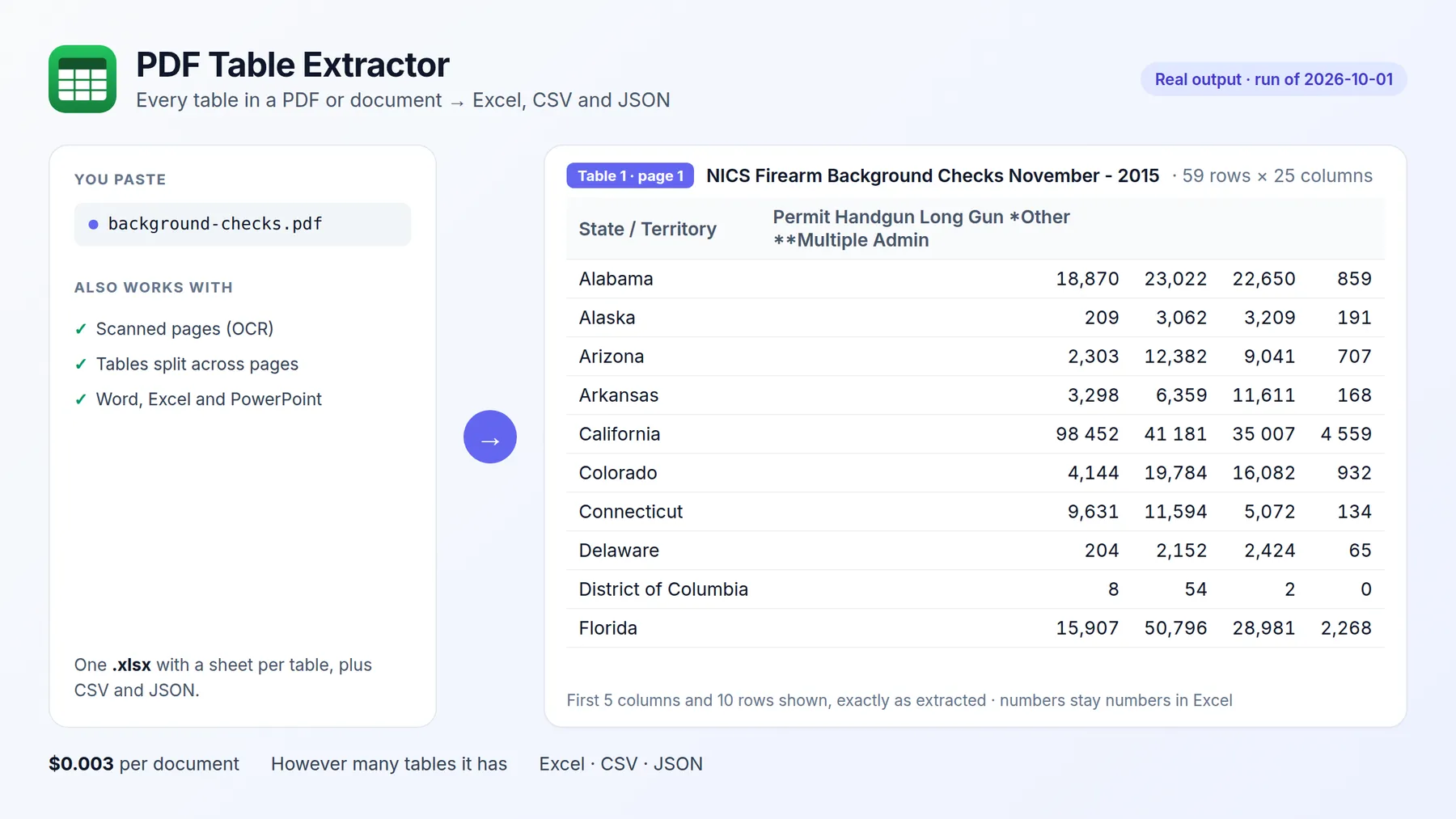
PDF Table Extractor finds every table in your PDFs and documents and gives it back as an Excel workbook (.xlsx, one sheet per table), CSV files and structured JSON (header + rows). It works with native and scanned PDFs (OCR), Word (DOCX), PowerPoint (PPTX), Excel, HTML pages and images.
Paste document URLs or Google Drive / Dropbox / OneDrive links and download the tables. No API key, no templates to draw, and you pay only per document processed, however many tables it has.
It runs on the Apify platform, so you also get an API, scheduling, integrations (Google Sheets, Make, Zapier, n8n) and access for AI agents through the Apify MCP server.
Why use it?
- 📊 PDF to Excel without copy-paste: financial statements, annual reports, price lists, invoices, government statistics.
- 🔗 Multi-page tables with the header repeated on each page are merged into one table.
- 🎓 Academic papers: tables drawn with horizontal rules only (LaTeX booktabs), which most tools return as jumbled text.
- 🖨️ Scanned documents: pages without a text layer are read with OCR in 7 languages.
- 🌐 Whole report pages: point it at a web page and enable Also process documents linked from web pages to extract the tables of every PDF linked there.
- 🔢 Numbers stay numbers in Excel (
1,234.5becomes 1234.5), while codes with leading zeros stay text.
How to extract tables from a PDF
- Click Try for free.
- Paste one or more PDF (or DOCX/PPTX/XLSX/HTML) URLs.
- Click Start.
- Open the files.xlsx link in the results to download the Excel workbook, or export the Tables view as CSV/Excel.
Input
| Field | Description | Default |
|---|---|---|
sources | Document URLs (PDF, DOCX, PPTX, XLSX, HTML, images; share links work) | required |
saveFiles | Save an Excel workbook and one CSV per table, with download links | true |
tableDetection | lines (ruled tables, precise) or text (also borderless tables, experimental) | lines |
ocr | auto (only pages without text), always or never | auto |
pageRange | e.g. 1-5, 8 | all pages |
followDocumentLinks | Extract tables from documents linked on a web page | false |
Output
One row per document. The Tables view shows one row per table. You can download the dataset in various formats such as JSON, HTML, CSV, or Excel.
Data fields
| Field | Description |
|---|---|
tableCount | Number of tables found |
tables[].page / tables[].index | Where the table is |
tables[].header / tables[].rows | Table cells as text |
tables[].csv | The table as CSV |
files.xlsx | Excel workbook with every table of the document |
files.tables | One CSV file per table |
pagesProcessed, ocrPages | Pages processed and pages read with OCR |
How much does PDF table extraction cost?
| Event | Price |
|---|---|
| Run start (per GB of memory) | $0.001 |
| Document processed (any number of pages and tables) | $0.003 |
| OCR page (only scanned pages without text) | $0.01 |
100 native PDFs cost about $0.30. Failed documents are free. Set Max cost per run and the Actor stops cleanly at that limit.
Use it with AI agents (MCP)
Add https://mcp.apify.com?tools=fguiraud/pdf-table-extractor to Claude, Cursor or any MCP client and ask: "Get the income statement table from this annual report as CSV."
Agent-friendly input: common field names such as url, urls, startUrls, query or keywords are accepted, and an empty input runs a small sample from the input form (with a note in the results) instead of failing.
Need the full text too?
For the whole document as LLM-ready Markdown, RAG chunks and AI field extraction (invoices, contracts), use PDF to Markdown Extractor & Document Parser, built on the same engine.
Only need the plain text and metadata? PDF Text Extractor returns the full text, the text of each page, page count, title and author.
FAQ and limitations
- My table was not found. Try
tableDetection: "text"for tables without borders or rules. - Charts: values drawn in a PDF chart image are not extracted, but PowerPoint chart data is returned as a table.
- Encrypted PDFs: enter the password in PDF password.
- Found a problem or need a feature? Open an issue on the Issues tab. Replies within 48 hours.
- Did it save you time? A short review on the Reviews tab helps other people find this Actor.


