Liquor Legends Product Scraper
Under maintenancePricing
from $1.50 / 1,000 results
Liquor Legends Product Scraper
Under maintenanceScrapes product listings (price, brand, availability, image) from liquorlegends.com.au category and search pages, paging through the full result set.
Pricing
from $1.50 / 1,000 results
Rating
0.0
(0)
Developer

MrDoe
Maintained by CommunityActor stats
0
Bookmarked
2
Total users
1
Monthly active users
18 days ago
Last modified
Categories
Share
What does Liquor Legends Product Scraper do?
Liquor Legends Product Scraper collects clean, structured product data from any category or search results page on liquorlegends.com.au, an independent Australian liquor retailer group. Give it a listing URL — a beer, wine, or spirits category, or a search results page — and it pages through the full result set to return structured data for every product, not just the first screen.
Running on the Apify platform means automatic proxy handling, one-click scheduling for recurring price checks, dataset export in multiple formats, and an API for pulling results straight into your own systems — no infrastructure to manage.
Why use Liquor Legends Product Scraper?
- Price monitoring — track prices and sale status across the Liquor Legends catalog over time.
- Competitor research — benchmark your own pricing against Liquor Legends's listed prices.
- Catalog and product research — pull clean product names, images, sizes, and availability to enrich your own product database.
- Assortment analysis — see which products Liquor Legends stocks in a given category.
- Recurring monitoring — schedule runs to keep price and availability data current.
Designed for practical, cost-efficient product data collection: clean structured output without unnecessary data, and control over run size with maxItems.
What data can you extract?
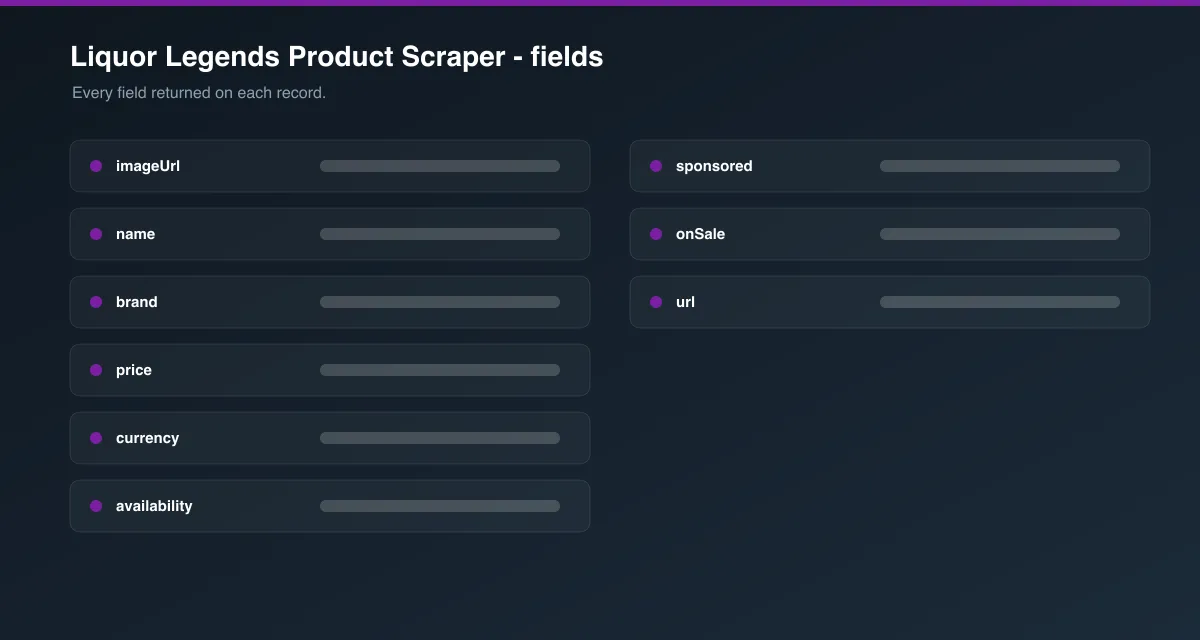
- SKU / product ID
- Product name
- Product URL
- Image URL
- Size / pack size
- Price and currency
- Availability (in stock / out of stock)
- Sponsored listing flag
- Sale flag
- Source category URL
How to use it
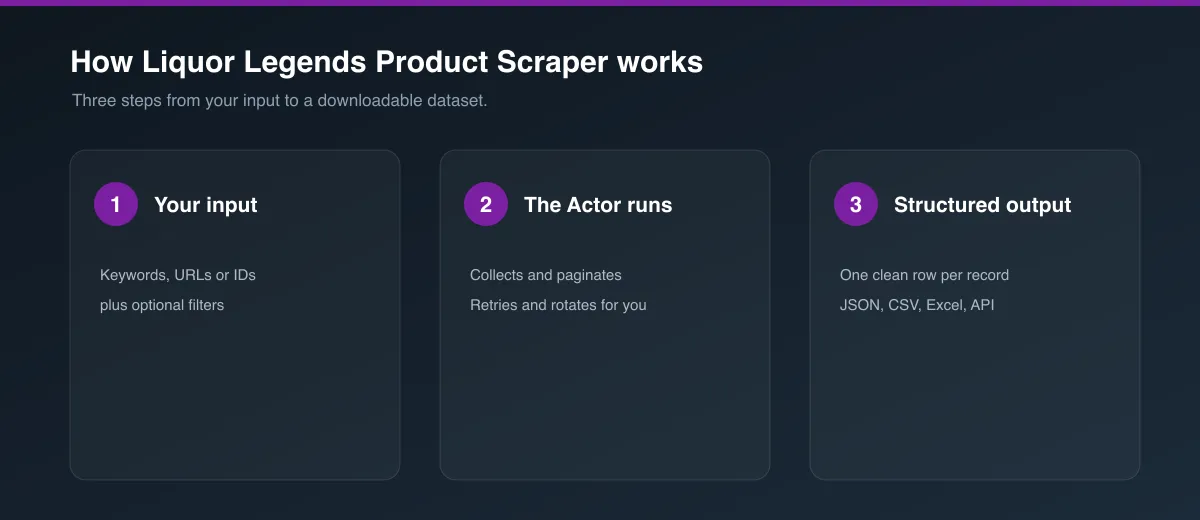
- Click Try for free or Run on the Actor page.
- In Start URLs, paste one or more Liquor Legends category or search URLs (e.g.
https://liquorlegends.com.au/beer). - Optionally adjust Max products per start URL. Leave it at
0to collect the entire listing. - Click Start and wait for the run to finish.
- Open the Dataset tab to preview, filter, and export your results.
Input Parameters
| Parameter | Type | Required | Default | Description |
|---|---|---|---|---|
startUrls | array | Yes | [{ "url": "https://liquorlegends.com.au/beer" }] | Category or search listing pages to scrape. Add multiple URLs to scrape several listings in one run. |
maxItems | integer | No | 5 | Maximum products to collect per start URL. 0 = no limit — page through the entire listing. |
proxyConfiguration | object | No | Apify Proxy | Proxy settings for the crawl. |
Example input:
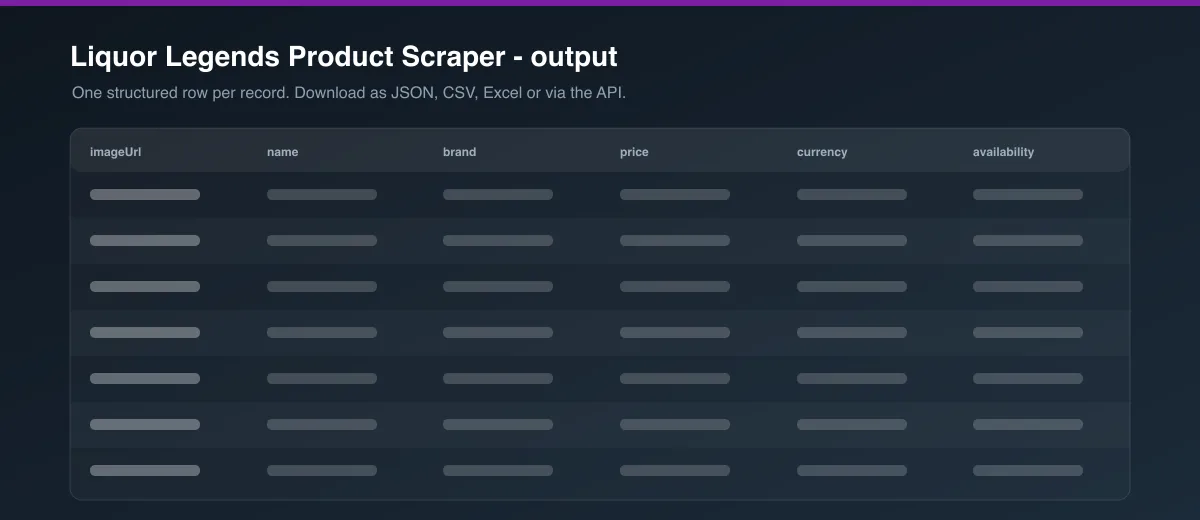
Output Data
Each dataset item represents one product. Every start URL you provide gets its own maxItems budget, and duplicate products (matched by SKU) are removed automatically as pages are collected.
| Field | Description |
|---|---|
sku | Liquor Legends's internal product ID. |
name | Full product name, including pack description. |
url | Canonical product page URL. |
imageUrl | Product image URL. |
size | Bottle/can size (e.g. 375ML), when available. |
packSize | Pack configuration (e.g. Pack (6)), when available. |
price | Current listed price. |
availability | Raw availability status reported by the site (InStock / OutOfStock). |
inStock | Boolean version of availability. |
sponsored | Whether the listing is a sponsored/promoted placement. |
onSale | Whether the product is currently marked as on sale. |
categoryUrl | The start URL this product was collected from. |
Usage Examples
- Track price changes: Point
startUrlsat your key categories and schedule a run to see how prices and sale status change over time. - Build a competitor price index: Scrape a set of category URLs, export to CSV, and join against your own catalog by product name.
- Research a category: Set
maxItemsto0on a single category URL to pull the full assortment for analysis.
Tips for Best Results
- Start from a specific category or search URL rather than the homepage — scraping is scoped to the listing page you provide.
- Use
maxItems: 0when you want the full listing; otherwise set a smaller number for quick tests or sampling. - Provide multiple start URLs to cover several categories in a single run; each gets its own
maxItemsbudget. - Use Apify Proxy if you scrape large volumes or run frequently, to reduce the chance of blocking.
Integrations
Connect this Actor to Make, Zapier, Google Sheets, Slack, or your own systems via Apify's integrations and API, or schedule recurring runs directly from the Apify platform.
Export Formats
Datasets can be exported as JSON, CSV, Excel, or XML directly from the Dataset tab, or pulled programmatically via the Apify API.
FAQ
How many products can I collect?
As many as the listing exposes. Set maxItems: 0 to collect the full category or search listing.
Can I scrape a whole category?
Yes — point a start URL at any category page and the Actor will page through all available products up to your maxItems setting.
Does maxItems = 0 collect everything?
Yes, for each start URL. The Actor keeps paging until it reaches the site's last listing page.
Can I provide multiple URLs?
Yes. Add multiple entries to startUrls; maxItems applies separately to each one.
Are duplicates removed? Yes, products are deduplicated by SKU as pages are collected.
Why can some fields be null?
Not every product has a clear size or pack size in its name — those fields are null when they can't be reliably parsed.
Can I schedule price monitoring? Yes — use the Apify platform's built-in Scheduler to run this Actor automatically on a recurring basis.
Is cache available? Not currently required for this Actor; each run collects fresh data directly from the listing pages you provide.
Is the data current? Data reflects what was published on the site at the time of the run.
What happens when a product is unavailable?
Out-of-stock products are still returned with availability: "OutOfStock" and inStock: false if the site continues to list them; removed products simply won't appear.
Legal / Responsible Use
This Actor only collects publicly visible product listing data. Users are responsible for complying with Liquor Legends's terms of use, applicable law, and responsible data-use requirements.
Preview