

Facebook Page Reviews Scraper
Pricing
from $0.99 / 1,000 reviews
Facebook Page Reviews Scraper
Collect public recommendations from any Facebook Page, with the business's own reply beside each one. Returns review text, date, reviewer, recommends or doesn't recommend, reactions by type, shares, photos and the comments shown on each review. No login or cookies. Export to JSON, CSV or Excel.
Pricing
from $0.99 / 1,000 reviews
Rating
0.0
(0)
Developer

Zen Studio
Maintained by CommunityActor stats
0
Bookmarked
2
Total users
1
Monthly active users
17 days ago
Last modified
Categories
Share
From Zen Studio, creators of Trustpilot Reviews, Google Maps Reviews and G2 Reviews, with 60,000+ combined lifetime runs across those three actors.
Why choose this actor?
- Collect multiple Pages together. Submit a Page list and collect reviews in parallel. Set your limit per Page and get one combined dataset.
- Start with Page links. No Facebook account or cookies to supply. Export your results as JSON, CSV or Excel.
- Review context included. Get recommendation text, reviewer, date, reaction types and visible comments and replies, including business responses when present.
Runtime depends on the Pages and the reviews Facebook makes available. The public review set can be smaller than a Page's advertised total, and comments and replies may be partial.

Try four Pages in one run
Open the actor input, select JSON and paste this example. It requests up to 16 reviews, four from each Page, to try collection across several Pages. No extra option is needed for visible comments. Export JSON to preserve nested replies and reaction breakdowns.
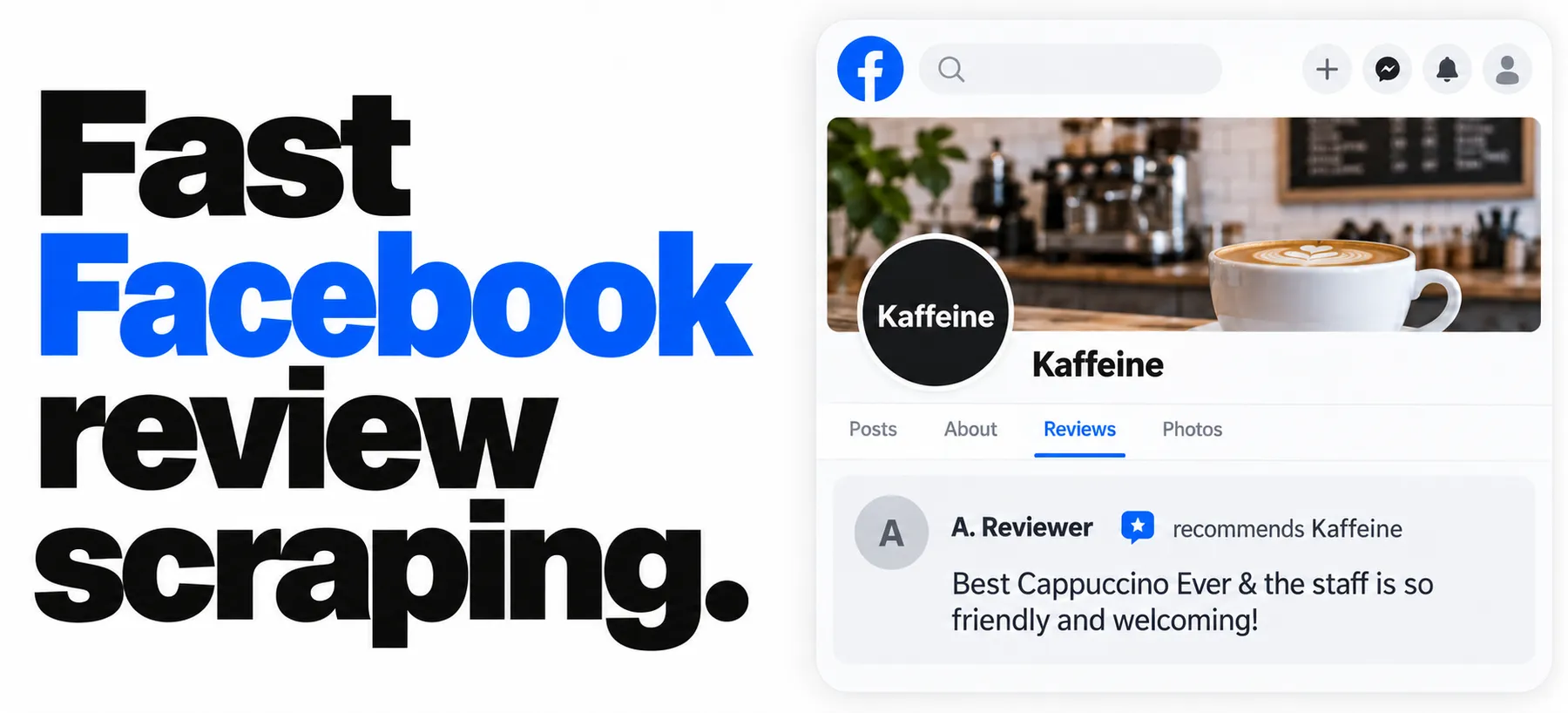
The hero uses an illustrative Facebook layout with a collected review excerpt; the reviewer's name is anonymized.
| Zen Studio Review Scrapers | |||
 Facebook Reviews Facebook ReviewsYou are here |  Google Maps Google MapsLocal business reviews |  Trustpilot TrustpilotRatings and company replies |  G2 Reviews G2 ReviewsSoftware customer feedback |
Copy to your AI assistant
How to scrape Facebook Page reviews
Give it Pages. Each one is read to the end of its public set unless you cap it, or it is large enough to run past this Actor's per-Page time allowance.
| Setting | Type | Default | Meaning |
|---|---|---|---|
startUrls | array | required | The Pages to read. A full address or just the Page name, pasted in. Up to 500 per run; linking to a file of addresses is not supported. |
maxReviewsPerPage | integer | none | Stop after this many recommendations from each Page. Leave it empty to take everything publicly available. |
Page addresses are accepted in every form you are likely to have, all equivalent:
Several Pages, 50 recommendations from each:
maxReviewsPerPage caps each Page on its own, not the run as a whole, so ten Pages at 50 can return 500 rows. Pages are read five at a time, so a long list does not take the sum of its parts. Up to 500 Pages in one run.
List each Page once. A Page address and the bare Page name are the same Page, but a numeric profile.php?id= address is not recognised as the same one, so giving both forms collects and charges for that Page twice.
What data can you extract from Facebook?
One row per review, eighteen fields, in four groups.
| Group | Fields |
|---|---|
| The review | reviewId, storyId, url, text, title, date, isRecommended |
| Who wrote it | authorName, user (id, name, profileUrl, profilePic) |
| Engagement | reactionsCount, reactions, likesCount, sharesCount, commentsCount, comments |
| Attached media | photos (url, width, height, permalink, caption, isVideo) |
| The Page | pageId, pageName, pageSlug, pageUrl, pageBusinessId, pageAdvertisedReviewCount |
likesCount is likes. reactionsCount is every reaction. Facebook lets people
react with Like, Love, Care, Haha, Wow, Sad or Angry, and publishes one combined
total. A tool that labels that total "likes" will tell you an angry review was
liked. reactions gives you the split, for example
[{"type": "Like", "count": 2}, {"type": "Angry", "count": 1}], so a negative
review is recognisable as one. Where Facebook publishes a total with no split,
likesCount is null rather than a guess.
Each entry in comments also carries its own replies, so a conversation under
a review arrives whole.
Engagement and comments come out of the review record that was already retrieved, so they cost nothing extra. The Page fields repeat on every row, so a row stands on its own after you merge several Pages into one sheet.
A real row, collected 2026-10-01. The reviewer and the other commenter are anonymised: their display names, profile addresses and identifiers are replaced, the identifier embedded inside storyId is zeroed, and the long image addresses are shortened. Everything else is exactly as returned, including both comments. This review drew no photos, so photos is empty; a review with an image attached fills it.
That row is the whole argument for matching on identity. Two comments sit under one review: the practice thanking the patient, and a stranger asking for a friend request. Only the first has an authorId equal to the row's pageId.
A field with nothing behind it is null rather than invented. likesCount and sharesCount are null, never 0, when Facebook reports no exact number. Export to JSON to keep user and comments nested; CSV and Excel flatten them.
Telling a business reply from a visitor's comment
comments holds every top-level comment on the review, and visitors comment on reviews too. The business's own reply is the one whose authorId is exactly equal to the row's pageId.
Match on that and nothing else. Measured across six Pages on 2026-09-30, visitors appeared under both the rotating pfbid form and plain numeric identifiers, so a comment that merely looks like it came from a Page may not have. A display name is not an identity either: someone can share a name with the business.
Two honest limits. comments is the visible subset, so a review with a high commentsCount can return fewer entries than that, and an empty list means none were included rather than none exist. And an owner who replies from a separate personal profile is not attributable; this scraper reports that as a visitor comment rather than guessing.
Two things to know before you run it
These are properties of Facebook, not of this scraper.
There are no star ratings. Facebook replaced star reviews with recommendations in 2018. A review is "recommends" or "doesn't recommend" plus text, and that is all that exists. Any tool handing you a 1-to-5 score for a Facebook review invented it. You get isRecommended and nothing fabricated on top.
isRecommended is the author's own choice of label, not a sentiment reading. Occasionally someone marks "recommends" and then writes a complaint. The field reports what Facebook records; run your own sentiment analysis on text if you need tone.
A Page shows far fewer reviews than its counter suggests. That number counts entries that are not all publicly readable: ratings from before 2018 that carry no text, reviews limited to the author's friends, and reviews from accounts since closed or restricted. What any tool can read is the publicly visible set, which is smaller.
What predicts your yield is the Page's own counter, not how big the business is. Measured across Pages of every size:
| The Page advertises | What comes back |
|---|---|
| Up to about 50 reviews | Most of them, measured 43% to 82% |
| A few hundred | A small fraction, measured around 8% |
| Tens of thousands | A few hundred rows at most, well under 1% |
A dentist whose Page advertises 38 returns most of them. A busy café advertising 585 returns about 48, and that café is an independent local business too, so do not read "small business" as "high yield". Every row you do get is a real public recommendation; pageAdvertisedReviewCount is on every row so you can always see the two numbers side by side.
Pricing
Pay per review. You are charged for rows you receive, never for rows a limit removed.
| Event | When charged | Price |
|---|---|---|
| Actor start | Once per run | $0.00079 |
| Review | Each review delivered to your dataset | See the table below |
| Your Apify plan | Per 1,000 reviews |
|---|---|
| Free | $1.99 |
| Starter | $1.59 |
| Scale | $1.29 |
| Business and above | $0.99 |
On the Apify Free plan this Actor returns up to 20 reviews per run and allows 5 runs, so you can see real output before committing. Such a run costs about 4 cents. Any paid plan removes both limits, and the examples below assume one.
A local business with 30 readable reviews costs $0.00079 plus 30 × $0.00159, about 5 cents on Starter. A hundred such Pages in one run is about $4.77 on Starter and $2.97 on Business, because the start fee is charged once per run and not once per Page.
What people use it for
- Reputation monitoring. Re-run on a schedule and key on
reviewIdto catch what is new, including a reply appearing on an older review. - Competitor research. Read the recommendations for every rival in a town and see what customers praise and complain about, in their own words.
- Lead lists. Find local businesses with unanswered negative recommendations, which is a concrete reason to get in touch.
- Review aggregation. Combine with Google, Trustpilot or Yelp sources. Facebook covers independent businesses those sources cover thinly, and the Place Review Aggregator joins several into one row.
FAQ
Do I need a Facebook account, cookies or a login? No. Only publicly visible recommendations are collected, and nothing is signed in.
Why do I get fewer reviews than the Page advertises? Because the counter and the public set are different numbers. See the section above; it is the single most common surprise with Facebook review data.
Why is there no rating field?
Facebook has not published a per-review star rating since 2018. Inventing one from isRecommended would be a number you could not defend, so there isn't one.
Why does a review show reactions but no likes?
Because somebody reacted with Love, Care or Angry rather than Like. reactionsCount is the combined total, likesCount counts only Likes, and reactions gives the split. On one Page measured 2026-10-01, 11 of the 13 reviews that drew any reaction drew something other than a plain Like.
How do I get only the business's replies?
Keep the comments whose authorId equals the row's pageId. Nothing else is a reliable signal.
How many Pages can I run at once? Up to 500 in one run. They are collected five at a time and share a single start fee.
What happens if a Page has reviews turned off, or has none yet? The run finishes successfully and returns nothing for that Page. Facebook gives a settled answer for a Page with recommendations switched off, and so does this Actor: it is an empty result, not an error. The same applies to an address that matches no Page, which looks identical from outside. That is different from a Page that could not be reached at all: when none of your Pages could be read, the run fails and says so rather than handing you an empty result that looks like an answer.
Can I schedule it or call it from my own code? Yes. Use Apify's scheduler, or the Apify client for Python, JavaScript and other languages, as with any Actor.
What formats can I export?
JSON, CSV, Excel, XML and others from the dataset. Use JSON if you want user and comments to stay nested.
Notes on responsible use
Reviews are written by identifiable people. If you store or publish this data, that is personal data and the responsibility for handling it lawfully is yours. Collect what you have a reason to collect.
Support
Found a defect or need a field that is missing? Open an issue on the Actor's Issues tab and it will be looked at.


