
Google Lens Scraper - Reverse Image Search
Pricing
from $1.40 / 1,000 results
Google Lens Scraper - Reverse Image Search
[💰$2 / 1K] Google Lens reverse image search scraper that gets through Google bot checks. No login, no API key. Paste any image URL and get visual matches and exact matches with page URL, title, source site, image, price and stock, plus the real page link of every exact match.
Pricing
from $1.40 / 1,000 results
Rating
0.0
(0)
Developer

Aboo Script
Maintained by CommunityActor stats
0
Bookmarked
2
Total users
1
Monthly active users
3 days ago
Last modified
Categories
Share
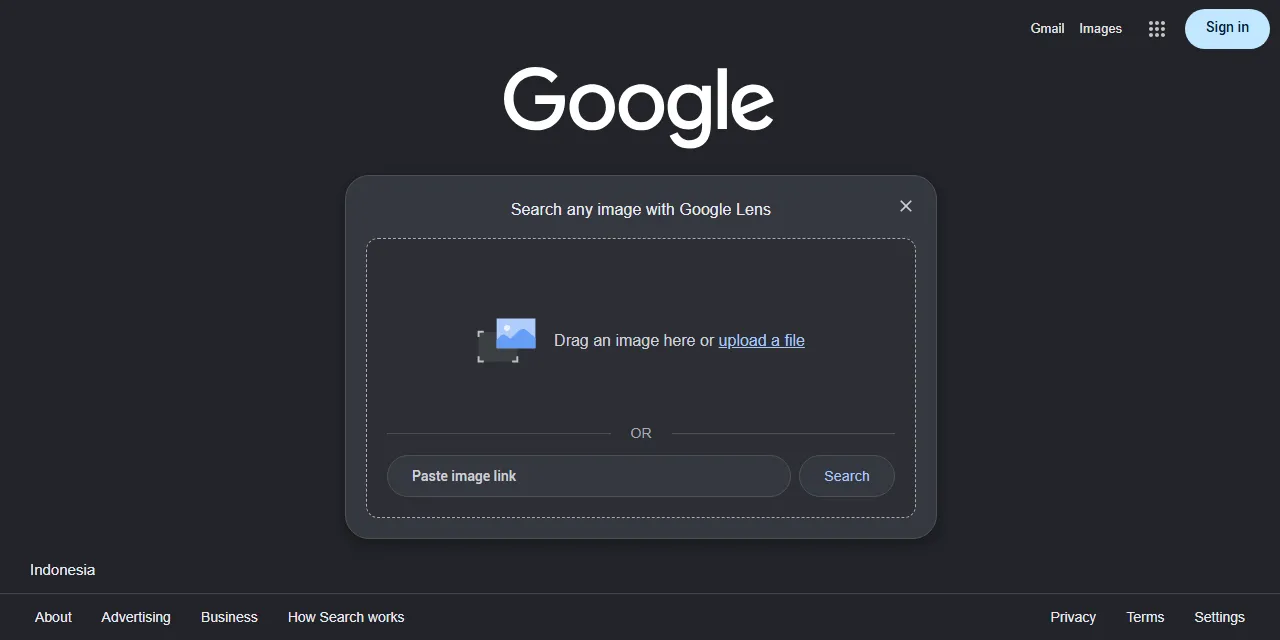
Google Lens Scraper runs a reverse image search on Google Lens for any image URL and turns the results into clean, structured data you can download as JSON, CSV, Excel, or HTML. Paste one or more image links and get every visual match and exact match with page URL, title, source website, image, price, and stock status. No account, login, or API key required.
Introduction
Google Lens is Google's visual search engine: give it a picture and it finds the web pages that show the same image or similar ones, including online shops that sell the product in the photo. It is one of the best tools to trace where an image is used, find a product from a photo, or spot copies of your own pictures.
This Google Lens scraper collects the same public results you see in your browser and turns them into a ready-to-use dataset. You can run it once, schedule it to run daily, or connect it to your own tools as a Google Lens API alternative.
What data can you extract from Google Lens?
- 🔗 Page URL, website domain, and source name of every match
- 🏷️ Page title
- 🧭 Result type (visual match or exact match) and position
- 💲 Price as shown and as a number, plus stock status for product pages
- 📅 Publish date of the page (exact matches, when Google shows it)
- 🖼️ Image URL, image width and height, and Google thumbnail
- 🔎 The searched image URL, country, and language of each result
Use Cases
- 🛍️ Product research: find which shops sell the product in a photo and at what price.
- 🕵️ Image copyright monitoring: see which websites reuse your photos, product shots, or artwork.
- 📈 Competitor and reseller tracking: discover marketplaces and resellers that list your products.
- 🧾 Fact checking and OSINT: trace where an image first appeared and where else it is used.
- 🤖 AI and automation: feed clean, structured visual search data into spreadsheets, dashboards, or AI workflows.
How to scrape Google Lens step by step
- Paste one or more public image links into Image URLs.
- Choose the Result types you want: visual matches, exact matches, or both.
- Set Max results per image to how many matches you want for each image and result type.
- Click Start and wait for the run to finish.
- Download your data in JSON, CSV, Excel, or HTML from the Output tab.
Input
- Image URLs: public image links to search, such as
https://images.unsplash.com/photo-....jpg. Google Lens links likehttps://lens.google.com/uploadbyurl?url=...are accepted too. Other Google pages are skipped. - Result types:
visualfor visual matches (pages with similar images) andexactfor exact matches (pages that use the same image). Both are selected by default. - Max results per image: how many matches to save for each image and each result type.
0saves all matches Google shows. - Country: two-letter country code of the Google market, for example
us,gb, orde. - Language: language of the Google interface, for example
en,de, orfr. - Proxy configuration: Apify Proxy is on by default and datacenter proxies work well. Pick a proxy country to get results and prices from that market.
Input Examples
Search two product photos for visual and exact matches:
Output
Each match is saved as one item in the dataset. Here is an example of a single item:
You can download the dataset in JSON, CSV, Excel, XML, or HTML, or access it through the Apify API.
Notes
- Google Lens shows about 60 visual matches and up to a few hundred exact matches per image; these are the most you can get for one image.
- The image must be reachable by Google without login. Images from sites that block Google (for example some Wikimedia links) return no matches.
- Exact match page links are released by Google with a short delay, so a run with exact matches can take about two minutes per batch of images.
- Results, prices, and currency follow the location of the proxy more than the Country setting. Choose a proxy country for local results.
- Price and stock status are only shown for product pages, and the publish date only for some exact matches; otherwise these fields are
null. - Some exact matches have no image link or thumbnail; those fields are
null.
Why use the Google Lens Scraper?
- ✅ No login or API key: paste image links and run, nothing to set up.
- 🎯 Visual and exact matches in one run: get similar images and pages that use the same image together.
- 🔗 Real page links: every exact match comes with the page address, not a Google redirect link.
- 🧹 Clean data: prices as numbers, dates in one standard format, and one item per match.
- 💸 Pay for what you need: set a result limit per image and keep every run small and cheap.
- 🔄 Ready for automation: schedule runs, export to Google Sheets, or connect to Make, Zapier, and n8n.
FAQ
How many results can I scrape?
Set Max results per image to any number, or 0 for all matches. The limit applies to each image and each result type. See Notes for how many matches Google Lens shows per image.
Do I need a Google account?
No. The actor only collects publicly available search results. You do not need to log in or provide any account details.
Can I search images from my computer?
The actor searches images by URL. Upload your image to any public image host (or your own website) and paste the link into Image URLs.
Can I scrape data on a schedule?
Yes. Use Apify Schedules to run the actor every hour, day, or week, and get fresh data automatically.
Can I request a new feature or filter?
Yes. Right now the actor supports image URLs, result types, country, and language. If you need other outputs, such as text found in the image or AI answers about it, get in touch and they can be added.
Can I get a custom or private version?
Yes. The actor can be customized for your workflow, delivered as a private version, or a new scraper can be built for a different website. Use the contact details below.
Need to scrape other Google platforms?
- Google AI Mode Scraper - Answers & Sources: full Google AI Mode answers with every cited source.
- Google Ads Transparency Scraper: ads and advertisers from the Google Ads Transparency Center.
- Google Scholar Authors Scraper: researcher profiles, citations, and publications from Google Scholar.
- Google Maps Contributor Scraper: reviews and photos posted by a Google Maps contributor.
- Google Maps Business Posts Scraper: updates, offers, and events posted by businesses on Google Maps.
Need help or want a custom solution?
- 📧 Email: aboo.script@gmail.com
- 🧩 More scrapers: Apify profile
Image Credit
Image credit: Google Lens


