

X (Twitter) User Search | $0.00015/Profile | Pay-Per-Result
Pricing
from $0.00015 / profiles
X (Twitter) User Search | $0.00015/Profile | Pay-Per-Result
Twitter user search. Find X users by name, handle, bio & location. Get the emails, phones & links each profile publishes, from $0.00015 per delivered profile. Filter by followers, age & email. No X login. World's fastest & cheapest X (Twitter) scraper service. Not affiliated with X Corp.
Pricing
from $0.00015 / profiles
Rating
5.0
(2)
Developer

Xquik
Maintained by CommunityActor stats
1
Bookmarked
161
Total users
102
Monthly active users
5 hours ago
Last modified
Categories
Share
English · Español · Türkçe · 简体中文 · 日本語 · 한국어 · Deutsch · Français · Italiano
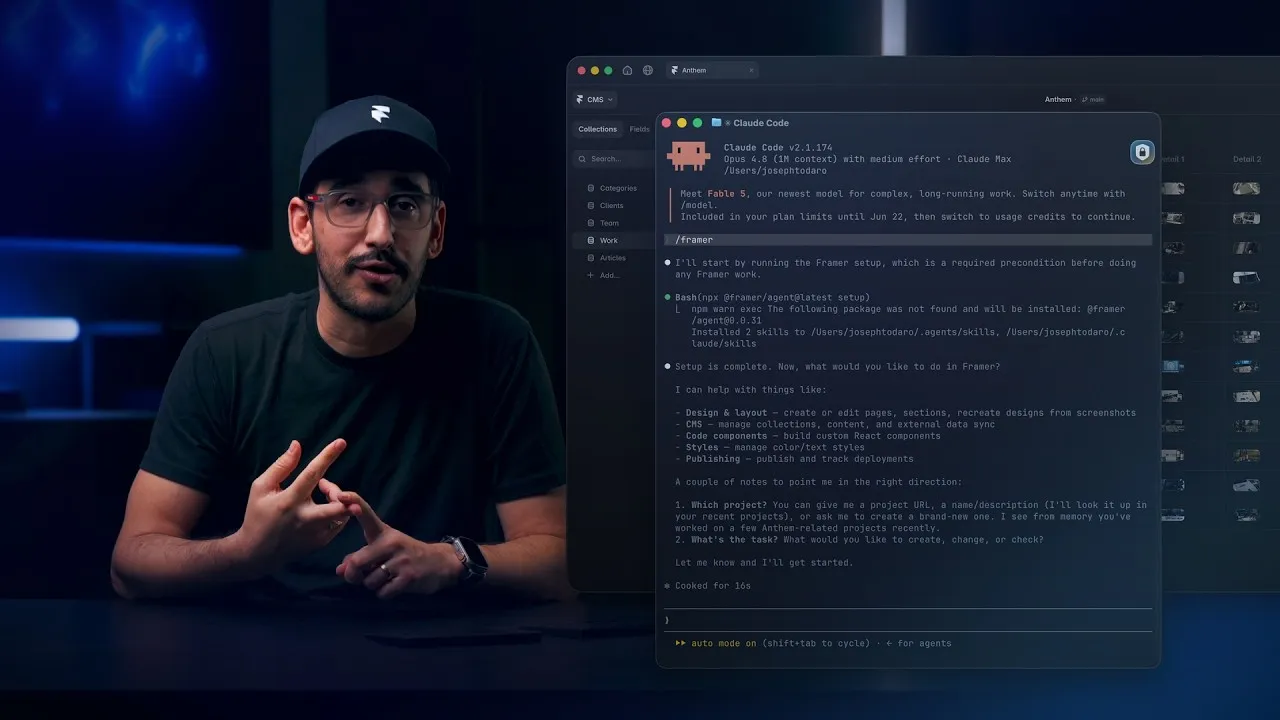
Watch how Framer uses Xquik scrapers
with Claude Code, Codex, Cursor & more, from 6:07.
Xquik is the world's fastest & cheapest X (Twitter) scraper service with the most complete X data. Xquik's X User Search Scraper finds users by handle, bio & location. Most other Apify Actors charge before filtering or deduplicating. Xquik charges only for delivered, unique, filter-matching results.
Run a Twitter user search by name, topic, bio or location. You need no X API key or login. You pay $0.00015 per delivered profile, & Apify bills platform usage separately.
Xquik is an independent third-party service. Not affiliated with X Corp. "Twitter" and "X" are trademarks of X Corp.
Account data & filters
- Filters for audience, posts, age, verification, website, location, bio, username & email.
email&contactInfowith the emails, phones & links each profile publishes.mode: "autocomplete", with the accounts, topics, hashtags & cashtags X suggests for each search term.- Resume 1 query from a saved cursor in
startCursor. - Runs keep delivered rows & progress when Apify restarts them.
- Filters & duplicate removal before billing.
How to search X users
New to Apify? Create a free account first. The free plan needs no credit card & gives $5 to spend each month. At $0.00015 per profile, $5 pays for up to 33,000 profiles before platform usage. Then come back here & press Try for free.
- Open Xquik's X User Search Scraper in Apify Console.
- Enter names, topics, bios or locations in
searchTerms. - Add filters such as
minFollowers,verifiedOnlyorlocationContains. - Set
maxItemsto cap delivered profiles, then click Start. - Download the dataset as JSON, CSV or Excel, or use the Apify API.
Input
Small runs that go well skip run-report & save Apify usage. Turn on
alwaysSaveRunRecords to write it on every run.
Migrate from another user search Actor
Paste the input you already use. Xquik's X User Search Scraper reads these field names of other Actors. Each line names their fields, then the field they map to.
requireEmail,requireWebsitemap tohasEmail,hasWebsite.- In
verification,any_verifiedsetsverifiedOnly,blue_verifiedsetsblueVerifiedOnly,business&governmentsetverifiedType.unverifiedstops the run before any read or charge. bioKeywordsmaps tobioContains. Any 1 of its terms may match.locationKeywordswith 1 value maps tolocationContains. More values stop the run before any read or charge.emailDomainsas a list maps toemailDomains.outputEmail,resolveShortLinksneed no field. Every row carries its emails & X's full links.findEmails,extractEmailsneed no field. Rows carry the emails a profile publishes on X. The run status says the Actor reads no linked site.validateEmailsneeds no field. The run status says emails come as published, since the Actor checks no mailbox.
When you set one of these names & its canonical field, the canonical value wins. The run log names the field that lost.
Search autocomplete
Set mode to autocomplete to read what X suggests while someone types. Each
search term returns suggested accounts, topics, hashtags & cashtags.
- Start a term with
#for hashtags or$for cashtags. suggestionTypeskeeps only the types you choose.- Each row names its
suggestionType& the text to search insuggestion. - A cashtag row carries
price,marketCap&dailyChangePercent. - Profile filters apply only to
mode: "search".
A suggestion row looks like this.
Output
Each row holds a profile & its originating query in sourceTarget.
Examples use sample values. Results reflect live data. A profile row looks like this.
Output columns
8 inputs shape each row after the run reads it. They run no code & change no price.
| Field | What it does |
|---|---|
fields | Keep only these fields, in the order & spelling you write |
omitFields | Drop these fields & keep the rest |
renameFields | Move a field to a column with a new name |
flatten | Turn each nested object into top-level columns |
fillMissingFields | Fill a kept field a row lacks with null. On by default |
joinFields | Turn each of these lists into 1 text value |
joinSeparator | Text between joined items. The default is a comma & a space |
constantFields | Add a column with the same text on every row |
- Use a dot for a field inside an object. Case & underscores do not matter.
- Every row keeps its
id. - With
fields, a field a row lacks arrives asnull. Every row then has the same columns. - A wrong field name stops the run before it reads & charges nothing.
- If names cannot be checked, the run reads on & lists unseen names last.
- The run ignores a map function or jq filter written for another Actor.
How much does it cost to search X users?
Every Apify plan costs $0.00015 per delivered profile. An autocomplete suggestion costs the same per delivered row. Apify bills your platform usage separately.
For more volume, pick an Apify plan with more prepaid usage.
- One charge per delivered data row. Diagnostics are free in
diagnostics. - No start, query or page fee.
- Filters & deduplication run before billing.
Limits & recovery
Interrupted extraction writes a free partial diagnostic. Available results
stay intact. Read availableResults, failedTargets, retryable &
nextAction before you retry. A successful Actor exit confirms delivery, not
complete extraction.
The run status names every cause of an early stop. stopCauses lists each cause
with its own message, retryable & nextAction. The causes are
target_not_found, target_failed, pagination_safety_limit &
deadline_reached. A missing target joins the list only when another cause
stopped the run. The run is retryable when any cause is.
Related Xquik Actors
Every Xquik Actor shares the same extraction engine, filter-first billing & diagnostics. Pick the one that matches the data you need.
- X Tweet Scraper scrapes tweets from searches, profile timelines, Lists & tweet IDs with 50+ filters & flat exports. Use it when you need tweet data without analysis. From $0.00015 per row.
- X Profile Scraper scrapes profiles plus their posts, replies, media & followers from handles, IDs or URLs. Use it when you start from accounts rather than searches. From $0.00015 per row.
- X Reply Scraper scrapes replies, comments & whole conversations under posts with 25+ filters. Use it when you need the discussion beneath tweets. From $0.00015 per row.
- X Engagement Scraper scrapes replies, quotes, retweeters & threads for post URLs or IDs in bulk. Use it when you measure who engaged with posts. From $0.00015 per row.
- X Quote Tweets Scraper scrapes the quote tweets of posts with text, media, counts, authors & 11 filters. Use it when you study who quoted posts & what they said. From $0.00015 per tweet.
- X Follower Scraper scrapes followers, following, List members, subscribers & Community members as profile rows. Use it when you need audience or member lists. From $0.00015 per profile.
- X Account Location Scraper checks where accounts are based with X's "Account based in" label, "connected via" & username changes. Use it when you vet where accounts are based. From $0.00015 per account.
- X Email Scraper gets the emails, phones & links accounts publish on their profiles, from handles, followers or user searches. Use it when you need the emails profiles publish. From $0.00015 per profile.
- X List Scraper scrapes List posts, members & followers from List URLs or IDs. Use it when a curated List defines your sources. From $0.00015 per row.
- X Community Scraper scrapes Community info, posts, searches, members & moderators. Use it when your sources are X Communities. From $0.00015 per row.
- X Space Scraper finds Spaces by keyword & reads their titles, states, times, listener counts, hosts & speakers. It also reads broadcasts by URL or ID. Use it when you track live audio & video on X. From $0.00015 per Space or broadcast.
- X Trends Scraper scrapes real-time trends by location with rank, volume, query & WOEID. Use it when you track what is trending where. From $0.00015 per trend.
- X Jobs Scraper scrapes X job listings by keyword, place, workplace, seniority & company, with salaries & apply links. Use it when you collect job openings posted on X. From $0.00015 per job.
- X Article Scraper scrapes long-form X Articles as Markdown & text with covers, authors, dates & metrics. Use it when you need article bodies, not tweets. From $0.00015 per article.
- X Media Downloader extracts or stores photos, videos & GIFs from posts or profiles with MP4 & metadata options. Use it when you need the media files themselves. From $0.00015 per media row.
- X (Twitter) Brand Monitoring with AI Analysis tracks brand mentions with AI relevance, sentiment & customer-experience answers & compares runs. Use it when you watch a brand over time. From $0.0003 per analyzed tweet.
- X Tweet Sentiment Analysis with AI labels attitude, intensity & sarcasm probability for every tweet with AI. Use it when you need general sentiment on any topic. From $0.0003 per analyzed tweet.
- X (Twitter) Stock & Crypto AI Trading Signals labels bullish, bearish, neutral or mixed stance, content type, conviction & asset relevance with AI. Use it when you follow stocks, crypto or trading talk. From $0.0003 per analyzed tweet.
- X (Twitter) News Monitor with AI Analysis labels news posts by format, source attribution & topic relevance with AI. Use it when you separate reporting from commentary. From $0.0003 per analyzed tweet.
- X Tweet Classifier with AI Analysis answers your own category, score & yes/no questions for every tweet with AI. Use it when the preset analyses do not fit your labels. From $0.0003 per analyzed tweet.
- X Tweet Viral Score Analyzer with AI estimates a Viral Score from 0 to 100 & a verdict for every tweet from 8 AI trait answers. Use it when you study why tweets spread or flop. From $0.0003 per analyzed tweet.
FAQ
Answers to common questions, then where to get help.
Do I need an X API key or login?
No. Xquik's X User Search Scraper needs no X API key, login or credentials.
Is it legal to scrape X accounts?
Xquik's X User Search Scraper requests public X fields. Results can contain personal data. Confirm a lawful purpose & follow applicable privacy rules. Ask qualified counsel when uncertain.
Why did my run return no results?
Read the run status first. An empty run's status says to check your targets &
filters. The free diagnostics output appears when something needs attention.
Its stopCauses gives each cause a nextAction to follow.
Can I use the API, schedules & integrations?
Yes. Choose from 50 public tasks or the Xquik REST API. The
API tab has Python,
JavaScript & cURL examples. Apify
schedules run Xquik's X User Search
Scraper on a cron. Agents use
Apify MCP. Use latest
unless you need an older build.
Where do I get help?
Open an issue in the Issues tab with the run ID. Free diagnostics in the key-value store explain runs that need attention. A run that gets no row back says why in its status.
Can I get a custom solution?
Yes. Describe what you need in the Issues tab. Xquik also offers a dashboard, a REST API, an MCP server & webhooks. Find Xquik's website on its Apify profile.


