

Bilibili (哔哩哔哩) Danmaku Scraper - Bullet Comments & Timeline
Pricing
from $0.12 / 1,000 danmakus
Bilibili (哔哩哔哩) Danmaku Scraper - Bullet Comments & Timeline
Extract Bilibili (哔哩哔哩) danmaku (bullet comments) by video URL or BV id: comment text, timeline position, color, mode, send time, and sender hash. Export to JSON, CSV, or Excel.
Pricing
from $0.12 / 1,000 danmakus
Rating
0.0
(0)
Developer

Zen Studio
Maintained by CommunityActor stats
0
Bookmarked
29
Total users
6
Monthly active users
15 days ago
Last modified
Categories
Share
Bilibili Danmaku Scraper (哔哩哔哩 / B站) | Bullet Comments with Timeline, Color & Sender (2026)

From Zen Studio, creators of Douyin Search and RedNote Search, with 120,000+ runs across those two actors.
Why choose this Danmaku scraper?
- Match reactions to exact video moments. Get each bullet comment’s text and precise position in seconds, plus a readable timestamp. Find the scenes viewers respond to and align reactions with your video analysis.
- Keep 22 fields per comment. Preserve color, font size, scrolling, top or bottom display mode, send date, sender hash and relevance weight. Multi-part videos include the part number and title on every row.
- Focus on the segment you need. Choose a start and end time, then optionally keep the highest-weight reactions. A video URL or BV ID is enough to get started.

Try a one-minute segment
Open actor input and paste the example. It collects up to 100 reactions between 1:00 and 2:00; replace the video ID or change the time window. Export JSON, CSV or Excel.
The actor collects Bilibili’s current public display pool, not a complete historical archive. Set maxDanmaku to 0 to collect all available reactions in your selected window. Sender hashes are included; commenter names and profiles are not.
| Zen Studio · Chinese Video & Social | ||||
 Danmaku DanmakuYou are here |  Bilibili Video Bilibili VideoVideos & creators |  Douyin DouyinVideo discovery |  RedNote RedNotePosts & creators |  Xigua XiguaVideo search |
Copy to your AI assistant
How to Scrape Bilibili Danmaku
Paste one or more videos into videoUrls and run. Each video can be a full URL, a BV id, or an av number.
Basic: one video
Several videos at once
Cap the danmaku per video
Only a time window (e.g. the first two minutes)
Input Parameters
| Parameter | Type | Default | Description |
|---|---|---|---|
videoUrls | string[] | ["https://www.bilibili.com/video/BV1DYjA6KEJ7"] | One or more Bilibili videos. Accepts a full bilibili.com/video/... URL, a BV id, or an av number. |
maxDanmaku | integer | 0 | Max danmaku per video. 0 = all available. When capped, the most relevant (highest-weight) danmaku are kept, then restored to timeline order. |
startSec | integer | 0 | Only danmaku at or after this many seconds into the video. |
endSec | integer | 0 | Only danmaku at or before this many seconds into the video. 0 = no upper limit. |
What Data Can You Extract from Bilibili Danmaku?
Every danmaku row includes:
- Content: the comment text (HTML entities decoded).
- Timeline: exact position in the video as seconds (
videoTimeOffset) and asmm:ss(videoTimeFormatted). - Appearance: display
modeand a readablemodeLabel(scroll, top, bottom, reverse, advanced, code),coloras hex and decimal, andfontSize. - Origin: send time as ISO date and epoch, an anonymized
senderHash, theweight(Bilibili's relevance / quality score), thepoolandpoolLabel(normal, subtitle, special), and thedanmakuId. - Source video:
videoBvid,videoAid,cid,partIndex, andpartTitle.
Fields a danmaku does not provide are returned as null rather than dropped, so the column set stays stable across every row.
Output Example
A full danmaku row (every field shown):
Advanced Usage
Ready-made configurations for content research, sentiment analysis, and highlight detection.
The opening minute of a premiere
Top 1,000 danmaku across several videos
Reactions around a key moment (e.g. minute 10 to 12)
Pricing: Pay Per Event (PPE)
You pay per danmaku returned, plus a small base fee for each video that returns danmaku and a fixed fee when a run starts. A video whose danmaku are all filtered out by your time window is not charged the video fee.
| Event | Price | Per 1,000 |
|---|---|---|
| Danmaku | $0.00015 | $0.15 |
| Video (base fee, per video with danmaku) | $0.00999 | $9.99 |
Free tier: 10 lifetime runs, up to 100 danmaku per run. No credit card required.
FAQ
What is danmaku (弹幕)? Danmaku are the user comments that scroll across a Bilibili video as it plays, anchored to a moment in the timeline. They are central to Bilibili's culture. This actor returns each individual danmaku message with its exact position, appearance, and send time.
How is this different from the Bilibili Video Scraper? The Bilibili Video Scraper returns the danmaku count per video as one engagement metric. This actor returns the individual danmaku messages themselves, one row each, with their timeline position and styling.
How many danmaku will I get per video?
Bilibili serves a rolling display pool per video, typically up to a few thousand depending on the video's length. This actor returns that current pool. Use maxDanmaku to cap it, or startSec / endSec to slice a window.
Does it support multi-part videos?
Yes. Every part (P1, P2, ...) is resolved, and each danmaku row carries its partIndex and partTitle.
Do I need a Bilibili account or cookies? No. Provide video URLs or BV ids and run. No account, cookie export, or QR login is involved.
How fresh is the data? Live. Every run fetches the current danmaku for each video at request time.
How do I export the data? JSON, CSV, Excel, XML, or HTML from the run's Storage tab, or via the Apify API.
What is a BV id, and where do I find it?
The BV id is the unique code in a video's URL, for example BV1DYjA6KEJ7 in bilibili.com/video/BV1DYjA6KEJ7. Paste either the full URL, the BV id, or the av number into videoUrls.
Why is the sender shown as a hash? Bilibili identifies danmaku senders by an anonymized hash, not a username. The actor returns that hash as-is; it is a pseudonymous source identifier, not a verified identity.
What's the free tier? 10 runs total per account, up to 100 danmaku each. No credit card required.
Is it legal to scrape Bilibili data? This actor extracts only publicly available data, nothing behind a login. You are responsible for complying with Bilibili's terms of service and applicable data-protection law (GDPR, CCPA, and China's PIPL).
Support
- Bugs: Issues tab
- Features: Issues tab
Legal Compliance
Extracts publicly available data. Users must comply with Bilibili terms and data protection regulations (GDPR, CCPA, PIPL).
More Zen Studio scrapers for Chinese platforms
🎬 Short-video & social
 Douban 豆瓣
 Zhihu 知乎
 Weibo 微博
 Kwai (Brazil)
 Kuaishou 快手
- Bilibili 哔哩哔哩
- Douyin 抖音
 RedNote 小红书
- Xigua 西瓜视频
 Naver Blog & Cafe 네이버 블로그·카페
🛒 E-commerce
 TikTok Shop
 Naver Search 네이버 검색
 AliExpress 全球速卖通
 Shopee
 Taobao 淘宝
 JD.com 京东
 1688 阿里巴巴
 Weidian 微店
 Goofish 闲鱼
 Dewu 得物
 Coupang 쿠팡
 Naver Shopping 네이버쇼핑
🏠 Real estate & autos
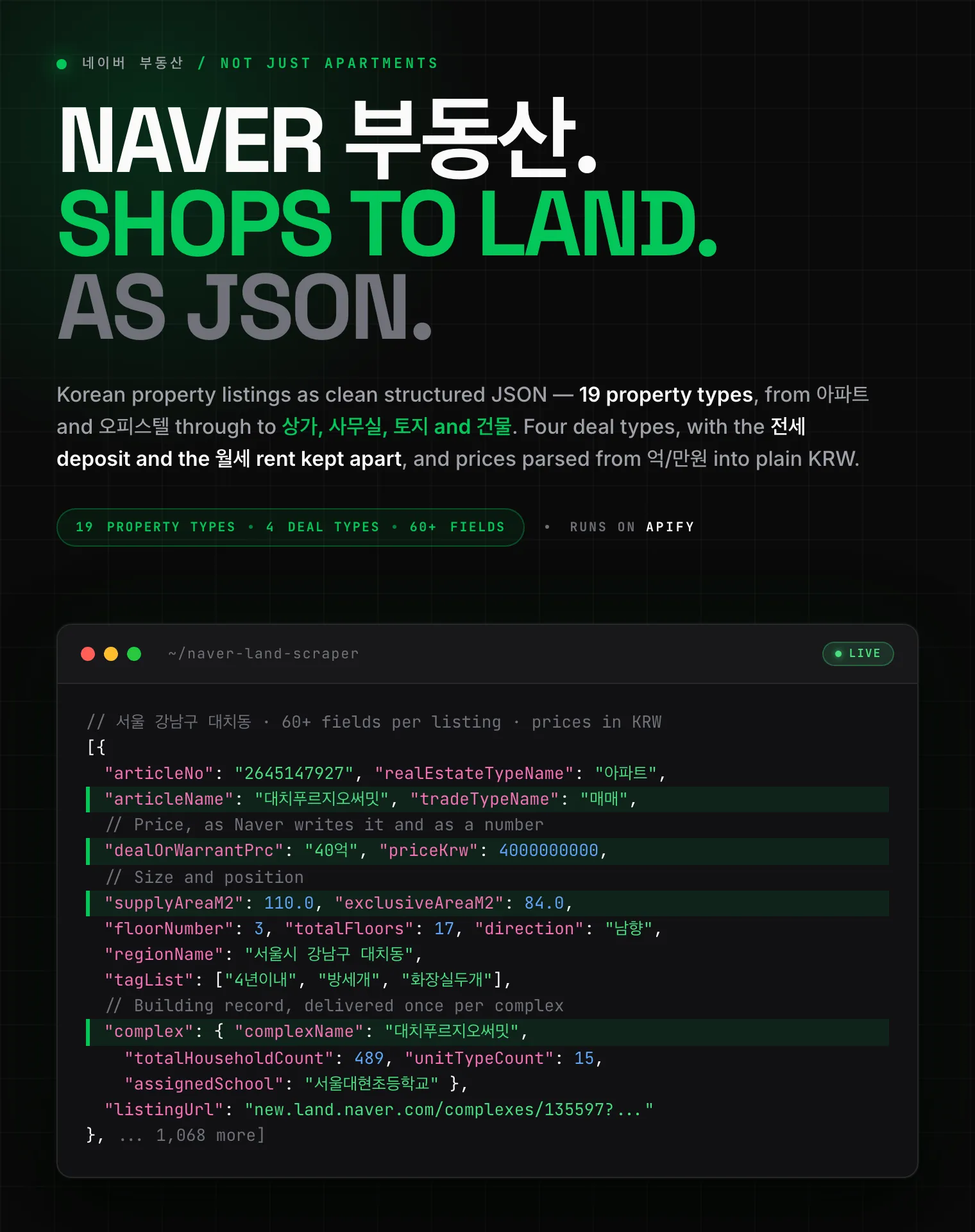 Naver 부동산
 Anjuke 安居客
 58.com 58同城
 Autohome 汽车之家
✈️ Travel & stays
 Ctrip 携程
🧭 Travel & maps
 Mafengwo 马蜂窝
Scrape Bilibili (哔哩哔哩) danmaku (bullet comments) by video URL or BV id, with each comment's timeline position, color, mode, send time, and sender in structured JSON.


![Indeed [$1.5💰] Reviews | Interviews | Location | Salary | Job avatar](https://images.apifyusercontent.com/Ce9V36VnwOOZK4bGCjjw3CqequfqjWtmtpcwTPLFNwQ/rs:fill:76:76/cb:1/aHR0cHM6Ly9hcGlmeS1pbWFnZS11cGxvYWRzLXByb2QuczMudXMtZWFzdC0xLmFtYXpvbmF3cy5jb20vbmduOHZSRVNUa3NleVdFNnAtYWN0b3ItcTBFUkxSNlRCb3h0WmhtVkstQ2RzVnlJRGh6by1pbmRlZWQucG5n.webp)

